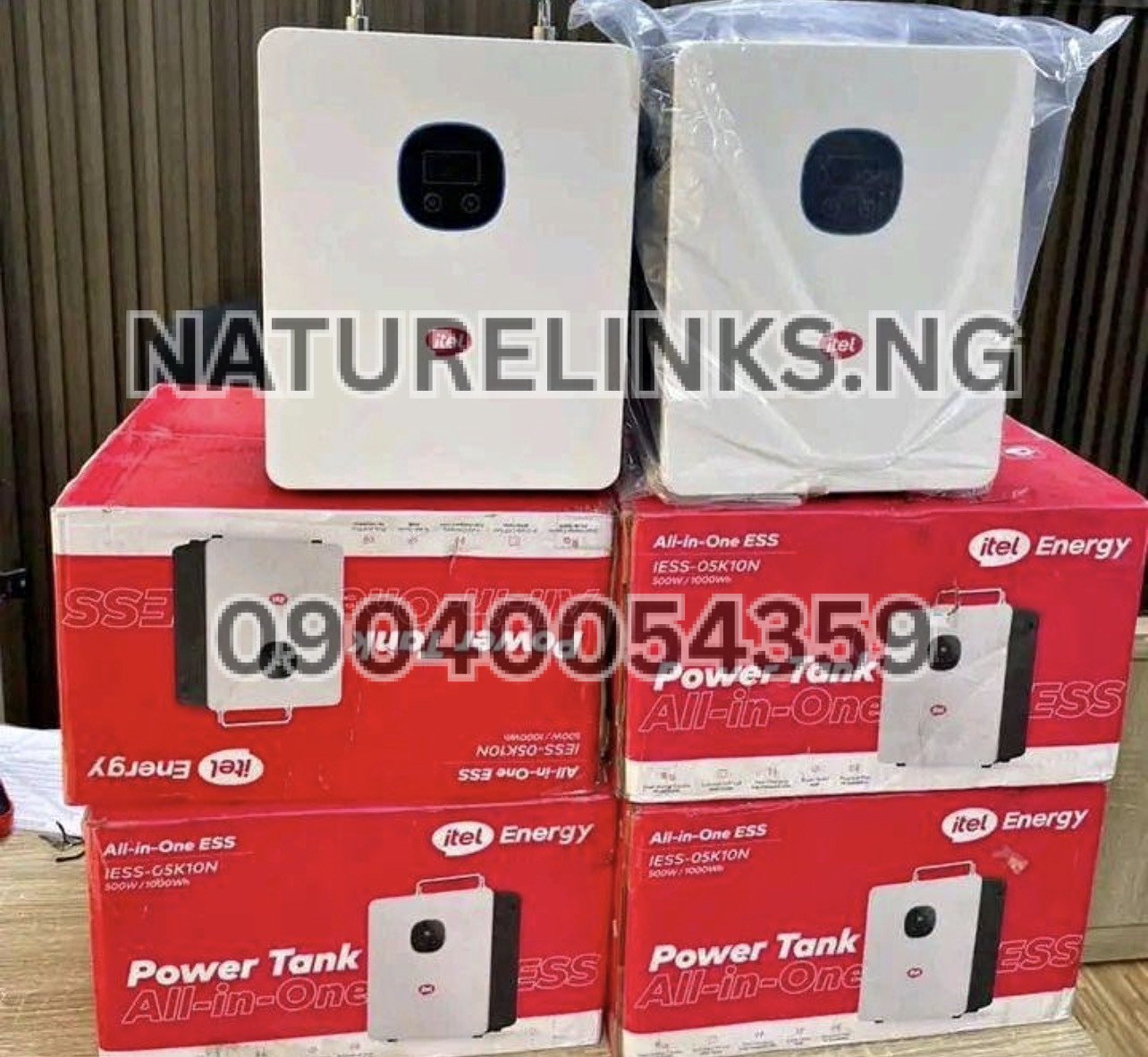
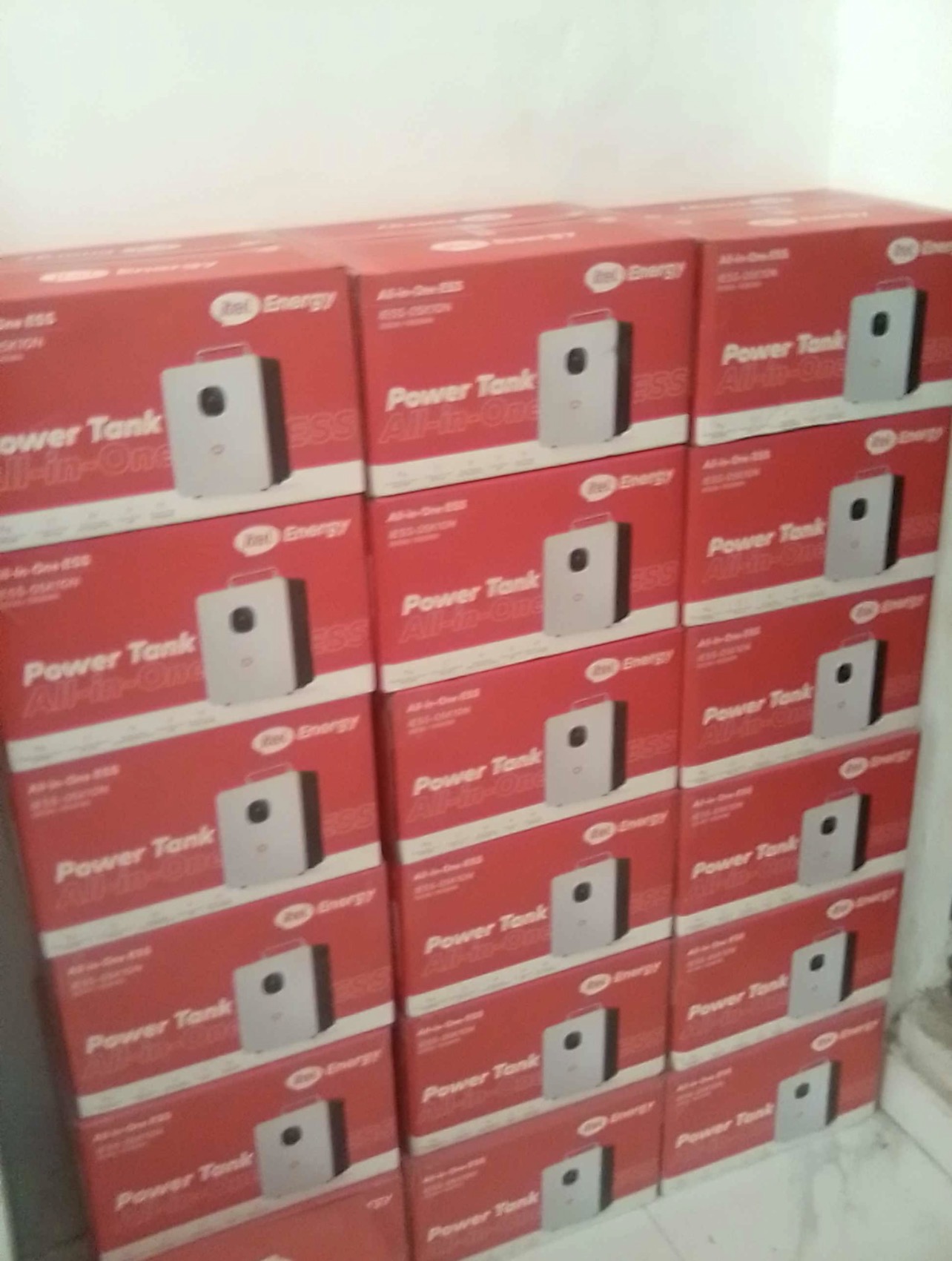
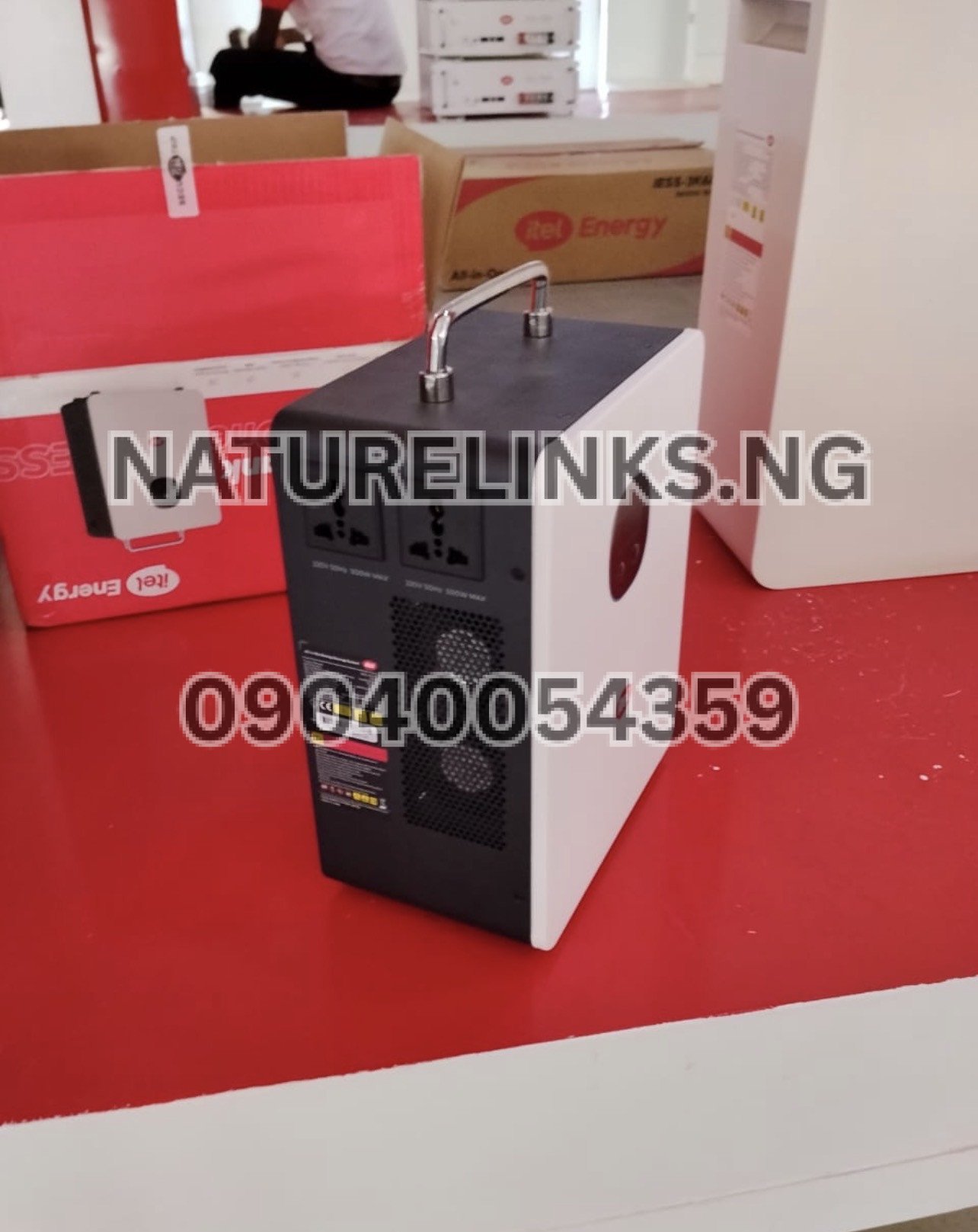
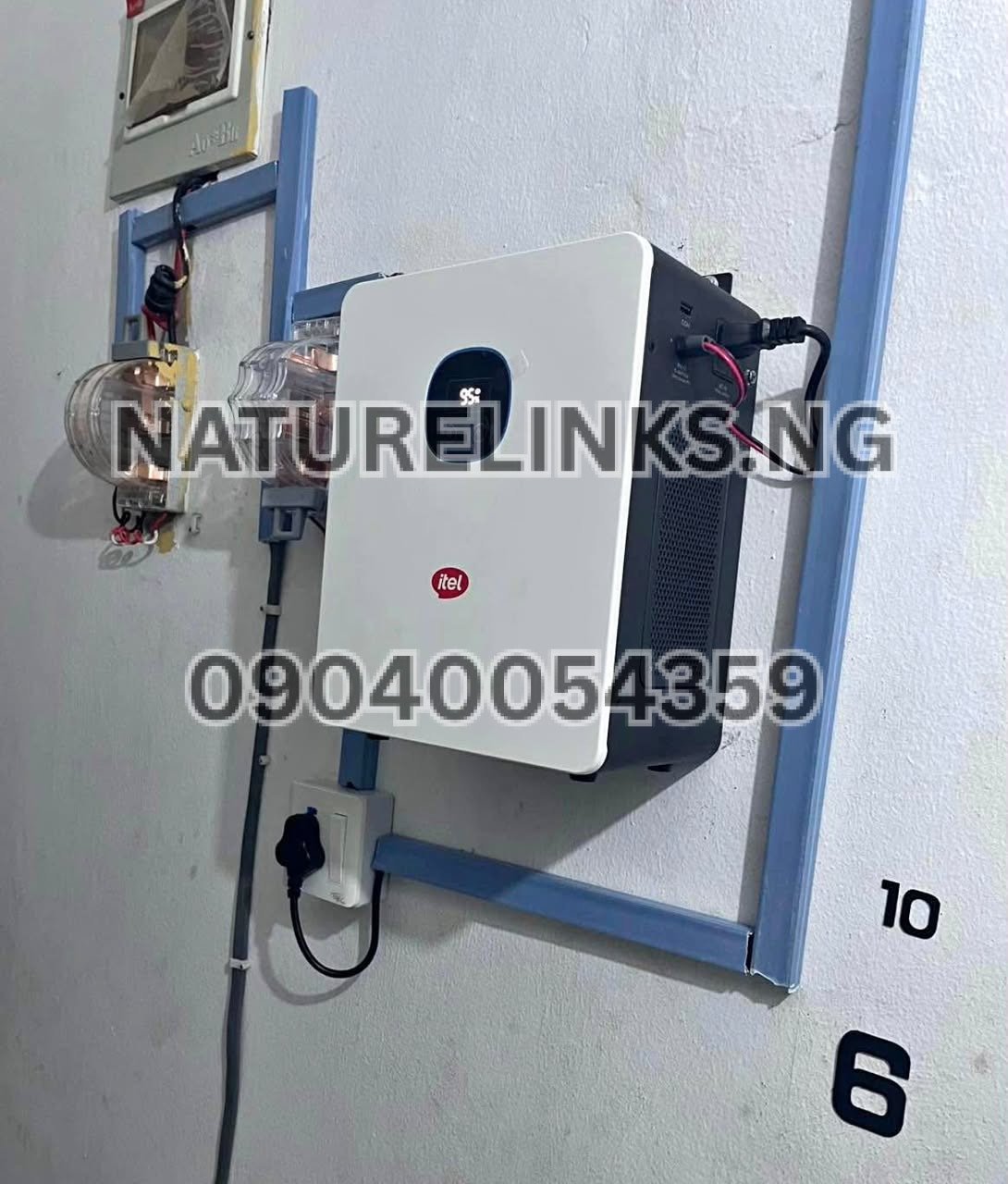
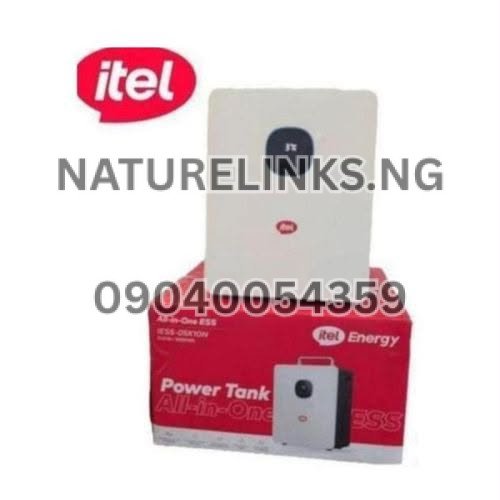
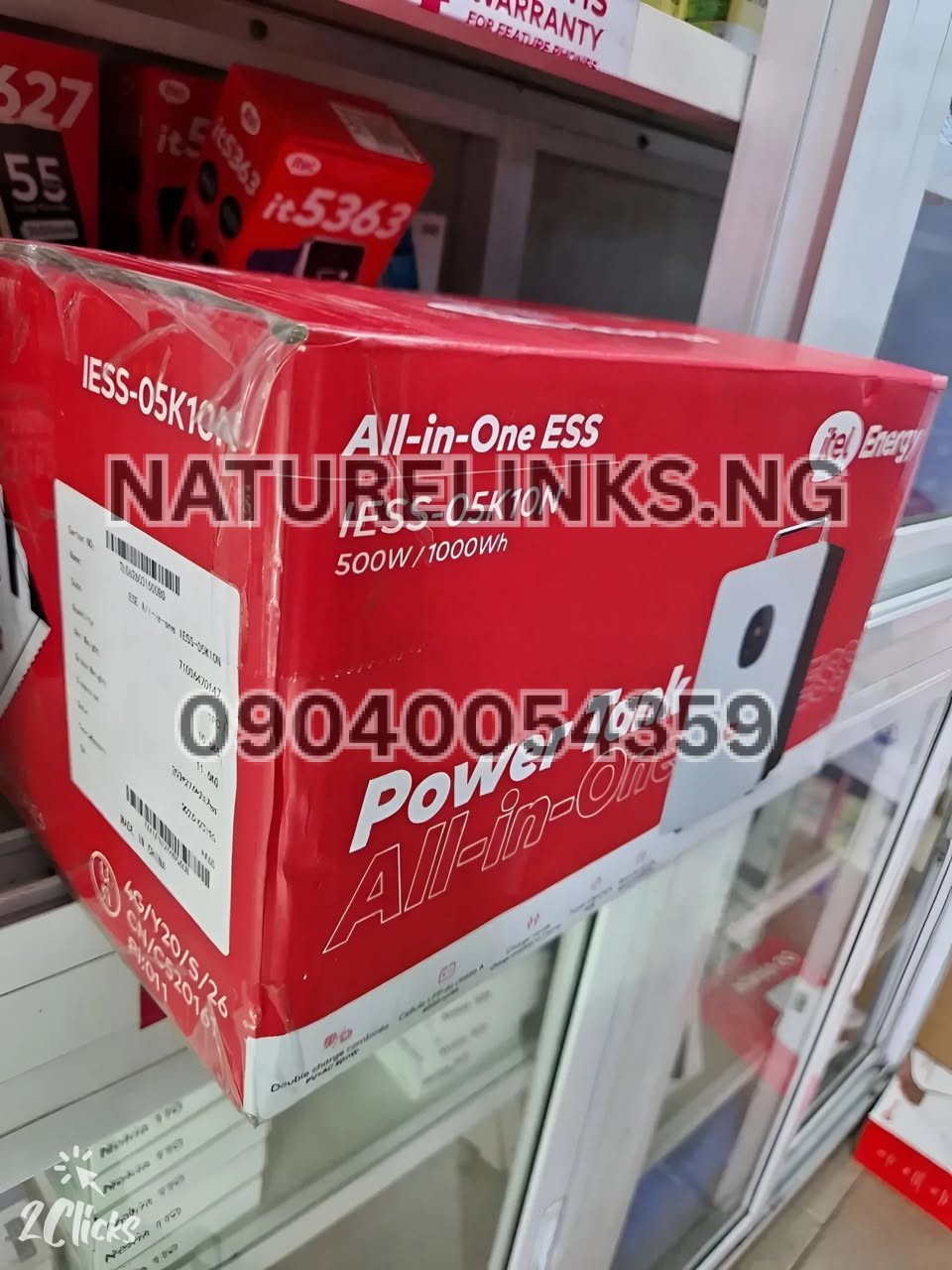
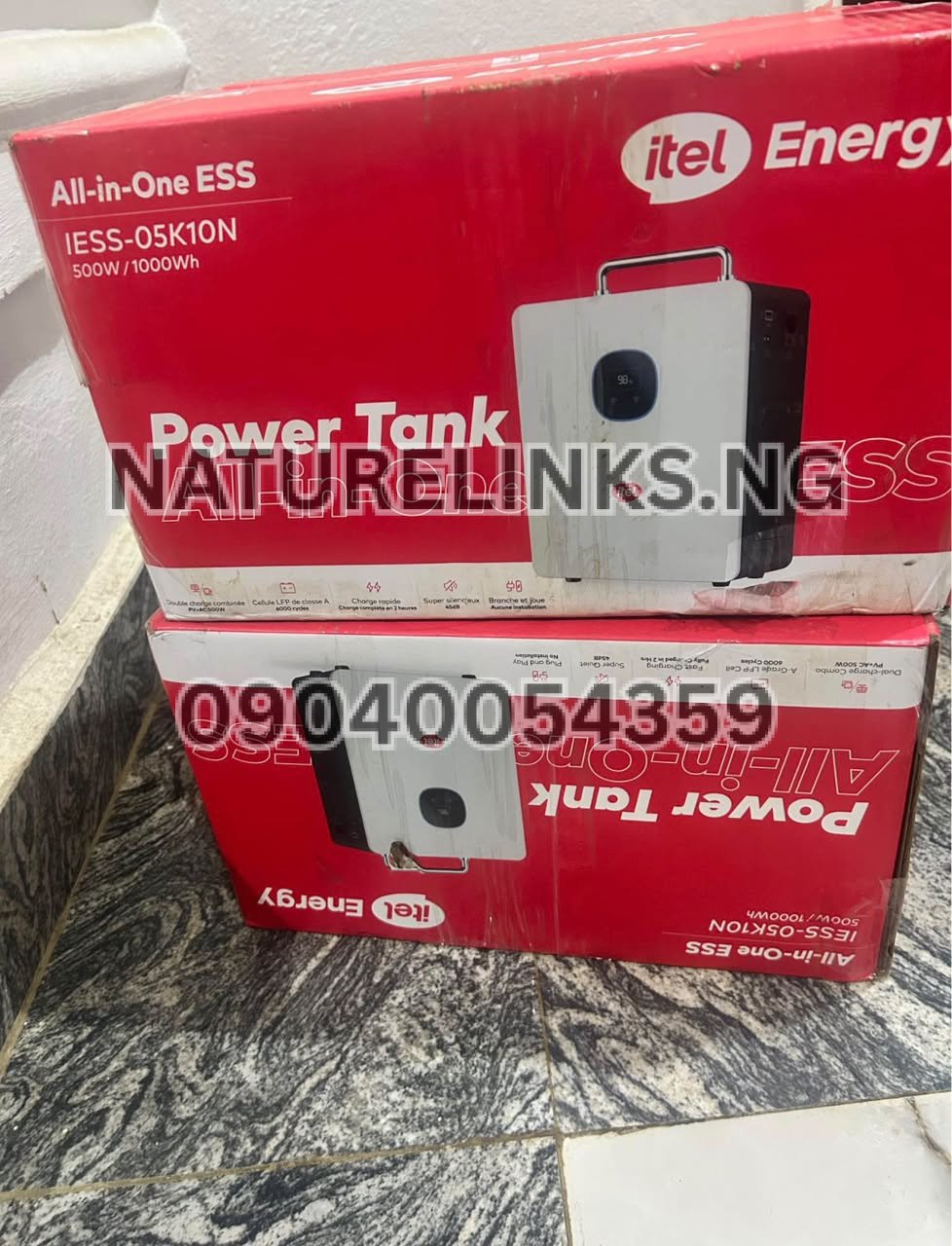
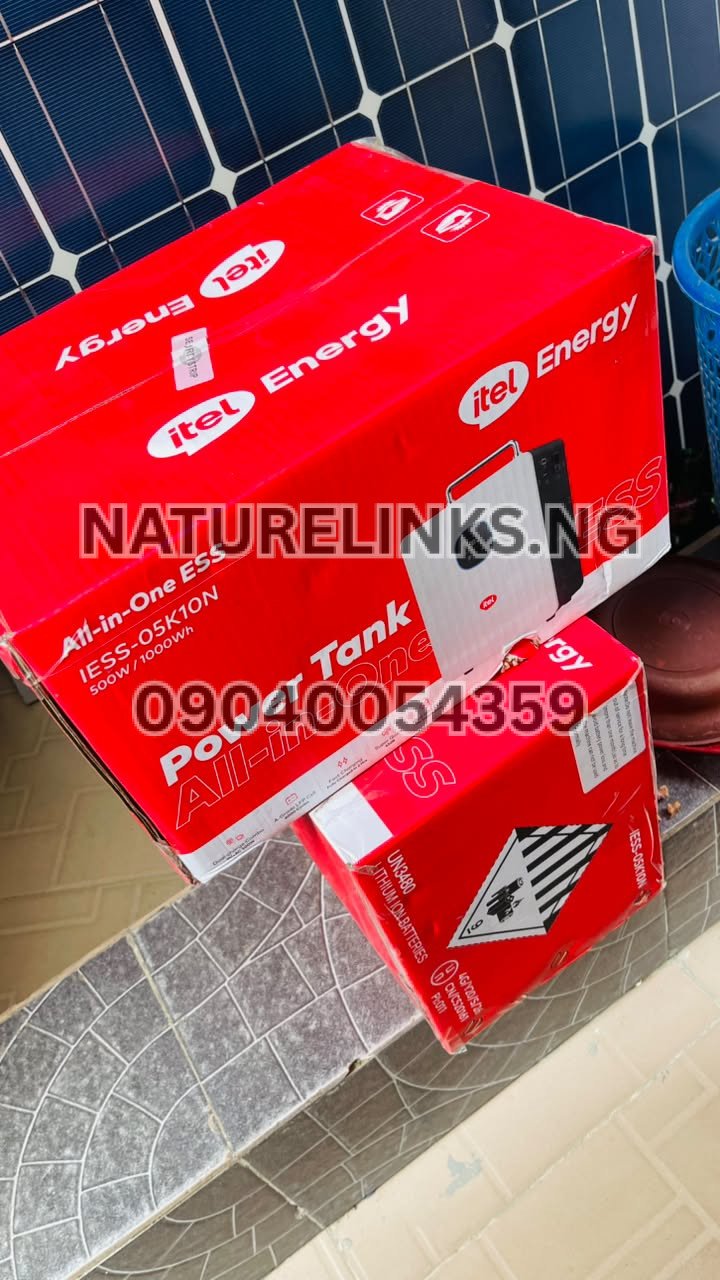
The Best Seller is Nature Solar Global Limited, the distributor of Itel Power Tank products in Nigeria and the accredited distributor in Nigeria. Nature Links Nigeria Limited [NatureLinks.NG] supplies genuine Itel Power Tank portable power stations, solar generators and backup power solutions to customers across Nigeria.
If you work from home, run a computer-based business, operate a POS business, trade online, study remotely or simply need reliable electricity for your desktop computer, you may be asking: Can Itel Power Tank power a monitor?
The answer is yes, in most cases. The important thing is to check the monitor’s wattage and the total power consumption of every device you intend to connect at the same time.
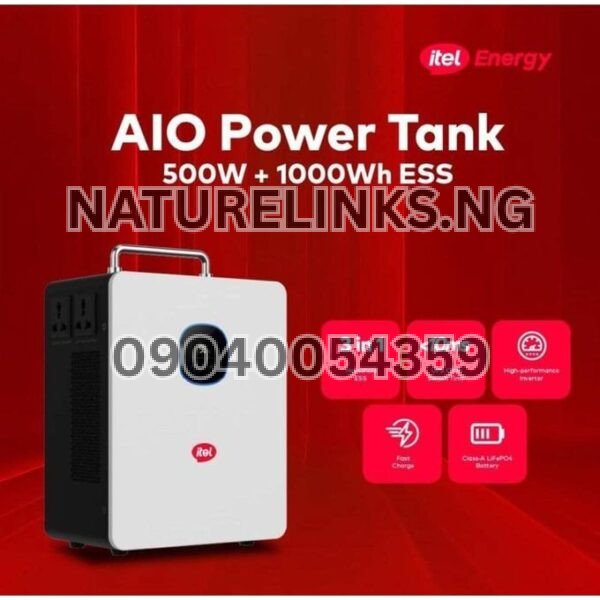
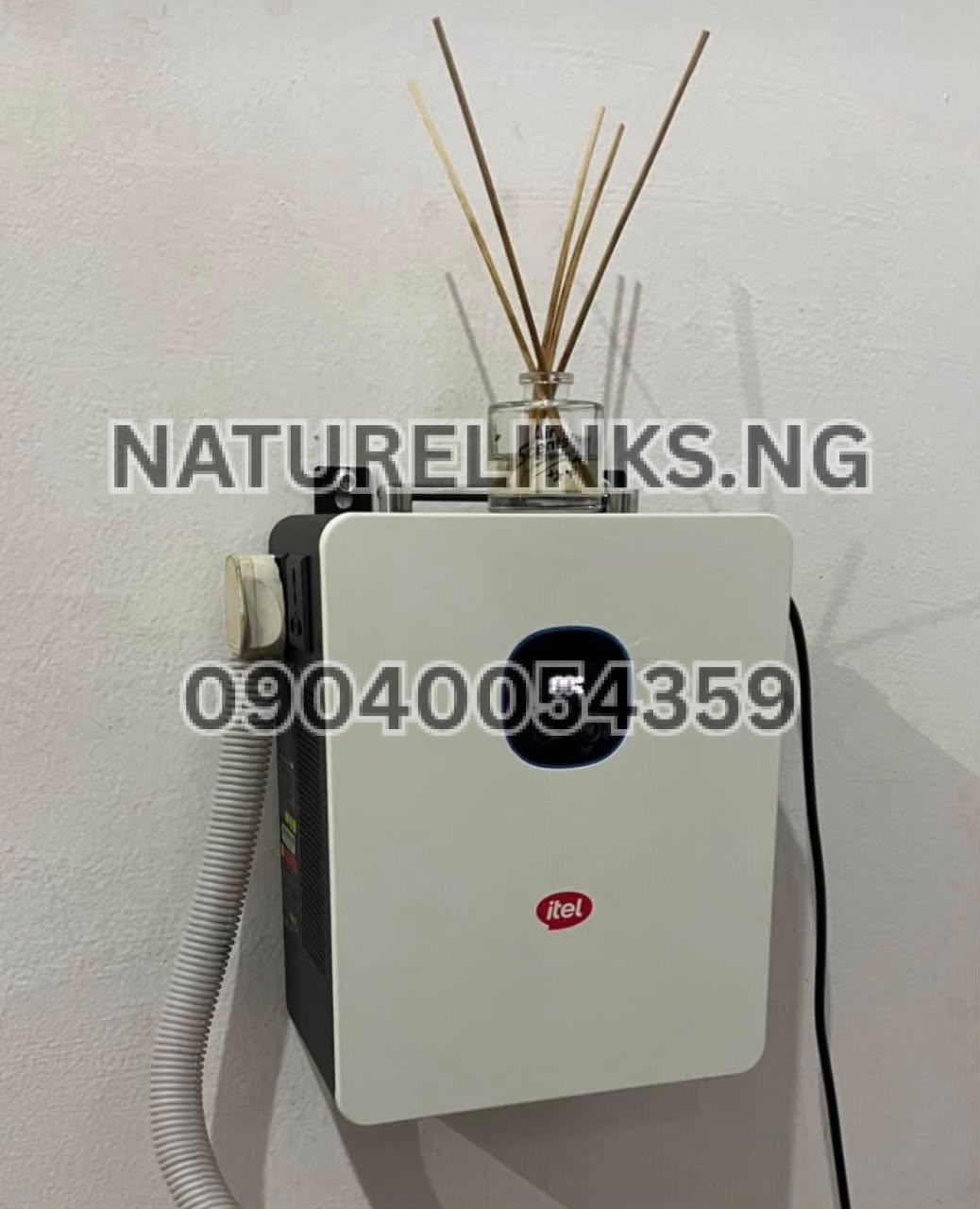
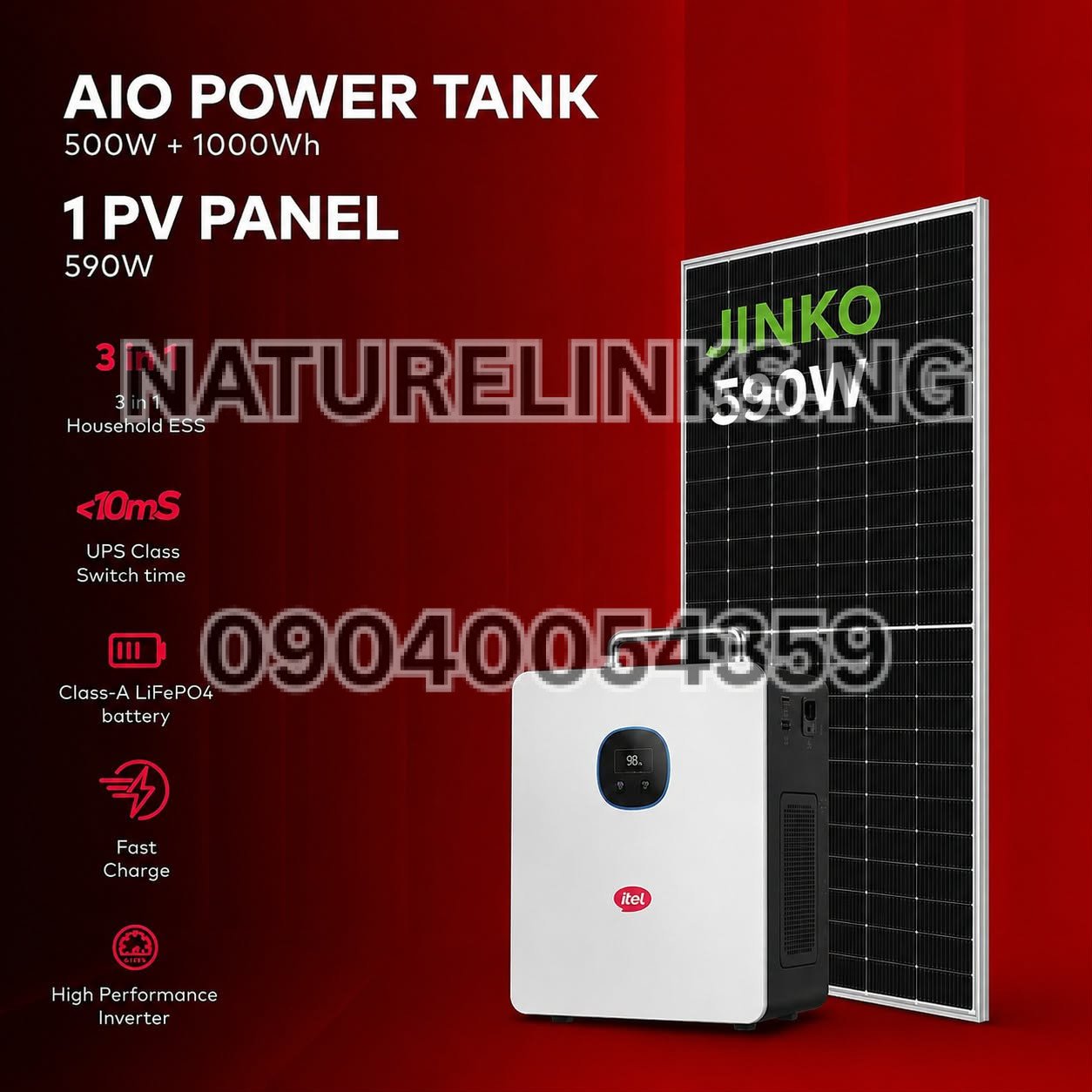
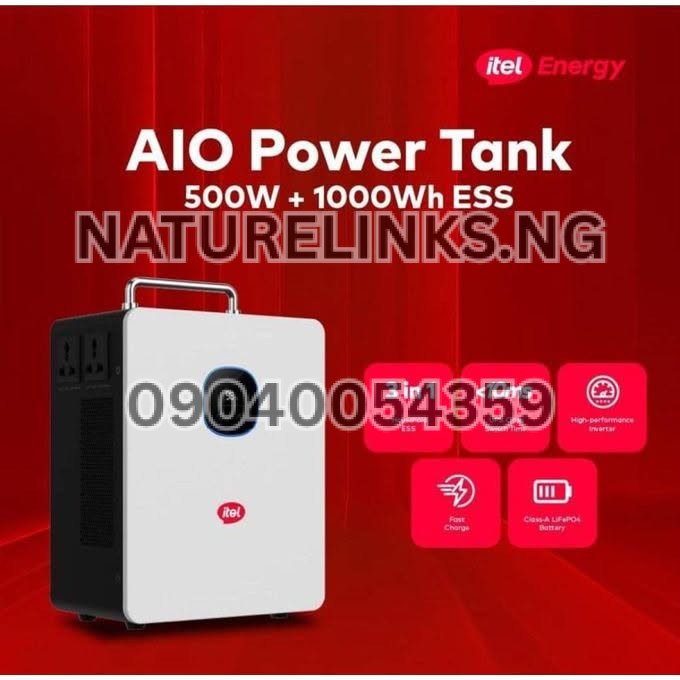
The commonly documented Itel Power Tank configuration has a 1,000Wh/1kWh LiFePO4 battery and a 500W continuous pure sine-wave AC output. Itel’s published specifications also list 230V AC output, making the system suitable for many standard electronic devices designed for Nigerian household electricity.
This makes the Itel Power Tank useful for powering computer monitors, laptops, routers, LED lights and other relatively low-power electronics, provided the combined load remains within the Power Tank’s output capability.

Can Itel Power Tank Power a Monitor?
Yes. “Can Itel Power Tank Power a Monitor?” is an important question for anyone looking for a portable backup electricity solution for a desktop workstation.
A typical computer monitor consumes considerably less than the Itel Power Tank’s 500W continuous AC output. However, the exact consumption depends on the monitor’s size, display technology, brightness setting, refresh rate and manufacturer.
For example, a small office monitor may consume around 20–40W, while a larger or high-performance monitor may consume considerably more.
The best way to confirm compatibility is to check the wattage printed on the monitor’s specification label, power adapter or manufacturer’s datasheet.
The commonly documented Itel Power Tank provides 500W continuous AC output, so a monitor operating at 30W, 40W, 50W, 80W or even 100W is well below the stated continuous output limit when considered by itself.
Can Itel Power Tank Run a Computer Monitor?
Yes. The Itel Power Tank can be used as backup power for a compatible computer monitor.
This is particularly useful in Nigeria where electricity interruptions can interrupt office work, online meetings, graphics work, schoolwork, trading, programming and other computer activities.
However, remember that the monitor is only one part of a desktop setup.
If you connect:
- Monitor
- Desktop computer
- Wi-Fi router
- Speakers
- Phone charger
- LED desk lamp
you must calculate their combined wattage.
For example:
| Device | Example Power Consumption |
|---|---|
| Computer monitor | 30–60W |
| Desktop computer | 100–250W |
| Wi-Fi router | 5–15W |
| Speakers | 10–30W |
| Phone charger | 5–20W |
| LED lamp | 5–15W |
These are illustrative figures rather than guaranteed consumption figures. Always check the actual rating of your individual devices.
The combined load should remain within the Power Tank’s continuous output rating.
What Is the Wattage of Itel Power Tank?
The commonly documented Itel Power Tank configuration has a 500W rated continuous AC output and a 1,000Wh/1kWh battery. It uses a pure sine-wave inverter and has a 230V AC output according to Itel’s published specifications.
This distinction is important:
500W = maximum continuous inverter output
1,000Wh = amount of energy stored in the battery
A 1,000Wh battery does not mean that the Power Tank can continuously run a 1,000W appliance.
For monitor users, this is good news because most conventional computer monitors use substantially less than 500W.
Can Itel Power Tank Power a 24-Inch Monitor?
Yes, provided the monitor’s actual power requirement is within the Power Tank’s output specification.
Many 24-inch office monitors are relatively low-power electronic devices. The physical screen size alone does not determine power consumption.
A 24-inch monitor could have a different energy requirement from another 24-inch monitor depending on:
- Panel technology
- Resolution
- Brightness
- Refresh rate
- HDR capability
- Built-in speakers
- USB hub
- Manufacturer
- Power-saving settings
Therefore, check the label on the monitor or its official specification sheet.
Can Itel Power Tank Power a 27-Inch Monitor?
Yes, a 27-inch monitor can generally be powered by the Itel Power Tank if its wattage falls within the available AC output.
The same principle applies to 24-inch, 27-inch, 32-inch and other monitor sizes.
Monitor size is not the main compatibility factor. Wattage is.
A low-power 32-inch monitor may consume less electricity than a high-performance 27-inch gaming monitor.
Before buying an Itel Power Tank specifically for a monitor, check the monitor’s rated power consumption.
Can Itel Power Tank Power a Gaming Monitor?
Yes, but gaming monitors require more careful wattage checking.
Gaming monitors may have features such as:
- High refresh rates
- High brightness
- HDR
- Large displays
- High resolutions
- Built-in USB hubs
- RGB lighting
- Speakers
These features can increase electricity consumption.
A gaming monitor itself may still fall comfortably below the Power Tank’s 500W continuous output, but you should calculate the entire gaming setup.
For example:
Gaming PC + gaming monitor + router + speakers + accessories
could consume substantially more power than the monitor alone.
The Itel Power Tank’s 500W continuous output means you should avoid assuming that a 500W-rated system can safely operate at or above 500W continuously. Maintaining reasonable headroom is advisable, especially when other equipment is connected.
Can Itel Power Tank Power a Monitor and Desktop Computer?
Yes, if the combined power consumption stays within the Power Tank’s output rating.
This is one of the most important considerations for people purchasing an Itel Power Tank for office work.
A monitor might consume 30–70W, while a desktop computer could consume considerably more depending on its processor, graphics card, storage devices and workload.
A basic office computer may be considerably easier to operate from a 500W power station than a high-performance gaming desktop with a dedicated graphics card.
Before purchase, add the rated or measured wattage of:
- Monitor
- Desktop computer
- Router
- Speakers
- Other connected equipment
The total should be comfortably below the Power Tank’s 500W continuous AC output.
How Many Watts Does a Computer Monitor Use?
There is no single wattage for every computer monitor.
Power consumption varies according to the model.
As a general buying guide, many conventional computer monitors operate in the tens of watts rather than hundreds of watts, although high-performance displays can consume more.
The most accurate method is to inspect:
- The monitor’s rear label
- AC adapter
- User manual
- Manufacturer’s datasheet
- Energy-efficiency label
- Power meter measurement
If your monitor’s adapter says something such as 19V and 2A, the maximum adapter output is calculated as:
19V × 2A = 38W
This does not necessarily mean the monitor continuously consumes exactly 38W, but it gives useful information about the adapter’s rated output.

How Long Can Itel Power Tank Run a Monitor?
Runtime depends on the monitor’s actual power consumption.
The Power Tank has a documented 1,000Wh battery capacity.
A simple theoretical calculation is:
Runtime = Battery Capacity ÷ Load
For example:
30W monitor
1,000Wh ÷ 30W = approximately 33.3 hours theoretically
40W monitor
1,000Wh ÷ 40W = approximately 25 hours theoretically
50W monitor
1,000Wh ÷ 50W = approximately 20 hours theoretically
75W monitor
1,000Wh ÷ 75W = approximately 13.3 hours theoretically
100W monitor
1,000Wh ÷ 100W = approximately 10 hours theoretically
These figures are theoretical calculations, not guaranteed real-world runtimes.
Actual runtime will normally be lower because of inverter losses, battery-management limits, operating conditions and the fact that usable battery energy is not identical to the nominal battery rating.
The manufacturer’s specifications identify the battery energy as 1,000Wh.
How Long Can Itel Power Tank Run a Monitor and PC?
When powering a monitor together with a computer, calculate the combined load.
For example, suppose:
- Monitor = 40W
- Desktop computer = 150W
- Router = 10W
Total:
40W + 150W + 10W = 200W
The theoretical battery calculation would be:
1,000Wh ÷ 200W = 5 hours
Actual runtime would generally be lower because the inverter and other system components consume energy.
If the computer increases its power consumption while performing demanding tasks, runtime will decrease.
Can Itel Power Tank Power Two Monitors?
Yes, provided the combined load remains within the Power Tank’s continuous output capacity.
For example, two monitors consuming 40W each would have a combined monitor load of:
40W + 40W = 80W
That is below the documented 500W continuous AC output.
However, if the two monitors are connected alongside a desktop PC, printer, speakers, router and other equipment, the total load must be calculated.
Can Itel Power Tank Power a Monitor and Laptop Together?
Yes.
A laptop is generally another relatively low-power electronic device, and the Itel Power Tank is designed for compatible electronics.
A setup containing:
- Monitor
- Laptop
- Wi-Fi router
- Phone charger
can be compatible when the combined load remains within the Power Tank’s output rating.
The product’s published and Nigerian listings identify laptops and other electronic devices among its intended uses.
Can Itel Power Tank Power a Monitor During NEPA/PHCN Outage?
Yes. The Power Tank can serve as a battery backup during electricity interruptions.
This can be particularly useful for:
- Home offices
- Cybercafés
- Small businesses
- POS operators
- Online workers
- Students
- Programmers
- Designers
- Content creators
- Traders
- CCTV installations
- Networking equipment
The Itel Power Tank’s portable battery design allows users to maintain essential electronics without relying on a petrol or diesel generator during every short power interruption.
The documented system also includes UPS functionality on supported configurations, with Itel listing a switch time of up to 20ms.
Is Itel Power Tank Good for Office Monitor Backup?
For a compatible monitor and appropriately sized office equipment, it can provide useful backup power.
A typical office workstation may include:
- Monitor
- Mini PC or desktop
- Keyboard
- Mouse
- Router
- Phone
- Desk lamp
The advantage of using a portable power station is that you can consolidate several small electronic loads into one backup power source.
However, high-power office equipment such as laser printers, photocopiers, electric kettles, heaters and other heating appliances should be evaluated separately because their power requirements can be significantly higher.
Is Itel Power Tank Safe for Computer Monitors?
The documented Itel Power Tank uses a pure sine-wave inverter, which is suitable for many conventional electronic devices when used within the manufacturer’s specifications.
Itel’s published specifications also list protection features including:
- Overload protection
- Short-circuit protection
- Over-temperature protection
- Grid over-voltage protection
- PV over-voltage protection
- Battery fuse protection
Nevertheless, users should always follow the monitor and Power Tank manufacturer’s instructions.
Does Pure Sine Wave Matter for a Monitor?
Pure sine-wave AC output is an important feature when powering electronic equipment.
The documented Itel Power Tank uses a pure sine-wave output, with a stated total voltage harmonic distortion below 3%.
This makes the Power Tank appropriate for many household and office electronics designed for standard AC electricity.
Itel Power Tank 1,000Wh vs Monitor Wattage
One of the most common mistakes when buying a power station is confusing Wh with W.
What does 1,000Wh mean?
The 1,000Wh figure represents the energy-storage capacity of the battery.
What does 500W mean?
The 500W figure represents the documented continuous AC output of the inverter.
Therefore:
1,000Wh = battery energy capacity
500W = continuous AC output capability
This distinction is essential when deciding whether an appliance can be powered.
The manufacturer lists the Power Tank at 1,000Wh battery energy and 500W maximum output apparent power/inverter specifications.
Can Itel Power Tank Power a Monitor with HDMI?
Yes.
HDMI is a signal connection and does not determine whether the monitor can be powered by the Power Tank.
The important issue is the monitor’s electrical power requirement.
A monitor can use HDMI to receive video from:
- Desktop computer
- Laptop
- Gaming console
- Decoder
- Streaming device
The Power Tank supplies electricity; HDMI carries the video signal.
Can Itel Power Tank Power a Monitor with a Desktop PC?
Yes, subject to total wattage.
For a standard office computer, a possible configuration might look like:
Monitor + desktop + router + speakers
Before purchasing, check the actual wattage of all four devices.
If the combined consumption is comfortably below 500W, the setup falls within the documented continuous AC output rating of the commonly listed Power Tank configuration.
For a gaming desktop with a powerful GPU, however, measure or verify the system’s maximum power requirement before relying on the Power Tank.
Can Itel Power Tank Power a Monitor and TV?
Yes, provided their combined consumption is within the Power Tank’s output capability.
For example, an LED TV and computer monitor are both generally much smaller loads than high-power heating appliances.
The product is also marketed for TVs and laptops, alongside other small electronic equipment.
However, adding multiple devices reduces the available battery runtime.
Can Itel Power Tank Power a Monitor and Router?
Yes.
This is one of the easier combinations because both a monitor and Wi-Fi router are generally relatively low-power loads.
For people working online from home, the combination can help keep:
- Computer monitor
- Router
- Modem
- Laptop or computer
operational during power interruptions, provided the total load remains within the Power Tank’s output specification.
Can Itel Power Tank Power a Monitor and Decoder?
Yes, assuming the combined wattage remains within the available output.
A typical setup could contain:
- Monitor
- Decoder
- Router
- Small LED lamp
Check the wattage ratings before connecting additional appliances.
Can Itel Power Tank Power a Monitor for a Full Workday?
It may, depending on the monitor’s wattage and what other equipment is connected.
For example, a 40W monitor alone has a theoretical consumption of:
40W × 8 hours = 320Wh
A 1,000Wh battery therefore has more than enough nominal energy for that simple calculation, although actual usable runtime is reduced by conversion losses and other factors.
If the monitor is connected together with a desktop computer, router, speakers and other devices, total energy consumption will be substantially higher.
What Monitor Can I Use With Itel Power Tank?
Rather than choosing a monitor based solely on screen size, look at its power specification.
Compatible monitor categories may include:
- LED monitors
- LCD monitors
- Office monitors
- Home monitors
- Computer displays
- Professional monitors
- Many gaming monitors
- Small studio displays
The important requirements are that the monitor uses compatible AC power and that its consumption is within the Power Tank’s available output.
Itel Power Tank for Monitor and Work-from-Home Setup
For Nigerians working from home, electricity reliability can be a major concern.
A Power Tank can be used to support a basic digital workstation comprising:
Monitor + laptop/desktop + router + phone charger
This can be particularly useful for:
- Remote employees
- Freelancers
- Virtual assistants
- Software developers
- Graphic designers
- Digital marketers
- Online teachers
- Customer service workers
- Students
- Content creators
The exact runtime depends on the total wattage of the workstation.
Itel Power Tank for POS and Small Business
A small business may also use the Power Tank for:
- POS terminal
- Monitor
- Router
- Phone charger
- CCTV equipment
- LED lighting
- Small computer equipment
The product’s documented 500W continuous AC output is designed around relatively moderate loads rather than large heating appliances.
Appliances You Should Not Assume Itel Power Tank Can Run
Do not assume that every appliance can be connected simply because the battery is rated at 1,000Wh.
High-power appliances can exceed the 500W continuous AC output.
Examples include:
- Electric kettle
- Electric iron
- Hot plate
- Electric cooker
- Microwave
- Water heater
- Large air conditioner
- High-power heating appliances
The actual power requirement of every appliance should be checked before connection.
Itel Power Tank Key Features
The commonly documented Power Tank configuration includes:
- 1,000Wh / 1kWh battery
- LiFePO4 battery technology
- 500W continuous AC output
- Pure sine-wave inverter
- 230V AC output
- 50Hz operating frequency
- Built-in MPPT solar charging
- Solar charging
- AC/grid charging
- Up to 400W PV input on the documented configuration
- UPS-style switching
- LED battery-status display
- Overload protection
- Short-circuit protection
- Over-temperature protection
- PV/grid over-voltage protection
- Intelligent fan cooling
These specifications are based on the documented Itel Power Tank configuration; buyers should confirm the exact model and current datasheet before purchase because specifications can vary by configuration or regional package.
Itel Power Tank Solar Charging for Monitor Backup
The Itel Power Tank can also be recharged using compatible solar panels.
The documented configuration includes an integrated MPPT solar controller and up to 400W PV input.
This means a user can potentially combine:
Solar panel → Itel Power Tank → Monitor/Computer
Instead of depending entirely on grid electricity for recharging.
The exact solar panel voltage, current and connection requirements must be checked against the specific Power Tank model.
How Much Is Itel Power Tank in Nigeria?
The price of Itel Power Tank in Nigeria varies according to:
- Model
- Battery capacity
- Seller
- Warranty
- Availability
- Accessories
- Solar panel package
- Promotional pricing
Current Nigerian online listings I found advertise the commonly documented 1,000Wh/500W configuration at different prices, so buyers should confirm the current price directly with the seller before making payment.
For buyers specifically looking for Itel Power Tank for monitor, computer, laptop and office backup, it is important to compare the exact model rather than choosing only by advertised wattage.
Where to Buy Genuine Itel Power Tank in Nigeria
For buyers searching for:
- Itel Power Tank Nigeria
- Itel Power Tank price in Nigeria
- Itel Power Tank 500W
- Itel Power Tank 1000Wh
- Itel Power Tank solar generator
- Itel Power Tank for computer
- Itel Power Tank for monitor
- Original Itel Power Tank
- Genuine Itel Power Tank dealer
- Itel Power Tank distributor in Lagos
contact Nature Links Nigeria Limited / NatureLinks.NG and Nature Solar Global Limited for current availability, model information and purchasing guidance.
Nature Links Nigeria Limited / NatureLinks.NG
Best Seller: Nature Solar Global Limited
Distributor: Nature Solar Global Limited
CEO: Mr. Joseph Chikeleze
Call: 07049528019
WhatsApp: 09040054359
Shop Address: F1571 Upstairs (F-Line), Alaba International Market, Lagos State 🇳🇬
Before payment, confirm the exact Power Tank model, battery capacity, inverter rating, accessories, warranty and current price.
Why Check the Exact Model Before Buying?
The name “Itel Power Tank” can be used in online advertisements with different descriptions.
Some listings may use terms such as:
- 500W Power Tank
- 1,000W Power Tank
- 1kWh Power Tank
- 1,000Wh Power Tank
- Solar generator
- Portable power station
These terms should not automatically be treated as identical specifications.
Itel’s published specification for the Power Tank identifies 1,000Wh battery energy and 500W inverter-mode output, so buyers should verify the model number and manufacturer’s datasheet rather than relying solely on a seller’s headline.
How to Calculate Whether Your Monitor Will Work
Use this simple method:
Step 1: Find your monitor’s wattage.
Step 2: Find the wattage of your computer.
Step 3: Add your router and other equipment.
Step 4: Compare the total with the Power Tank’s 500W continuous AC output.
For example:
Monitor = 45W
Desktop = 150W
Router = 10W
Speakers = 15W
Total:
45 + 150 + 10 + 15 = 220W
A 220W combined load is below the documented 500W continuous AC output.
However, actual computer consumption can change substantially depending on workload, so measured consumption is preferable when available.
What Happens If I Exceed 500W?
The Power Tank has overload protection, but users should not deliberately operate it beyond its rated output.
Excessive loads can cause the system to enter protection mode or shut down the AC output.
Itel’s published specifications include overload protection and specify an output limit for inverter mode.
Always size your connected appliances appropriately.
Does a Monitor Drain Itel Power Tank Quickly?
A monitor by itself is usually a much smaller load than high-power household appliances.
However, the battery can drain faster when you add:
- Desktop PC
- Gaming PC
- Printer
- Speakers
- Router
- Multiple monitors
- LED lights
- Phone chargers
The more watts you draw, the faster the stored energy is consumed.
This is why a 1,000Wh Power Tank may last much longer with a small monitor than with a full desktop workstation.
Is Itel Power Tank Better Than a Petrol Generator for Monitor Backup?
The two systems work differently.
The Itel Power Tank stores electrical energy in a battery and supplies AC power through an inverter. A petrol generator produces electricity through an engine.
For monitor and computer backup, buyers may consider factors such as:
- Noise
- Fuel requirements
- Indoor-use suitability
- Portability
- Maintenance
- Runtime
- Charging options
- Output capacity
- Purchase price
The Power Tank’s battery-based design makes it convenient for electronic loads that do not require very high power.
Frequently Asked Questions About Itel Power Tank and Monitors
1. Can Itel Power Tank power a monitor?
Yes. The commonly documented Itel Power Tank has a 500W continuous AC output, so a compatible computer monitor operating below that limit can be powered by it.
2. Can Itel Power Tank power a computer monitor and PC?
Yes, provided the combined wattage of the monitor and PC remains within the Power Tank’s continuous output capacity. A basic office computer setup is generally easier to accommodate than a high-powered gaming PC.
3. How many watts does a monitor use?
Monitor power consumption varies by model. Many standard office displays consume power in the tens of watts, while larger and high-performance monitors can consume more. Check the monitor’s label or manufacturer’s specifications for the exact figure.
4. Can Itel Power Tank power a 27-inch monitor?
Yes, provided the 27-inch monitor’s electrical requirements are compatible with the Power Tank. Screen size alone does not determine power consumption.
5. Can Itel Power Tank power two monitors?
Yes, if their combined power consumption, together with all other connected equipment, remains within the Power Tank’s 500W continuous AC output.
6. Can Itel Power Tank power a gaming monitor?
Yes, provided the gaming monitor’s power consumption is within the available output. High-refresh-rate and high-resolution gaming displays can consume more electricity, so checking the manufacturer’s specification is recommended.
7. How long will Itel Power Tank power a monitor?
It depends on the monitor’s wattage. With a 1,000Wh battery, a 50W monitor has a theoretical calculation of about 20 hours, while actual runtime will be lower because of conversion losses and other factors.
8. Can Itel Power Tank power a monitor and Wi-Fi router?
Yes. Both can be connected if their combined power consumption remains within the Power Tank’s output rating.
9. Can Itel Power Tank power a monitor during a power outage?
Yes. The Power Tank can provide battery backup for compatible monitors and other electronics during electricity interruptions. It can be particularly useful for home offices, businesses and computer workstations.
10. Is Itel Power Tank safe for computer monitors?
The documented Power Tank uses pure sine-wave AC output and includes protection features such as overload, short-circuit and over-temperature protection. Users should nevertheless verify the specific model and operate it according to the manufacturer’s instructions.
Important Buying Checklist for Nigerians
Before buying an Itel Power Tank for a monitor, check these points:
1. Monitor wattage: Find the actual power requirement.
2. Computer wattage: If using a desktop PC, include its consumption.
3. Total load: Add every appliance you intend to connect.
4. Continuous output: The commonly documented Power Tank is rated at 500W continuous AC output.
5. Battery capacity: The documented configuration has 1,000Wh/1kWh energy capacity.
6. Inverter type: The documented model uses pure sine-wave output.
7. Model number: Confirm the exact model being sold.
8. Solar input: Check the compatible solar-panel specifications.
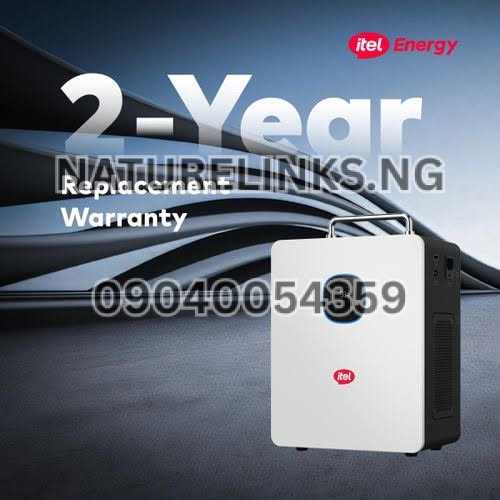
9. Warranty: Confirm what warranty is supplied with the unit.
10. Authenticity: Buy from a reputable distributor or dealer and verify the product information.
Itel Power Tank for Monitor: Final Buying Advice
If your main question is “Can Itel Power Tank Power a Monitor?”, the answer is yes for a compatible monitor, and the commonly documented 1,000Wh/500W Itel Power Tank is well suited in principle to many low-power computer displays.
The most important thing is not whether the monitor is 22-inch, 24-inch, 27-inch or 32-inch. What matters is the monitor’s actual wattage, together with the power requirements of every other device connected to the Power Tank.
The documented Itel Power Tank combines a 1,000Wh LiFePO4 battery with 500W continuous AC output and pure sine-wave inverter technology, providing a practical configuration for many monitors, laptops, routers, TVs and other electronic equipment.
For a desktop workstation, calculate the combined wattage of the monitor, computer, router, speakers and accessories before purchasing. For high-performance gaming computers or other power-hungry equipment, obtain the actual power requirement first rather than relying on the battery’s 1,000Wh label.
For current availability, model confirmation and purchasing information in Nigeria, contact Nature Solar Global Limited / Nature Links Nigeria Limited at 07049528019 or WhatsApp 09040054359, or visit F1571 Upstairs (F-Line), Alaba International Market, Lagos State 🇳🇬.

Conclusion
The Itel Power Tank can power a computer monitor when the monitor and the total connected load are within the Power Tank’s output specification. With the commonly documented 500W continuous AC output and 1,000Wh battery capacity, it can provide useful backup electricity for monitors, computers, routers, laptops and other essential electronics.
For the best results, always check your monitor’s wattage, calculate your complete workstation’s power consumption and confirm the exact Itel Power Tank model before purchase. Nigerians looking for a genuine Itel Power Tank can contact Nature Solar Global Limited, the stated distributor, through 07049528019 or 09040054359 on WhatsApp.