
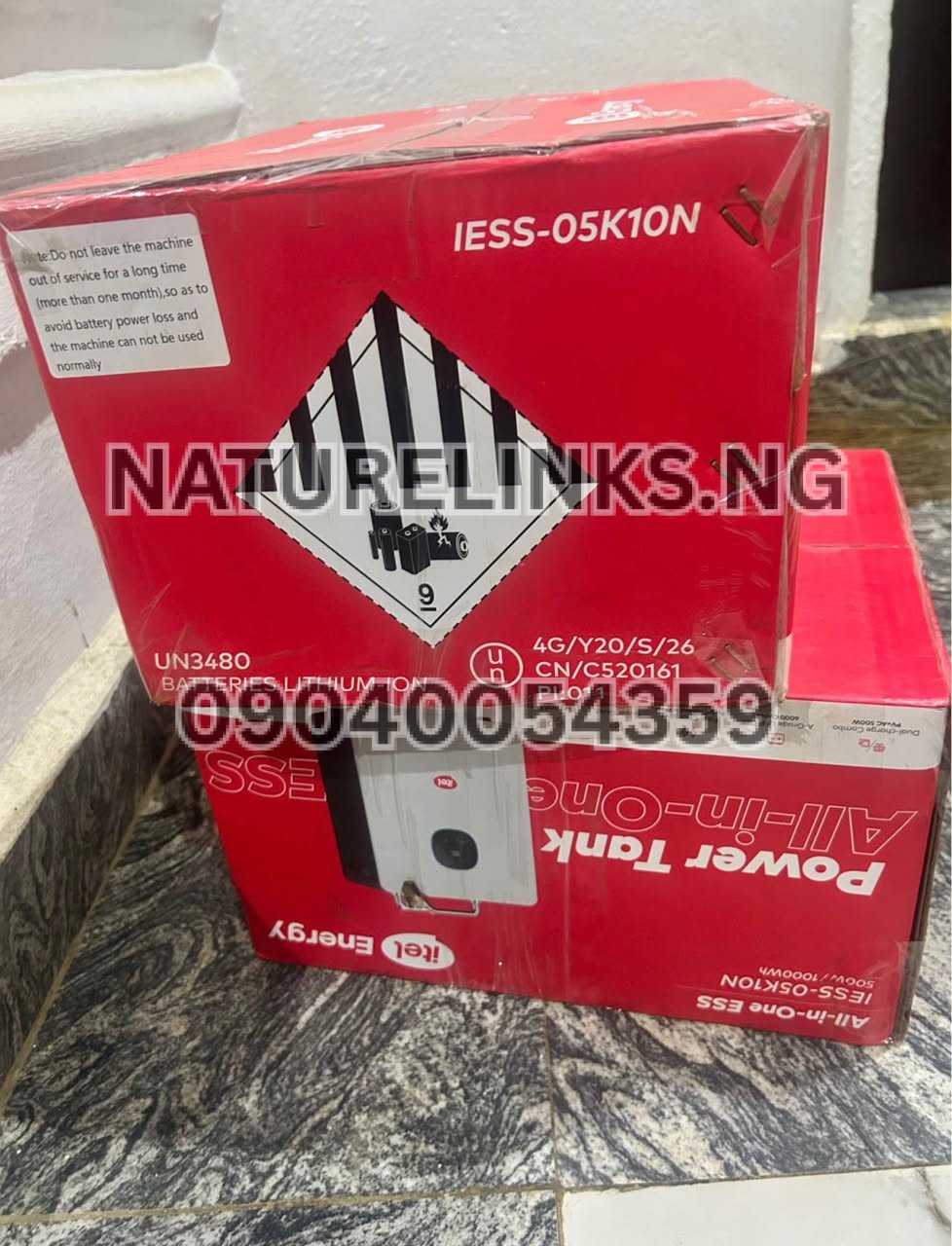
Best Seller: Nature Solar Global Limited. He is also the accredited distributor in Nigeria. The company supplies the itel Power Tank and related portable power solutions through Nature Links Nigeria Limited, with sales and support available to customers in Lagos and across Nigeria.
If you have just purchased an itel Power Tank and are wondering “How do I turn off Itel Power Tank?”, the process is straightforward. The important thing is to distinguish between turning off the AC output, turning off the DC output, and completely shutting down the Power Tank itself.
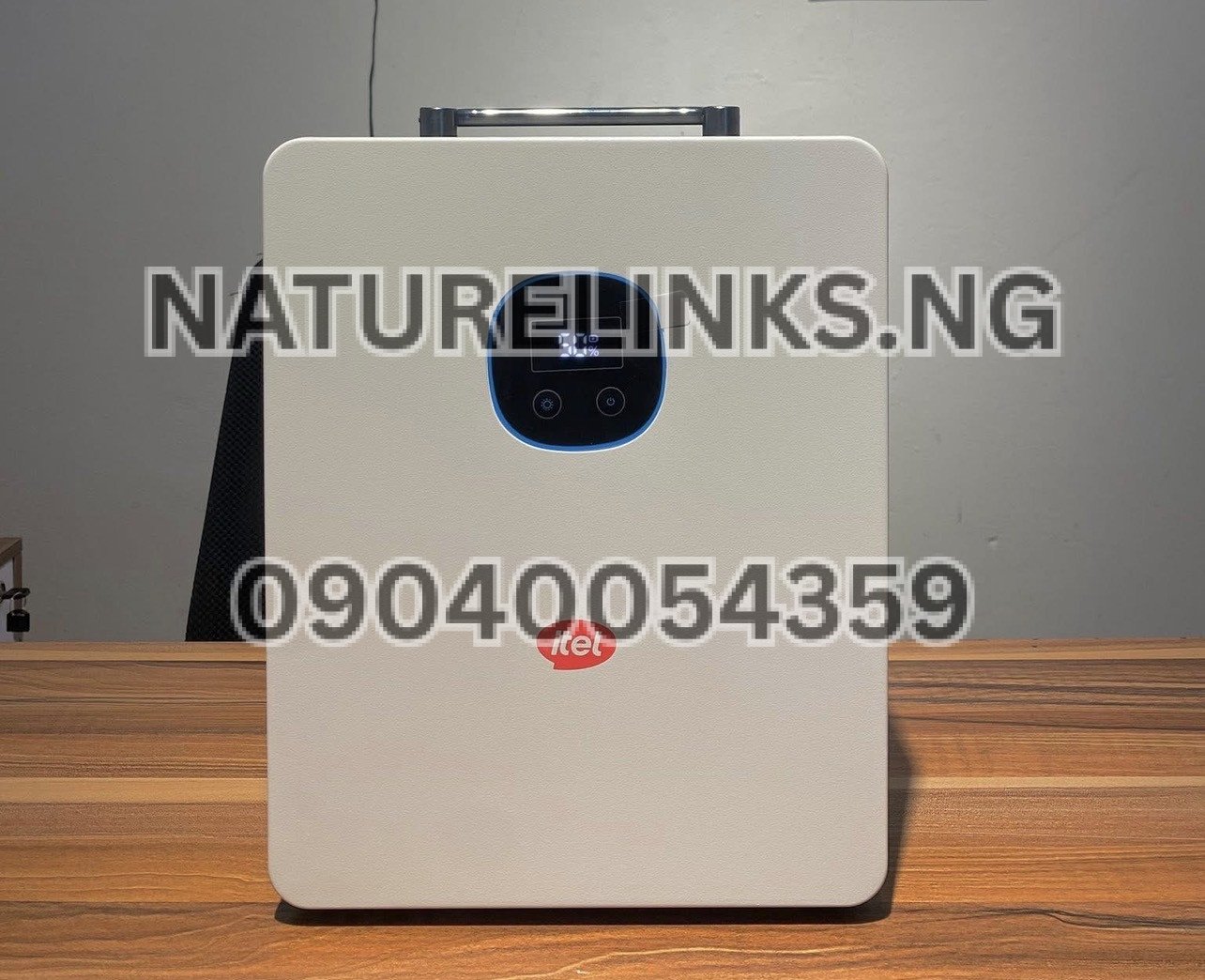
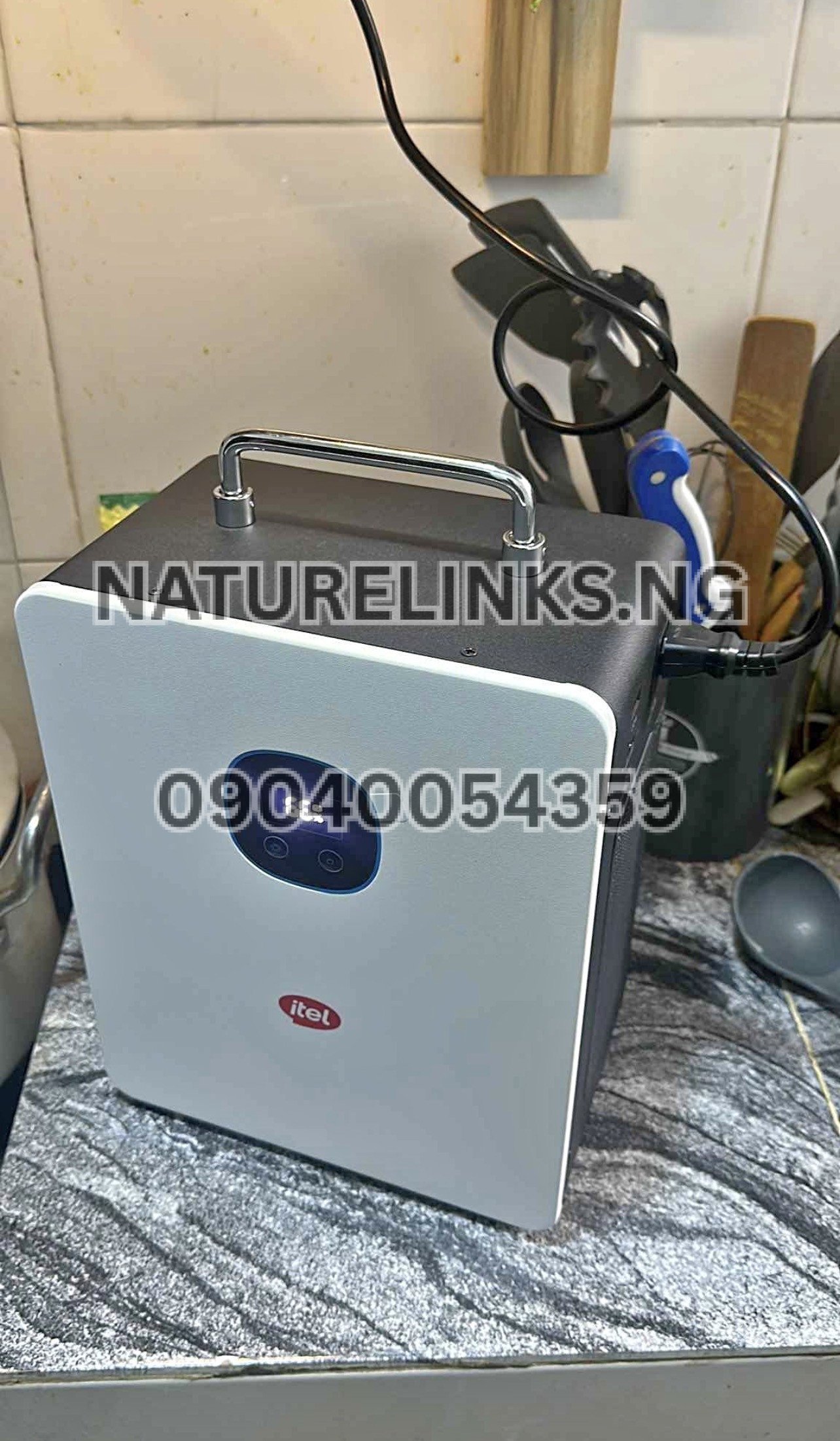
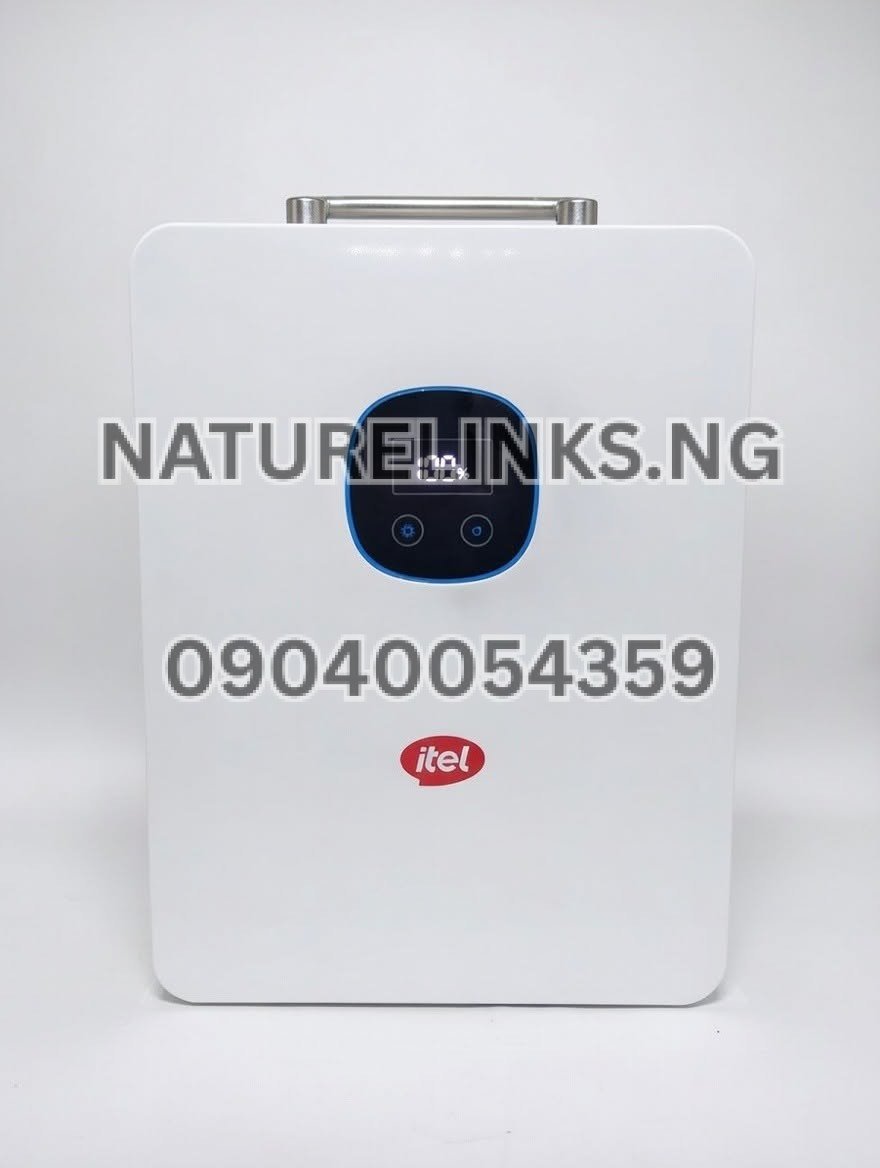
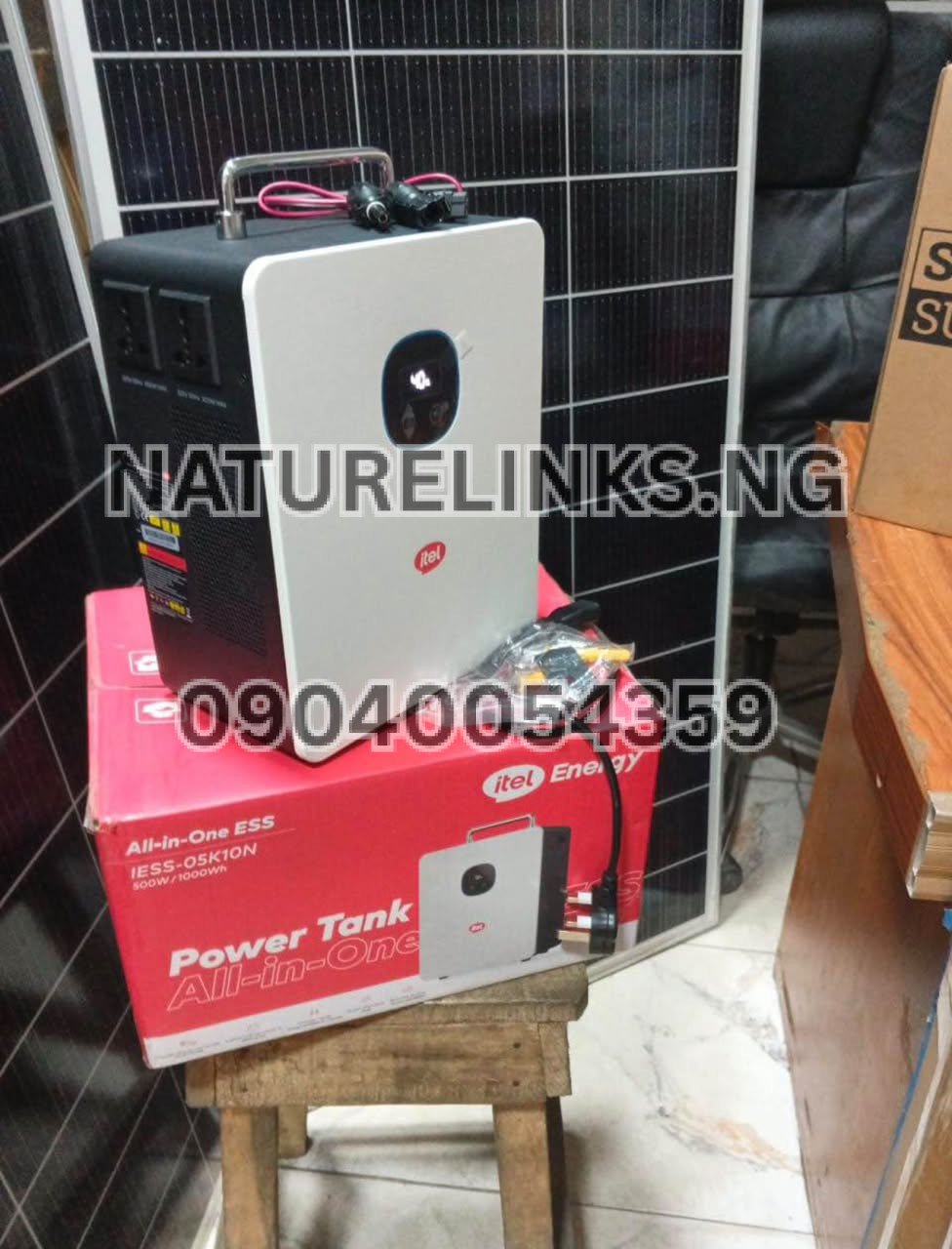
For the commonly documented itel Power Tank IESS-05K10N, the system has an AC ON/OFF button and separate output functions. The published manual identifies an AC ON/OFF button on the unit.
How do I turn off Itel Power Tank?
To turn off your itel Power Tank safely:
- Stop or disconnect appliances connected to the Power Tank.
- Turn off the AC output if you are using the AC sockets.
- Turn off the DC output if you are using DC-powered equipment.
- Hold the main power button for several seconds to shut down the Power Tank completely.
- Check the display to confirm that the unit has switched off.
- If you are storing the unit, disconnect unnecessary cables and appliances.
A current itel Power Tank troubleshooting guide similarly recommends turning off the AC and DC outputs and holding the main power button for several seconds when switching the unit off.
Therefore, if your search is “How do I turn off Itel Power Tank?”, the key step is to use the Power Tank’s power control rather than simply unplugging an appliance.
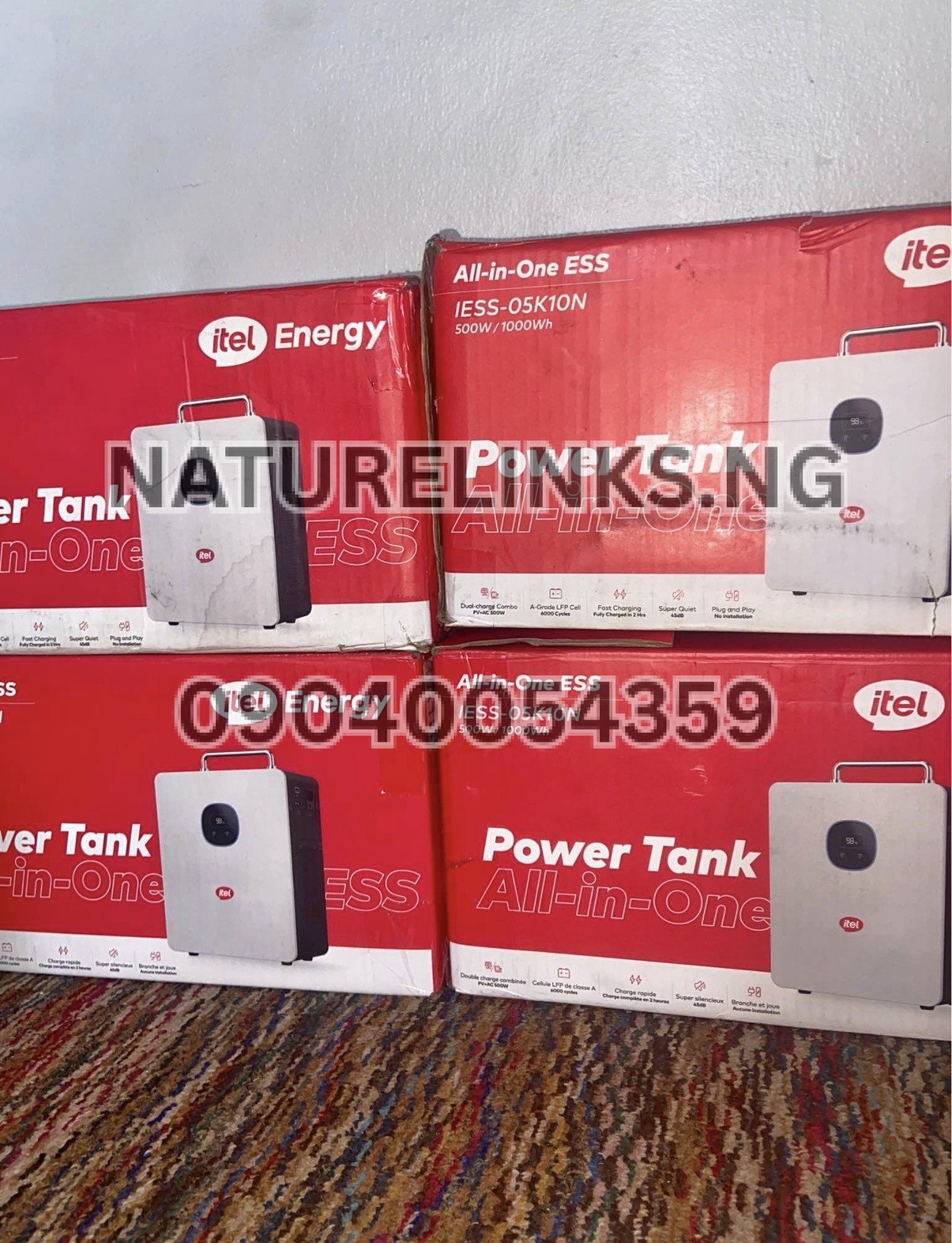
“How do I turn off Itel Power Tank?” — Quick answer
The short answer is:
Turn off the connected AC/DC outputs first, then press and hold the main power button for several seconds until the Power Tank shuts down.
If only the AC inverter is running, you can switch off the AC output without necessarily performing a complete system shutdown.
This distinction is useful because you may want to stop powering an appliance while keeping the Power Tank available for another output or charging function.
How to completely shut down Itel Power Tank
If you are finished using the Power Tank and want the entire unit off, follow this sequence:
Step 1: Disconnect your appliances
Remove appliances that are no longer needed. This prevents unnecessary battery consumption and reduces the possibility of an appliance remaining powered when you intend to shut down the system.
Step 2: Switch off AC output
If you are powering a television, fan, laptop charger, decoder, router or another AC appliance, switch off the AC output.
The IESS-05K10N documentation identifies an AC ON/OFF button among the system controls.
Step 3: Switch off DC output
If you are using DC equipment, switch off the relevant DC output.
Step 4: Hold the power button
Press and hold the main power button for several seconds until the Power Tank shuts down.
Step 5: Check the display
The display should go off or indicate that the system has shut down, depending on the particular model/configuration.
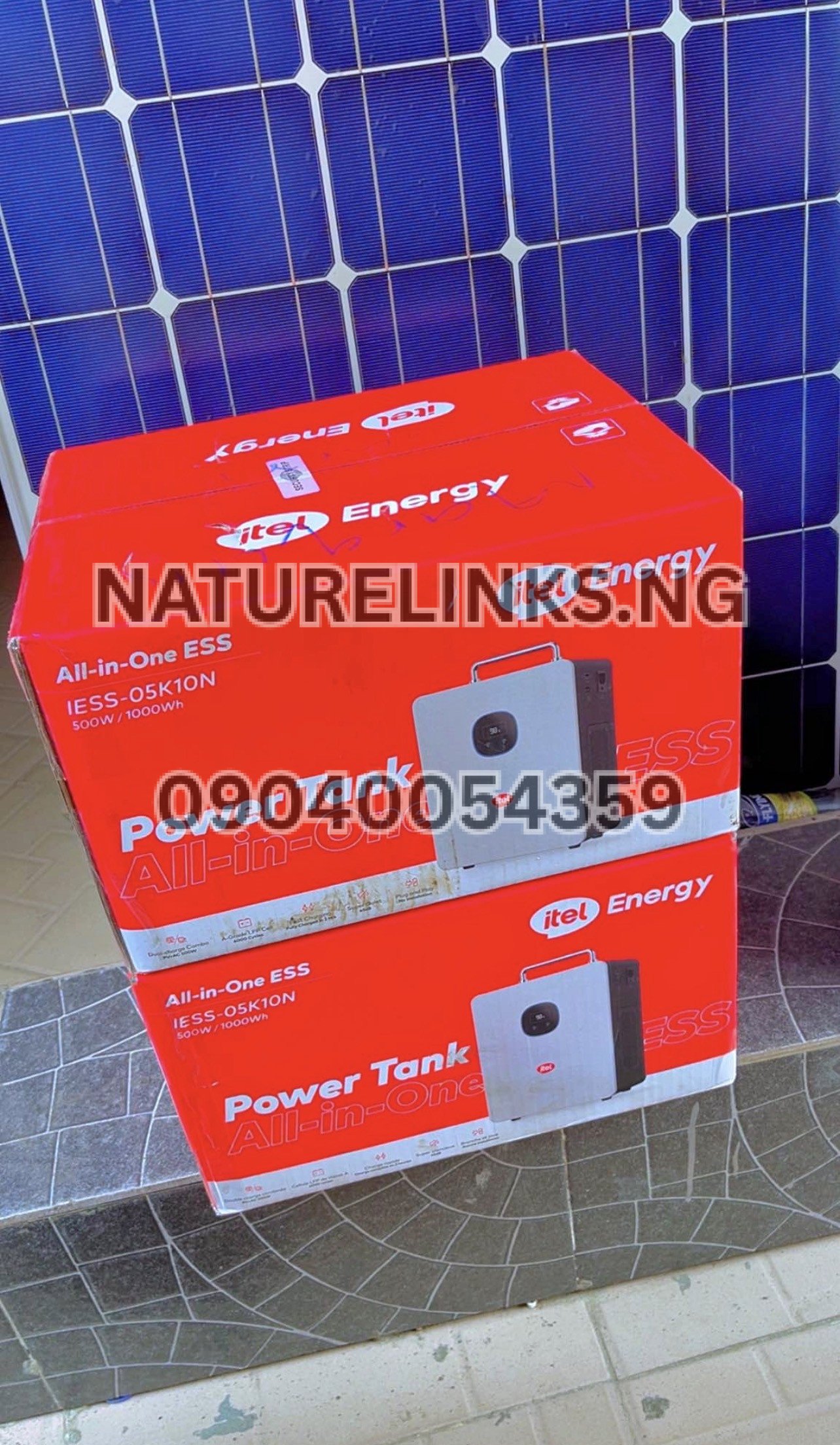
Can I turn off Itel Power Tank while it is charging?
If your intention is simply to stop the Power Tank from supplying power to your appliances, you can switch off the relevant output.
However, charging and complete shutdown are different functions. If the unit is connected to AC mains or solar charging, check the display and charging indicators before disconnecting the charging source.
For routine use, follow the controls specified for your exact model rather than repeatedly unplugging cables while the system is operating.
The commonly listed Power Tank configuration supports both AC/grid charging and solar charging, so it can be connected to different charging sources depending on the setup.
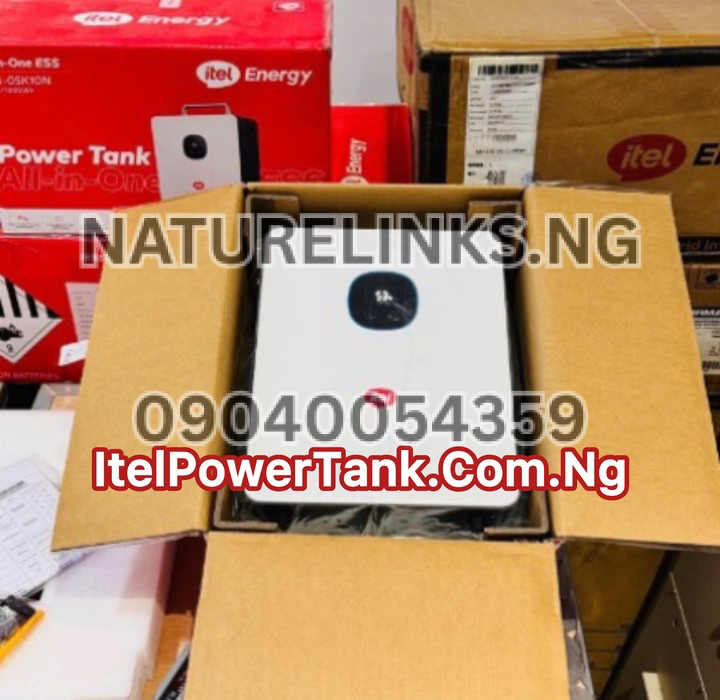
How to turn off Itel Power Tank AC output
If you only want to stop appliances connected to the AC sockets, you may not need to completely shut down the Power Tank.
Use the AC ON/OFF control.
This can be useful when, for example, you want to stop a TV or fan but continue using another available function of the Power Tank.
The published IESS-05K10N manual specifically lists an AC ON/OFF button among the controls.
How to turn off Itel Power Tank DC output
The same principle applies to DC equipment.
If you have connected compatible DC devices, switch off the DC output before completely shutting down the Power Tank.
This can help prevent unnecessary battery drain.
For example, if your Power Tank is supplying:
- DC lights
- USB devices
- Compatible DC equipment
- Other low-power electronics
you can stop the relevant output rather than treating every situation as a complete system shutdown.
Does turning off the AC output turn off the whole Itel Power Tank?
Not necessarily.
Turning off the AC output primarily stops the AC inverter/output function. It does not automatically mean that every part of the Power Tank has been completely shut down.
This is why it is important to understand the difference between:
AC OFF: stops AC power delivery.
DC OFF: stops the relevant DC power delivery.
Main Power OFF: shuts down the Power Tank itself.
If your objective is to completely switch off the device, use the main power control after disabling the outputs.
Why should I turn off Itel Power Tank properly?
Proper shutdown is useful because it can:
- Prevent unnecessary battery consumption.
- Stop connected appliances from drawing power.
- Make the unit safer to store.
- Reduce unnecessary operating time.
- Help you identify whether an output is still active.
- Make it easier to transport or move the unit.
- Prevent accidentally leaving equipment connected.
The Power Tank includes protection functions such as overload, short-circuit, temperature and voltage protection on the commonly documented configuration, but users should still operate the equipment according to its instructions.
How do I turn off Itel Power Tank before storage?
If you are not going to use the Power Tank for some time:
- Turn off connected appliances.
- Switch off AC output.
- Switch off DC output.
- Hold the main power button until the system shuts down.
- Disconnect unnecessary cables.
- Store the unit in a cool, dry and suitable location.
- Avoid exposing it to water, excessive heat or direct sunlight.
For longer-term storage, follow the battery-storage instructions for your exact model.
The Power Tank documentation recommends suitable ventilation and protection from environmental conditions during installation and operation.
Can I simply unplug Itel Power Tank?
You can disconnect charging or appliance cables when appropriate, but unplugging a cable is not the same as properly switching off the Power Tank.
If you want the unit completely off, use its power controls.
A better routine is:
Stop appliances → switch off outputs → hold main power button → confirm shutdown → disconnect cables if necessary.
This is particularly important if you are preparing the unit for storage or transportation.
What if Itel Power Tank does not turn off?
If your Power Tank does not respond normally, first remove the load.
Try this basic sequence:
- Turn off connected appliances.
- Turn off AC output.
- Turn off DC output.
- Disconnect charging sources.
- Wait approximately 30 seconds.
- Try restarting the Power Tank.
A current Power Tank troubleshooting guide recommends disconnecting appliances and charging sources and waiting about 30 seconds before restarting an unresponsive unit.
If the problem continues, do not repeatedly force the controls or open the battery compartment. Contact the seller/distributor or qualified technical support.
Itel Power Tank power button not working
If pressing the button does nothing, check:
- Whether the battery has sufficient charge.
- Whether an appliance is causing an overload.
- Whether a charging cable is connected correctly.
- Whether an output has entered protection mode.
- Whether the display shows an error.
- Whether the unit has overheated.
- Whether the exact button sequence for your model is being followed.
If the unit remains unresponsive after disconnecting loads and charging sources, professional inspection may be necessary.
Can I turn off Itel Power Tank with appliances connected?
It is preferable to switch off or disconnect unnecessary appliances before completely shutting down the Power Tank.
For example, if a television, fan, laptop charger and router are connected, turn off the appliances or their relevant output before performing a complete shutdown.
This creates a cleaner shutdown process and prevents equipment from unexpectedly losing power.
How do I restart Itel Power Tank after turning it off?
After completely shutting down the unit:
- Press the main power button to start it.
- Wait for the display/system to become active.
- Activate the required AC or DC output.
- Connect your appliance.
- Check the displayed battery percentage and output load.
Avoid immediately connecting a very high load without checking whether the appliance is within the Power Tank’s output capability.
Itel Power Tank 1000Wh and 500W output
One important buying point for Nigerian customers is that battery capacity and inverter output are not the same thing.
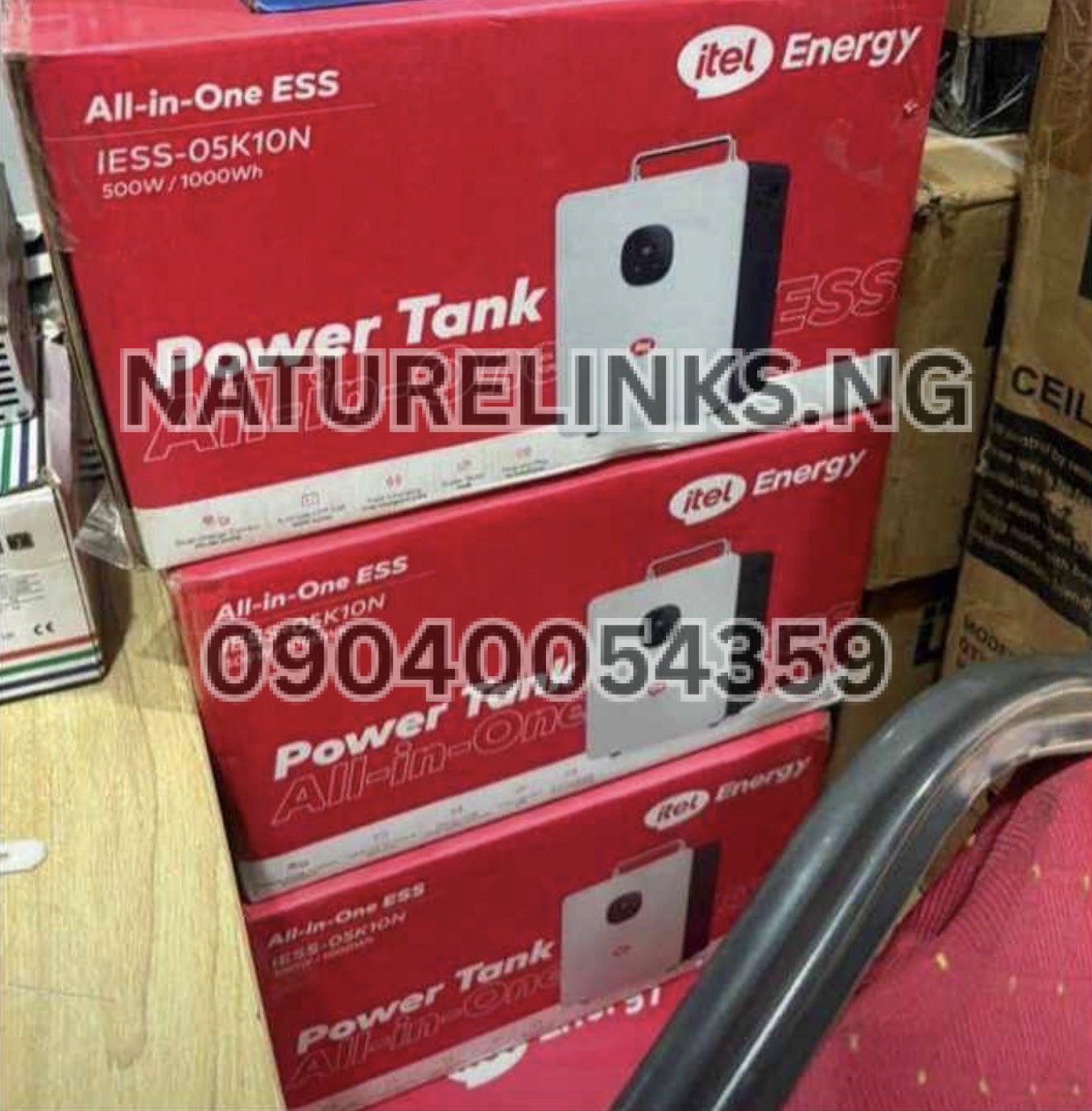
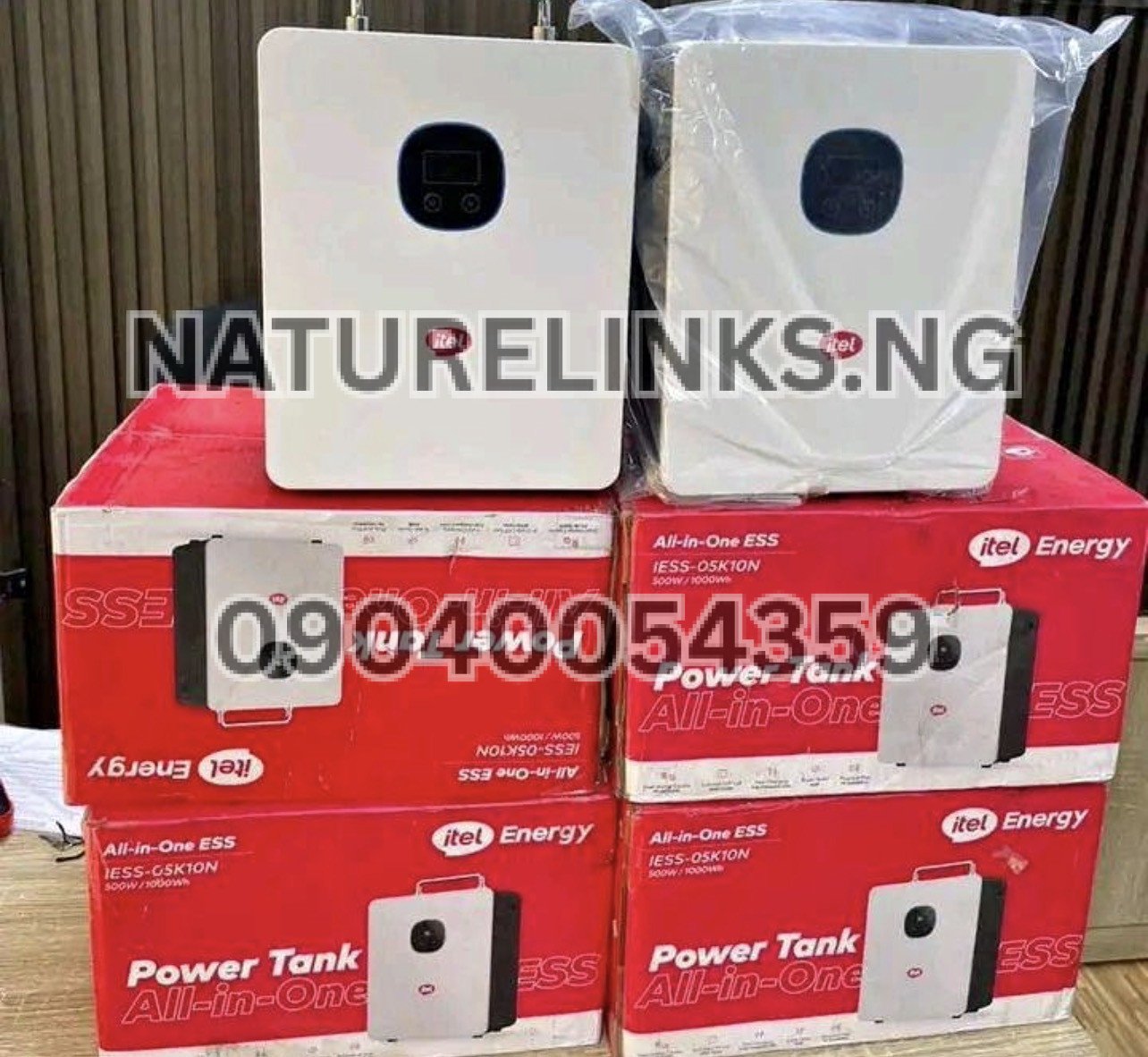
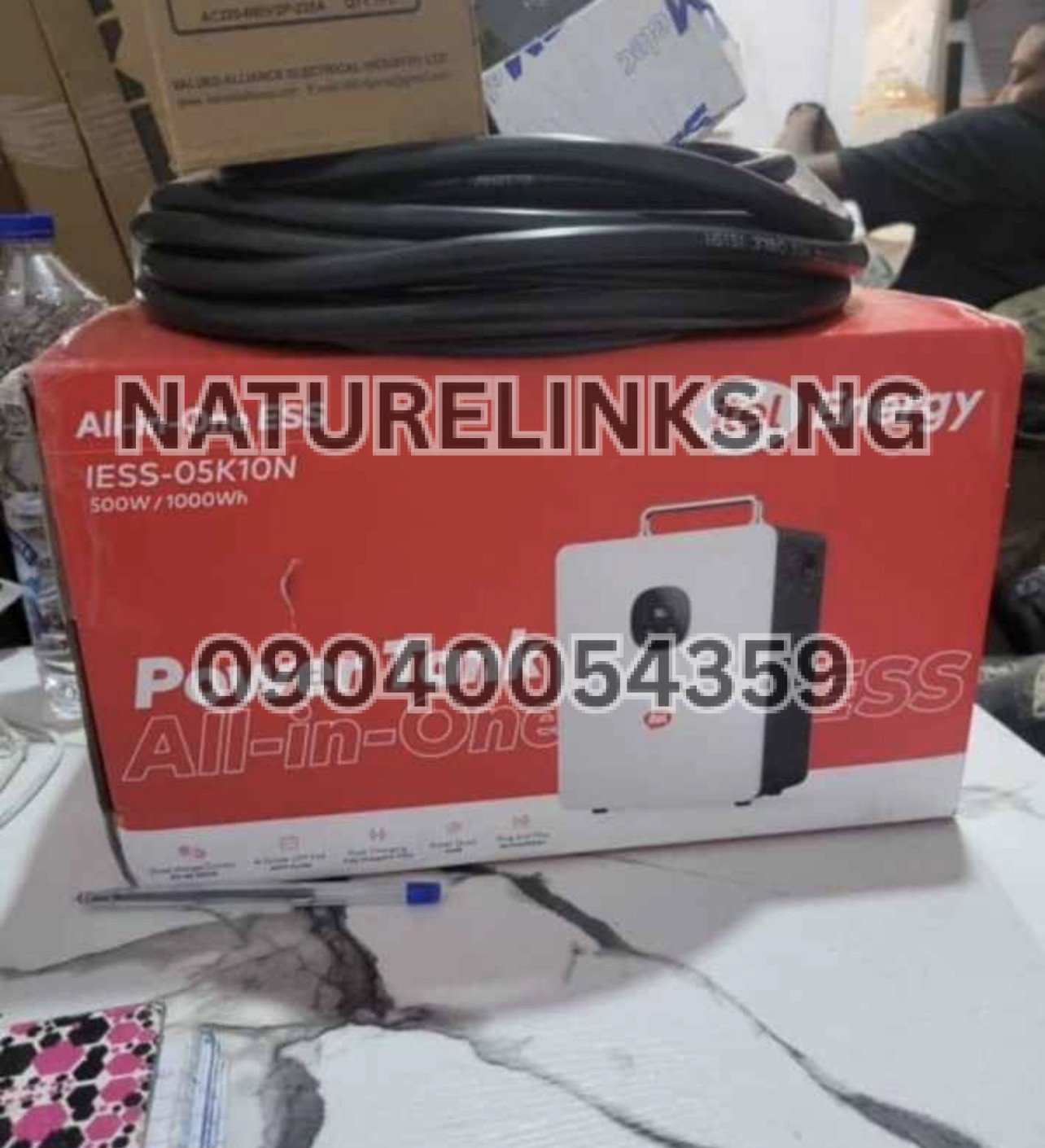
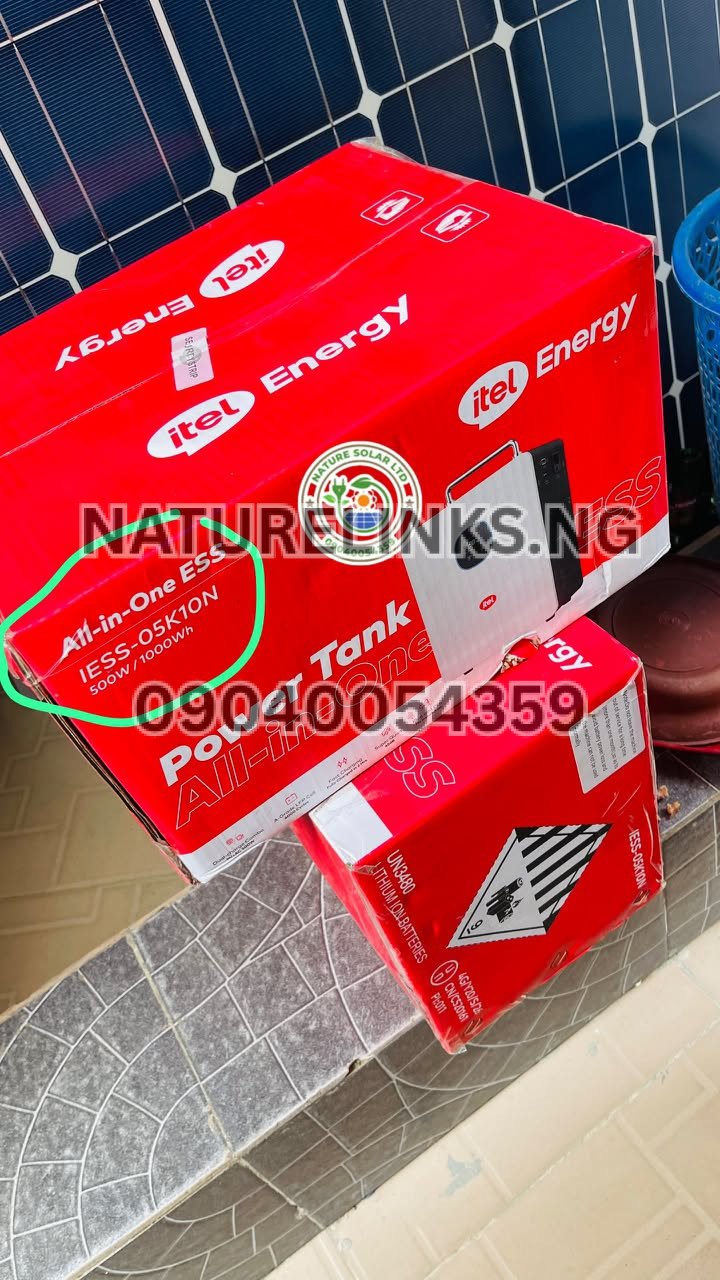
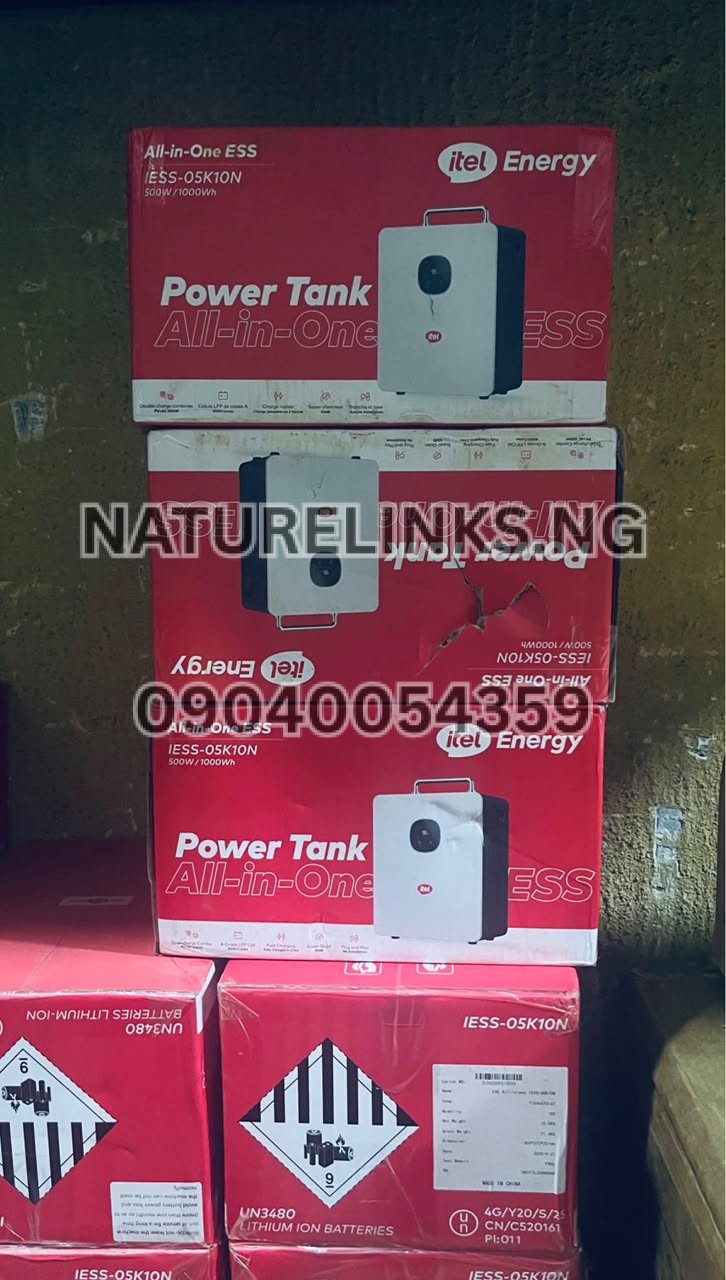
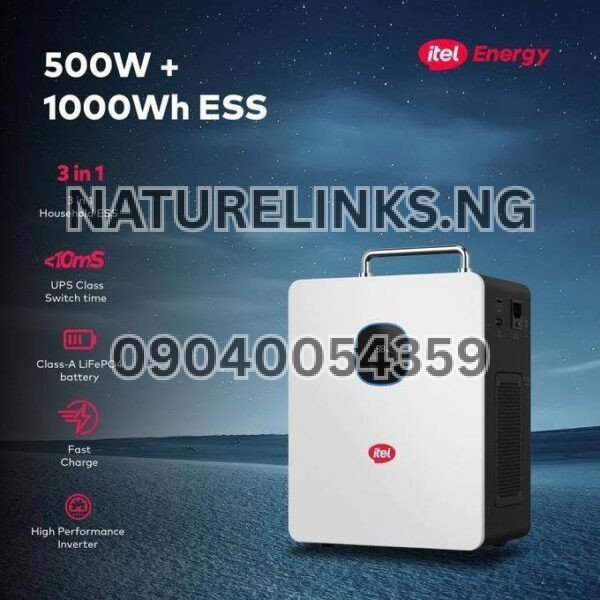
The commonly documented IESS-05K10N configuration has:
| Specification | Commonly listed value |
|---|---|
| Battery capacity | 1,000Wh / 1kWh |
| Battery technology | LiFePO₄ |
| Rated AC output | 500W |
| Surge output | Up to 1,000W on listed configurations |
| AC output | 230V |
| Solar input | Up to 400W on documented configuration |
| Solar charging | Yes |
| AC/grid charging | Yes |
| Inverter | Pure sine wave |
These specifications are reported in current Nigerian product information and the published IESS-05K10N documentation.
Therefore, when searching for an “Itel Power Tank 1000W”, confirm whether the seller means 1,000Wh battery capacity, 1,000W surge capacity, or a different continuous-output configuration.
How do I know when Itel Power Tank is fully off?
After a complete shutdown, the main display and active output functions should no longer indicate normal operation.
If an output indicator remains active, check whether you have only switched off the AC or DC output rather than the entire Power Tank.
The exact display behaviour can vary by model and configuration, so check the user manual supplied with your particular unit.
Is Itel Power Tank easy to use?
Yes. The commonly marketed Power Tank is designed as an all-in-one energy-storage system rather than a conventional petrol generator requiring engine operation.
The commonly documented configuration combines a lithium battery, inverter, MPPT solar controller and output ports in one system.
For ordinary operation, the basic process is:
Charge → switch on → activate required output → connect appliances → monitor load → switch off when finished.
What appliances can Itel Power Tank power?
The exact answer depends on appliance wattage and startup requirements.
Commonly suitable lower-power equipment can include:
- Wi-Fi routers
- LED lights
- Smartphones
- Laptops
- TVs
- Decoders
- POS machines
- CCTV equipment
- Small fans
- Small office equipment
For appliances with motors or compressors, such as refrigerators, freezers and pumps, check starting/surge requirements carefully.
The commonly documented Power Tank has a 500W continuous AC output, so a 1,000Wh battery should not be interpreted as a 1,000W continuous appliance-output rating.
Itel Power Tank price in Nigeria
If you are researching how to turn off Itel Power Tank because you are considering buying one, it is also useful to understand the configuration being sold.
Current Nigerian online listings show different prices depending on the seller, configuration, warranty and package. One current listing advertises a 1,000Wh unit at about ₦279,000, while other Nigerian listings show higher prices.
Because prices can change, buyers should confirm the current price, model number and package contents before payment.
Where to buy genuine Itel Power Tank in Nigeria
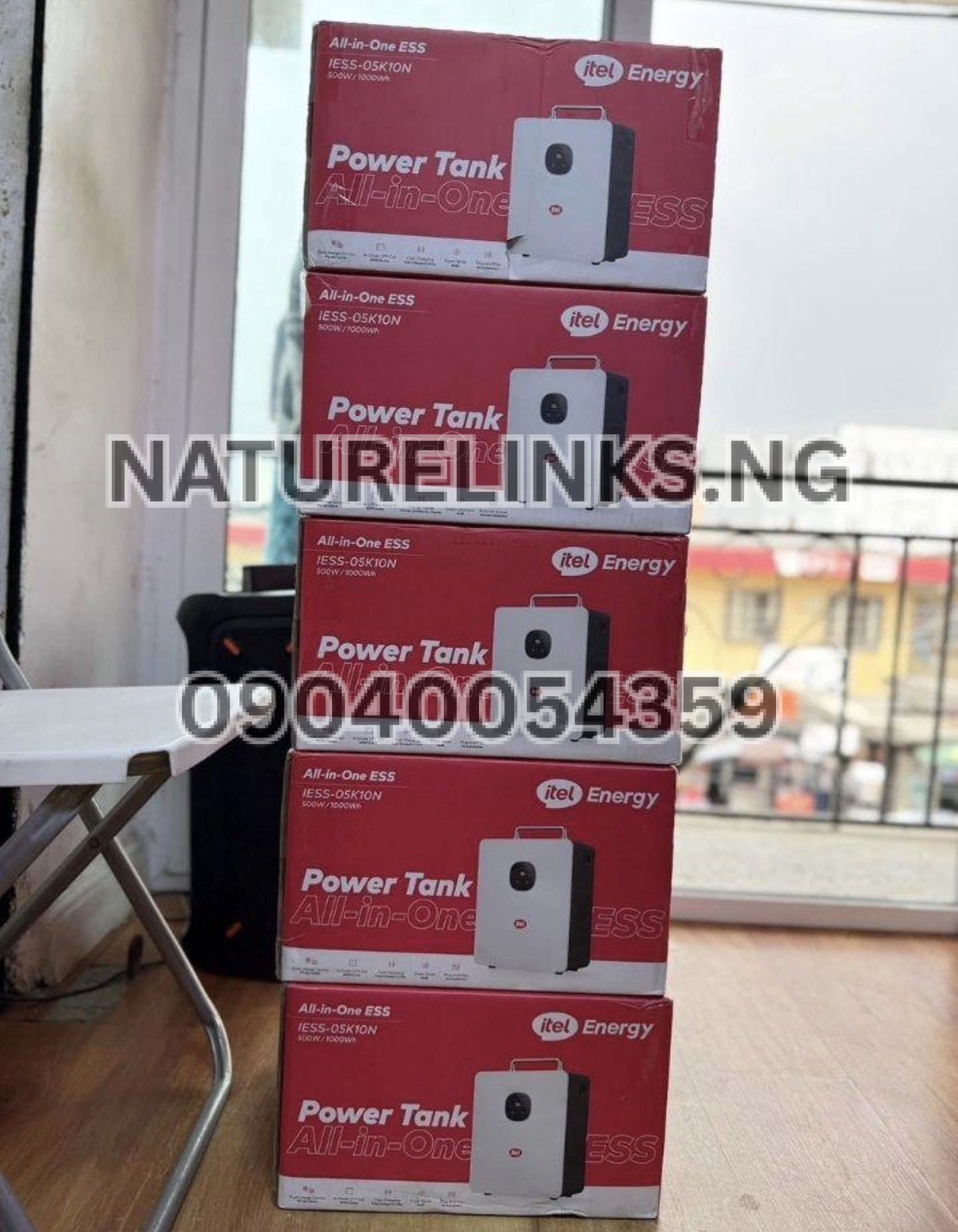
For customers looking to buy an itel Power Tank in Nigeria, the supplied seller information is:
Nature Links Nigeria Limited
Best Seller: Nature Solar Global Limited
Distributor: Nature Solar Global Limited
Accredited Distributor: Nature Solar Global Limited
CEO: Mr. Joseph Chikeleze
Call: 07049528019
WhatsApp: 09040054359
Shop Address:
F1571 Upstairs (F-Line), Alaba International Market.
Lagos State 🇳🇬
Customers should confirm the exact Power Tank model, battery capacity, inverter rating, warranty, accessories and current price before payment.
Why buy from an authorized Itel Power Tank distributor?
Buying from an established distributor can help you verify:
- Original product status
- Exact model number
- Battery capacity
- Inverter rating
- Included accessories
- Warranty information
- Charging method
- Solar compatibility
- Technical support
- Current Nigerian price
This is especially important because Nigerian listings sometimes use terms such as “1000W” and “1000Wh” interchangeably even though they describe different specifications.
“How do I turn off Itel Power Tank?” — Common mistakes to avoid
1. Confusing AC OFF with complete shutdown
Switching off AC output does not necessarily mean the entire Power Tank is off.
2. Leaving appliances connected
Remove unnecessary loads before completely shutting down.
3. Ignoring the display
The display can help you determine whether an output or the entire system is still operating.
4. Using an incorrect charger or cable
Always use compatible charging equipment for the specific model.
5. Ignoring overload warnings
If the Power Tank reports an overload or protection condition, reduce the connected load instead of repeatedly trying to operate it under the same condition.
Frequently Asked Questions About Itel Power Tank
1. How do I turn off Itel Power Tank?
Turn off the AC and DC outputs, then press and hold the main power button for several seconds until the Power Tank shuts down. The exact button arrangement depends on the model.
2. How do I turn off the AC on Itel Power Tank?
Use the AC ON/OFF button to disable the AC output. The IESS-05K10N documentation identifies an AC ON/OFF control on the system.
3. Does turning off AC turn off the whole Power Tank?
No. AC output control and complete system shutdown are different functions. If you want the entire unit off, use the main power shutdown procedure.
4. Can I turn off Itel Power Tank while charging?
You should distinguish between disabling an output and completely shutting down the system. If you need to stop charging, follow the charging/shutdown procedure for your specific model and disconnect the charging source safely.
5. Why won’t my Itel Power Tank turn off?
Disconnect appliances and charging sources, switch off the outputs and wait briefly before attempting to restart or shut down the unit again. Persistent problems should be referred to technical support.
6. Should I disconnect appliances before turning off Itel Power Tank?
Yes. Disconnecting unnecessary appliances before a complete shutdown is a sensible operating practice and prevents loads from suddenly losing power.
7. Does Itel Power Tank consume battery when AC is off?
If the entire Power Tank is still operating, some internal electronics may consume a small amount of energy. A complete shutdown minimizes normal operating consumption.
8. Can I leave my Itel Power Tank switched on overnight?
You can use it according to its intended operating instructions, but unnecessary loads should be switched off when they are not needed. For storage or prolonged periods without use, follow the manufacturer’s storage guidance.
9. Is Itel Power Tank rechargeable?
Yes. Commonly listed Power Tank configurations support AC/grid charging and solar charging.
10. How do I reset Itel Power Tank if it freezes?
Turn off connected outputs, disconnect appliances and charging sources, wait around 30 seconds, and restart the unit. If it remains unresponsive, contact qualified technical support rather than opening the unit yourself.
Itel Power Tank shutdown checklist
Before putting your Power Tank away, remember:
✓ Disconnect appliances
✓ Turn off AC output
✓ Turn off DC output
✓ Hold the main power button
✓ Confirm shutdown on the display
✓ Disconnect charging cables if required
✓ Store in a cool, dry and suitable environment
This simple routine makes it easier to manage your Power Tank and avoid unnecessary battery consumption.
Conclusion
Knowing “How do I turn off Itel Power Tank?” makes daily operation much easier. For a complete shutdown, disconnect unnecessary appliances, switch off the AC and DC outputs, and then hold the main power button for several seconds until the system shuts down. If you only need to stop AC appliances, use the AC ON/OFF control instead of necessarily shutting down the entire Power Tank.
The commonly documented IESS-05K10N combines a 1,000Wh battery with a 500W rated AC inverter, while some configurations list higher surge capability. Always confirm the exact model and specifications before purchasing because Wh (battery energy) and W (output power) are different measurements.
For genuine Itel Power Tank enquiries, current pricing, availability, warranty and product guidance in Nigeria, customers can contact Nature Solar Global Limited / Nature Links Nigeria Limited at 07049528019 or WhatsApp 09040054359, or visit F1571 Upstairs (F-Line), Alaba International Market, Lagos State 🇳🇬.


1 thought on “How do I turn off Itel Power Tank?”