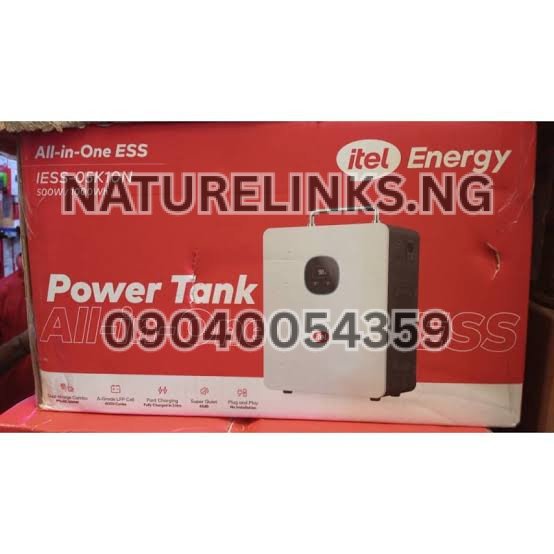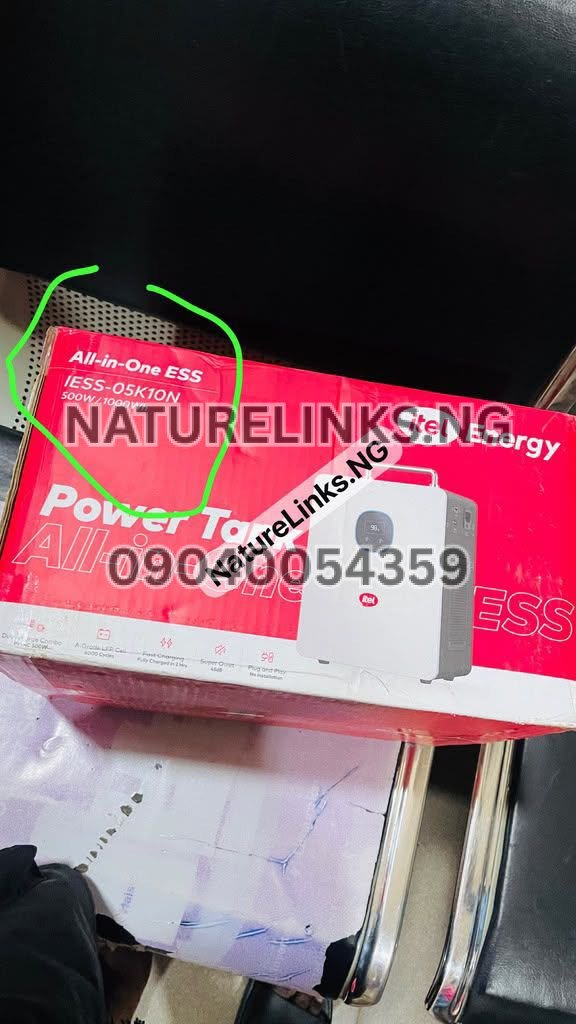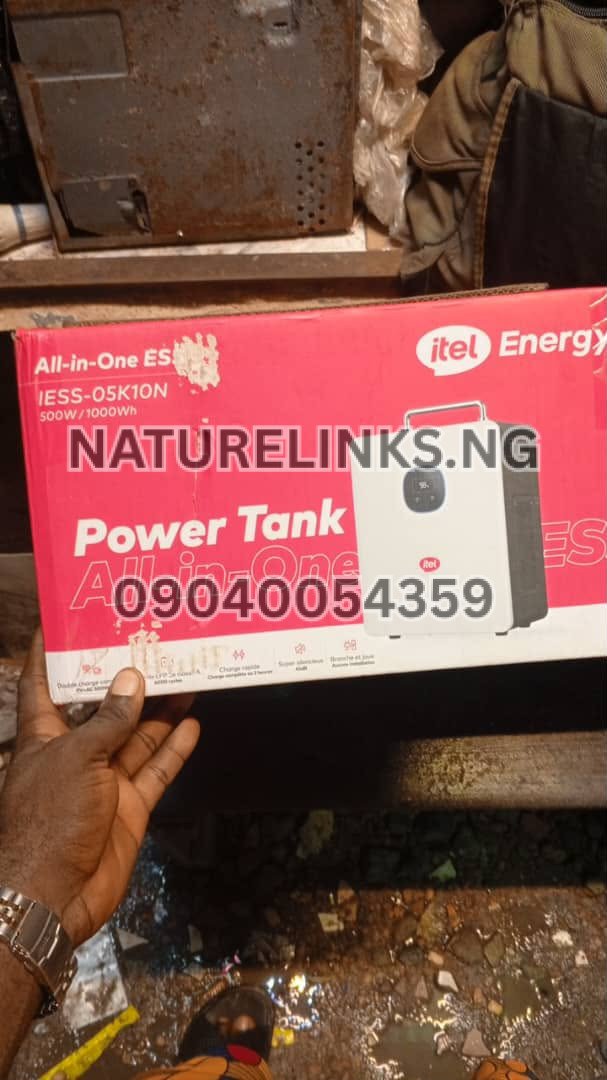
If you are searching “How long can Itel Power Tank run a desktop?”, the answer depends mainly on the desktop computer’s actual power consumption, including the monitor and any other equipment connected to the Power Tank.
The commonly listed Itel Power Tank configuration has a 1,000Wh/1kWh LiFePO₄ battery and 500W rated AC output. A Nigerian product listing specifically estimates a desktop PC at about 100W and approximately 9 hours of runtime, although the actual runtime will vary according to the computer, monitor, workload and inverter losses.
For a normal office desktop used for browsing, Microsoft Office, accounting, POS work, internet work and similar tasks, an Itel Power Tank can provide several hours of backup. A gaming or high-performance desktop can consume considerably more electricity and therefore run for much less time.
How Long Can Itel Power Tank Run a Desktop Computer?
The commonly referenced 1,000Wh Itel Power Tank can theoretically provide:
| Desktop + monitor load | Theoretical runtime | Approximate practical expectation |
|---|---|---|
| 80W | 12.5 hours | Around 10–11 hours |
| 100W | 10 hours | Around 8–9 hours |
| 120W | 8.3 hours | Around 7–8 hours |
| 150W | 6.7 hours | Around 5.5–6 hours |
| 200W | 5 hours | Around 4–4.5 hours |
| 250W | 4 hours | Around 3.3–3.6 hours |
| 300W | 3.3 hours | Around 2.7–3 hours |
| 400W | 2.5 hours | Around 2–2.2 hours |
| 500W | 2 hours | Around 1.6–1.8 hours |
These are estimates rather than guarantees. The simple calculation is 1,000Wh ÷ load in watts, while actual usable runtime is reduced by inverter conversion losses, battery-management limits and operating conditions.
A Nigerian retail listing gives an example of approximately 9 hours for a 100W desktop PC, which is consistent with allowing for real-world losses rather than simply dividing 1,000Wh by 100W.
“How Long Can Itel Power Tank Run a Desktop?”
The answer to “How long can Itel Power Tank run a desktop?” is approximately 8–9 hours for a desktop setup consuming around 100W, based on the commonly advertised 1,000Wh model and Nigerian product-runtime estimates.
However, this should not be interpreted as saying every desktop will run for nine hours.
A desktop computer’s power consumption can change significantly depending on:
- Processor
- Graphics card
- Monitor size
- Monitor brightness
- Number of monitors
- Storage devices
- Cooling fans
- CPU workload
- Gaming
- Video editing
- Rendering
- External speakers
- USB accessories
- Printer
- Router
- Other connected devices
A basic office desktop can therefore have a dramatically different runtime from a gaming PC.

Itel Power Tank 1000Wh Desktop Runtime
The commonly listed Itel Power Tank provides 1,000Wh/1kWh of battery storage and a 500W rated AC output. The system uses LiFePO₄ battery technology and a pure-sine-wave inverter on the documented configuration.
This makes the Power Tank suitable for many electronics and office applications, provided their combined power requirement remains within the unit’s output capability.
For example:
100W desktop setup:
1,000Wh ÷ 100W = 10 hours theoretical.
Allowing for inverter losses and other factors gives a lower practical figure, with Nigerian listings estimating around 9 hours for a 100W desktop PC.
How Many Watts Does a Desktop Computer Use?
There is no single wattage for every desktop computer.
A typical desktop computer can consume substantially different amounts depending on its components and workload. NREL cites a typical active desktop computer at around 80–100W, while broader desktop-PC measurements show that a computer and monitor can consume roughly 90–150W under maximum-use conditions for some typical home systems.
Gaming desktops can consume much more.
A high-performance gaming PC with a dedicated graphics card may use hundreds of watts, particularly during demanding games or rendering.
This is why checking the actual wall power consumption is better than estimating from the computer’s power-supply rating.
Does the Monitor Count When Calculating Desktop Runtime?
Yes.
If the monitor is connected to the Itel Power Tank, its electricity consumption must be included in the calculation.
For example:
- Desktop computer: 80W
- Monitor: 30W
- Router: 10W
- LED lamp: 10W
Total:
80W + 30W + 10W + 10W = 130W
A 130W total load would theoretically use approximately:
1,000Wh ÷ 130W = 7.7 hours
Actual runtime would be lower because of conversion losses and other system factors.
A desktop-runtime estimate that considers only the computer tower can therefore overestimate the actual backup time.

How Long Can Itel Power Tank Run a Desktop and Monitor?
For a desktop computer and monitor together, a practical estimate might look like this:
100W Combined Load
Approximately 8–9 hours in real-world conditions.
150W Combined Load
Approximately 5.5–6 hours.
200W Combined Load
Approximately 4–4.5 hours.
250W Combined Load
Approximately 3.3–3.6 hours.
300W Combined Load
Approximately 2.7–3 hours.
These are planning estimates, not guaranteed runtimes.
The actual result depends on the Power Tank’s exact configuration, battery condition and the desktop’s actual electricity consumption.
Can Itel Power Tank Run a Desktop for 8 Hours?
Yes, an approximately 8-hour desktop backup is possible when the combined load is relatively low, around the 100W range.
This is particularly relevant for basic office desktops used for:
- Microsoft Word
- Excel
- Web browsing
- POS applications
- Accounting software
- Customer service work
- Data entry
- Light business applications
A desktop that continuously draws 200W or 300W will not normally achieve eight hours from a 1,000Wh battery.
Can Itel Power Tank Run a Desktop for 10 Hours?
A 10-hour runtime is theoretically possible at an average load of approximately 100W:
1,000Wh ÷ 100W = 10 hours
But that calculation does not account for inverter losses and other factors.
Therefore, 10 hours should be regarded as a theoretical calculation rather than a guaranteed real-world runtime.
For planning purposes, users should expect somewhat less.
Can Itel Power Tank Run a Gaming PC?
It depends on the gaming PC’s actual power consumption.
The documented Power Tank has a 500W rated AC output, so a gaming desktop that approaches or exceeds this level may not be suitable.
A gaming PC can also have significant power spikes, especially when the graphics card and processor are heavily loaded.
Before connecting a gaming PC, check:
- PC power consumption
- GPU power consumption
- CPU power consumption
- Monitor wattage
- Startup/surge characteristics
- Other connected equipment
A low-power gaming PC may be possible, while a high-end gaming desktop can exceed the Power Tank’s intended output range.
Can Itel Power Tank Run a Desktop and Printer?
It can potentially run a desktop and a compatible low-power printer if their combined power requirement remains within the Power Tank’s rated output.
However, printers can have short periods of increased power consumption, especially during printing.
For an office setup, check the printer’s wattage and starting requirements before connecting it.
If the desktop consumes 150W and the printer requires 100W during operation, the combined load is already around 250W before considering the monitor, router or other accessories.
Can Itel Power Tank Run a Desktop and Router?
Yes, this is a common type of backup setup when the combined load is within the unit’s specifications.
For example:
- Desktop: 100W
- Monitor: 30W
- Router: 10W
Total:
140W
The theoretical battery runtime is:
1,000Wh ÷ 140W = approximately 7.1 hours
Actual runtime will be lower.
This type of setup can be useful for Nigerian remote workers, freelancers, students and small-business owners.

Can Itel Power Tank Run a Desktop and Wi-Fi?
Yes, provided the combined power consumption remains within the Power Tank’s output rating.
A typical office backup arrangement could include:
- Desktop computer
- Monitor
- Wi-Fi router
- Modem
- LED light
The lower the total wattage, the longer the battery will last.
Itel Power Tank for Desktop Computer in Nigeria
The Itel Power Tank can be useful as a desktop backup system for Nigerians who need to maintain computer operations during power interruptions.
Possible users include:
- Remote workers
- Freelancers
- Cybersecurity learners
- Graphic designers
- Accountants
- POS operators
- Small businesses
- Office workers
- Students
- Online business owners
- Customer-service workers
- Content creators
The most important factor is the desktop’s actual power requirement.
How to Calculate Desktop Runtime on Itel Power Tank
Use this basic formula:
Runtime = Battery capacity ÷ Total load
For the 1,000Wh Power Tank:
Runtime = 1,000Wh ÷ Total watts
Example:
Desktop + monitor = 125W
1,000 ÷ 125 = 8 hours theoretical
Actual runtime could be lower because the inverter consumes some energy during AC conversion.
This formula is useful for comparing different desktop setups before purchasing a Power Tank.
Why Actual Runtime Is Less Than the Calculation
The battery does not deliver every stored watt-hour directly to the desktop.
Energy is lost through:
- Inverter conversion
- Internal electronics
- Cooling
- Battery-management systems
- Cables
- Connected equipment
- Operating conditions
Therefore:
Theoretical runtime ≠ guaranteed runtime.
This is why a 100W load may theoretically run for 10 hours but a real-world estimate may be closer to 8–9 hours.
How to Make Itel Power Tank Last Longer With a Desktop
You can extend backup time by reducing unnecessary electricity consumption.
Reduce Monitor Brightness
A lower brightness setting can reduce monitor consumption.
Use Sleep Mode
Configure Windows to automatically enter sleep mode after a period of inactivity.
Disconnect Unnecessary Accessories
Remove unused USB devices and external equipment.
Turn Off External Speakers
If speakers are not needed, disconnect them.
Use an Energy-Efficient Monitor
LED monitors generally consume less power than older display technologies.
Avoid Gaming During an Emergency
Gaming can significantly increase the computer’s power demand, particularly on systems with dedicated GPUs.
Reduce Background Applications
Heavy background processes can increase CPU utilization and energy consumption.

Can Itel Power Tank Power a Desktop Overnight?
A low-power desktop setup may run for a significant portion of the night, but the exact duration depends on its load.
For example, a 100W setup could theoretically consume:
100W × 8 hours = 800Wh
That leaves approximately 200Wh from a nominal 1,000Wh battery before accounting for conversion losses.
Consequently, an eight-hour office desktop backup is more realistic with an efficient low-power setup than with a high-performance workstation.
Can Itel Power Tank Power a Desktop for 24 Hours?
A 1,000Wh Power Tank cannot normally run a 100W desktop continuously for 24 hours from a single charge.
A 100W desktop operating for 24 hours would theoretically require:
100W × 24 = 2,400Wh
That is more than twice the nominal 1,000Wh capacity.
To achieve very long runtimes, you would need:
- Lower power consumption
- Additional battery capacity
- Solar recharging
- Periodic computer shutdown
- A more efficient computer
Itel Power Tank Desktop Backup With Solar
One advantage of the Itel Power Tank is that the documented configuration supports solar charging through an integrated MPPT controller, with up to approximately 400W PV input.
This can allow users to recharge the battery during daylight hours while using stored energy for desktop work.
For Nigerians, solar charging can be particularly useful when grid electricity is unreliable.
Actual solar charging depends on:
- Panel wattage
- Sunlight
- Weather
- Panel orientation
- Shading
- Cable losses
- Solar input configuration
Can Itel Power Tank Charge While Running a Desktop?
Supported configurations can provide UPS/pass-through functionality, allowing the system to support connected equipment while charging. The documented Power Tank specifications include a UPS function on compatible configurations.
However, users should verify the exact model’s charging and pass-through behavior before relying on it as a permanent desktop UPS.
Is Itel Power Tank Good for Office Desktop Backup?
The Power Tank is designed for home, office, shop and emergency backup applications on the documented configuration.
For a low-power office desktop, the 1kWh battery can provide several hours of backup.
Before purchase, calculate the total load of:
- Desktop
- Monitor
- Router
- Printer
- Speakers
- LED lighting
- External hard drives
- Other equipment
The total should remain comfortably within the Power Tank’s rated output.

Itel Power Tank 500W vs Desktop Power Consumption
One important distinction is between Wh and W.
1,000Wh = battery energy storage capacity.
500W = rated AC output.
Therefore, the Power Tank’s 1,000Wh battery does not mean it can run a 1,000W desktop.
The documented configuration is rated at 500W continuous AC output, with higher surge capability listed for some configurations.
A desktop setup drawing 150W is therefore fundamentally different from one drawing 600W.
What If My Desktop Uses 300W?
A 300W desktop load would theoretically consume:
300Wh every hour.
Therefore:
1,000Wh ÷ 300W = 3.33 hours theoretical.
Actual usable runtime will be lower.
If the desktop consumes 300W continuously, users should plan for roughly a few hours rather than expecting an all-day backup.
What If My Desktop Uses 200W?
A 200W desktop setup gives:
1,000Wh ÷ 200W = 5 hours theoretical.
Allowing for conversion losses, actual runtime will be lower.
A reasonable planning range would be around 4–4.5 hours, depending on the equipment and operating conditions.
What If My Desktop Uses 100W?
A 100W desktop setup gives:
1,000Wh ÷ 100W = 10 hours theoretical.
A Nigerian product listing estimates approximately 9 hours for a 100W desktop PC, illustrating a more realistic figure after accounting for system losses.
How Do I Know My Desktop’s Actual Wattage?
The best way is to measure it.
You can use a suitable plug-in electricity meter between the Power Tank and the desktop setup to measure actual consumption.
Alternatively, check:
- Computer power-monitoring software
- Manufacturer specifications
- Monitor specifications
- Power-supply information
Remember that the wattage printed on a desktop’s power supply is not necessarily the amount the computer continuously consumes.
For example, a 500W PSU does not mean the computer always consumes 500W.
Itel Power Tank Desktop Runtime: Office PC vs Gaming PC
| Desktop type | Typical relative consumption | Expected Power Tank runtime |
|---|---|---|
| Basic office PC | Low | Longest |
| Office PC + monitor | Low–moderate | Several hours |
| Workstation | Moderate–high | Shorter |
| Video-editing PC | High | Shorter |
| Gaming PC | High | Short |
| High-end gaming workstation | Very high | May approach/exceed Power Tank output |
These categories are only guides. Actual wattage should be measured for accurate runtime planning.

Itel Power Tank Key Features for Desktop Users
The commonly documented configuration includes:
- 1,000Wh / 1kWh battery
- LiFePO₄ battery technology
- 500W rated AC output
- Pure sine-wave inverter
- Solar charging
- Integrated MPPT
- Up to approximately 400W PV input
- AC/grid charging
- UPS functionality on compatible configurations
- Digital display
- Overload protection
- Over-temperature protection
- Over-voltage protection
- Short-circuit protection
- Intelligent cooling fan
Specifications can vary by model and retail package, so buyers should verify the exact model before purchase.
Frequently Asked Questions
1. How long can Itel Power Tank run a desktop?
A 1,000Wh Itel Power Tank can theoretically run a 100W desktop load for about 10 hours, while Nigerian product listings estimate approximately 9 hours in practical use. Higher-wattage desktops will run for less time.
2. Can Itel Power Tank run a desktop computer?
Yes. The Power Tank is marketed for office and home backup applications, including desktop computers, provided the computer’s total power requirement stays within the unit’s output capability.
3. Can Itel Power Tank run a desktop and monitor?
Yes, provided the combined wattage of the computer and monitor remains within the Power Tank’s rated output. The monitor’s electricity consumption must be included when calculating runtime.
4. Can Itel Power Tank run a gaming PC?
It depends on the gaming PC’s actual power consumption. A low-power gaming PC may be suitable, but a high-performance system can consume hundreds of watts and may approach or exceed the Power Tank’s 500W continuous output.
5. How many watts does an Itel Power Tank have?
The commonly documented configuration has a 500W rated AC output and a 1,000Wh battery. Some listings specify higher surge capability.
6. How long can a 1,000Wh battery run a computer?
At 100W, the theoretical calculation is approximately 10 hours. At 200W, it is about 5 hours, and at 300W, approximately 3.3 hours. Actual runtime is lower because of conversion losses and other factors.
7. Can Itel Power Tank power a desktop overnight?
A low-power desktop and monitor setup may operate for much of the night, depending on its actual wattage. A high-power desktop will have substantially shorter runtime.
8. Can Itel Power Tank power a desktop while charging?
Compatible configurations support UPS/pass-through operation. Confirm the exact model’s documentation before relying on simultaneous charging and desktop operation.
9. Can Itel Power Tank charge with solar?
Yes. The documented 1kWh configuration includes an integrated MPPT solar controller and supports solar input, with up to approximately 400W PV input listed for the configuration.
10. Where can I buy genuine Itel Power Tank in Nigeria?
You can contact Nature Links Nigeria Limited / Nature Solar Global Limited using 07049528019 or 09040054359 on WhatsApp, or visit F1571 Upstairs (F-Line), Alaba International Market, Lagos State 🇳🇬. Confirm the exact model, current price, warranty and specifications before purchase.
Where to Buy Itel Power Tank in Nigeria
For customers searching for Itel Power Tank price in Nigeria, Itel Power Tank 1000Wh, Itel Power Tank 500W, or a genuine Itel Power Tank for desktop backup, contact:
The Best Seller: Nature Links Nigeria Limited [NatureLinks.NG]
Distributor: Nature Solar Global Limited
CEO: Mr. Joseph Chikeleze
Call: 07049528019
WhatsApp: 09040054359
Shop Address: F1571 Upstairs (F-Line), Alaba International Market, Lagos State 🇳🇬
Before making payment, ask for confirmation of the exact Power Tank model, battery capacity, inverter output, charging specifications, warranty and package contents.
Final Answer: How Long Can Itel Power Tank Run a Desktop?
If your question is “How long can Itel Power Tank run a desktop?”, a useful planning figure is around 8–9 hours for a relatively efficient 100W desktop setup, based on the commonly listed 1,000Wh Power Tank and Nigerian product-runtime estimates.
A 200W setup could provide roughly 4–5 hours, while a 300W setup could provide around 3 hours. A gaming PC or workstation consuming 400–500W could reduce the runtime to approximately 1.5–2 hours in practical use.
The most accurate method is to measure the desktop’s actual combined wattage, including the monitor and other accessories, and then compare it with the Power Tank’s 1,000Wh battery capacity and 500W rated output.

Conclusion
The Itel Power Tank can provide useful backup power for desktop computers in Nigeria, particularly for office work, remote work, POS operations, internet use, accounting, browsing and other moderate-power activities. The commonly documented configuration combines a 1,000Wh LiFePO₄ battery with a 500W pure-sine-wave AC inverter, along with AC and solar charging capabilities.
For an efficient desktop setup consuming approximately 100W, expect a theoretical maximum of around 10 hours and a practical runtime closer to the 8–9-hour range. Higher loads reduce runtime accordingly.
The best way to determine your exact backup time is to check or measure the desktop’s real power consumption, including the monitor, router, speakers and other accessories. This is more accurate than relying solely on the computer’s PSU rating.
For current Itel Power Tank price in Nigeria, genuine products, availability, warranty and purchasing information, contact Nature Solar Global Limited, the accredited distributor in Nigeria, or Nature Links Nigeria Limited using the details provided above.