
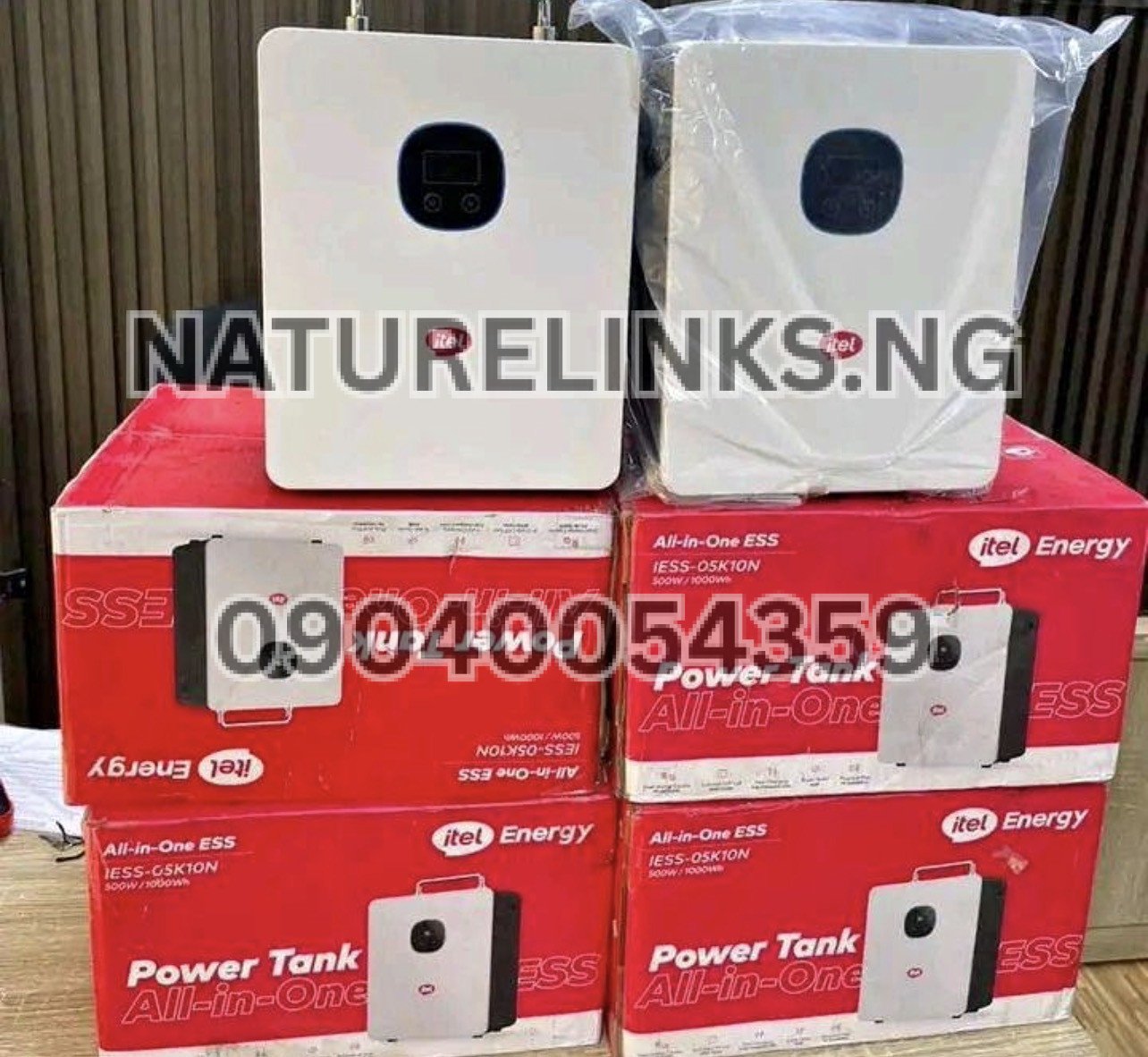
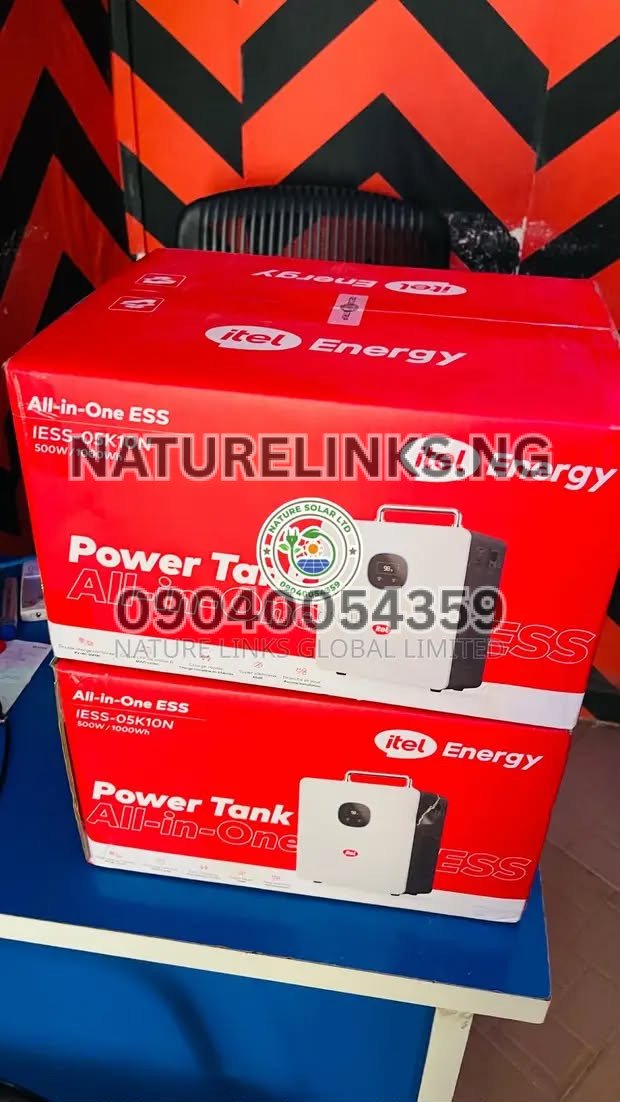
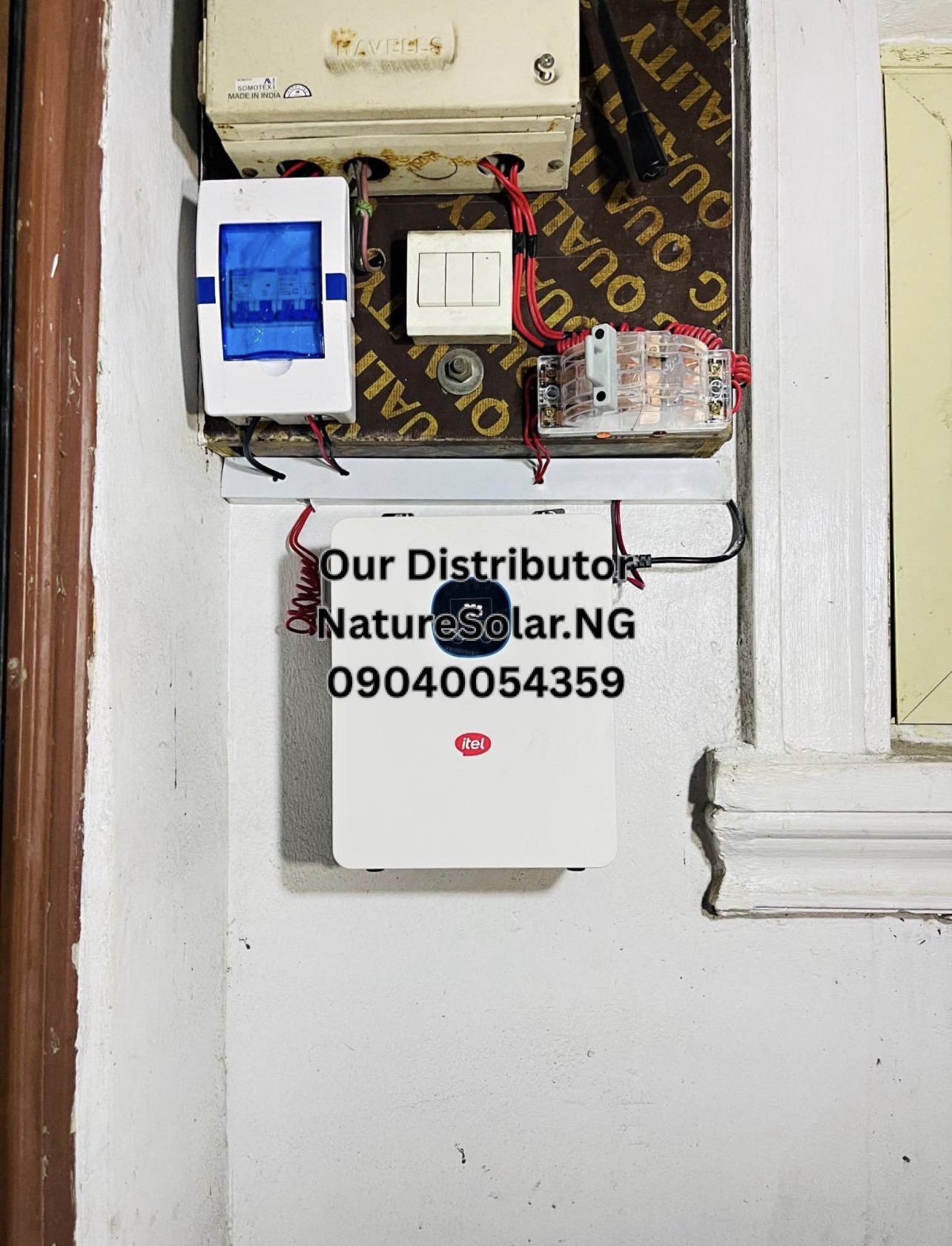
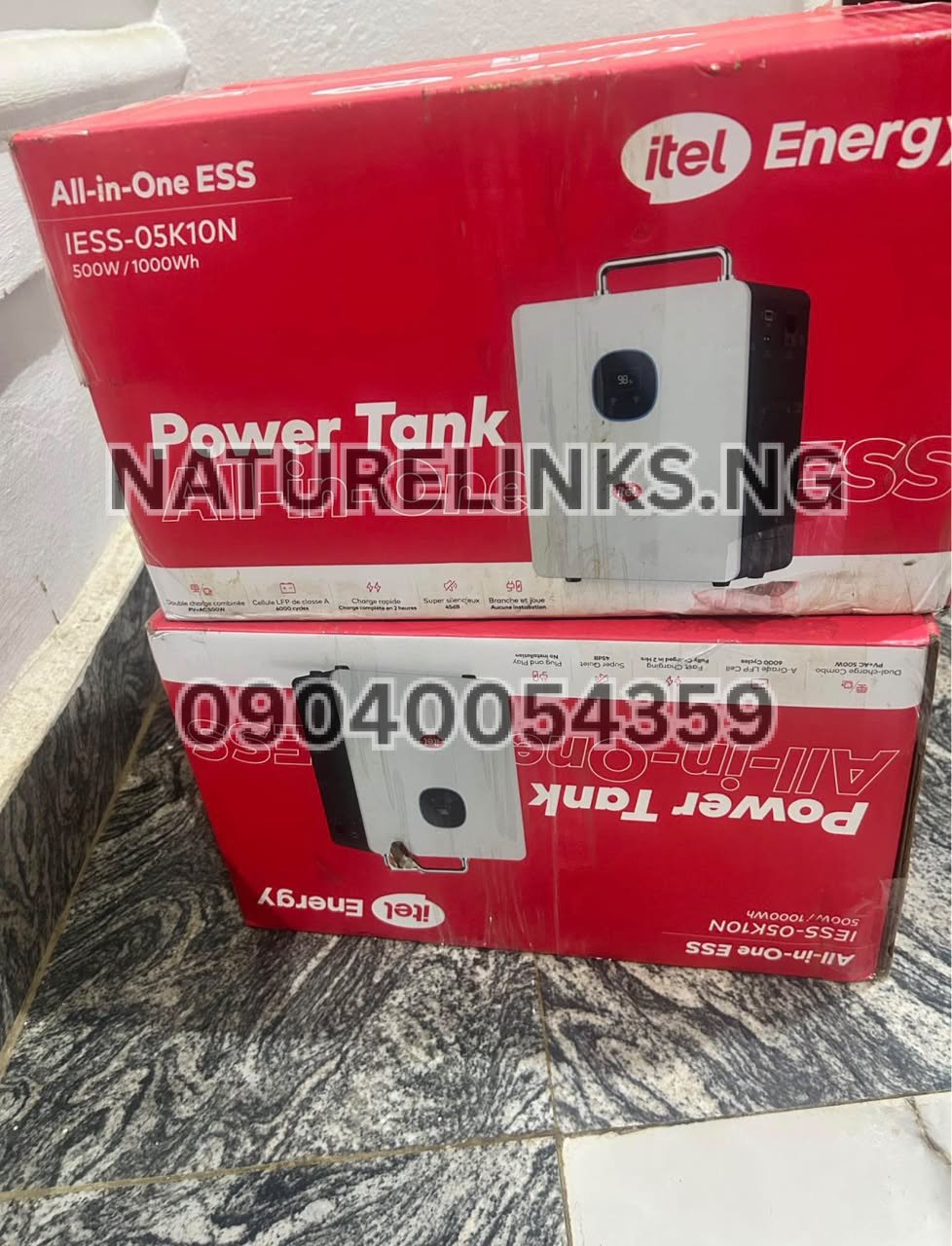
The Best Seller is Nature Solar Global Limited, the accredited distributor in Nigeria, supplying Itel Power Tank solutions for homes, offices, shops and small businesses. Nature Links Nigeria Limited [NatureLinks.NG] provides customers with access to genuine Itel Power Tank products and backup-power solutions in Nigeria.
If you are searching “How long can Itel Power Tank run a printer?”, the answer depends mainly on the type of printer, its power consumption, how frequently it prints and the amount of energy available in the Power Tank.
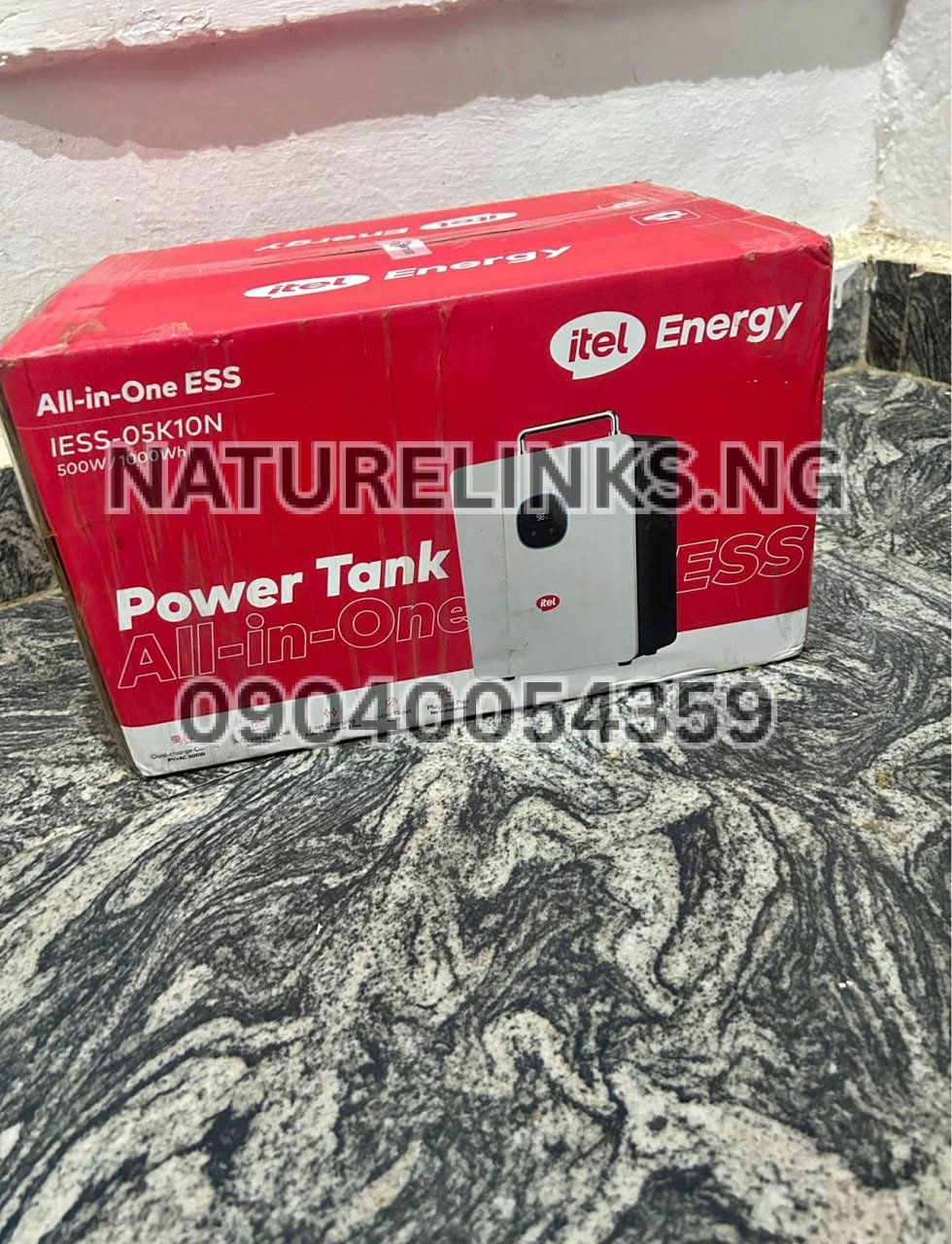
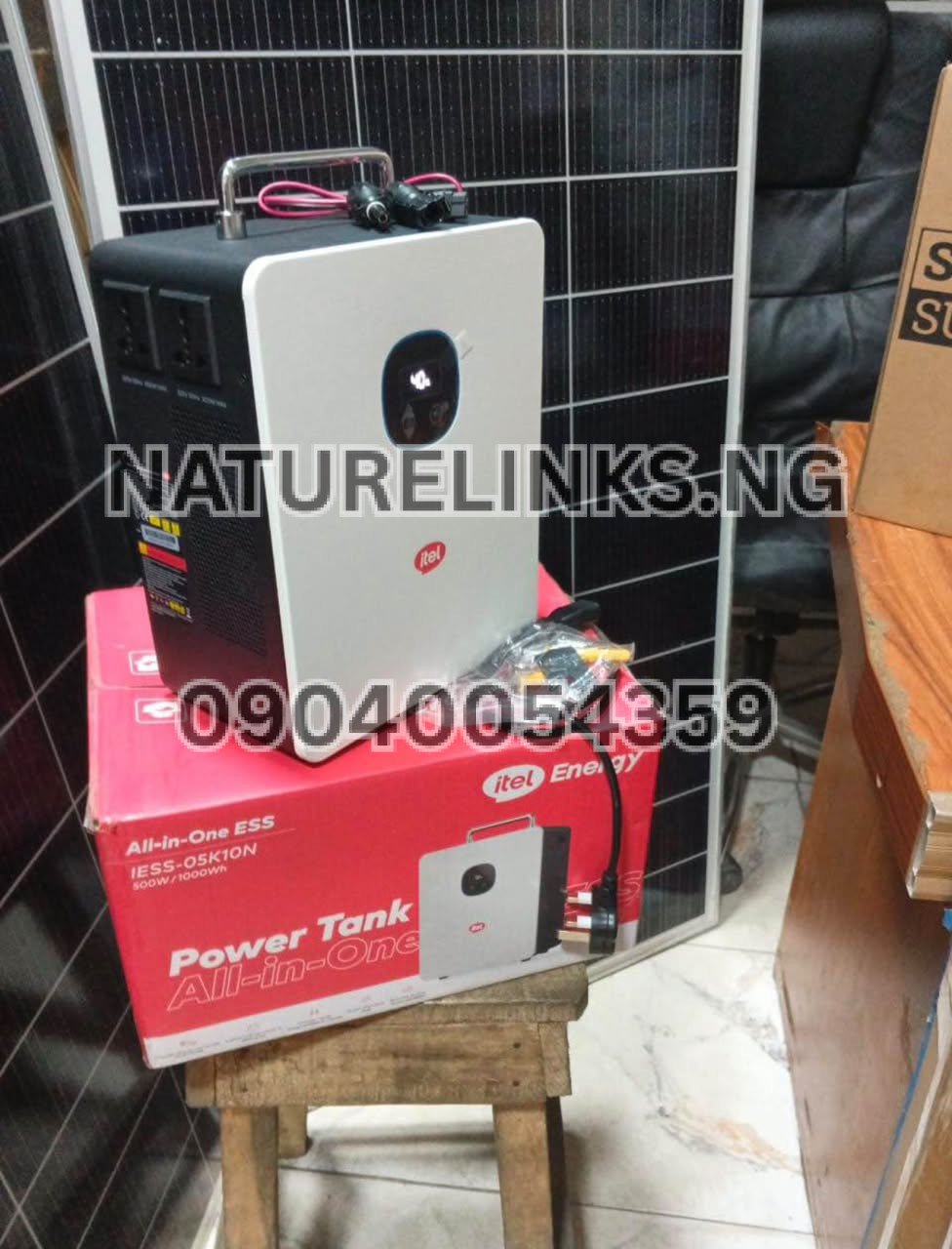
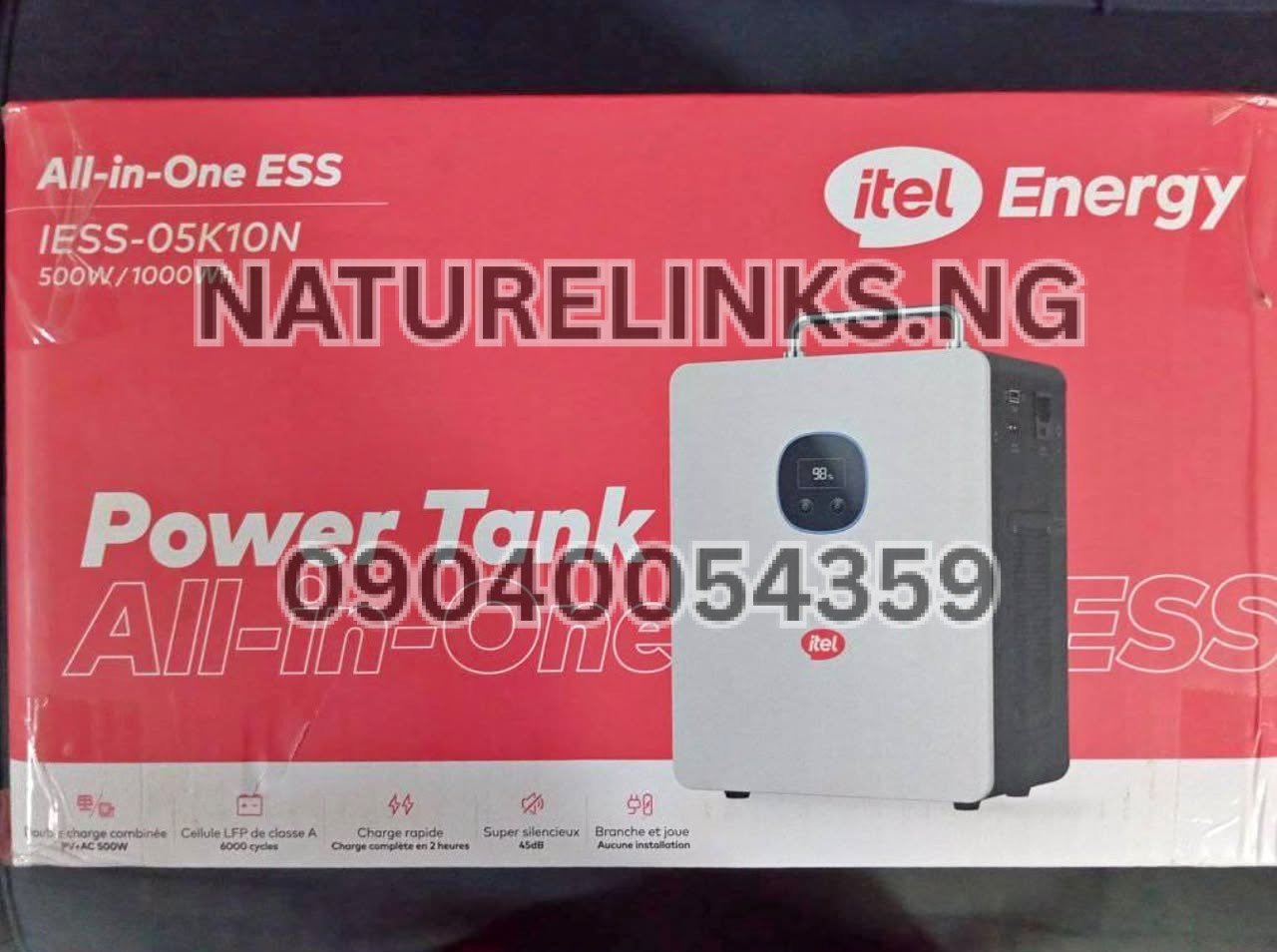
The commonly listed Itel Power Tank configuration has a 1,000Wh / 1kWh LiFePO₄ battery and a 500W rated continuous AC output. This means it has enough stored energy for many low-power office electronics, but you must compare the printer’s actual wattage with the Power Tank’s 500W continuous output before connecting it.
For a typical low-power inkjet printer, the Power Tank can potentially provide several hours of operation. A laser printer can consume considerably more power while actively printing because of its fuser, so its practical runtime can be shorter.
How Long Can Itel Power Tank Run a Printer?
The commonly listed 1,000Wh Itel Power Tank can theoretically supply:
- 50W printer load: about 20 hours
- 100W printer load: about 10 hours
- 200W printer load: about 5 hours
- 300W printer load: about 3.3 hours
- 400W printer load: about 2.5 hours
- 500W printer load: about 2 hours
These are theoretical calculations before inverter losses and other system limitations.
The basic calculation is:
Runtime ≈ Battery capacity ÷ Printer power consumption
Therefore:
1,000Wh ÷ 100W = 10 hours theoretical runtime
In real use, the actual runtime will normally be lower because the Power Tank has to convert stored DC battery energy into AC electricity and because batteries are not normally used as if every watt-hour were perfectly recoverable.
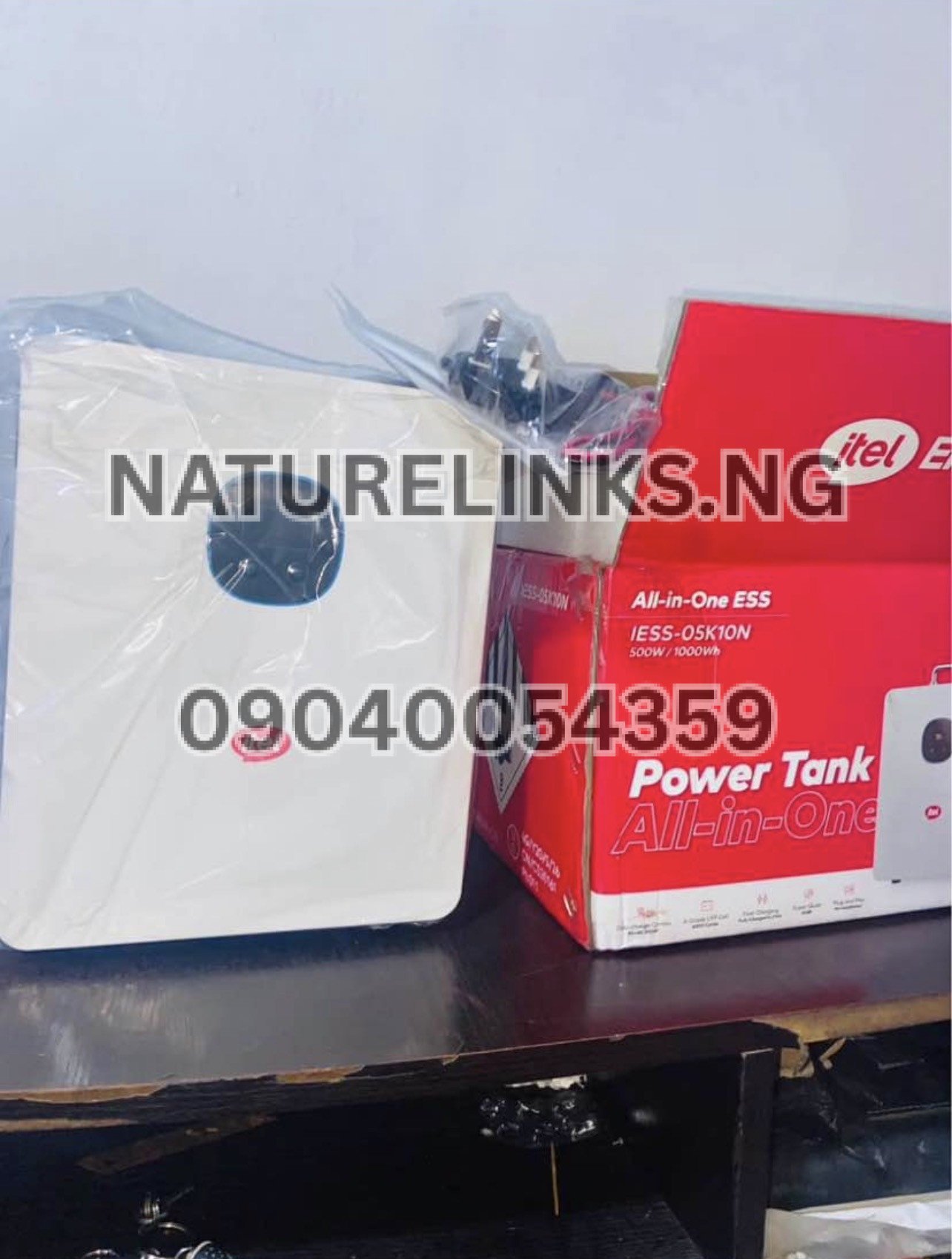
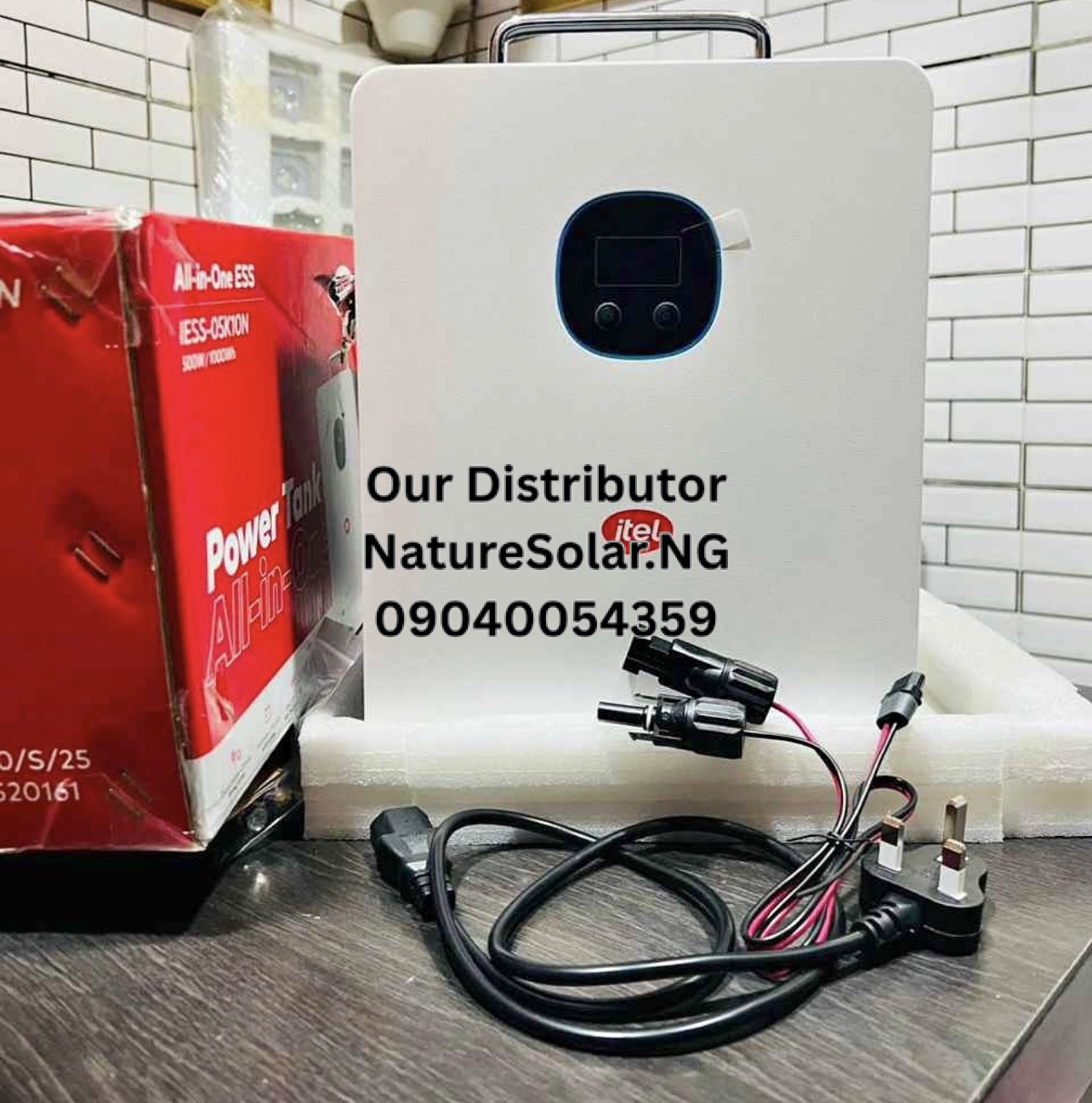
The documented Itel Power Tank configuration has a 1,000Wh battery and 500W continuous inverter output.
Can Itel Power Tank Run a Printer?
Yes, a compatible printer can be powered by the Itel Power Tank provided its power requirements remain within the Power Tank’s output rating.
The commonly listed configuration provides a 500W continuous AC output and pure sine-wave inverter.
This makes the Power Tank potentially useful for:
- Home printers
- Small office printers
- Inkjet printers
- Small laser printers
- POS printing equipment
- Receipt printers
- Label printers
- Small multifunction printers
However, buyers should check the printer’s specification label because two printers that look similar can have very different power requirements.

How Many Hours Can Itel Power Tank Run an Inkjet Printer?
Inkjet printers generally consume relatively modest amounts of electricity compared with many laser printers, although the exact power requirement varies by model.
Historical measurements and energy studies show inkjet printers can operate in relatively low power ranges, with some examples using tens of watts during active operation and only a few watts in standby.
For illustration, if an inkjet printer averages:
30W: approximately 33 hours theoretically
50W: approximately 20 hours theoretically
75W: approximately 13.3 hours theoretically
100W: approximately 10 hours theoretically
Actual runtime will be lower after accounting for inverter losses and the printer’s operating pattern.
Importantly, a printer that only prints for a few minutes every hour may consume much less energy over the day than a printer continuously printing.
How Long Can Itel Power Tank Run a Laser Printer?
Laser printers require special consideration.
Laser printers can draw substantially more power while actively printing because they use a fuser to heat and bond toner to paper. For example, HP publishes specifications for various LaserJet printers showing active-printing power consumption in the hundreds of watts, while ready and sleep consumption can be much lower.
One HP LaserJet specification, for example, lists approximately 495W during active printing, compared with only 5.5W in ready mode and 0.5W in sleep mode.
This is important for the Itel Power Tank because its commonly listed configuration has a 500W continuous AC output.
A laser printer rated around 450–500W during active printing may therefore operate close to the Power Tank’s continuous output limit.
Can Itel Power Tank Run a 500W Printer?
A 500W printer is at the continuous output rating of the commonly listed 500W Itel Power Tank configuration.
Although some listings identify a higher surge output, that should not be interpreted as permission to operate a 500W appliance continuously above the rated output.
For reliable operation, buyers should check the printer’s:
- Running wattage
- Startup wattage
- Peak wattage
- Voltage
- Power factor
- Manufacturer’s recommended power supply
If a printer’s actual demand is close to 500W, there is little output headroom for additional appliances.
For example, running a 400W printer together with a 100W monitor would already bring the theoretical combined load to 500W.
Can Itel Power Tank Run a Laser Printer and Laptop Together?
It depends on the combined power consumption.
Suppose:
- Laser printer = 300W while printing
- Laptop = 60W
- Monitor = 30W
- Router = 10W
Total:
300W + 60W + 30W + 10W = 400W
That is below the commonly listed 500W continuous AC output.
However, the laser printer’s startup or heating cycle can temporarily increase its power requirement, so users should check the manufacturer’s specifications rather than relying only on average wattage.
Can Itel Power Tank Run a Printer and Computer?
Yes, provided the combined electrical load remains within the Power Tank’s output specification.
This can make the Power Tank useful for:
- Home offices
- Small businesses
- Cybercafés
- Printing shops with low-power equipment
- Schools
- Churches
- POS businesses
- Remote workers
Before connecting everything, add the wattage of:
Printer + computer + monitor + router + other equipment
and compare the total with the Power Tank’s continuous AC output.
The documented configuration is rated at 500W continuous AC output.
How Much Power Does a Printer Use?
There is no single wattage for all printers.
Power consumption depends on:
- Printer technology
- Print speed
- Colour versus monochrome printing
- Paper size
- Duplex printing
- Warm-up requirements
- Printing volume
- Standby mode
- Sleep mode
- Printer age
- Multifunction features
Inkjet printers can have relatively low active power requirements, while laser printers can draw hundreds of watts during active printing.
ENERGY STAR’s imaging-equipment criteria also distinguish between laser office printers and other printers because their energy-use characteristics differ.
Itel Power Tank Printer Runtime Calculation
The easiest way to estimate runtime is:
Estimated runtime = 1,000Wh ÷ printer wattage
For example:
| Printer Power | Theoretical Runtime |
|---|---|
| 30W | 33.3 hours |
| 50W | 20 hours |
| 75W | 13.3 hours |
| 100W | 10 hours |
| 150W | 6.7 hours |
| 200W | 5 hours |
| 250W | 4 hours |
| 300W | 3.3 hours |
| 400W | 2.5 hours |
| 500W | 2 hours |
These figures are theoretical. Actual usable runtime will be shorter because of inverter conversion losses, battery-management limits and the printer’s changing power demand.
Why Actual Printer Runtime Is Different From the Calculation
Suppose your printer is labelled 100W.
It would be tempting to calculate:
1,000Wh ÷ 100W = 10 hours
But this does not necessarily mean the printer will print continuously for exactly 10 hours.
The Power Tank’s inverter consumes some energy while converting battery power to AC. The printer itself may also have different operating states.
For example, a printer can switch between:
- Active printing
- Ready
- Standby
- Sleep
- Automatic power-saving modes
A laser printer can use hundreds of watts during active printing but only a few watts while sleeping. HP specifications demonstrate how dramatically power demand can change between active printing, ready and sleep states.
Does Printer Type Affect Itel Power Tank Runtime?
Yes.
This is one of the most important considerations when buying a Power Tank for printing.
Inkjet Printer
Generally lower power demand.
Potentially longer runtime.
Suitable for many home and small-office applications.
Laser Printer
Can have substantially higher active-printing power demand.
May require significant power during fuser warm-up.
Potentially shorter Power Tank runtime during heavy printing.
Thermal Receipt Printer
Often relatively low power consumption.
Can be suitable for POS applications if the power requirement is within the Power Tank’s output.
Label Printer
Power consumption varies significantly by model.
Check the manufacturer’s specification before connecting.
Can Itel Power Tank Run a HP Printer?
The brand name alone is not enough to determine compatibility.
HP manufactures many different inkjet, LaserJet and multifunction printers with different electrical specifications.
For example, HP’s published LaserJet specifications show active-printing consumption in the hundreds of watts for some models.
Therefore, if you have an HP printer, look at the model number and check:
- Input voltage
- Rated current
- Power consumption
- Maximum power
- Recommended operating conditions
Then compare the figures with the Itel Power Tank’s 500W continuous AC output.
Can Itel Power Tank Run a Canon Printer?
Yes, potentially, but compatibility depends on the particular Canon printer.
Canon produces low-power inkjet printers as well as larger office multifunction printers.
A small inkjet printer may be relatively easy for a 1kWh Power Tank to operate, while a larger office laser multifunction printer may require substantially more power.
Always check the printer’s electrical rating before purchase.

Can Itel Power Tank Run an Epson Printer?
Potentially yes.
Many Epson printers are inkjet-based and may have relatively low operating power compared with laser printers.
However, actual power consumption varies by model.
Check the printer’s specification label or user manual and compare its maximum power requirement with the Power Tank’s output rating.
Can Itel Power Tank Run a Brother Printer?
It depends on the Brother model.
Brother offers both inkjet and laser printers, and laser models can have substantially higher active power consumption.
A small Brother inkjet or low-power printer may be easier to operate from the Power Tank than a high-power office laser multifunction machine.
Can Itel Power Tank Run a Photocopier?
Do not assume that it can.
Photocopiers and multifunction printers can require considerably more electrical power than small home printers.
Before connecting one, check the machine’s:
- Rated power
- Maximum power
- Startup power
- Voltage
- Current
- Recommended circuit rating
If the machine exceeds the Power Tank’s 500W continuous output, it is not an appropriate load for the commonly listed configuration.
Can Itel Power Tank Run a Printing Press?
A conventional commercial printing press is generally a much larger electrical load than a small office printer.
The Power Tank is designed around a 500W continuous AC output on the commonly listed 1kWh configuration.
Therefore, buyers should not assume that a portable 1kWh Power Tank can run industrial printing equipment.
For commercial printing equipment, calculate the complete electrical load and choose an appropriately sized power system.
Can Itel Power Tank Run a POS Printer?
Small POS or receipt printers may have relatively modest power requirements.
This makes them potentially suitable for backup operation from a Power Tank, particularly when combined with other low-power POS equipment.
However, the total load matters.
For example:
- POS printer
- POS terminal
- Router
- Phone charger
- Small monitor
should be calculated together.
Itel Power Tank for Printing Business in Nigeria
The Power Tank can be useful for small businesses that need temporary backup electricity for low-power printing equipment.
Potential users include:
- Cybercafés
- Business centres
- Schools
- Churches
- Small offices
- POS businesses
- Home businesses
- Document-printing services
- Small shops
However, a printing business using multiple high-power laser printers simultaneously should calculate its total demand before purchasing.
A 1kWh battery provides stored energy, but the 500W inverter rating limits how much AC power can be supplied at one time.
Itel Power Tank 1000Wh for Office Printer
The 1,000Wh capacity can provide useful backup for office electronics.
The commonly listed configuration combines:
- 1,000Wh battery
- LiFePO₄ chemistry
- 500W continuous inverter
- Pure sine-wave AC output
- Solar charging
- AC/grid charging
- MPPT controller
- Battery Management System
- UPS functionality on listed configurations
This makes it suitable for many low-to-medium-power office electronics, provided their combined load remains within the inverter rating.
Itel Power Tank 500W Printer Compatibility
The phrase Itel Power Tank 500W normally refers to the inverter’s rated continuous AC output on the commonly listed configuration.
The 1,000Wh figure refers to stored battery energy.
These are different measurements.
500W = continuous power output
Therefore, the Power Tank can store a substantial amount of energy while still having a 500W limit on simultaneous AC loads.
This distinction is particularly important when purchasing a Power Tank for a printer.
Can Itel Power Tank Run a Printer During a Power Outage?
Yes, if the printer is compatible with the Power Tank’s output.
This is one of the practical applications of portable backup power.
When grid electricity fails, a suitable printer can continue operating from the Power Tank’s stored battery energy.
The actual duration depends on the printer’s power consumption and how frequently it prints.
How to Make Itel Power Tank Last Longer With a Printer
If you want longer printer runtime:
Use an Energy-Efficient Printer
A lower-power printer consumes less energy.
Avoid Unnecessary Printing
Only print documents that are required.
Use Sleep Mode
Allow the printer to enter its energy-saving mode when not actively printing.
Turn Off the Printer When Not Needed
If the printer will not be used for several hours, switching it off can reduce unnecessary battery consumption.
Avoid Running Other High-Power Appliances
A printer connected alongside a fan, TV, computer and other devices will consume the battery faster.
Use Solar Charging Where Appropriate
The documented Power Tank configuration supports solar charging and up to approximately 400W PV input.

Can Solar Extend Printer Runtime?
Yes.
If the Power Tank is connected to a compatible solar system and receives sufficient sunlight, solar generation can replenish some of the energy being consumed.
The documented 1kWh configuration has an integrated MPPT solar controller and supports up to approximately 400W PV input.
Actual solar contribution depends on:
- Sunlight intensity
- Weather
- Panel orientation
- Shading
- Panel capacity
- Cable losses
- Solar installation quality
- Power Tank charging conditions
Itel Power Tank Charging While Running a Printer
If your model supports the appropriate pass-through/UPS operation, the Power Tank may be able to supply the printer while receiving charging power.
The documented configuration includes UPS functionality.
However, users should verify the operating instructions for the exact model before relying on this arrangement.
When a laser printer is involved, the printer’s sudden heating/startup demand should also be considered.
Is Itel Power Tank Good for a Printer?
It can be a useful backup-power option for compatible printers.
The strongest fit is generally a setup where:
- Printer power consumption is within the 500W output rating.
- The printer is used intermittently.
- The user needs quiet backup power.
- Other connected appliances are low-power.
- Solar charging is available.
- The user needs portable electricity.
For larger commercial printers, photocopiers or multiple laser printers, a larger power system may be necessary.
Itel Power Tank Price in Nigeria
Current Nigerian listings show different prices depending on seller and configuration.
One Nigerian listing currently advertises a 1,000Wh Itel Power Tank at approximately ₦279,000, while Nature Solar Global’s current listing shows a 1,000Wh model at approximately ₦345,000. Other Nigerian marketplace listings show higher prices depending on the seller and package.
Prices can change because of:
- Exchange rates
- Stock availability
- Promotions
- Warranty
- Accessories
- Solar panels included
- Seller
- Delivery costs
Therefore, confirm the current price and exact configuration before payment.

Where to Buy Itel Power Tank in Nigeria?
For customers searching for a genuine Itel Power Tank in Nigeria, contact:
The Best Seller: Nature Links Nigeria Limited [NatureLinks.NG]
Distributor: Nature Solar Global Limited
CEO: Mr. Joseph Chikeleze
Call: 07049528019
WhatsApp: 09040054359
Shop Address: F1571 Upstairs (F-Line), Alaba International Market, Lagos State 🇳🇬
Ask for the exact model number and confirm:
- Battery capacity
- Inverter output
- Surge output
- Printer compatibility
- Current price
- Warranty
- Accessories
- Solar compatibility
What Should You Check Before Running a Printer?
Before connecting a printer to the Power Tank, find the printer’s power rating.
Look for information labelled:
- Power consumption
- Rated power
- Input power
- Maximum power
- Watts (W)
- Voltage (V)
- Current (A)
If the printer lists only voltage and current, a rough apparent-power calculation is:
VA = Voltage × Current
For an exact compatibility assessment, however, the manufacturer’s power-consumption specification is preferable because power factor and printer operating cycles matter.
Printer Wattage vs Itel Power Tank Capacity
Do not confuse wattage with watt-hours.
For example:
Printer: 100W
Power Tank: 1,000Wh
The printer’s 100W describes its power demand.
The Power Tank’s 1,000Wh describes stored energy.
The Power Tank’s 500W rating describes how much continuous AC power its inverter can supply on the commonly listed configuration.
Understanding these three numbers makes it much easier to estimate printer runtime.
Example: 50W Printer
Suppose your printer averages 50W.
The theoretical calculation is:
1,000Wh ÷ 50W = 20 hours
After accounting for inverter losses and other factors, actual usable runtime will be lower.
Because many printers spend considerable time in standby or sleep mode, average daily energy consumption may be much lower than the printer’s maximum active-printing rating.
Example: 100W Printer
For a printer averaging 100W:
1,000Wh ÷ 100W = 10 hours theoretical
Again, this is not a guaranteed real-world runtime.
If the printer spends much of the time sleeping, the battery can last considerably longer than a calculation based on continuous 100W operation might suggest.
Example: 200W Printer
For a 200W average load:
1,000Wh ÷ 200W = 5 hours theoretical
Actual runtime will depend on inverter efficiency and how the printer cycles between active, ready and sleep modes.
Example: 400W Printer
For a 400W printer:
1,000Wh ÷ 400W = 2.5 hours theoretical
This is getting close to the Power Tank’s 500W continuous output limit.
If other appliances are connected, the total load could exceed the inverter rating.
Example: 500W Laser Printer
For a 500W load:
1,000Wh ÷ 500W = 2 hours theoretical
However, this is not an ideal operating scenario because 500W is the continuous output rating of the commonly listed configuration.
A printer that briefly draws more than this during startup or heating may trigger the Power Tank’s protection system.
Does Printing Frequency Affect Runtime?
Yes.
This is extremely important.
Imagine a printer has a maximum active power consumption of 400W but only prints for 10 minutes every hour.
It does not necessarily consume 400W continuously for the entire hour.
Its average energy consumption can be much lower because it spends the rest of the hour in ready or sleep mode.
This is why the printer’s actual usage pattern can be more important than the maximum wattage printed on the specification sheet.
How Long Can Itel Power Tank Run a Printer and Router?
Suppose:
- Printer = 100W
- Router = 10W
Total:
110W
The theoretical calculation becomes:
1,000Wh ÷ 110W ≈ 9.1 hours
Actual runtime will be lower after conversion losses.
If the printer spends much of the time sleeping, the real average load can be substantially lower.
How Long Can Itel Power Tank Run a Printer and Laptop?
Suppose:
- Printer = 100W
- Laptop = 60W
Total:
160W
Theoretical runtime:
1,000Wh ÷ 160W ≈ 6.25 hours
Again, this is an illustration rather than a guaranteed runtime.
How Long Can Itel Power Tank Run a Printer and TV?
Suppose:
- Printer = 100W
- TV = 80W
Combined:
180W
Theoretical runtime:
1,000Wh ÷ 180W ≈ 5.6 hours
The actual result will depend on how often the printer prints and the TV’s actual power consumption.
Frequently Asked Questions
1. How long can Itel Power Tank run a printer?
It depends on the printer’s wattage. A 1,000Wh Power Tank theoretically provides about 10 hours at 100W, 5 hours at 200W and 2 hours at 500W, before inverter losses. The commonly listed Power Tank has a 500W continuous AC output.
2. Can Itel Power Tank run a laser printer?
Yes, if the laser printer’s power requirements stay within the Power Tank’s output limits. Laser printers can consume hundreds of watts during active printing, so check the printer’s maximum power requirement before connecting it.
3. Can Itel Power Tank run an inkjet printer?
Yes, a compatible inkjet printer can generally be powered if its electrical requirements are within the Power Tank’s output specification. Many inkjet printers have relatively modest power requirements compared with laser printers.
4. Can Itel Power Tank run a printer and computer together?
Yes, provided the combined power demand remains within the Power Tank’s 500W continuous output on the commonly listed configuration. Add the wattage of the printer, computer, monitor and other devices before connecting them.
5. Can Itel Power Tank run an HP printer?
It depends on the exact HP printer model. HP’s specifications show that some LaserJet printers can draw hundreds of watts while actively printing, so check the exact model’s power consumption before purchasing or connecting it.
6. Can Itel Power Tank run a Canon printer?
Potentially yes. Check the exact Canon printer’s rated and maximum power consumption against the Power Tank’s continuous output rating.
7. Can Itel Power Tank run an Epson printer?
Potentially yes. Many Epson printers are designed around relatively low-power operation, but exact consumption varies by model. Check the printer’s specification before connection.
8. How many watts can Itel Power Tank handle?
The commonly listed IESS-05K10N configuration has a 500W rated continuous AC output, with some published configurations listing up to 1,000W surge output.
9. How much is Itel Power Tank 1000Wh in Nigeria?
Current Nigerian listings vary. Recent listings reviewed for this article range from around ₦279,000 for some listings to approximately ₦345,000 at Nature Solar Global, with other marketplace listings higher depending on seller and package.
10. Where can I buy genuine Itel Power Tank in Nigeria?
Customers can contact Nature Links Nigeria Limited / Nature Solar Global Limited at 07049528019 or WhatsApp 09040054359, or visit F1571 Upstairs (F-Line), Alaba International Market, Lagos State 🇳🇬 to confirm current model availability, price and specifications.
Final Answer: How Long Can Itel Power Tank Run a Printer?
If you are asking “How long can Itel Power Tank run a printer?”, there is no single number for every printer.
The commonly listed Itel Power Tank 1000Wh/500W provides 1,000Wh of stored energy and 500W of continuous AC output.
As a simple guide:
- 50W printer: about 20 hours theoretically
- 100W printer: about 10 hours theoretically
- 200W printer: about 5 hours theoretically
- 300W printer: about 3.3 hours theoretically
- 400W printer: about 2.5 hours theoretically
- 500W printer: about 2 hours theoretically
Actual runtime will be lower or different depending on inverter losses, battery condition, printer operating mode and printing frequency.
For inkjet printers, runtime can be relatively long because power consumption is often modest. For laser printers, active printing can require several hundred watts, making the printer’s exact power specification particularly important. HP’s published printer specifications illustrate how some laser models can approach the Power Tank’s 500W continuous output while printing.
Conclusion
The Itel Power Tank can be a useful backup-power solution for printers in Nigerian homes, offices, business centres, schools, POS shops and small businesses, provided the printer’s electrical requirements are compatible with the Power Tank.
The commonly listed configuration combines a 1,000Wh LiFePO₄ battery with a 500W continuous pure-sine-wave inverter, plus AC/grid and solar charging capabilities.
For the most accurate runtime estimate, check your printer’s wattage and use the formula:
Runtime ≈ 1,000Wh ÷ printer wattage
Remember that this gives a theoretical result. Actual runtime will be affected by inverter efficiency, printer operating cycles, battery condition and other connected appliances.
For a genuine Itel Power Tank in Nigeria, current price, availability and model-specific compatibility information, contact Nature Solar Global Limited, the accredited distributor in Nigeria, through the details below.
The Best Seller: Nature Links Nigeria Limited [NatureLinks.NG]
Distributor: Nature Solar Global Limited
CEO: Mr. Joseph Chikeleze
Call: 07049528019
WhatsApp: 09040054359
Shop Address: F1571 Upstairs (F-Line), Alaba International Market, Lagos State 🇳🇬


4 thoughts on “How long can Itel Power Tank run a printer?”