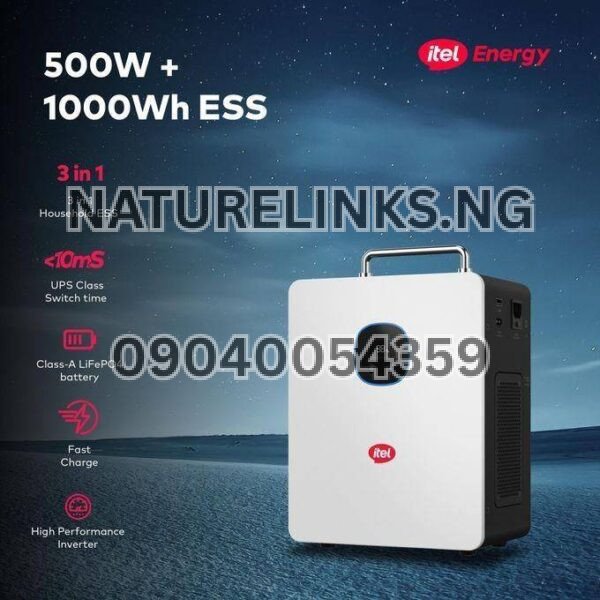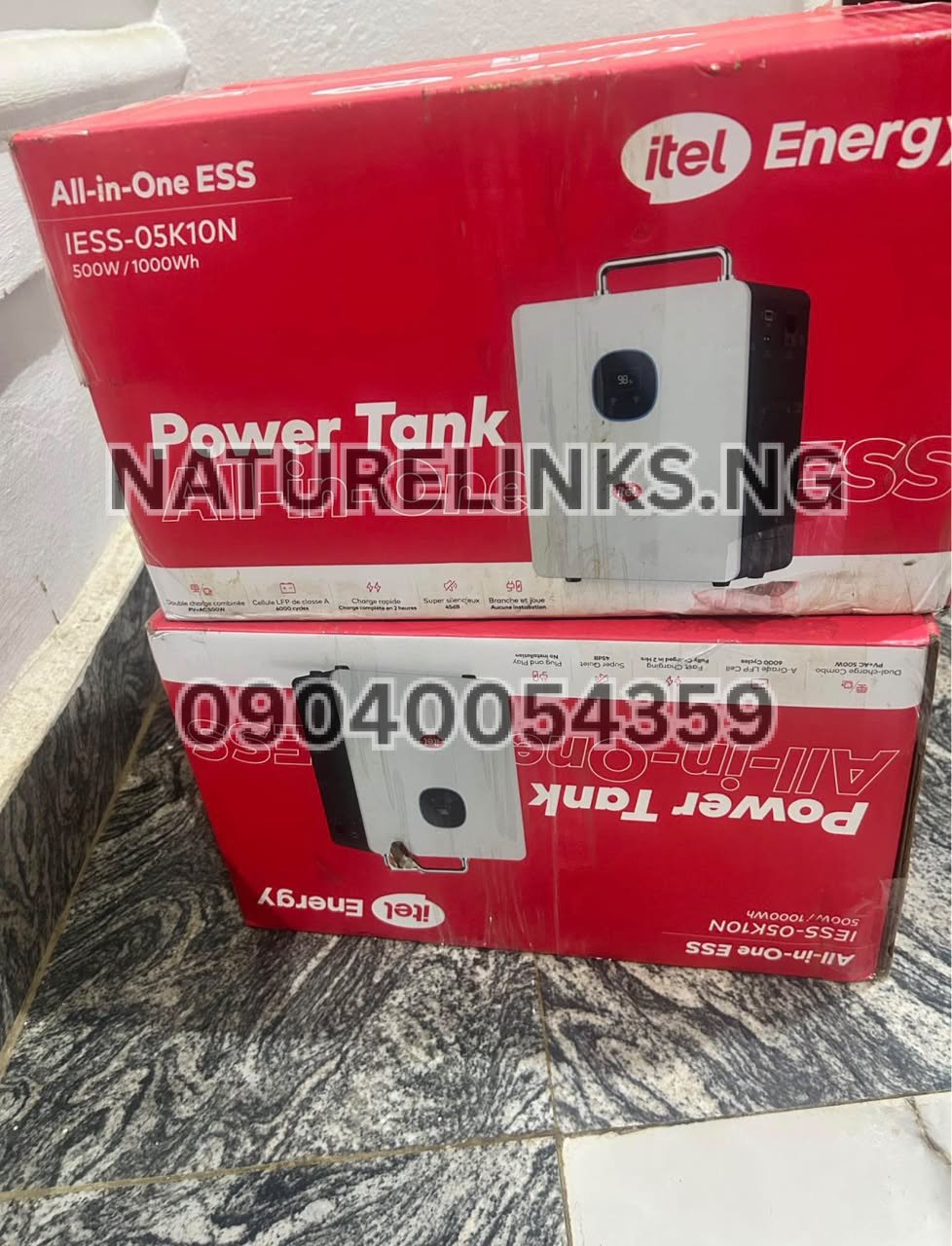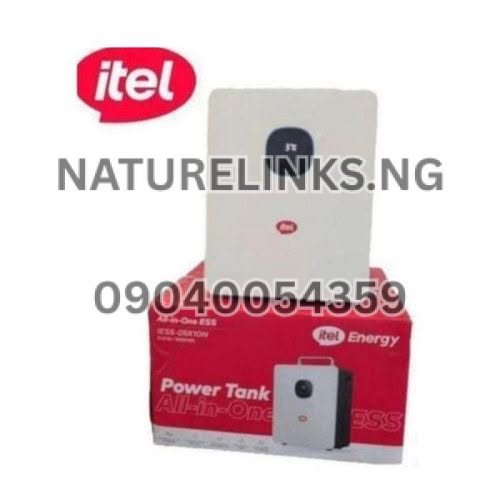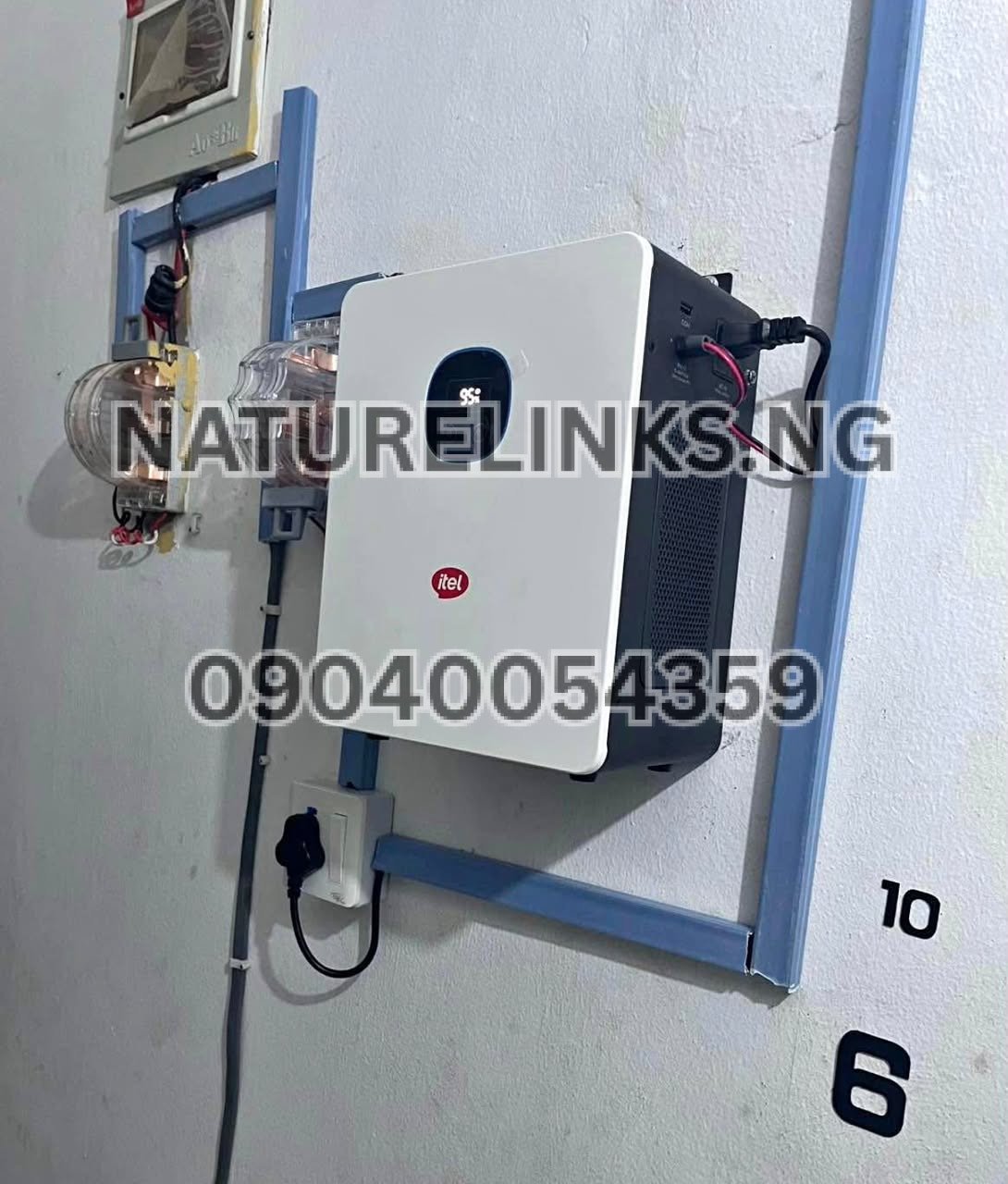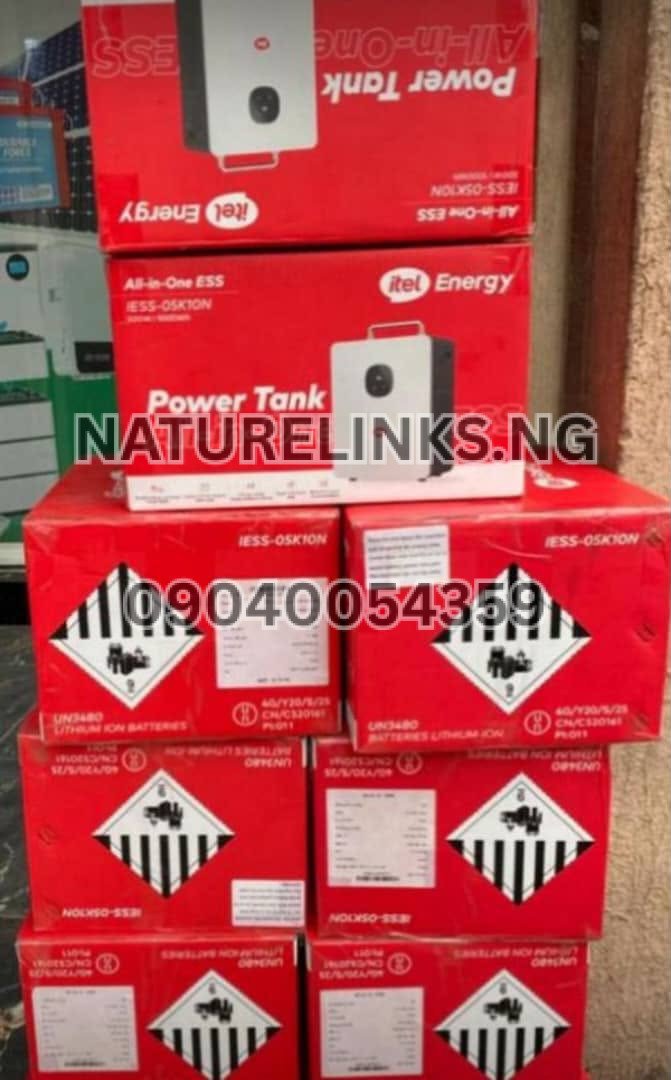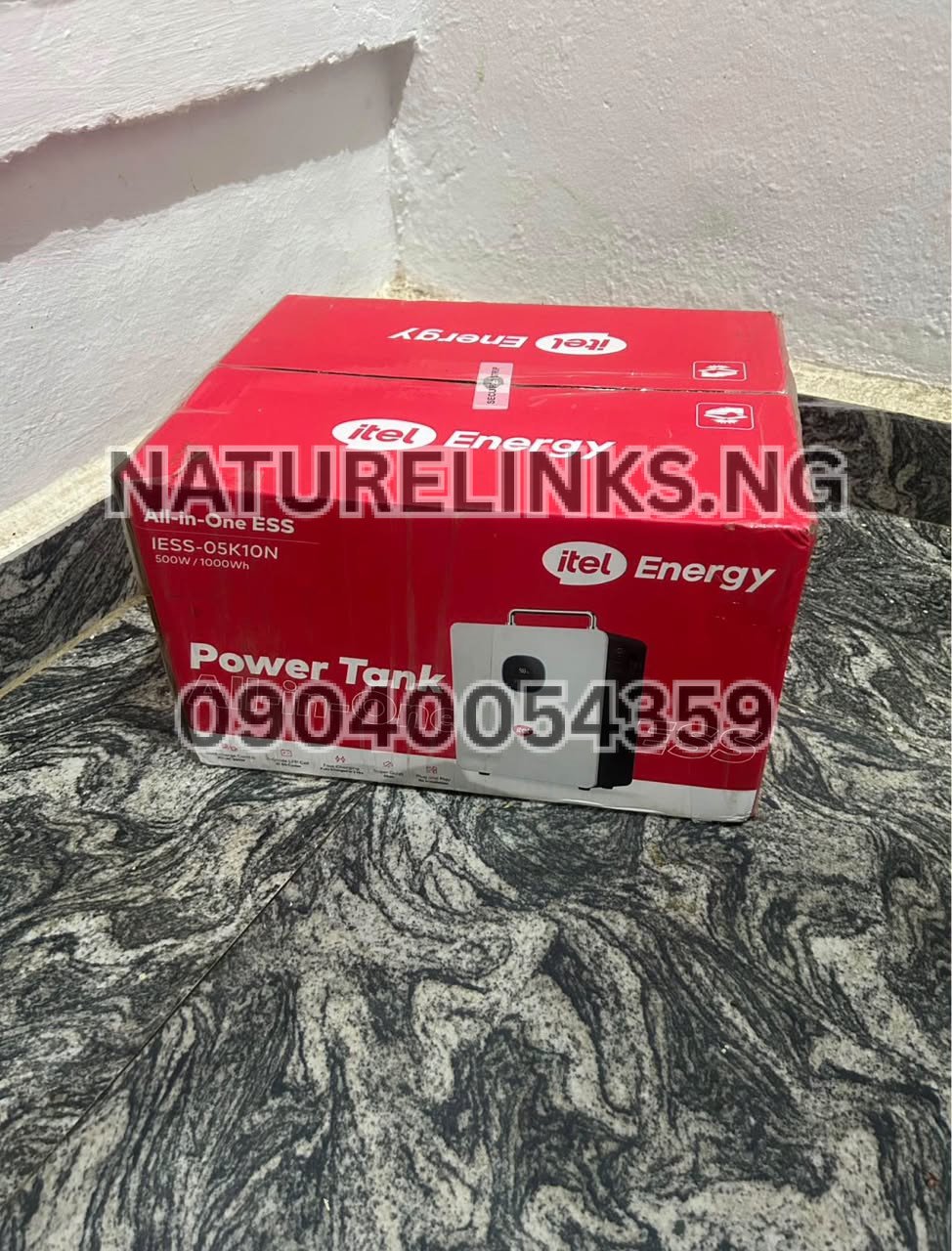
The Best Seller is Nature Solar Global Limited, which is also the accredited distributor in Nigeria, supplying genuine itel Power Tank units to customers looking for reliable portable backup electricity. Nature Solar Global Limited operates alongside Nature Links Nigeria Limited [NatureLinks.NG] and provides product guidance, sales and support for buyers in Nigeria.
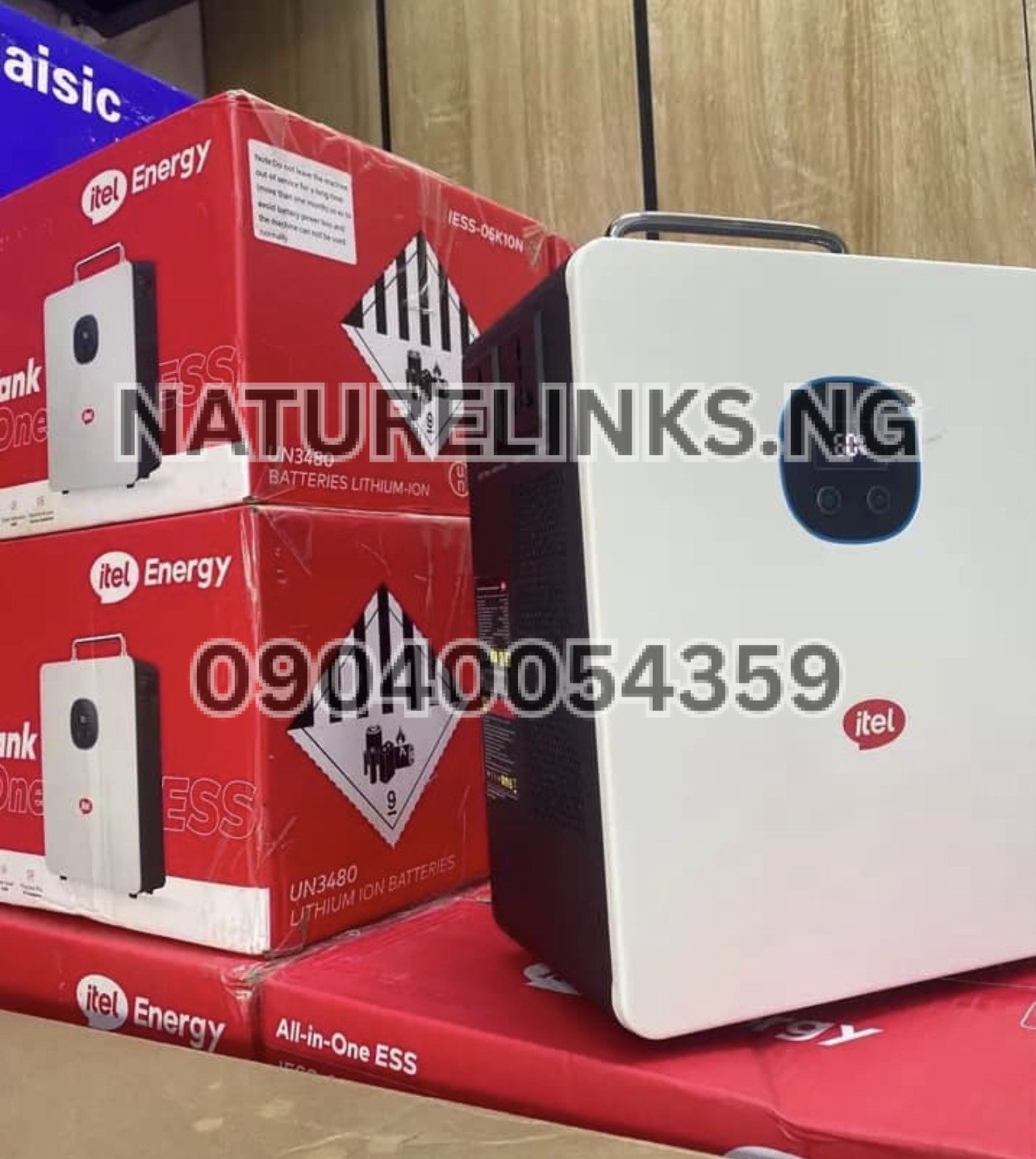
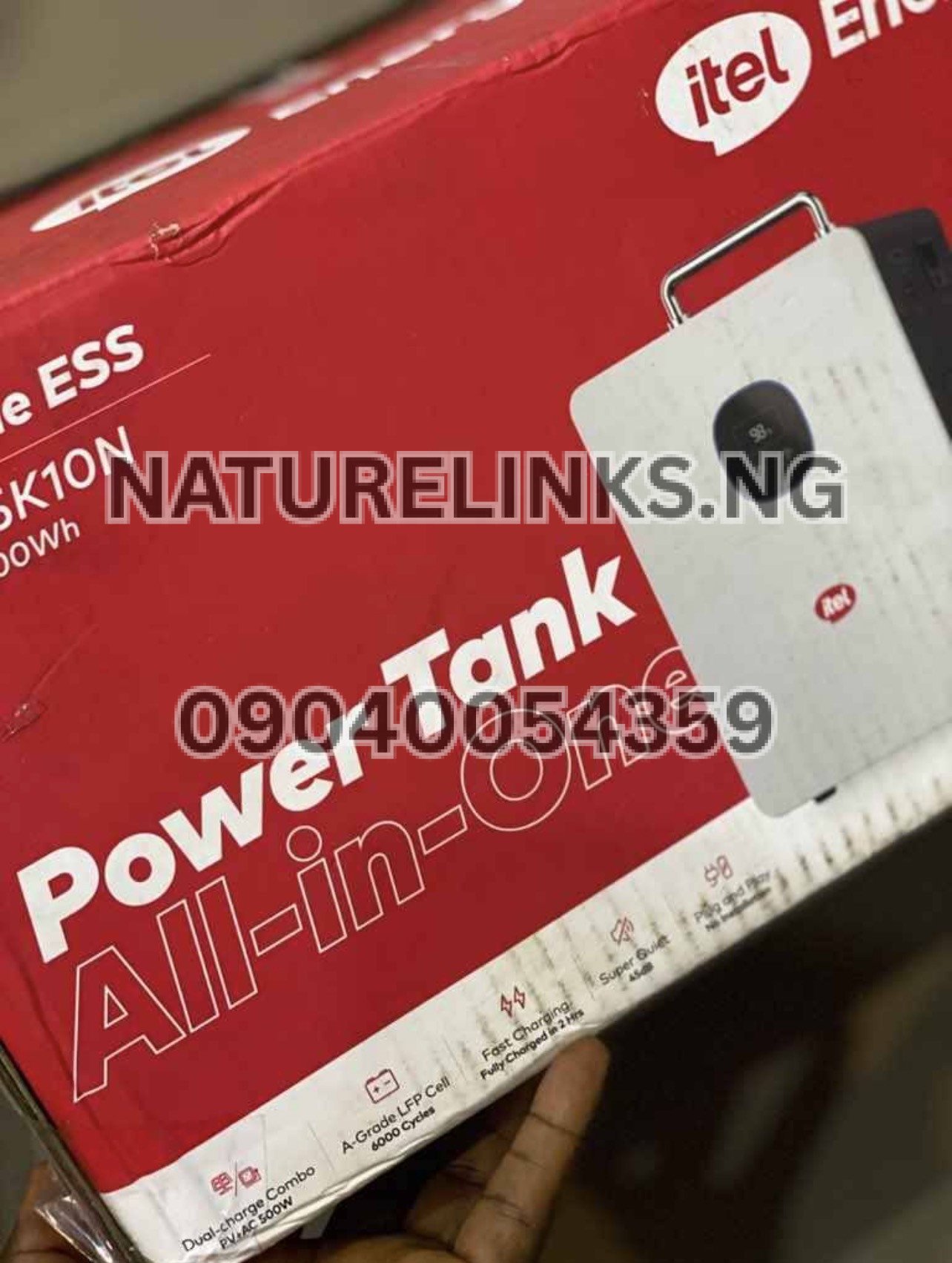
If you have just bought an itel Power Tank and are asking “How do I turn on Itel Power Tank?”, the process is straightforward. The commonly listed itel Power Tank IESS-05K10N configuration has a dedicated AC ON/OFF button and LED display for monitoring the system. The product is designed as a plug-and-play energy-storage system, although users should follow the instructions for their exact model.
Whether you want to power a television, laptop, Wi-Fi router, decoder, LED lights, rechargeable fan or other compatible electronics, knowing how to switch the Power Tank on correctly is important for safe and efficient operation.
“How Do I Turn On Itel Power Tank?”
To turn on the itel Power Tank:
- Place the Power Tank on a stable, dry and well-ventilated surface.
- Make sure the battery has sufficient charge.
- Check that the AC and other output connections are properly positioned.
- Locate the power/AC ON/OFF button on the unit.
- Press the appropriate power button to activate the system.
- Check the LED/display indicators to confirm that the unit is operating.
- Connect your compatible appliance to the correct output port.
- Monitor the displayed battery level and output power.
Available operating guidance for the IESS-05K10N specifically identifies an AC ON/OFF button, while product instructions also recommend monitoring battery usage through the display.
Important: Button behavior can vary according to the exact Power Tank model or revision. If your unit does not respond when you press the button, check the user manual supplied with your unit rather than repeatedly forcing the controls.
“How Do I Turn On Itel Power Tank?” After Charging
If your itel Power Tank has just been charged, switching it on is normally simple.
Disconnect the charging source if required by the operating instructions, inspect the unit, then activate the appropriate power control. The display should provide information about the battery and output status.
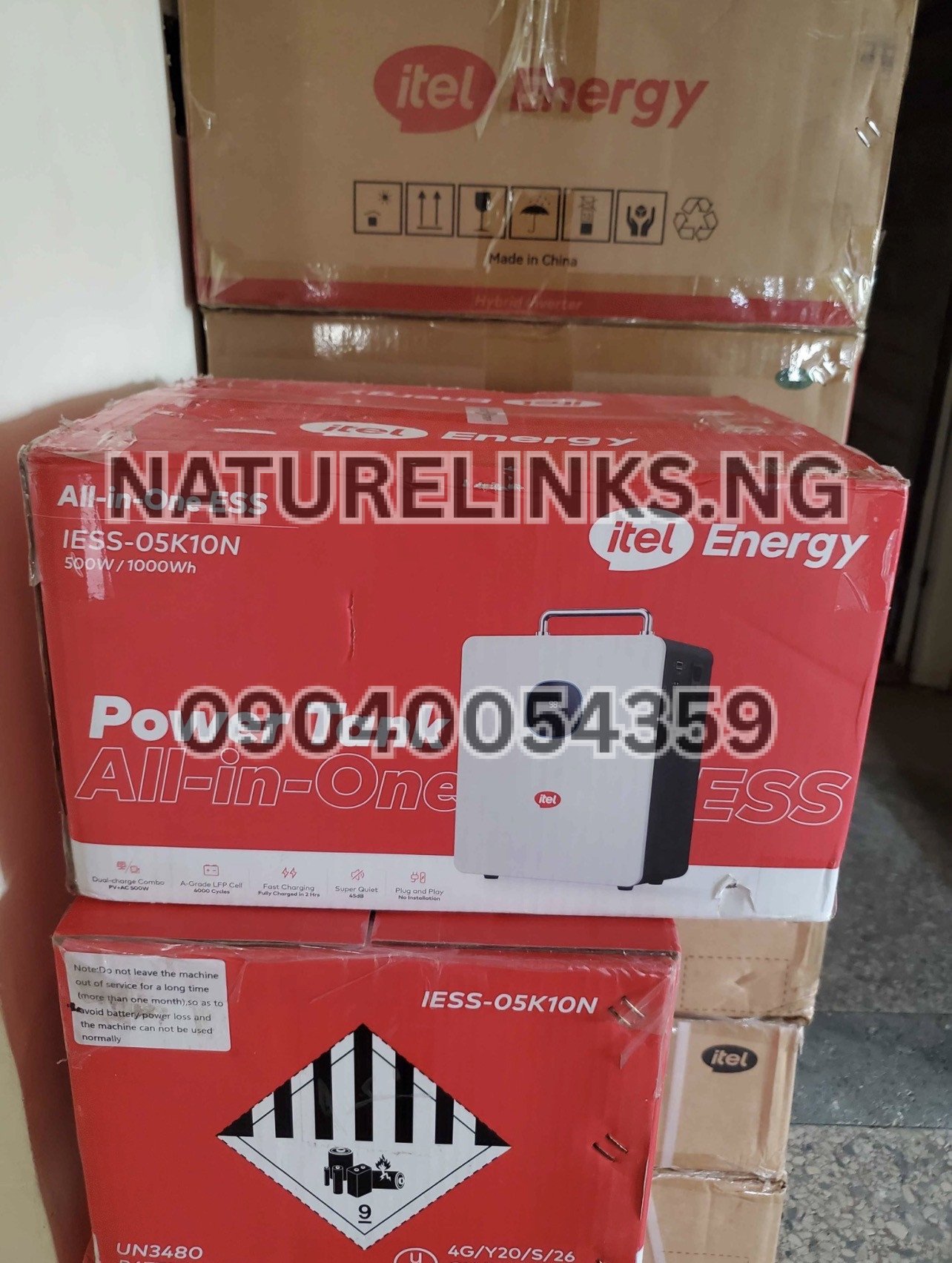
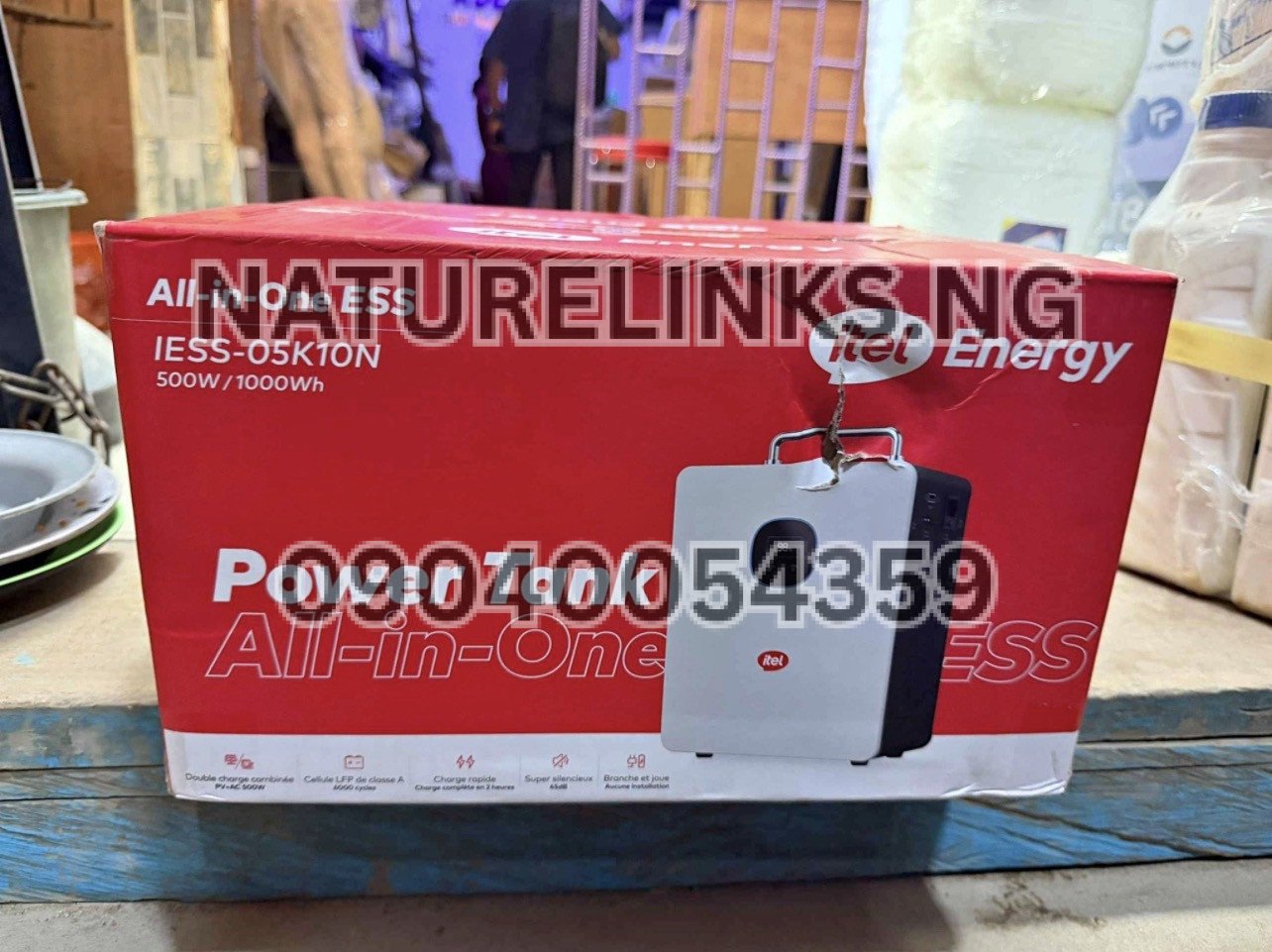
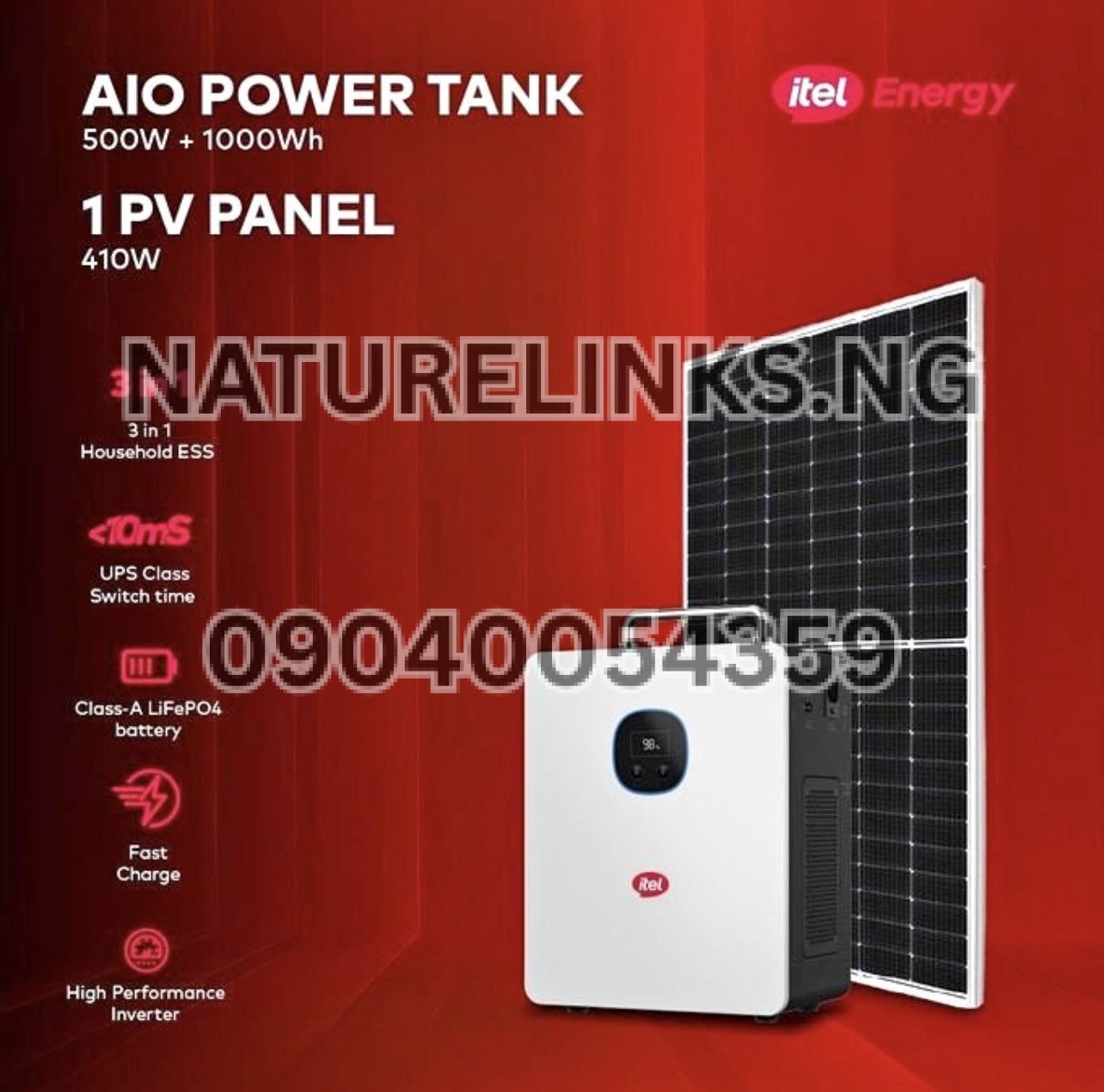
For the commonly advertised IESS-05K10N configuration, the system combines a 1,000Wh battery with a 500W inverter, so the display is useful for checking both available battery energy and the amount of power being consumed by connected devices.
How to Turn On Itel Power Tank for the First Time
Before first use, it is advisable to inspect the Power Tank and its accessories.
First-use checklist
- Remove all packaging.
- Place the unit in a dry and ventilated location.
- Inspect the power cable and connectors.
- Confirm that the battery has adequate charge.
- Read the supplied user manual.
- Turn on the Power Tank using its designated control.
- Check the display.
- Connect a low-power compatible appliance first.
- Confirm that the output is working normally.
Some current product instructions recommend recharging the battery before connecting appliances and then turning on the power button before monitoring battery usage on the display.
Does Itel Power Tank Have a Power Button?
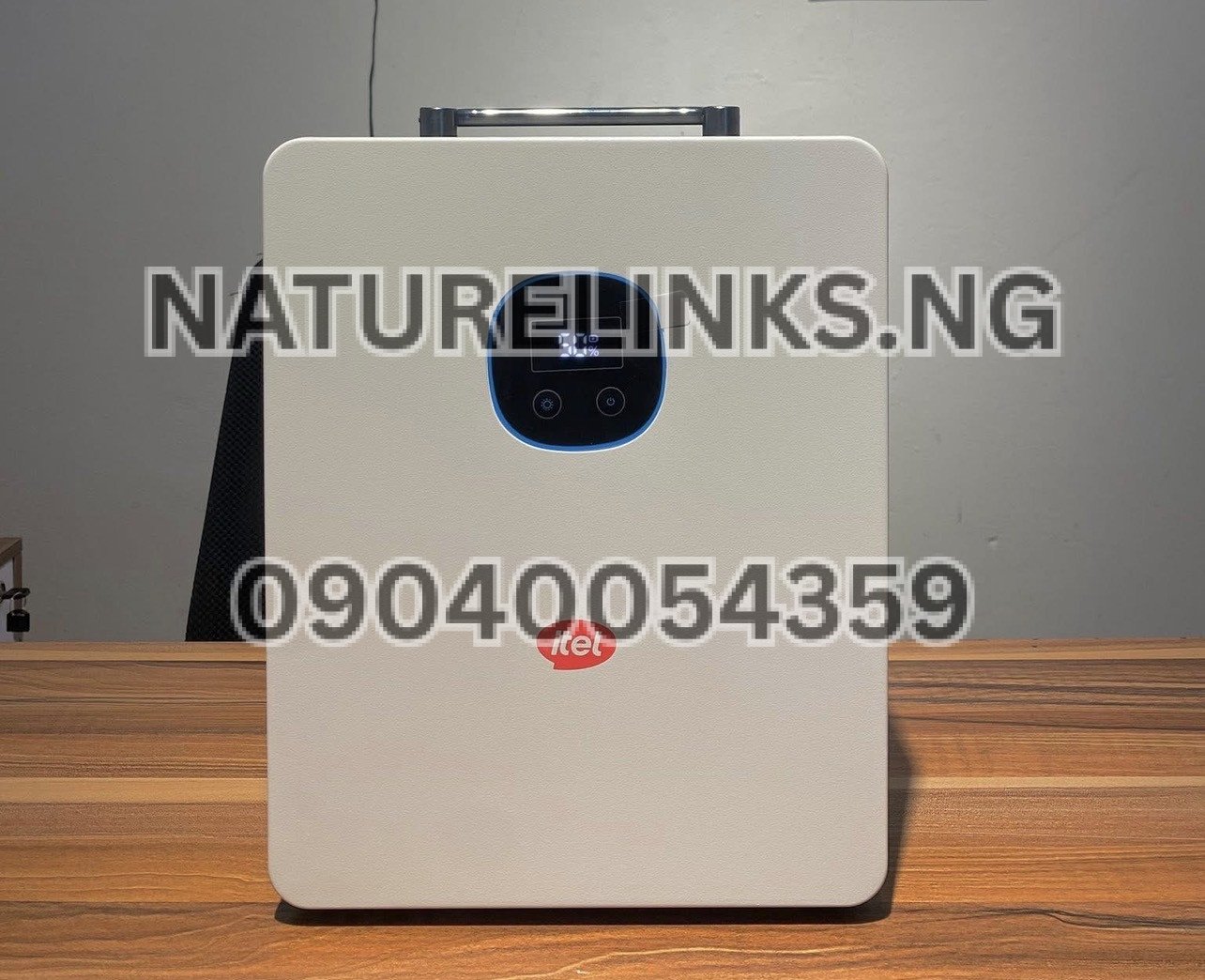
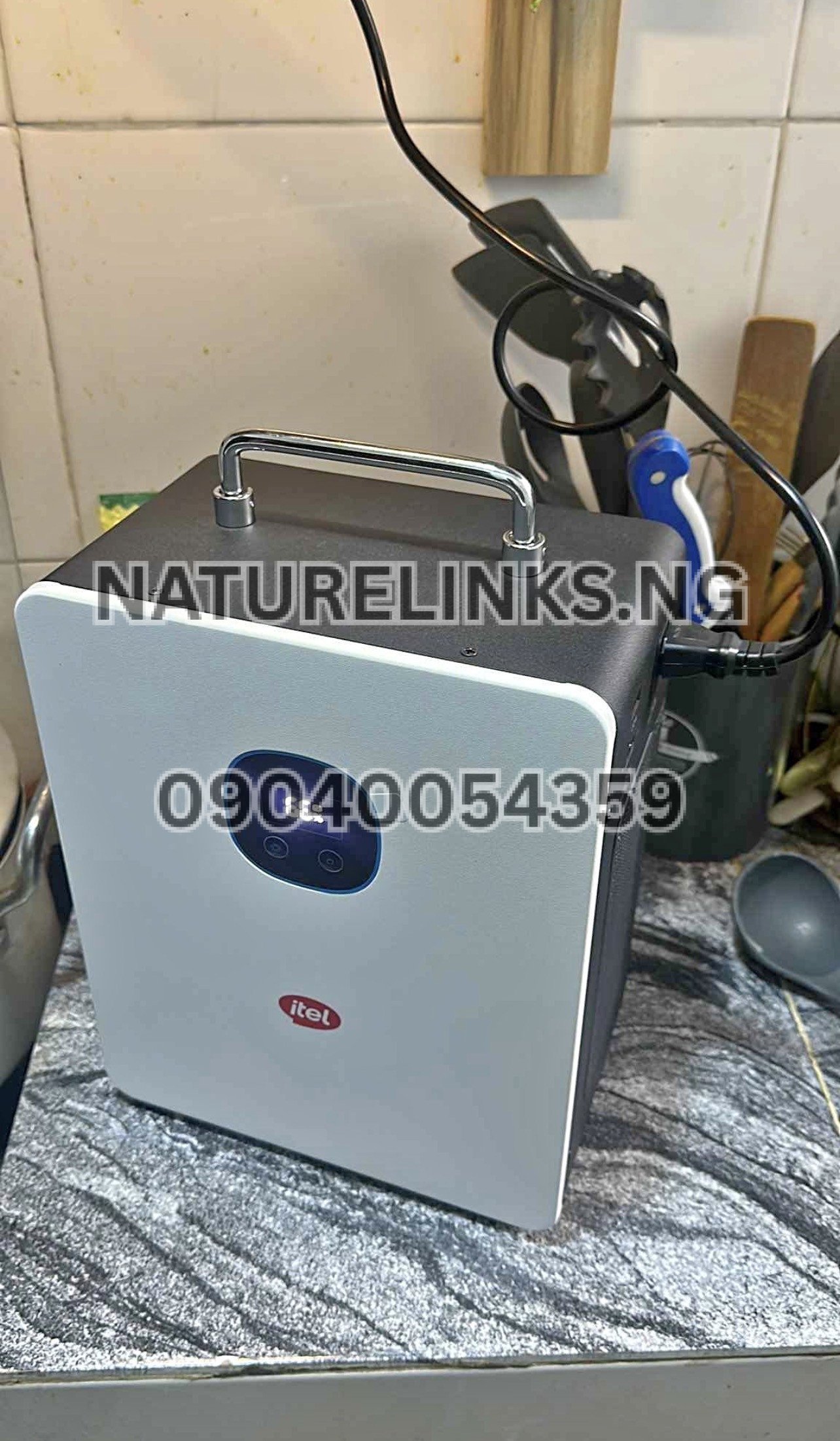
Yes. The documented IESS-05K10N configuration has an AC ON/OFF button as part of its control interface. The manual also identifies an LED display and battery/DC controls.
This means you do not need to connect an external inverter simply to activate the Power Tank. It is designed as an integrated energy-storage system containing the battery, inverter and charging system.
Where Is the Itel Power Tank Power Button?
The exact physical position can depend on the model and configuration.
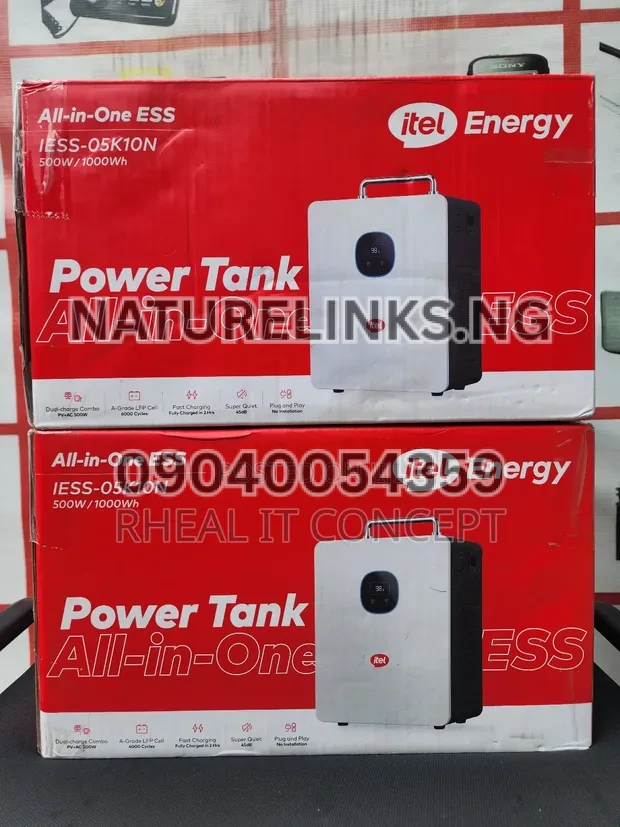
For the IESS-05K10N documentation, the control/interface section identifies the AC ON/OFF button together with the LED display and other input/output controls.
If you cannot immediately identify the button:
- Look around the front/control panel.
- Check the labels beside the display.
- Look for an AC ON/OFF or power symbol.
- Refer to the supplied user manual.
- Avoid pressing unknown switches repeatedly.
How Do I Know If Itel Power Tank Is On?
The easiest way is to check the unit’s display and indicators.
Depending on the model, you may see information such as:
- Battery percentage
- Input power
- Output power
- AC status
- Charging status
- Fault or protection information
The IESS-05K10N documentation identifies an LED display and explains that the display provides operating information.
If the display activates and the relevant output indicator is operating, the system is generally ready for use.
Itel Power Tank Not Turning On: What Should I Check?
If your Power Tank does not turn on, do not immediately assume that the battery is damaged.
Check these basic points:
1. Check the battery level
A deeply discharged unit may need charging before it can operate normally.
2. Check the charging connection
If you recently charged the Power Tank, make sure the charging cable was properly connected.
3. Check the power control
Confirm that you are pressing the correct control for the output you want to use.
4. Check the display
Look for any battery, fault or protection indication.
5. Disconnect appliances
If an appliance has caused an overload or protection response, disconnect the load and check the system again.
6. Allow the unit to cool
If the Power Tank has been operating under a heavy load or in a poorly ventilated location, allow it to cool before troubleshooting further.
7. Check the manual
The exact troubleshooting procedure should follow the manual for your particular model.
Do not open the Power Tank or attempt internal electrical repairs yourself.
Why Is My Itel Power Tank Not Coming On?
Several conditions can prevent a Power Tank from apparently turning on.
Possible causes include:
- Very low battery charge
- Incorrect button/control operation
- Overload protection
- Short-circuit protection
- Excessive temperature
- Charging or connection problem
- Fault condition
- Damaged cable or accessory
- Incorrect installation
- Model-specific operating procedure
The IESS-05K10N documentation includes protection and troubleshooting information, and the system incorporates electrical protection features.
If the unit remains unresponsive after basic checks, contact the seller or qualified technical support instead of opening the unit.
How Do I Turn On AC Output on Itel Power Tank?
If your goal is to power an appliance from an AC socket, you need to activate the AC output rather than simply assuming that the battery being charged means the AC sockets are active.
The documented IESS-05K10N interface specifically includes an AC ON/OFF button.
A practical sequence is:
- Ensure the Power Tank has adequate battery charge.
- Turn on the main system/control as applicable.
- Activate the AC output using the AC ON/OFF control.
- Check the AC indicator/display.
- Plug in a compatible appliance.
- Observe the output load on the display.
Can I Turn On Itel Power Tank While It Is Charging?
Charging and operating behavior depends on the model and the charging/output configuration.
The IESS-05K10N is documented as an energy-storage system supporting grid and PV inputs, while current product listings describe AC and solar charging.
If you intend to use the Power Tank while it is charging, follow the instructions for your exact model. Do not assume that every combination of AC charging, solar charging and appliance loading is supported simply because the product supports those individual functions.
Can Itel Power Tank Charge With Electricity?
Yes, the commonly listed IESS-05K10N configuration supports AC/grid charging in addition to solar charging. Current product listings also show an AC charging cable included with the unit.
This is useful for Nigerian users because the Power Tank can be recharged from available grid electricity and then used as backup power during an outage.
Can Itel Power Tank Charge With Solar?
Yes. The documented IESS-05K10N supports photovoltaic charging through its integrated MPPT system. The manual specifies a PV input range of approximately 11V–60V DC and a maximum PV input power of about 400W for that configuration.
Always verify the exact voltage, current and power limits before connecting solar panels.
Itel Power Tank 500W 1000Wh: What Does It Mean?
One common Nigerian-market configuration is advertised as 500W / 1000Wh.
These numbers describe two different things:
- 500W = the rated inverter output.
- 1000Wh = the stored battery energy capacity.
Therefore, a 1000Wh battery does not mean that the Power Tank is a 1000W continuous inverter.
The commonly documented IESS-05K10N uses a 1000Wh battery and 500W inverter.
What Can I Power With Itel Power Tank?
The 500W/1000Wh configuration is intended for compatible electronics and smaller electrical loads.
Examples include:
- Wi-Fi routers
- Modems
- Laptops
- LED lights
- Smartphones
- Tablets
- Small televisions
- CCTV systems
- POS terminals
- Rechargeable fans
- Small office equipment
Current Nigerian product information lists devices such as LED TVs, laptops, Wi-Fi routers, modems, smartphones, LED bulbs, rechargeable fans and CCTV systems among suitable applications.
Always check the actual wattage and starting/surge requirement of an appliance before connecting it.
Can Itel Power Tank Power a TV?
Yes, a compatible television can generally be powered from the AC output, provided its power requirement is within the Power Tank’s output limits.
For example, a modest LED television normally uses considerably less than 500W, but the exact consumption depends on the television.
Check the TV’s rating label before connecting it.
Can Itel Power Tank Power a Refrigerator?
Refrigerators require additional consideration because their compressor can have a starting surge substantially higher than their normal running consumption.
A small refrigerator may be compatible with a particular Power Tank configuration, but you should check:
- Running wattage
- Compressor starting wattage
- Surge capability
- Total connected load
- Power Tank model
Do not judge compatibility solely from the refrigerator’s normal running wattage.
Can Itel Power Tank Power a Fan?
A low-power fan can be suitable, depending on its wattage and starting characteristics.
Rechargeable fans are particularly straightforward because many can be charged directly from suitable DC or USB outputs rather than requiring the AC inverter.
Can Itel Power Tank Power a Laptop?
Yes, a laptop is one of the typical low-power applications for a portable power station.
You can charge a laptop through the appropriate AC, USB or DC connection depending on the laptop and available output.
Using the most appropriate output can help avoid unnecessary conversion losses.
Can Itel Power Tank Power a Wi-Fi Router?
Yes. A Wi-Fi router is generally a low-power device and is a common application for portable backup power stations.
The Power Tank can be useful for maintaining internet connectivity during Nigerian power outages, provided the router’s power requirements match the available output.
How Long Does Itel Power Tank Last?
Runtime depends on the appliance load.
A simplified theoretical calculation is:
Runtime ≈ Battery Capacity ÷ Load
For a 1000Wh battery:
- 50W theoretical load = about 20 hours
- 100W theoretical load = about 10 hours
- 200W theoretical load = about 5 hours
- 400W theoretical load = about 2.5 hours
Actual runtime will be lower because of inverter losses, battery-management limits, appliance behavior and other system factors. Current Nigerian product information similarly notes that actual runtime depends on load and conversion losses.
Is Itel Power Tank a Solar Generator?
The term solar generator is commonly used by Nigerian sellers for portable battery power stations with solar charging.
The itel Power Tank combines battery storage, inverter functionality and charging technology in one system and supports solar PV charging on documented configurations.
Unlike a petrol generator, it does not burn petrol or diesel to generate electricity.
Itel Power Tank vs Petrol Generator
| Feature | Itel Power Tank | Petrol Generator |
|---|---|---|
| Fuel | Electricity/solar charging | Petrol |
| Engine | No combustion engine | Yes |
| Noise | Low/quiet operation | Engine noise |
| Exhaust fumes | No combustion exhaust | Yes |
| Solar charging | Supported on compatible configuration | No |
| Battery storage | Yes | No |
| Maintenance | Generally lower | Engine maintenance required |
| Indoor suitability | Depends on safe electrical use and ventilation requirements | Combustion generators must not be used indoors |
The Power Tank is therefore particularly relevant for users who want battery-based backup power rather than fuel-powered generation.
Is Itel Power Tank Good for Nigerian Power Outages?
A portable power station can be useful during power interruptions because it stores electricity and makes it available to compatible devices when the grid goes off.
For Nigerian households and businesses, potential applications include:
- Internet backup
- Laptop charging
- Phone charging
- Television
- Lighting
- POS operation
- CCTV
- Small fans
- Small office equipment
The exact usefulness depends on the total load and battery capacity.
Itel Power Tank Price in Nigeria
The price of an itel Power Tank in Nigeria can vary depending on:
- Model
- Battery capacity
- Solar panel bundle
- Accessories
- Seller
- Warranty
- Importation costs
- Promotions
- Stock availability
Current Nigerian online listings show substantially different prices for the 500W/1000Wh configuration, so buyers should confirm the exact model and package before paying.
For an accurate current quotation, contact the seller directly.
Where to Buy Original Itel Power Tank in Nigeria
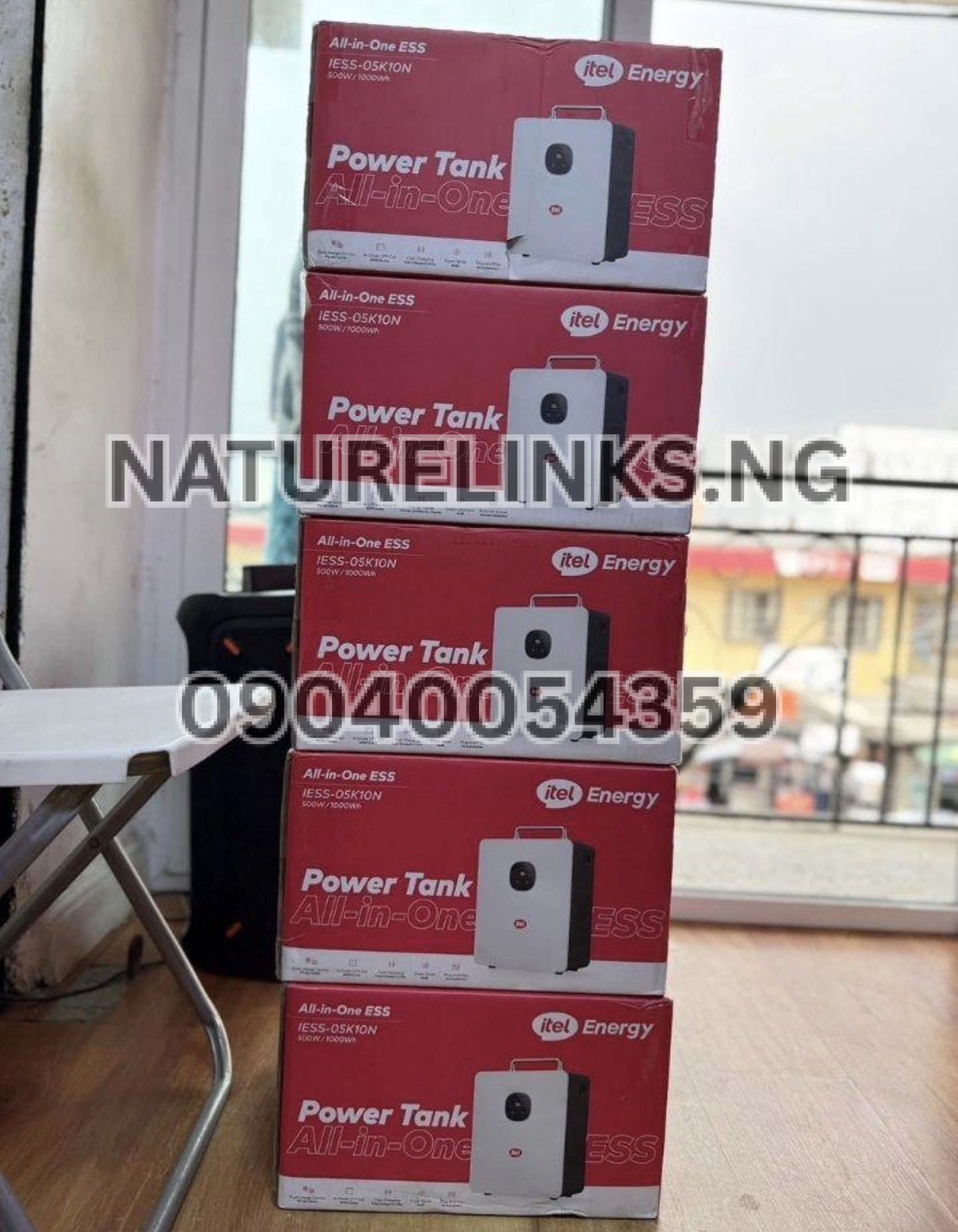
For buyers looking for an original itel Power Tank in Nigeria, Nature Solar Global Limited is the stated distributor in this article’s supplied business information.
Nature Links Nigeria Limited [NatureLinks.NG] is the stated best seller, while Nature Solar Global Limited is the distributor.
Nature Solar Global Limited / Nature Links Nigeria Limited
Distributor: Nature Solar Global Limited
Best Seller: Nature Links Nigeria Limited [NatureLinks.NG]
CEO: Mr. Joseph Chikeleze
Call: 07049528019
WhatsApp: 09040054359
Shop Address: F1571 Upstairs (F-Line), Alaba International Market, Lagos State 🇳🇬
Buyers can contact the business to confirm:
- Current price
- Available model
- 500W/1000Wh configuration
- Solar panel package
- Charging accessories
- Warranty
- Delivery
- Product authenticity
- Technical support
How to Identify the Correct Itel Power Tank Model
Before buying, ask the seller for the exact model number.
One commonly documented model is IESS-05K10N. The published manual identifies this model and provides specifications including 500W inverter output and PV input specifications.
Do not rely only on phrases such as:
- Itel 1000W Power Tank
- Itel 1000Wh Power Tank
- Itel solar generator
- Itel portable inverter
- Itel Power Tank 1kWh
Ask for the exact model code and datasheet.
Itel Power Tank Key Features
Depending on the exact configuration, commonly listed features include:
- 1000Wh / 1kWh battery
- 500W inverter
- LiFePO4 battery technology
- Pure sine-wave AC output
- Solar charging
- AC/grid charging
- Integrated MPPT solar controller
- Digital/LED display
- USB outputs
- DC outputs
- AC outputs
- Battery Management System
- Protection functions
- Portable all-in-one design
- UPS functionality on compatible configurations
The official itel Energy website describes Power Tank as a backup-power product for essential devices, while the IESS-05K10N documentation provides detailed electrical specifications.
Itel Power Tank Safety Tips
For safe operation:
- Keep the unit dry.
- Do not expose it to rain.
- Do not cover ventilation openings.
- Keep it away from excessive heat.
- Do not overload the inverter.
- Use compatible charging equipment.
- Use solar panels within the specified voltage range.
- Do not modify the internal electronics.
- Do not open the unit unless qualified to do so.
- Disconnect damaged cables.
- Stop using the unit if there is abnormal heating, smoke, burning smell or other dangerous behavior.
The IESS-05K10N manual specifically emphasizes safe installation, ventilation and electrical precautions.
How to Get Better Battery Performance
To maximize battery performance:
- Avoid unnecessary overloads.
- Use appliances within the rated output.
- Keep the Power Tank ventilated.
- Avoid extreme heat.
- Use compatible chargers and solar panels.
- Avoid repeatedly running the battery to a critically low level.
- Recharge when appropriate.
- Store the unit according to the manufacturer’s instructions.
Current product information identifies LiFePO4 battery technology and a long advertised cycle life for the IESS-05K10N configuration.
What If the Itel Power Tank Turns Off Suddenly?
A sudden shutdown can be caused by:
- Battery depletion
- Overload
- Short circuit
- Excessive temperature
- Protection activation
- Incorrect connection
- Fault condition
First disconnect the connected appliances and inspect the display for an error or warning.
Do not repeatedly restart a unit that shows signs of electrical damage.
Can I Leave My Itel Power Tank Plugged In?
Charging behavior and long-term connection practices should follow the manual for your exact model.
Modern energy-storage systems use battery-management and charging controls, but this does not mean every installation or charging arrangement should be treated identically.
For long-term storage, follow the manufacturer’s recommended storage and charging procedure.
What Should I Do Before Connecting an Appliance?
Before connecting an appliance:
- Check its wattage.
- Check its starting/surge requirement if it contains a motor or compressor.
- Add the wattages of other connected devices.
- Compare the total with the Power Tank’s rated output.
- Select the appropriate AC, DC or USB output.
- Switch on the relevant output.
- Monitor the Power Tank display.
For a 500W-rated configuration, staying comfortably below the maximum rating can provide more operating margin than continuously operating at the limit.
Is the Itel Power Tank Easy to Use?
The Power Tank is designed as an integrated, plug-and-play energy-storage system. Current product documentation describes a simple operating process involving charging, connecting compatible appliances, activating the power control and monitoring usage on the display.
For a first-time Nigerian buyer, the basic workflow is:
Charge → Turn on → Select output → Connect appliance → Monitor battery → Recharge.
“How Do I Turn On Itel Power Tank?” Quick Answer
If you only need the short answer:
Charge the Power Tank, locate the power/AC ON/OFF control on the unit, activate it, check the display for operating status, and then connect a compatible appliance to the appropriate output.
For the IESS-05K10N, the manual specifically identifies an AC ON/OFF button and LED display.
If yours does not turn on, check the battery level, connections, protection indicators and exact model instructions before seeking technical assistance.
Frequently Asked Questions About Turning On Itel Power Tank
1. How do I turn on Itel Power Tank?
Charge the unit sufficiently, locate the power/AC ON/OFF control, activate it and check the display. Once the relevant output is active, connect a compatible appliance. The IESS-05K10N documentation identifies an AC ON/OFF button.
2. Why is my Itel Power Tank not turning on?
Check whether the battery is charged, whether the correct button is being used, whether an overload or protection condition has occurred and whether the charging or output cables are correctly connected.
3. Does Itel Power Tank have a power button?
Yes. The documented IESS-05K10N has an AC ON/OFF button as part of its control interface.
4. How do I turn on AC output on Itel Power Tank?
Activate the AC ON/OFF control and confirm the AC status on the display before connecting an appliance. The exact button sequence should follow the manual for your model.
5. Can I use Itel Power Tank while charging?
The system supports charging and backup-power functions, but whether a particular charging/output combination should be used simultaneously depends on the exact model and manufacturer’s instructions. Verify your model’s manual before relying on simultaneous operation.
6. Can Itel Power Tank charge from Nigerian electricity?
Yes. The documented IESS-05K10N supports AC/grid charging, making it suitable for charging from a compatible mains supply.
7. Can Itel Power Tank charge with solar panels?
Yes. The IESS-05K10N supports PV charging through its integrated MPPT controller. Its documented PV input range is approximately 11V–60V DC, with a maximum PV input power of about 400W for that configuration.
8. What is the battery capacity of Itel Power Tank?
The commonly advertised IESS-05K10N configuration has a 1,000Wh / 1kWh LiFePO4 battery.
9. How many watts can Itel Power Tank handle?
The commonly documented configuration has a 500W rated inverter output. Some listings describe higher surge capability, but appliance compatibility should be checked against the exact model’s specifications and the appliance’s starting load.
10. Where can I buy original Itel Power Tank in Nigeria?
Buyers can contact Nature Solar Global Limited / Nature Links Nigeria Limited [NatureLinks.NG] using the supplied contact details to ask about current stock, model, price, warranty and delivery.
Call: 07049528019
WhatsApp: 09040054359
Address: F1571 Upstairs (F-Line), Alaba International Market, Lagos State 🇳🇬
Itel Power Tank Buying Checklist for Nigerians
Before paying for an itel Power Tank, confirm all of the following:
- Exact model number
- Battery capacity
- Inverter rating
- Battery chemistry
- AC output voltage
- Solar input range
- Maximum solar input power
- AC charging capability
- Included AC charging cable
- Included solar cable
- Warranty
- User manual
- Authenticity
- Seller identity
- Current price
- Delivery arrangements
This is particularly important because Nigerian online listings can show different prices and package configurations for what appears to be the same product.
Conclusion
Knowing “How do I turn on Itel Power Tank?” makes the first setup much easier. For the commonly documented IESS-05K10N, the system has an AC ON/OFF button, LED display and integrated power-management functions. The basic process is to ensure sufficient battery charge, activate the appropriate power control, confirm the display status and connect only compatible appliances.
The itel Power Tank is designed to provide stored backup electricity for compatible household, office and small-business electronics. Its commonly listed 1000Wh battery, 500W inverter, solar charging capability and AC/grid charging make it relevant to Nigerians looking for an alternative to conventional petrol-generator backup.
For buyers looking for an original unit, current price, available configuration, accessories, warranty or delivery in Nigeria, contact Nature Solar Global Limited / Nature Links Nigeria Limited [NatureLinks.NG] at 07049528019 or WhatsApp 09040054359.