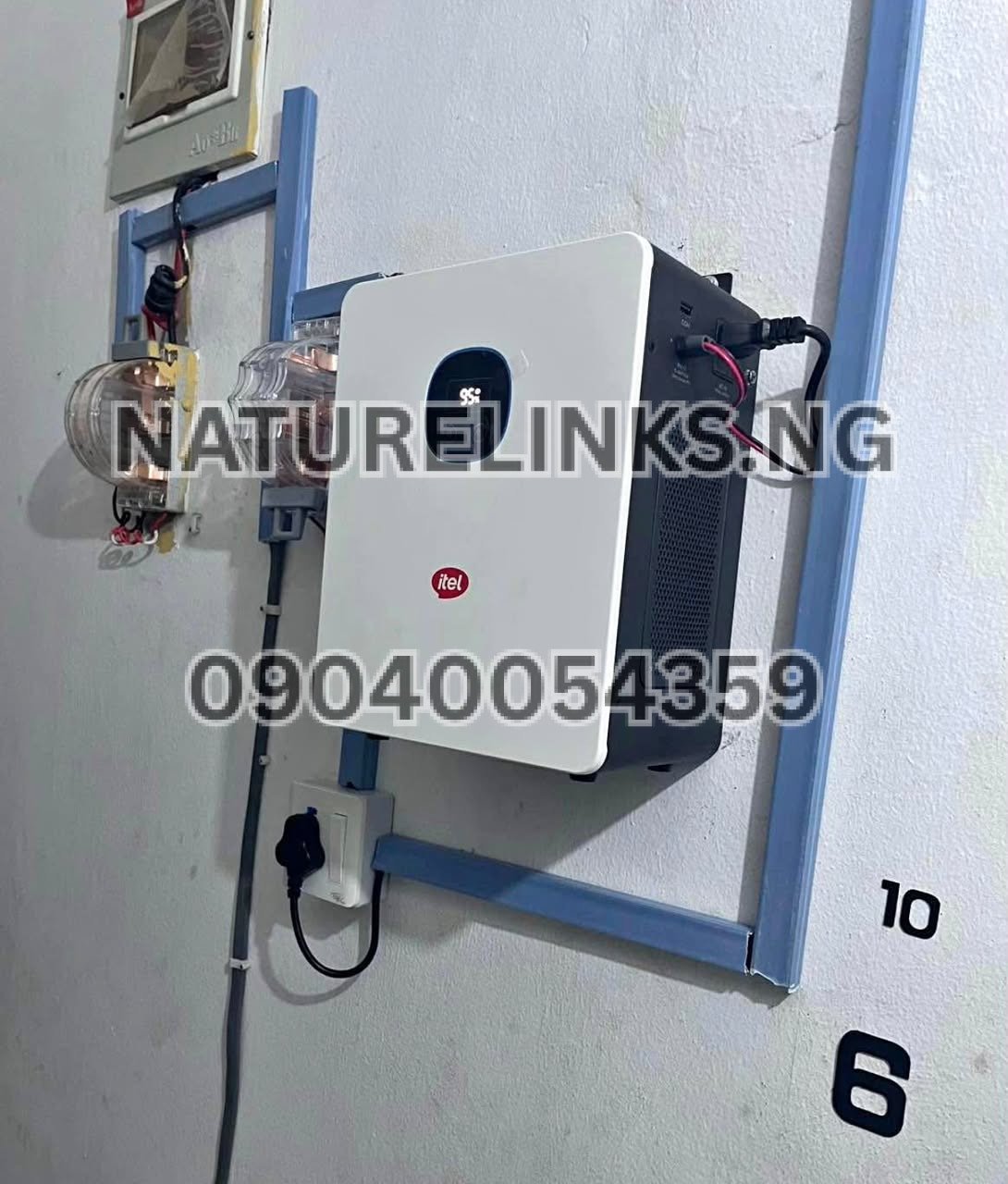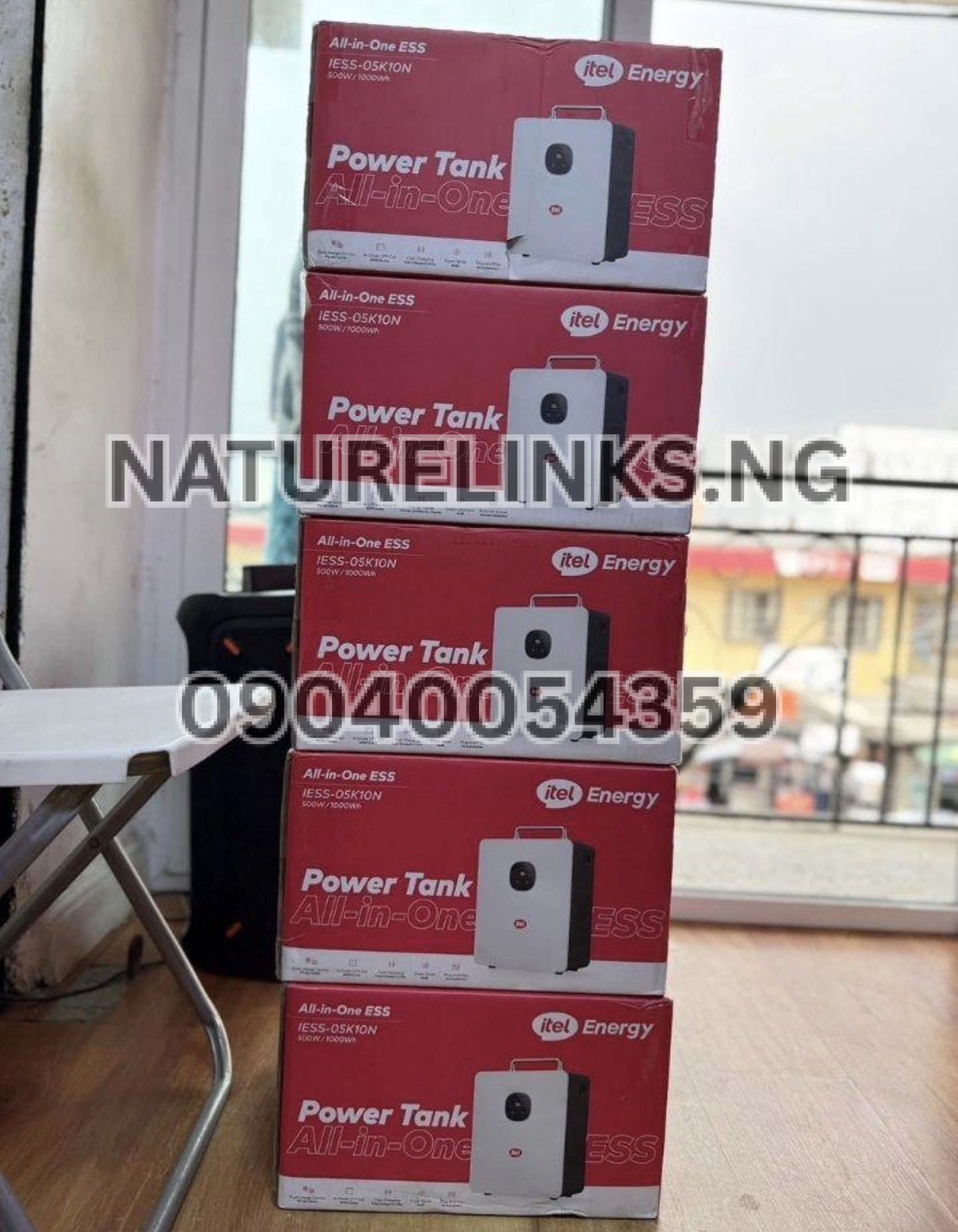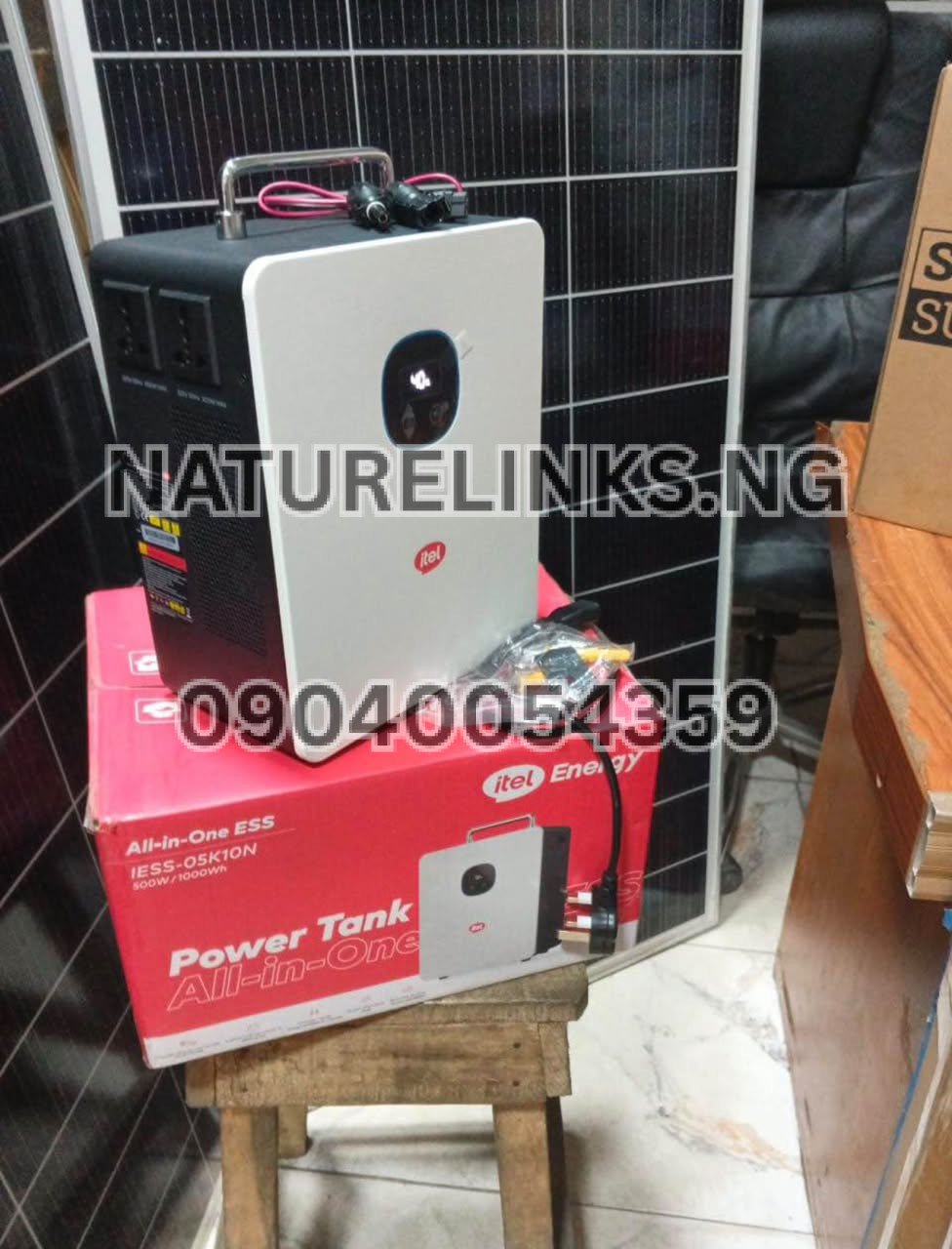
Best Seller: Nature Solar Global Limited. He is also the accredited distributor in Nigeria. Nature Links Nigeria Limited [NatureLinks.NG] works with Nature Solar Global Limited in supplying Itel Power Tank products and related solar-energy solutions to customers in Nigeria.
If you own an Itel Power Tank and want to know how to clean Itel Power Tank, the good news is that routine cleaning is straightforward. You do not need to open the power station or dismantle the battery system. Regular external cleaning helps prevent dust buildup around the housing, ventilation areas, charging ports and other openings.
For Nigerian users, especially those living or working in dusty environments, markets, shops, offices, workshops and areas where the Power Tank is frequently moved, keeping the unit clean is an important part of good maintenance. The basic rule is to keep the unit dry, disconnect it from power before cleaning, use a soft dry cloth, and never pour or spray water directly onto the Power Tank.
This guide explains “How Do I Clean Itel Power Tank?” safely, what cleaning materials to use, what to avoid, how often to clean it, how to clean the charging ports and ventilation openings, and when professional service may be necessary.
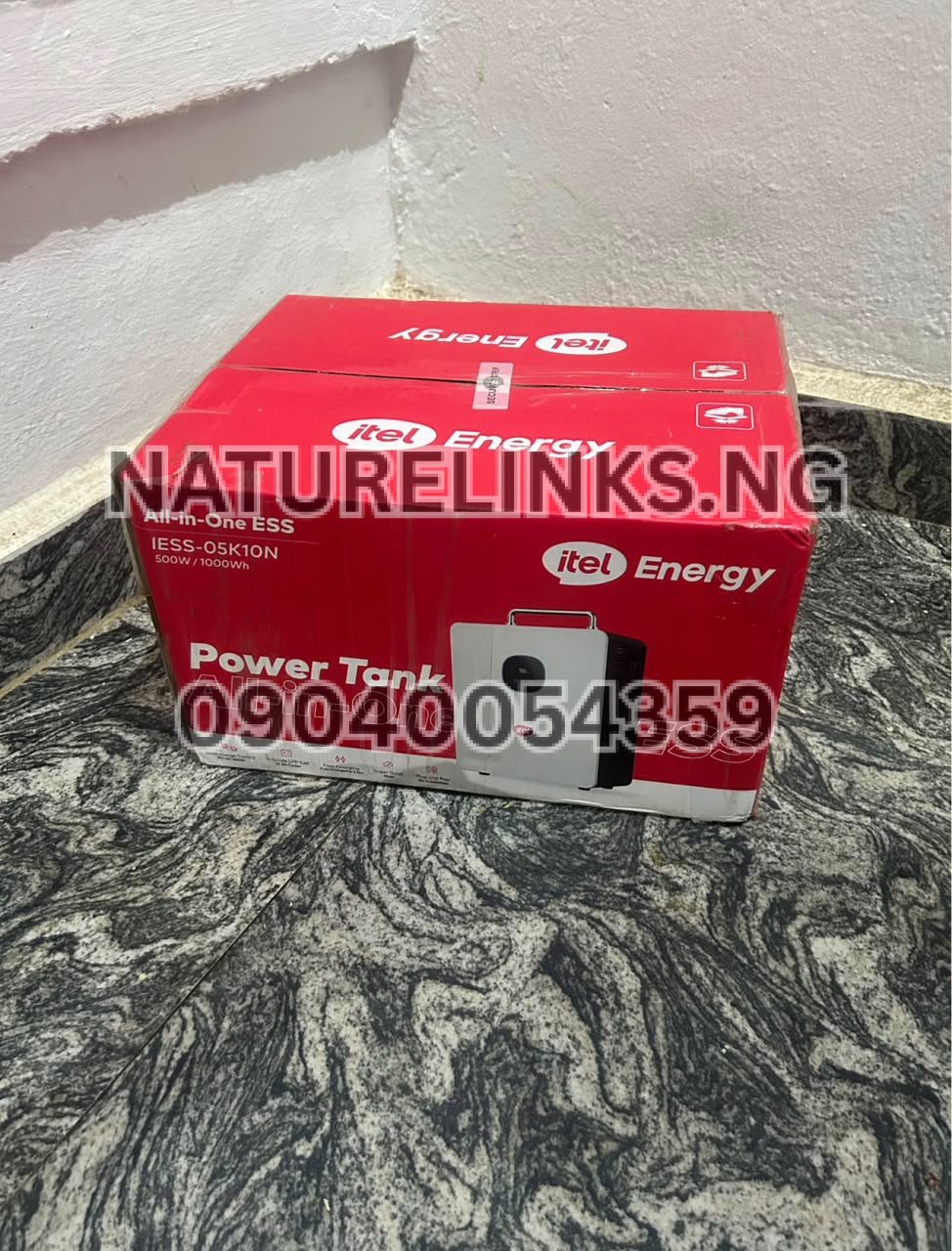
How Do I Clean Itel Power Tank?
The safest general method for cleaning an Itel Power Tank is:
- Turn off the Power Tank.
- Disconnect all appliances from its output ports.
- Disconnect the AC charging cable, solar input and any other external power source.
- Allow the unit to cool if it has been operating or charging.
- Use a clean, soft, dry microfiber cloth to wipe the exterior.
- Carefully remove dust around ventilation openings.
- Clean around charging and output ports without pushing dirt inside.
- Make sure the unit is completely dry before reconnecting anything.
For electrical energy-storage equipment, itel documentation advises disconnecting wiring before maintenance or cleaning and warns against methods that could allow water to enter the machine.
Therefore, “How Do I Clean Itel Power Tank?” should not mean opening the battery compartment or washing the device. Routine user cleaning should remain external.
Can I Use Water to Clean Itel Power Tank?
No. Do not pour, spray or immerse the Itel Power Tank in water.
A Power Tank contains electrical and electronic components. Water entering the charging ports, AC outlets, USB ports, ventilation openings or internal housing can cause electrical damage, corrosion, malfunction or potentially dangerous conditions.
Instead of using water directly:
- Switch the unit off.
- Disconnect all cables.
- Use a dry microfiber cloth.
- Remove loose dust gently.
- Keep moisture away from all ports.
- Allow the unit to remain completely dry before use.
itel’s energy-storage maintenance documentation specifically warns against cleaning methods that may allow water to enter the equipment.
If a damp cloth is absolutely necessary for a stubborn mark on the external plastic casing, use only a very lightly dampened cloth and make sure the cloth is not wet enough to drip. Never wipe directly over ports or openings, and never spray liquid onto the machine.
For routine cleaning, a dry cloth is preferable.
What Cleaning Materials Should I Use?
You do not need expensive cleaning equipment to maintain your Itel Power Tank.
Recommended items include:
- Soft microfiber cloth
- Clean dry cotton cloth
- Soft-bristle brush
- Small soft detailing brush
- Clean, dry compressed-air equipment used carefully, where appropriate
- Dry cotton swab for accessible areas around ports
The most important thing is to avoid aggressive cleaning materials.
Avoid:
- Running water
- Hose pipes
- Pressure washers
- Wet sponges
- Strong detergents
- Bleach
- Abrasive powders
- Harsh solvents
- Metal brushes
- Sharp objects
- Excessive compressed air
- Spraying cleaning chemicals directly onto the unit
itel documentation for its energy-storage equipment specifically warns against pressure washing and other cleaning methods that can allow water into the machine.
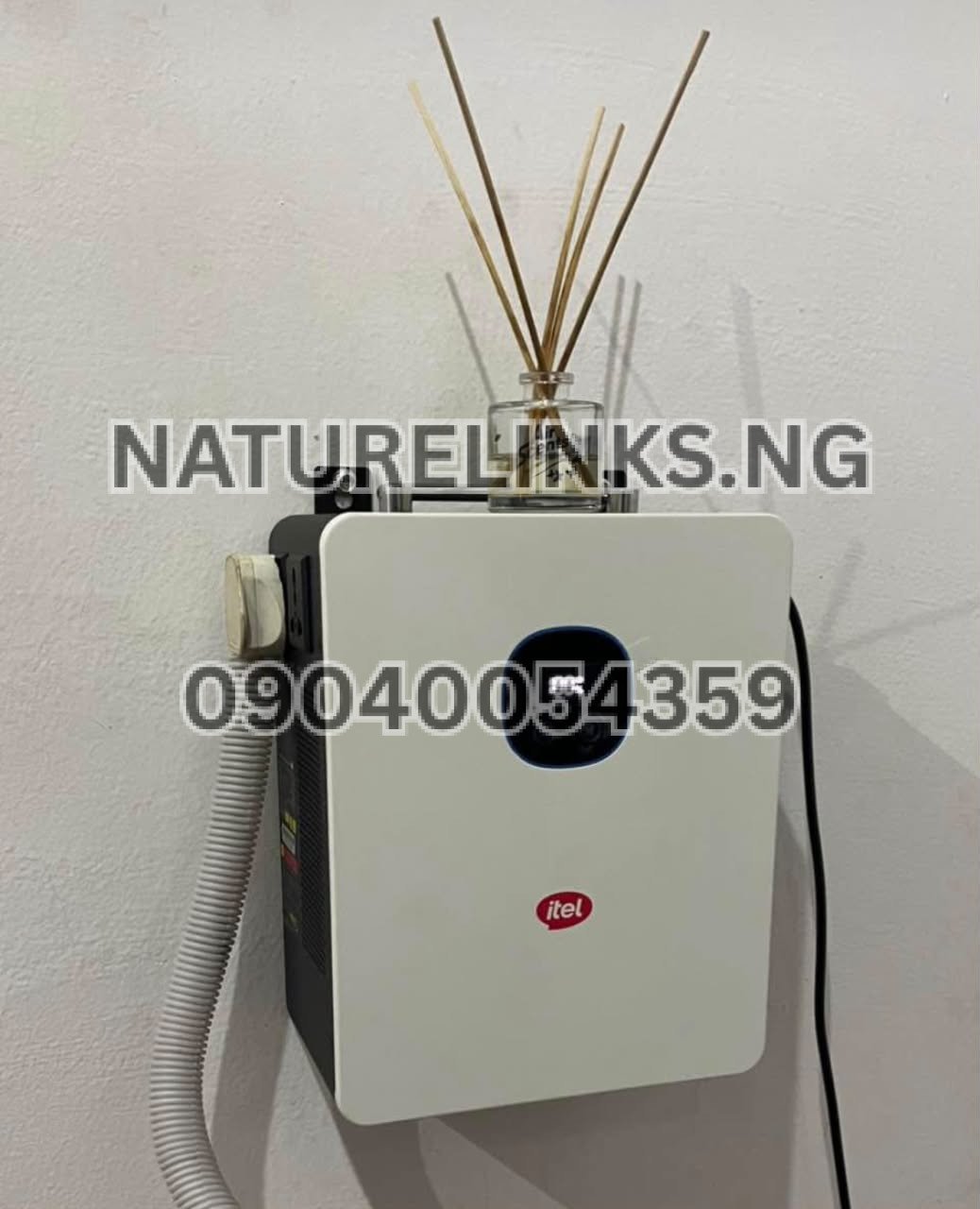
How to Clean Itel Power Tank Step by Step
Step 1: Turn Off the Power Tank
Before cleaning, switch off the unit completely.
Do not clean the Power Tank while it is actively charging or powering appliances unless the specific manufacturer instructions for your model explicitly permit the maintenance procedure.
Step 2: Disconnect Appliances
Remove TVs, fans, laptops, routers, lights, chargers and other connected equipment.
Disconnecting the loads prevents accidental operation while you are cleaning.
Step 3: Disconnect Charging Sources
Remove the AC charging cable and disconnect any compatible solar charging connection.
If the unit has another external charging connection, disconnect that as well.
itel’s safety documentation stresses disconnecting external wiring before maintenance or cleaning.
Step 4: Allow the Unit to Cool
If the Power Tank has just been charging or powering appliances, allow it to cool before cleaning.
This is especially useful if the cooling fan has been operating because of a heavy load or charging activity.
Step 5: Wipe the Exterior
Use a soft microfiber cloth to gently wipe:
- Top surface
- Front panel
- Side panels
- Carrying handle
- Display area
- Exterior around the AC sockets
- Exterior around USB ports
- Exterior around DC ports
Do not press dirt into the openings.
Step 6: Clean Ventilation Areas
Dust can accumulate around ventilation openings.
Use a soft brush to remove loose dust gently.
Do not insert a brush deeply into the Power Tank.
Do not use a sharp object to remove compacted dirt.
Step 7: Clean Around the Ports
Charging and output ports can collect dust, particularly when the unit is used frequently.
Use a dry, soft brush or dry cotton swab around the accessible exterior area.
Never force an object deep into a port.
Step 8: Inspect the Unit
After cleaning, check for:
- Cracks
- Burn marks
- Melted plastic
- Damaged cables
- Loose connectors
- Unusual corrosion
- Damaged charging ports
- Blocked ventilation openings
If you notice electrical damage, do not attempt to repair the Power Tank yourself.
Step 9: Allow It to Remain Dry
Before reconnecting the Power Tank, make sure the exterior and ports are dry.
Step 10: Reconnect and Test
Reconnect the appropriate charging source or appliances and check that the Power Tank operates normally.
How Often Should I Clean My Itel Power Tank?
There is no single cleaning interval that applies to every Nigerian household because the frequency depends on the environment.
A Power Tank used in a clean office may require less cleaning than one used in a dusty shop or market environment.
A practical maintenance schedule is:
Lightly dusty environment: inspect and wipe every few weeks.
Normal home or office: inspect approximately once a month.
Dusty shop, warehouse or market: inspect more frequently.
Very dusty environment: inspect the ventilation areas regularly and clean whenever visible dust accumulates.
The goal is not to clean the Power Tank unnecessarily. The goal is to prevent significant dust accumulation and keep ventilation openings clear.
How Do I Clean Itel Power Tank Charging Ports?
Charging ports should be treated carefully because they are electrical connection points.
First switch off the Power Tank and disconnect every charging source.
Then:
- Inspect the port under good lighting.
- Remove loose external dust with a soft dry brush.
- Use a dry cotton swab around the accessible edges if necessary.
- Do not pour liquid into the port.
- Do not insert metal objects.
- Do not scrape the port aggressively.
- Check the charging cable for damage before reconnecting.
If the port contains compacted dirt that cannot be removed safely, professional service is preferable to forcing an object inside.
How Do I Clean Itel Power Tank Ventilation Openings?
Ventilation openings are important because electrical equipment needs appropriate airflow for thermal management.
To clean them:
- Switch the unit off.
- Disconnect external power.
- Allow the unit to cool.
- Place it somewhere with good lighting.
- Use a soft, dry brush.
- Gently remove visible dust.
- Do not push dust deeper into the housing.
- Do not block the openings afterward.
Do not cover the ventilation openings with cloth, plastic or other materials while the Power Tank is operating.
For related itel energy-storage equipment, manufacturer documentation recommends keeping heat-dissipation areas clean and warns against cleaning methods that could introduce water into the equipment.
Can I Use a Vacuum Cleaner on Itel Power Tank?
A vacuum cleaner may be useful for removing loose dust around the outside of the unit, but it should be used cautiously.
Avoid putting the vacuum nozzle directly against sensitive ports or forcing suction into openings.
A soft brush is often sufficient for ordinary household dust.
The objective is to remove loose surface dust rather than disturb internal components.
Can I Use Compressed Air to Clean Itel Power Tank?
Compressed air should be used cautiously.
Strong air pressure can push dust deeper into an enclosure instead of removing it. It may also disturb debris around sensitive electrical components.
For routine cleaning, a soft dry brush and microfiber cloth are safer and simpler.
If compressed air is used, keep the pressure controlled and avoid directing powerful air directly into ports or deep ventilation openings.
Can I Use Alcohol to Clean Itel Power Tank?
Do not routinely spray alcohol or other cleaning chemicals directly onto an Itel Power Tank.
Cleaning chemicals can enter electrical openings and may damage plastics, labels, coatings or electronic components depending on their formulation.
For ordinary maintenance, use a clean, dry microfiber cloth.
If a particular stain requires a specialist cleaning product, follow the manufacturer’s instructions for your exact model before applying anything.
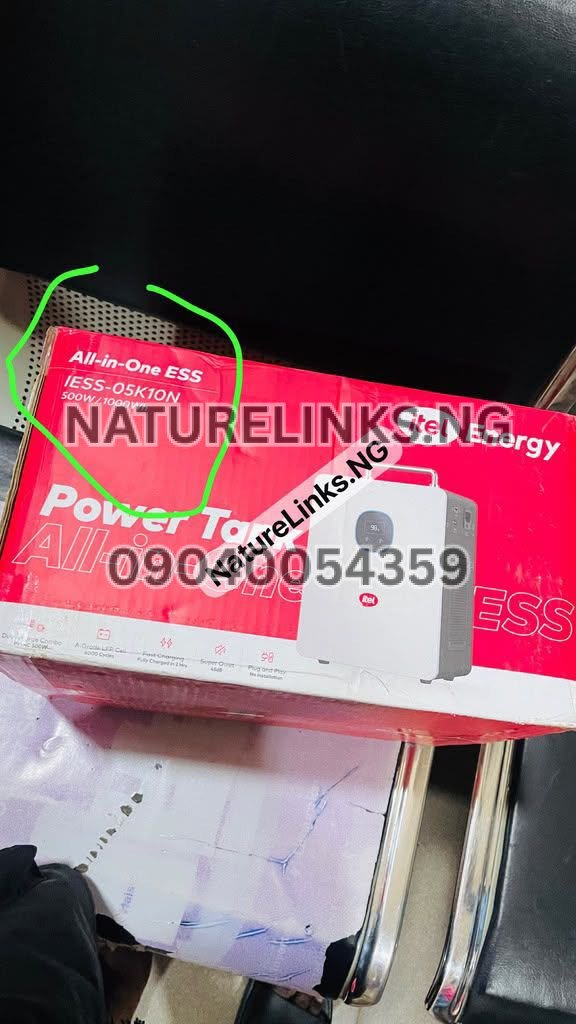
How Do I Remove Dust From Itel Power Tank?
Dust is one of the most common maintenance issues for portable power equipment.
To remove dust safely:
- Turn off the Power Tank.
- Disconnect all cables.
- Move it to a clean, dry location.
- Use a microfiber cloth on the outer body.
- Use a soft brush around ventilation openings.
- Brush around ports without pushing debris inside.
- Inspect the unit after cleaning.
- Keep the storage location clean.
Do not shake the Power Tank aggressively to remove dust.
Do not hit the unit against a wall or table.
Do not use sharp tools to scrape dust from the ports.
How Do I Clean a Dirty Itel Power Tank After Using It Outdoors?
If you use your Power Tank outdoors for camping, events, business activities, outdoor work or emergency electricity, it may accumulate more dust.
After outdoor use:
- Switch it off.
- Disconnect all appliances.
- Disconnect charging cables.
- Inspect the exterior.
- Brush off loose dirt.
- Wipe the casing with a dry microfiber cloth.
- Check the ports.
- Check ventilation openings.
- Store it in a clean, dry place.
If the unit has been exposed to rain or significant moisture, do not immediately power it on.
Allow it to dry thoroughly and seek qualified technical assistance if water may have entered the housing.
What If Water Spills on My Itel Power Tank?
If water or another liquid spills onto the Power Tank, prioritize safety.
Immediately:
- Disconnect external power if it is safe to do so.
- Stop using the unit.
- Disconnect connected appliances if safe.
- Move away from the wet area.
- Do not plug it back in while wet.
- Do not open the unit.
- Allow qualified technicians to inspect it if liquid may have entered the housing or ports.
Do not attempt to dry the inside by dismantling the Power Tank.
itel’s energy-storage safety documentation states that users should not disassemble the equipment and that servicing should be handled by qualified personnel.
Can I Open My Itel Power Tank to Clean Inside?
No.
Routine users should not open the Power Tank to clean the battery, inverter, BMS, wiring or internal electronics.
Opening an energy-storage device can expose you to electrical hazards and may cause damage.
Manufacturer documentation for itel energy-storage equipment instructs users not to disassemble the unit and recommends qualified service personnel for repair or service.
If internal cleaning is required, contact the seller, authorized support channel or qualified technician.
Does Cleaning Improve Itel Power Tank Performance?
Cleaning does not increase the battery’s rated capacity or magically make the Power Tank produce more electricity.
However, good maintenance can help keep the equipment in a suitable operating condition.
Dust management is particularly relevant around ventilation and heat-dissipation areas. itel’s energy-storage documentation identifies dust and environmental conditions as maintenance considerations and recommends keeping heat-dissipation areas clean.
Therefore, regular external cleaning is part of responsible Power Tank maintenance.
How Do I Clean Itel Power Tank Without Damaging It?
The safest approach is:
Power off → disconnect → cool down → wipe → brush → inspect → keep dry.
Avoid:
Water → pressure washing → aggressive chemicals → sharp tools → opening the unit.
This simple distinction makes routine maintenance much safer.
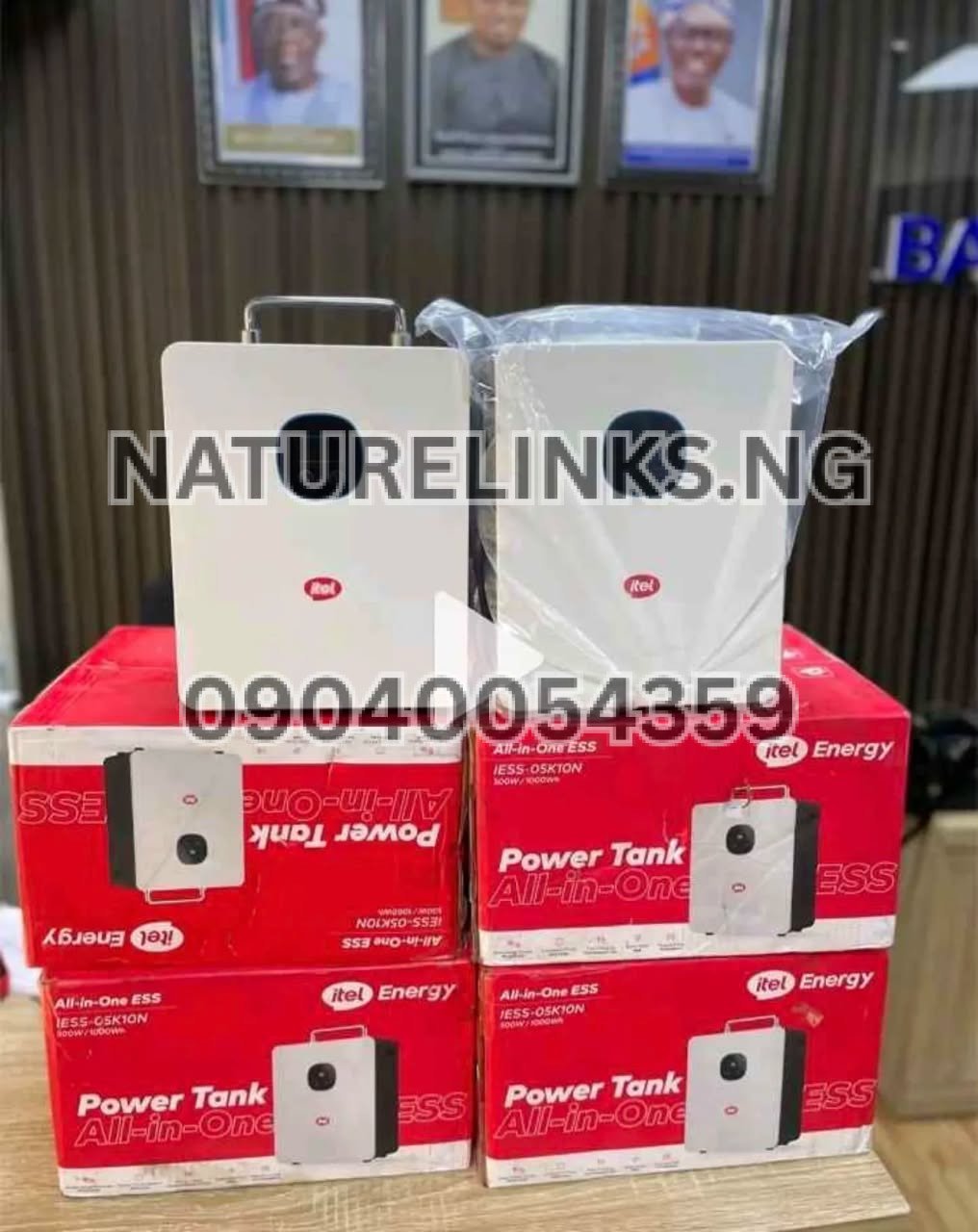
How to Maintain Itel Power Tank in Nigeria
Cleaning is only one part of maintaining your Power Tank.
Keep It in a Dry Location
Avoid placing it where rain, flooding, condensation or water splashes can reach it.
Keep Ventilation Areas Clear
Do not place bags, clothes, cartons or other objects against ventilation openings.
Avoid Excessive Heat
Keep the unit away from direct heat sources and unnecessary exposure to extreme temperatures.
Avoid Overloading
Use appliances within the Power Tank’s rated output.
Available listings for the Itel 500W/1000Wh model identify a 500W rated inverter output and a 1000Wh LiFePO₄ battery, but buyers should confirm the exact model specification before relying on a particular rating.
Use Compatible Charging Equipment
Use the recommended AC charger and compatible solar charging equipment.
Inspect Cables
Check cables regularly for cuts, exposed conductors, melted insulation or damaged connectors.
Do Not Modify the Battery
Do not attempt to replace, bypass or modify internal battery components yourself.
Store Properly
When not in use, keep the Power Tank in a clean, dry and ventilated environment.
How to Store Itel Power Tank After Cleaning
After cleaning, place the Power Tank somewhere:
- Cool
- Dry
- Clean
- Well ventilated
- Away from direct water exposure
- Away from excessive heat
- Away from corrosive chemicals
- Away from children and unauthorized handling
Do not cover the unit with an airtight material while it is operating.
What Should I Do If the Itel Power Tank Gets Dusty Inside?
Do not automatically assume that visible dust near a ventilation opening means you should open the machine.
First clean the accessible external area.
If dust appears to have entered deep inside the housing, contact qualified technical support rather than dismantling the unit yourself.
Internal maintenance should be performed by appropriately qualified personnel.
What Should I Do If My Itel Power Tank Overheats After Cleaning?
Cleaning alone should not be expected to fix every overheating problem.
If the Power Tank becomes unusually hot:
- Turn off unnecessary loads.
- Disconnect charging if appropriate and safe.
- Move the unit to a cool, ventilated location.
- Check that ventilation openings are not blocked.
- Allow the unit to cool.
- Check the display for warnings.
- Do not open the unit.
- Contact qualified support if the problem continues.
Do not continue operating equipment that shows signs of serious overheating, burning smell, smoke or physical damage.
Does Dust Affect Itel Power Tank Battery Life?
Dust itself does not directly change the battery’s rated capacity. However, excessive dust around cooling and ventilation areas can contribute to poor heat management.
Battery and electronic equipment generally benefit from being operated in appropriate environmental conditions.
That is why keeping the Power Tank clean, dry and properly ventilated is a sensible maintenance practice.
How to Clean Itel Power Tank Before Selling It
If you are selling a used Itel Power Tank, clean the exterior carefully before presenting it to a buyer.
Recommended preparation:
- Power off the unit.
- Disconnect all cables.
- Wipe the body.
- Clean the display.
- Clean around ports.
- Remove visible dust.
- Clean the carrying handle.
- Check cables and accessories.
- Keep the unit dry.
- Do not open the casing merely for cosmetic cleaning.
Also provide the buyer with available documentation, accessories and purchase information where applicable.
How to Clean Itel Power Tank Before Long-Term Storage
Before storing the unit:
- Clean the external casing.
- Remove dust around ventilation areas.
- Check charging ports.
- Inspect cables.
- Check the battery status.
- Store in a dry environment.
- Follow the specific storage recommendations in the manual for your exact model.
Do not leave the unit in a place where flooding, rain or high humidity can reach it.
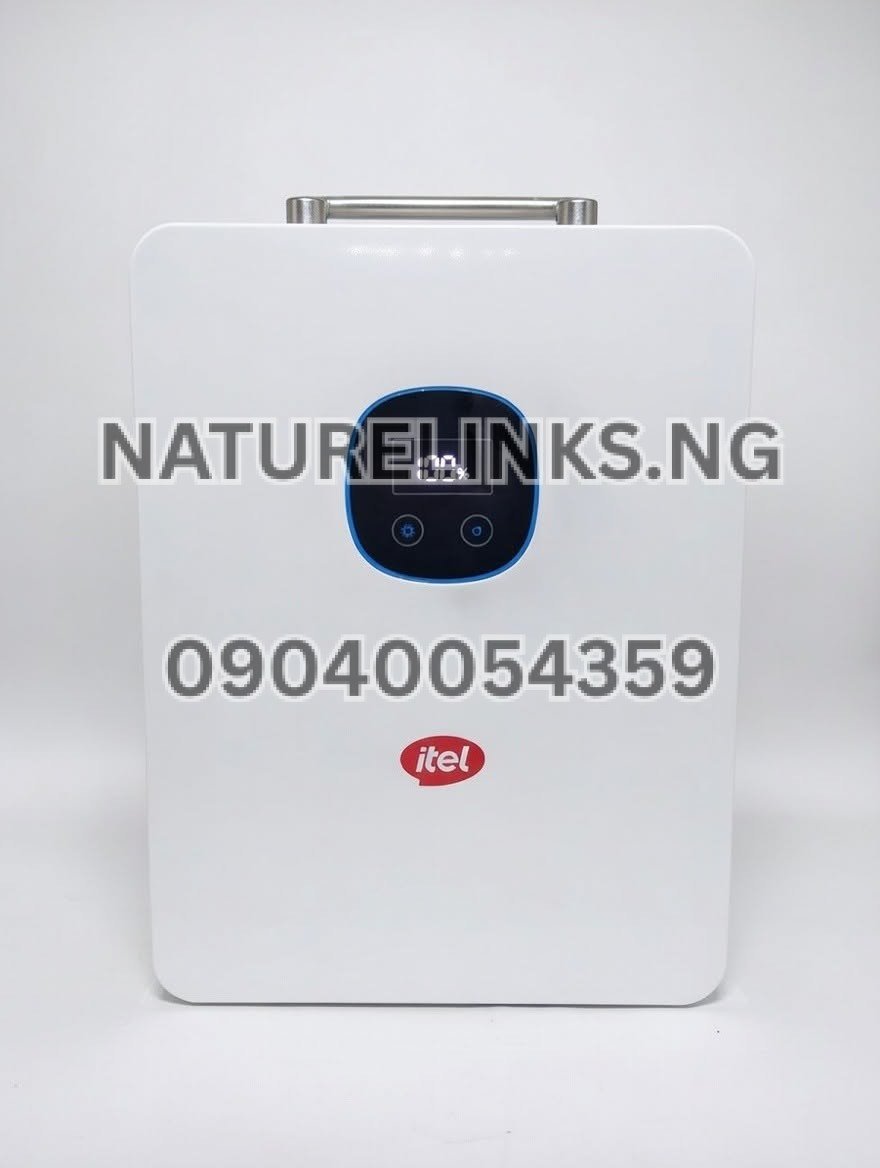
Can I Clean Itel Power Tank While It Is Charging?
It is better to clean it after switching it off and disconnecting external power.
Cleaning around electrical equipment while it is charging introduces unnecessary risk, particularly if moisture or conductive debris is involved.
itel’s energy-storage safety documentation recommends disconnecting wiring before maintenance or cleaning.
Therefore:
Stop charging → disconnect → clean → inspect → reconnect.
Can I Clean Itel Power Tank While It Is Powering a TV or Fan?
No. For routine cleaning, switch it off and disconnect the appliances first.
This provides a safer maintenance condition and prevents accidental contact with energized ports.
After cleaning, reconnect the appliances and switch the appropriate output back on.
What Are the Most Important Itel Power Tank Cleaning Mistakes to Avoid?
Avoid these common mistakes:
1. Pouring Water on the Unit
Never wash the Power Tank like an ordinary household appliance.
2. Using a Pressure Washer
Pressure washing can force water into electrical equipment. itel documentation explicitly warns against pressure-washer cleaning for its energy-storage equipment.
3. Opening the Housing
Do not dismantle the unit for routine cleaning.
4. Cleaning While Connected to Power
Disconnect external power before maintenance.
5. Using Sharp Objects
Do not scrape ports with knives, pins or metal objects.
6. Blocking Ventilation
Do not place the Power Tank inside an enclosed space with restricted airflow during operation.
7. Using Harsh Chemicals
Avoid unnecessary chemical cleaners.
8. Ignoring Physical Damage
Cracks, burnt connectors, melted plastic or unusual smells should be treated as potential technical problems rather than ordinary dirt.
“How Do I Clean Itel Power Tank?” — Quick Answer
If you need the shortest possible answer to “How Do I Clean Itel Power Tank?”, follow these steps:
Turn it off, disconnect all appliances and charging sources, allow it to cool, wipe the exterior with a clean dry microfiber cloth, gently brush dust from accessible ventilation areas and around ports, and keep water away from the unit. Never open or pressure-wash the Power Tank.
For serious dirt inside the housing, liquid exposure, damaged ports or overheating, seek qualified technical support.
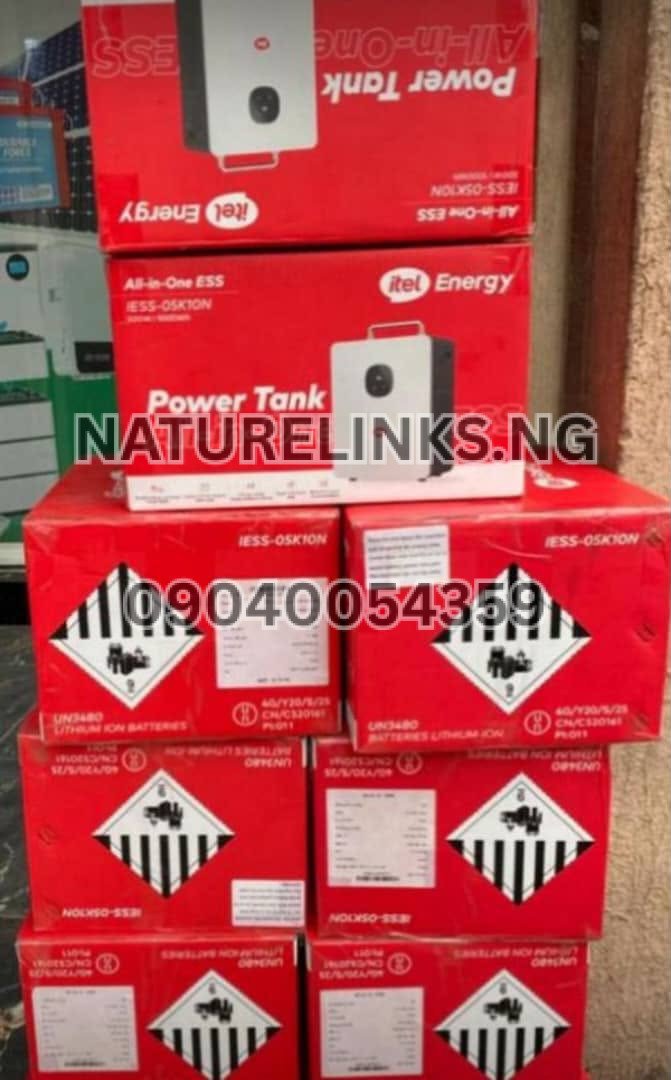
Itel Power Tank Cleaning Checklist
Use this checklist whenever you want to clean your Power Tank:
| Maintenance Task | Recommended? |
|---|---|
| Switch off before cleaning | Yes |
| Disconnect appliances | Yes |
| Disconnect charging cables | Yes |
| Allow unit to cool | Yes |
| Use microfiber cloth | Yes |
| Use soft dry brush | Yes |
| Clean exterior | Yes |
| Clean accessible ventilation area | Yes |
| Clean around ports carefully | Yes |
| Pour water on unit | No |
| Pressure wash unit | No |
| Immerse unit in water | No |
| Insert metal tools into ports | No |
| Open battery housing | No |
| Disassemble for routine cleaning | No |
| Block ventilation openings | No |
Itel Power Tank 500W / 1000Wh Maintenance
Many Nigerian searches refer to the Itel Power Tank as a 500W/1000Wh portable power station. Current Nigerian listings describe the model as using a 500W pure-sine-wave inverter and a 1000Wh LiFePO₄ battery, although exact specifications can vary by model/version, so buyers should verify the model number and current manufacturer’s documentation.
For this type of Power Tank, cleaning should remain an external maintenance activity.
The battery should not be exposed to water.
The inverter should not be opened by an ordinary user.
The charging and output ports should not be flooded with cleaning fluid.
The ventilation areas should remain clear.
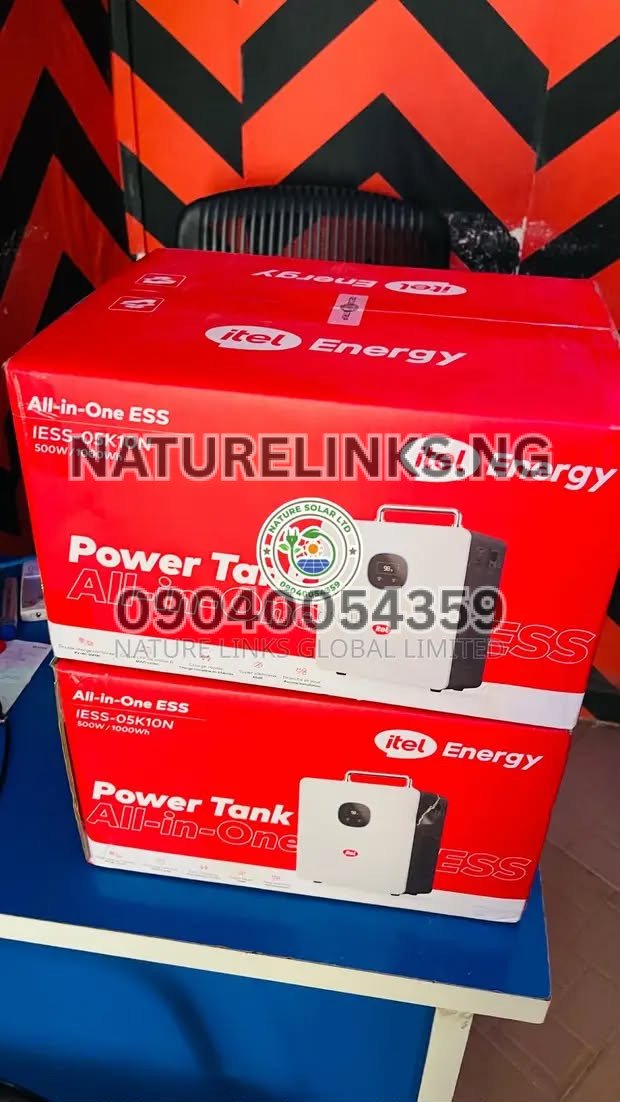
Itel Power Tank Cleaning and Safety in Nigeria
Nigeria’s dusty environment makes regular inspection particularly useful for portable power stations.
A Power Tank used in:
- Lagos
- Port Harcourt
- Abuja
- Onitsha
- Aba
- Enugu
- Benin City
- Kano
- Ibadan
- Kaduna
- Asaba
- other dusty commercial environments
may require more frequent external dust removal than a unit kept in a clean room.
However, location does not change the basic cleaning rule: keep the electrical equipment dry and avoid opening the machine.
Where to Buy Genuine Itel Power Tank in Nigeria
For Nigerians looking to buy an original Itel Power Tank, accessories or related solar-power products, the supplied seller information is:
The Best Seller: Nature Links Nigeria Limited [NatureLinks.NG]
Distributor: Nature Solar Global Limited
CEO: Mr. Joseph Chikeleze
Call: 07049528019
WhatsApp: 09040054359
Shop Address: F1571 Upstairs (F-Line), Alaba International Market, Lagos State 🇳🇬
Before purchasing, buyers should confirm the exact model, included accessories, warranty arrangements, current price and availability.
Current Nigerian listings show that Itel Power Tank models and bundles can differ in price and specifications, so confirming the exact model before payment is important.
Itel Power Tank Maintenance and Accessories
When buying an Itel Power Tank, Nigerian buyers may also search for:
- Itel Power Tank charger
- Itel Power Tank AC adapter
- Itel Power Tank solar panel
- Itel Power Tank charging cable
- Itel Power Tank replacement accessories
- Itel Power Tank manual
- Itel Power Tank user guide
- Itel Power Tank warranty
- Itel Power Tank battery information
- Itel Power Tank solar generator
Use only accessories compatible with your exact model.
The official itel Energy support area provides user manuals and support resources for its energy-storage products.
Frequently Asked Questions About Cleaning Itel Power Tank
1. How do I clean Itel Power Tank?
Switch it off, disconnect appliances and charging sources, allow it to cool, then wipe the exterior using a clean, soft microfiber cloth. Use a soft dry brush to remove dust around accessible ventilation openings and ports. Do not pour water into the unit or open the housing.
2. Can I wash my Itel Power Tank with water?
No. Do not wash or immerse the Power Tank in water. Water can enter electrical components and cause damage or create an electrical hazard. Use a dry cloth for routine cleaning.
3. Can I use a wet cloth to clean Itel Power Tank?
For normal cleaning, use a dry microfiber cloth. If a stubborn external mark requires moisture, use only a very lightly dampened cloth on the external casing, keeping all ports and openings dry. Never spray liquid directly onto the Power Tank.
4. How do I clean Itel Power Tank charging ports?
Switch the unit off and disconnect it from external power. Remove loose dust around the outside of the port using a soft, dry brush or suitable dry cotton swab. Never insert metal objects or pour cleaning fluid into the charging port.
5. How do I remove dust from Itel Power Tank?
Use a soft microfiber cloth on the casing and a soft dry brush around accessible ventilation areas. Avoid pushing dust deeper into openings and never use water or pressure washing.
6. Can I open Itel Power Tank to clean the battery?
No. Do not open the battery compartment or dismantle the Power Tank for routine cleaning. itel’s energy-storage safety documentation says users should not disassemble the equipment and directs servicing to qualified personnel.
7. How often should I clean my Itel Power Tank?
Inspect it regularly and clean whenever visible dust accumulates. A monthly external inspection is a practical starting point for a typical home or office, while dusty environments may require more frequent cleaning.
8. Can I use a vacuum cleaner to clean Itel Power Tank?
A vacuum can be used cautiously to remove loose dust around the outside, but avoid forcing the nozzle against sensitive ports or deep into ventilation openings. A soft dry brush is usually sufficient for routine maintenance.
9. What should I do if water enters my Itel Power Tank?
Stop using it and disconnect external power if this can be done safely. Do not open the unit or attempt an internal repair. If liquid entered the ports or housing, have the unit inspected by qualified technical personnel before using it again.
10. Does cleaning Itel Power Tank improve battery performance?
Cleaning does not increase the battery’s rated capacity, but keeping the exterior and ventilation areas free from excessive dust is good maintenance practice. itel’s energy-storage documentation identifies dust and heat-dissipation maintenance as relevant to equipment operation and service life.
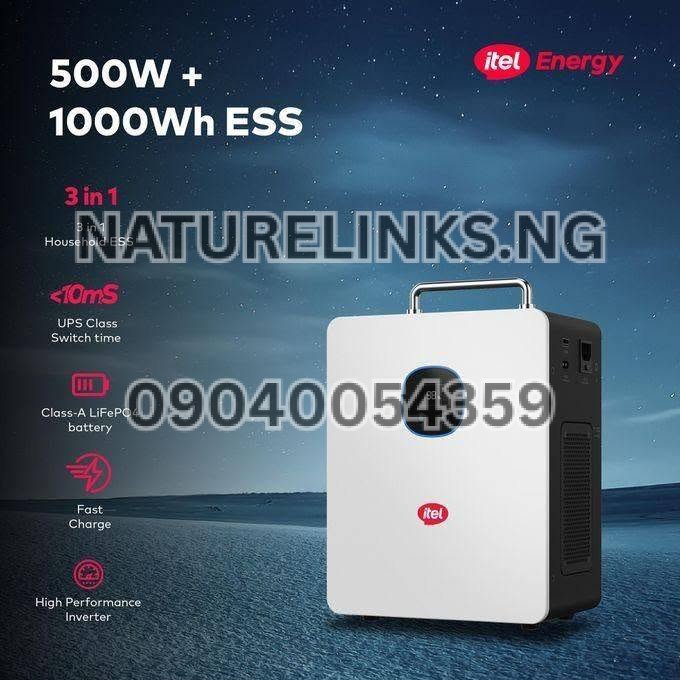
Important Itel Power Tank Safety Tips
Remember these basic rules:
Keep it dry.
Keep ventilation areas clear.
Disconnect external power before cleaning.
Do not open the battery housing.
Do not pressure-wash the unit.
Do not insert metal objects into ports.
Do not use damaged charging cables.
Do not ignore burning smells, smoke, melted connectors or abnormal overheating.
Use compatible charging equipment.
Follow the user manual for your exact Itel Power Tank model.
The official itel Energy support page provides access to user manuals and support information, making it a useful reference when model-specific instructions are required.
“How Do I Clean Itel Power Tank?” — Final Maintenance Advice
The best way to clean an Itel Power Tank is to keep the process simple. Turn it off, disconnect it from appliances and charging sources, let it cool, wipe the exterior with a soft dry cloth, gently remove dust around accessible openings and keep all liquids away from the electrical components.
Do not treat the Power Tank like an ordinary appliance that can be washed. It is an electronic energy-storage system containing a battery, inverter, charging circuitry and protection electronics. Current itel energy-storage safety documentation emphasizes safe isolation before maintenance and warns against water entering the equipment.
For Nigerian users, regular external cleaning is especially useful when the Power Tank is operated in dusty homes, shops, offices, markets and outdoor environments. Proper storage, ventilation, compatible charging equipment and careful handling should be combined with cleaning to maintain reliable operation.
If the unit has internal dust, liquid damage, a damaged charging port, unusual overheating, burning smell or another electrical fault, professional inspection is safer than opening the Power Tank yourself.
For genuine Itel Power Tank products and related solar-energy equipment, Nigerian buyers can contact the supplied Nature Links Nigeria Limited / Nature Solar Global Limited seller information above.

Conclusion
Knowing “How Do I Clean Itel Power Tank?” is important for anyone using an Itel Power Tank as a backup power solution in Nigeria. The cleaning process does not require dismantling the machine. Regularly wipe the exterior, keep the ventilation areas clear, remove loose dust carefully and keep water and cleaning chemicals away from electrical openings.
The most important maintenance rule is do not open, wash or pressure-wash the Power Tank. If there is serious internal contamination, liquid exposure or an electrical problem, use qualified technical support rather than attempting an internal repair.
With proper cleaning, dry storage, adequate ventilation, compatible charging accessories and correct operating practices, your Itel Power Tank can be maintained in a cleaner and safer operating condition.
For purchase enquiries, current availability and product support in Nigeria:
Nature Links Nigeria Limited [NatureLinks.NG]
Distributor: Nature Solar Global Limited
CEO: Mr. Joseph Chikeleze
Call: 07049528019
WhatsApp: 09040054359
Shop: F1571 Upstairs (F-Line), Alaba International Market, Lagos State 🇳🇬