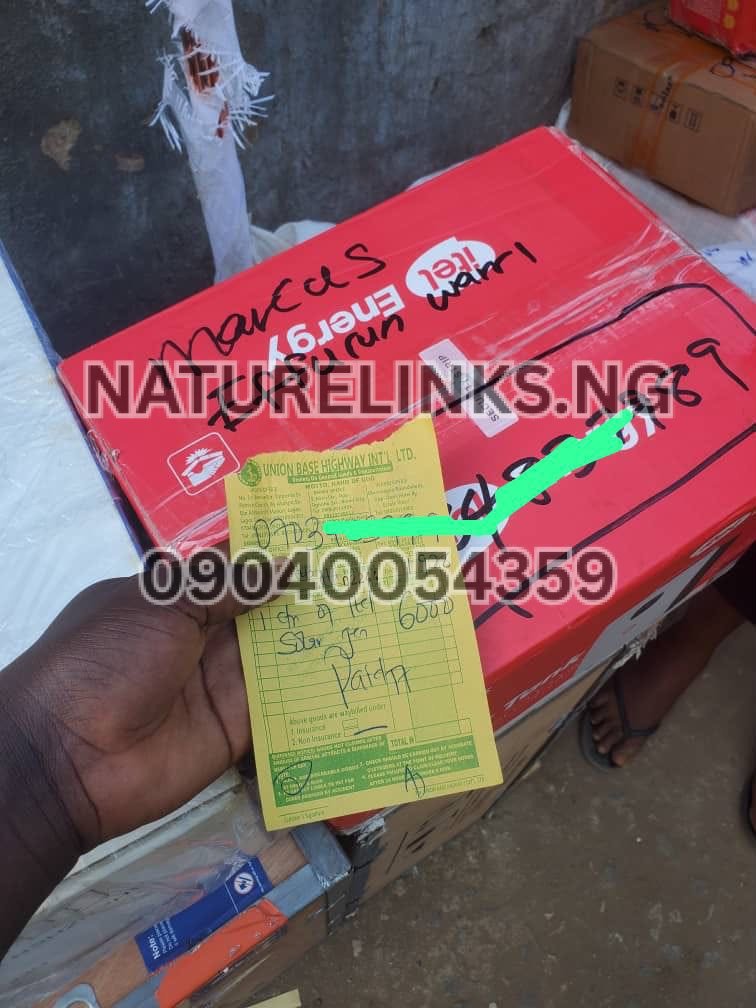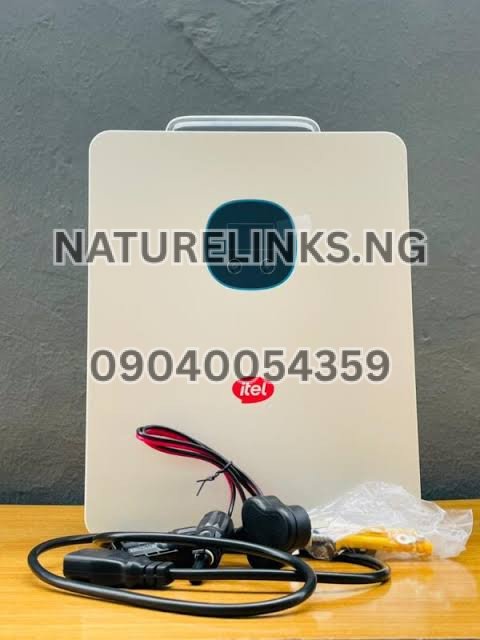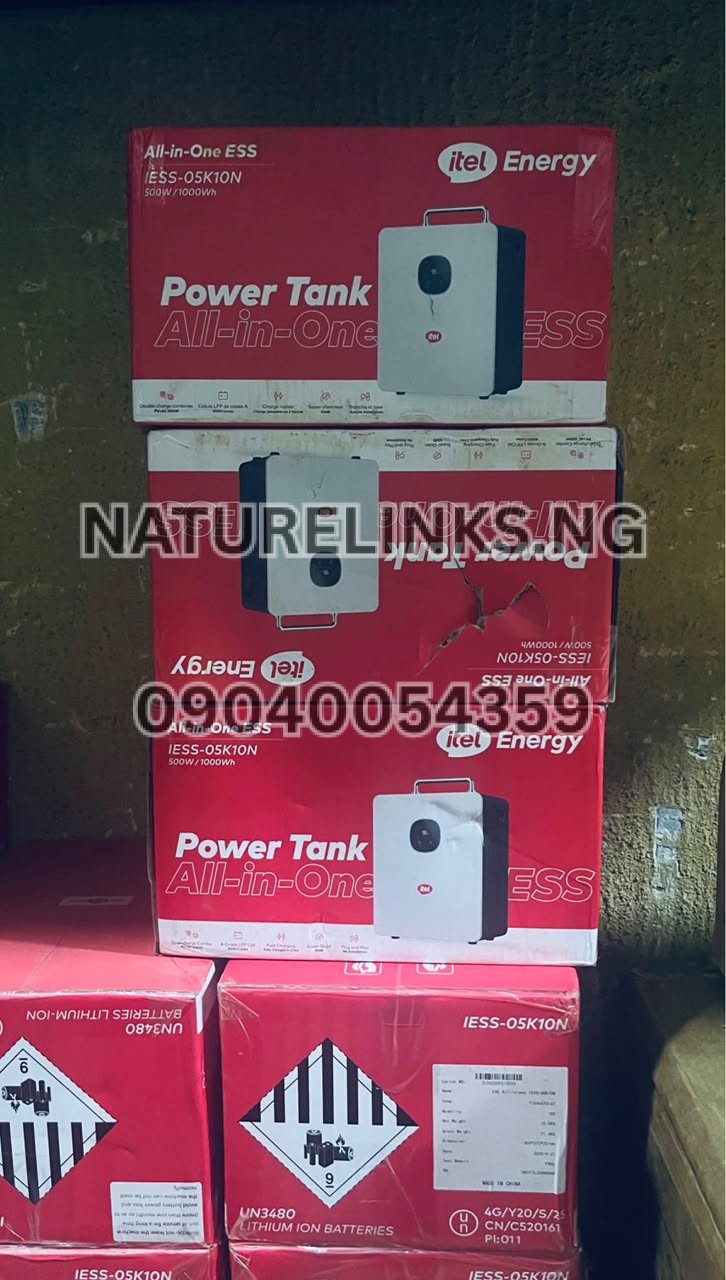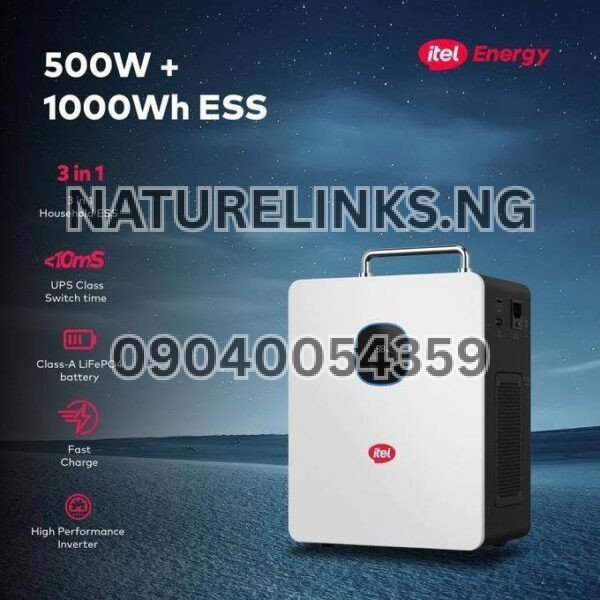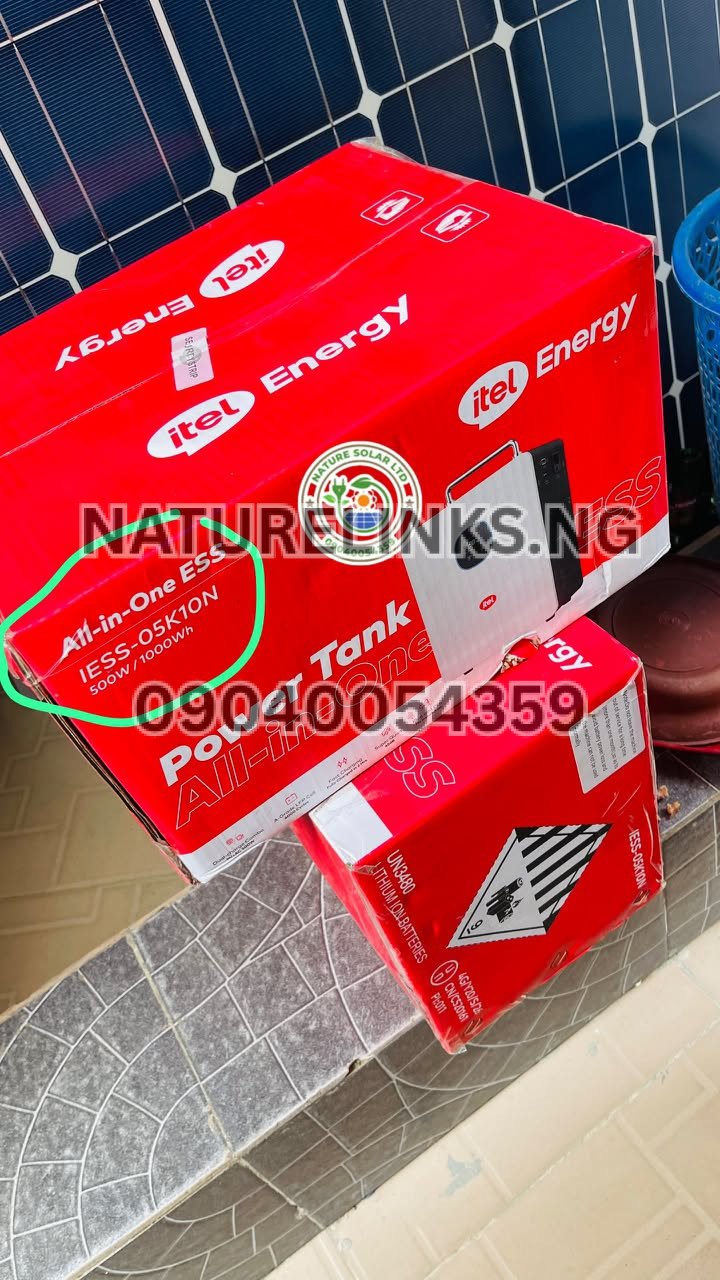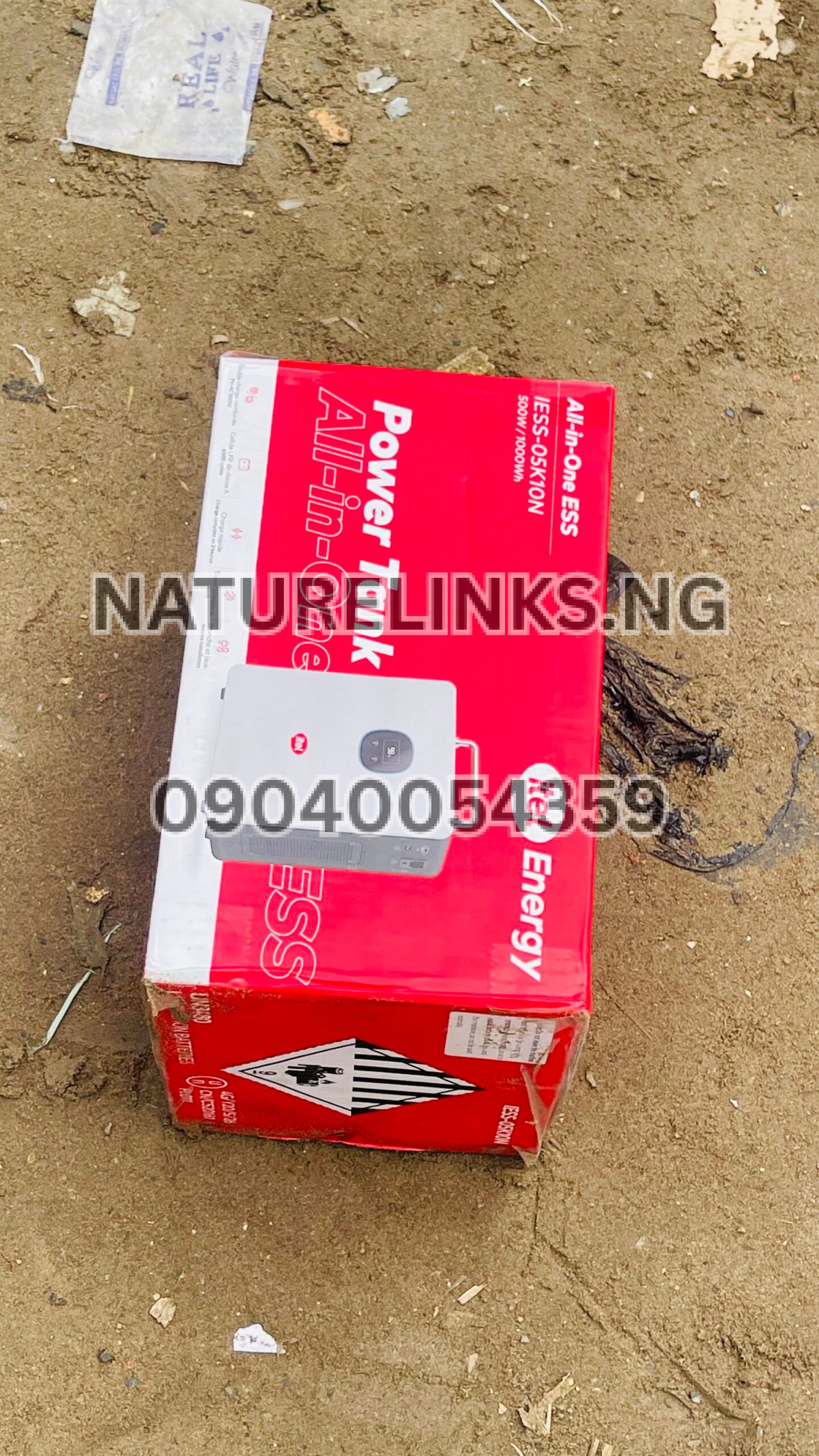
The Best Seller is Nature Solar Global Limited, the accredited distributor of Itel Power Tank in Nigeria. Nature Solar Global Limited, working with Nature Links Nigeria Limited [NatureLinks.NG], supplies genuine Itel Power Tank products to customers across Nigeria, with availability and technical assistance for buyers looking for reliable backup electricity.
If your Itel Power Tank has stopped responding, is showing a fault warning, is not powering an appliance, or appears to have entered a protection mode, you may be searching “How do I reset Itel Power Tank?” The good news is that many temporary issues can be cleared by switching off the outputs, disconnecting appliances and charging sources, waiting briefly, and restarting the unit.
For the Itel Power Tank 500W/1000Wh models commonly sold in Nigeria, the system includes protective functions such as overload, short-circuit, over-temperature and PV over-voltage protection. The exact reset procedure can vary by model, so the user manual for your particular unit should take priority.
How Do I Reset Itel Power Tank?
If your Itel Power Tank is frozen, unresponsive or displaying a temporary fault, use this basic restart procedure:
- Switch off the connected appliances.
- Turn off the AC output.
- Turn off the DC/USB outputs if they are active.
- Disconnect appliances from the Power Tank.
- Disconnect the AC charger or solar charging input.
- Allow the unit to remain off for approximately 30 seconds to several minutes.
- Press the main power button to restart the Power Tank.
- Check the display for the battery percentage and warning indicators.
- Connect only a small, compatible load first.
- If the unit operates normally, reconnect your other appliances one at a time.
This is best understood as a power-cycle/reset procedure, rather than a factory reset that erases settings.
A current troubleshooting guide for the Itel Power Tank similarly recommends turning off outputs, disconnecting loads and charging sources, waiting briefly and restarting when the unit becomes unresponsive.
“How Do I Reset Itel Power Tank?” When It Shows FAULT
If the Power Tank displays a fault warning or produces an alarm, do not immediately assume that the battery is damaged.
A fault can be caused by:
- Excessive appliance load
- Short circuit
- Excessive temperature
- Low battery
- Excessive solar input voltage
- An incompatible charging source
- A temporary protection condition
For the 500W model, the inverter is rated for 500W continuous output, with a higher short-duration surge capability. Connecting appliances whose combined demand exceeds the rated output can activate protection.
What to do
Disconnect the appliances, switch the Power Tank off, wait, and restart it. If the warning disappears, reconnect appliances while keeping the total load within the unit’s rated capacity.
Do not repeatedly force the unit to operate with an appliance that triggers the fault.
How to Reset Itel Power Tank After Overload
Overload is one of the situations where a restart can be useful.
For example, you may accidentally connect:
- Electric iron
- Hot plate
- Kettle
- Microwave
- High-power refrigerator
- Water pump
- Hair dryer
- Other heavy electrical appliances
If the connected load exceeds the Power Tank’s output capability, its protection system can shut down the output.
Overload reset procedure
Step 1: Unplug the high-power appliance.
Step 2: Switch off the AC output.
Step 3: Turn off the Power Tank.
Step 4: Wait approximately 30 seconds.
Step 5: Turn the unit back on.
Step 6: Enable AC output.
Step 7: Test with a low-power appliance such as a phone charger, LED lamp, router or laptop.
The 500W/1000Wh Itel Power Tank is designed around a 500W continuous pure-sine-wave inverter, so buyers should calculate appliance wattage before connecting several devices simultaneously.
How to Reset Itel Power Tank When It Is Not Charging
If your Itel Power Tank is not charging, resetting it may help if the problem is caused by a temporary protection state.
Before resetting it, check:
- AC wall socket
- Original charger
- Charging cable
- Charging connector
- Solar input connection
- Solar panel voltage
- Battery temperature
- Display warnings
- Battery percentage
Then disconnect the charging source and all appliances, turn the Power Tank off, wait briefly and restart it.
After restarting, reconnect the compatible original charging equipment.
If the battery still refuses to charge, do not repeatedly reset the unit. The problem could involve the charger, charging port, input voltage, battery protection system or another hardware issue.
Why Is My Itel Power Tank Not Turning On?
If your Itel Power Tank does not turn on, first check whether the battery has sufficient charge.
Try this sequence:
- Disconnect every appliance.
- Disconnect the solar panel or AC charger temporarily.
- Press the power button according to the operating instructions for your model.
- Observe the display.
- If there is no response, connect the approved charger.
- Allow the unit to charge.
- Try starting it again.
If the unit remains completely unresponsive after charging and restarting, contact the seller or authorized support channel instead of opening the Power Tank yourself.
The official itel support platform provides access to product downloads, user manuals, after-sales service and product authentication resources.
How to Reset Itel Power Tank After a Power Outage
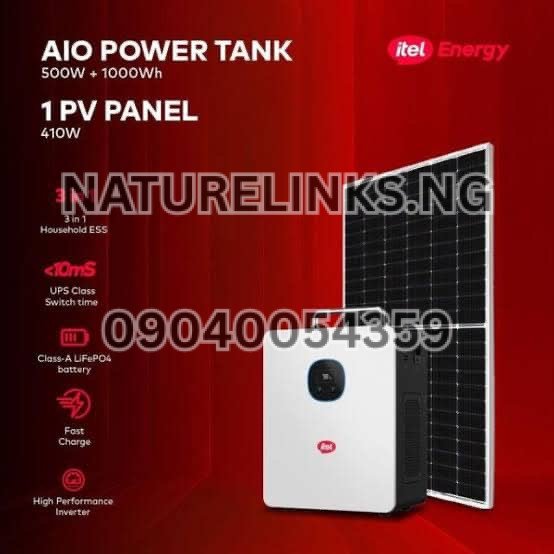
The Itel Power Tank is designed as a backup power solution, and the Power Tank range includes automatic switching functionality for maintaining power to connected devices during an outage. The manufacturer lists switching of up to 20ms for the Power Tank.
If your unit behaves unusually after grid electricity returns:
- Switch off unnecessary loads.
- Check the display.
- Turn the relevant outputs off.
- Power-cycle the unit.
- Wait briefly.
- Restart the Power Tank.
- Test one appliance first.
Do not disconnect or reconnect electrical cables unnecessarily while the system is under load.
Can I Reset Itel Power Tank Without Losing Battery Power?
A normal power-cycle does not mean that the stored battery energy has been erased.
However, operating the unit, powering appliances and charging/discharging the battery will naturally affect its state of charge.
The recommended approach is to reset only when necessary and avoid repeatedly switching the unit on and off without a reason.
The Power Tank uses a LiFePO₄ battery system, and the manufacturer states that the 1kWh battery is designed for frequent charge-discharge use with a stated rating of more than 6,000 charge cycles.
Is There a Factory Reset on Itel Power Tank?
A power-cycle reset should not automatically be confused with a factory reset.
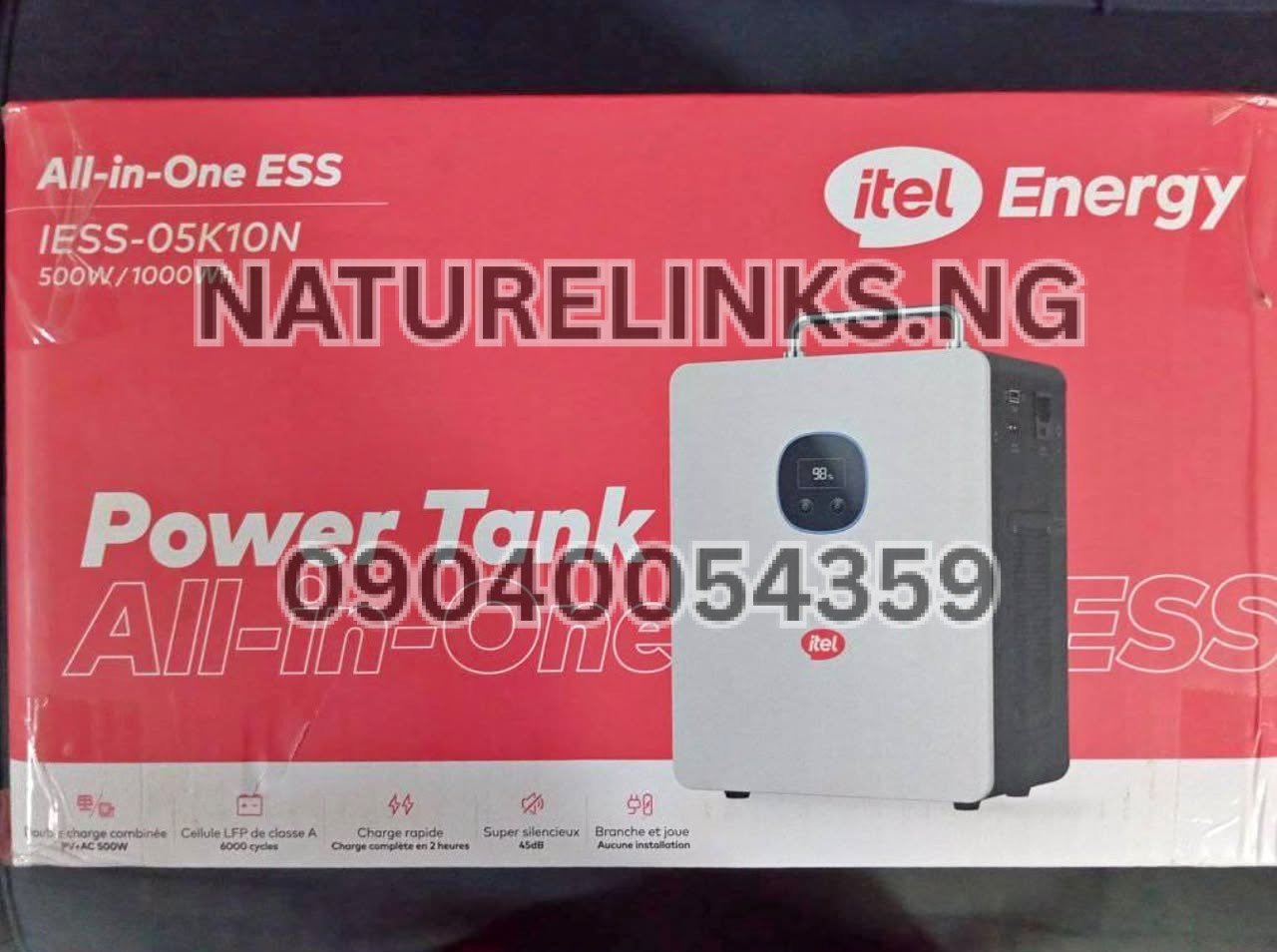
For the portable Power Tank models commonly sold as the 500W/1000Wh IESS-05K10N/IESS-05K10P, the safest approach is to follow the model-specific user manual rather than experimenting with hidden button combinations.
The official itel support/download platform provides manuals and product support resources, and users should check the exact model number before following model-specific instructions.
Do not press random combinations of buttons or open the unit in an attempt to perform a factory reset.
What Does the Itel Power Tank Reset Actually Do?
A normal restart essentially stops the current operating state and starts the system again.
It can help clear temporary conditions such as:
- Temporary overload protection
- Temporary output malfunction
- Display or control freezing
- Some temporary protection states
- Unexpected output shutdown
It does not repair a physically damaged battery, defective charger, damaged charging port or failed electronic component.
If the same fault returns immediately after every restart, investigate the underlying problem rather than continuing to reset the unit.
How to Reset Itel Power Tank After Short Circuit Protection
A short circuit is more serious than an ordinary overload.
If the Power Tank detects a short circuit:
- Disconnect the appliance that caused the problem.
- Do not reconnect that appliance immediately.
- Switch off the output.
- Turn off the Power Tank.
- Wait for the unit to shut down completely.
- Restart it without the suspected appliance.
- Test with a known-good low-power device.
The Itel Power Tank specification includes short-circuit protection.
If the protection warning returns even when no appliance is connected, stop using the unit and request technical inspection.

How to Reset Itel Power Tank After Overheating
An overheating warning should not simply be ignored.
If the Power Tank becomes unusually hot:
- Turn off connected appliances.
- Switch off the outputs.
- Disconnect charging.
- Move the unit to a cool, dry and well-ventilated location.
- Allow it to cool naturally.
- Restart it only after the temperature has returned to a safe operating condition.
Do not cover the ventilation openings.
The Power Tank includes over-temperature protection, and intelligent cooling is part of the system design.
Never put the unit in a freezer or use water to cool it.
How to Reset Itel Power Tank When Using Solar Charging
If the problem happens while charging from solar panels, first disconnect the solar input.
A solar charging problem may not actually require a reset. It can result from:
- Incorrect panel voltage
- Poor sunlight
- Incorrect wiring
- Loose connectors
- Damaged cables
- Solar input exceeding the permitted range
- A protection condition
The commonly listed 500W/1000Wh Power Tank supports MPPT solar charging, with product specifications listing a maximum PV input of up to 400W.
Always verify the specifications of your exact model before selecting solar panels.
Can I Reset Itel Power Tank While It Is Charging?
For a troubleshooting reset, it is preferable to disconnect the charging source first.
Do not repeatedly switch charging sources while the unit is actively charging.
A safer troubleshooting sequence is:
Stop charging → disconnect loads → power off → wait → restart → reconnect the appropriate charging source.
If the Power Tank operates normally after this process, monitor it for further warnings.
If the charging problem returns, investigate the charger, socket, generator, solar panel or charging input rather than repeatedly resetting the device.
How to Reset Itel Power Tank When the Display Freezes
A frozen display can sometimes be resolved by a complete power cycle.
Try:
- Disconnect all loads.
- Disconnect AC charging.
- Disconnect solar input.
- Switch off available outputs.
- Power off the unit.
- Wait around 30 seconds.
- Restart.
- Observe the LCD/LED display.
If the display remains frozen or abnormal after restarting, contact technical support.
Do not dismantle the Power Tank to attempt an internal reset.

Does Resetting Itel Power Tank Fix Battery Problems?
Not necessarily.
Resetting can clear a temporary protection condition, but it cannot repair:
- A damaged battery cell
- A defective BMS
- A damaged charging circuit
- A broken charging port
- A faulty inverter
- Physical damage
- Water damage
- A defective charger
If the Power Tank repeatedly shuts down, refuses to charge or shows a warning after every restart, professional inspection is recommended.
Itel Power Tank Reset vs Restart: What Is the Difference?
For ordinary users, the word reset often means restarting the device.
Restart/power cycle
This means switching the unit off, waiting and switching it back on.
Protection recovery
This happens when the system stops an output because it detects an unsafe condition such as overload, overheating or short circuit.
Factory reset
This is a deeper procedure that restores certain configurable settings and should only be performed according to the applicable manual.
For most Nigerian Power Tank owners experiencing a temporary issue, start with the safe power-cycle procedure rather than searching for an undocumented factory-reset combination.
Itel Power Tank 500W 1000Wh Reset Guide
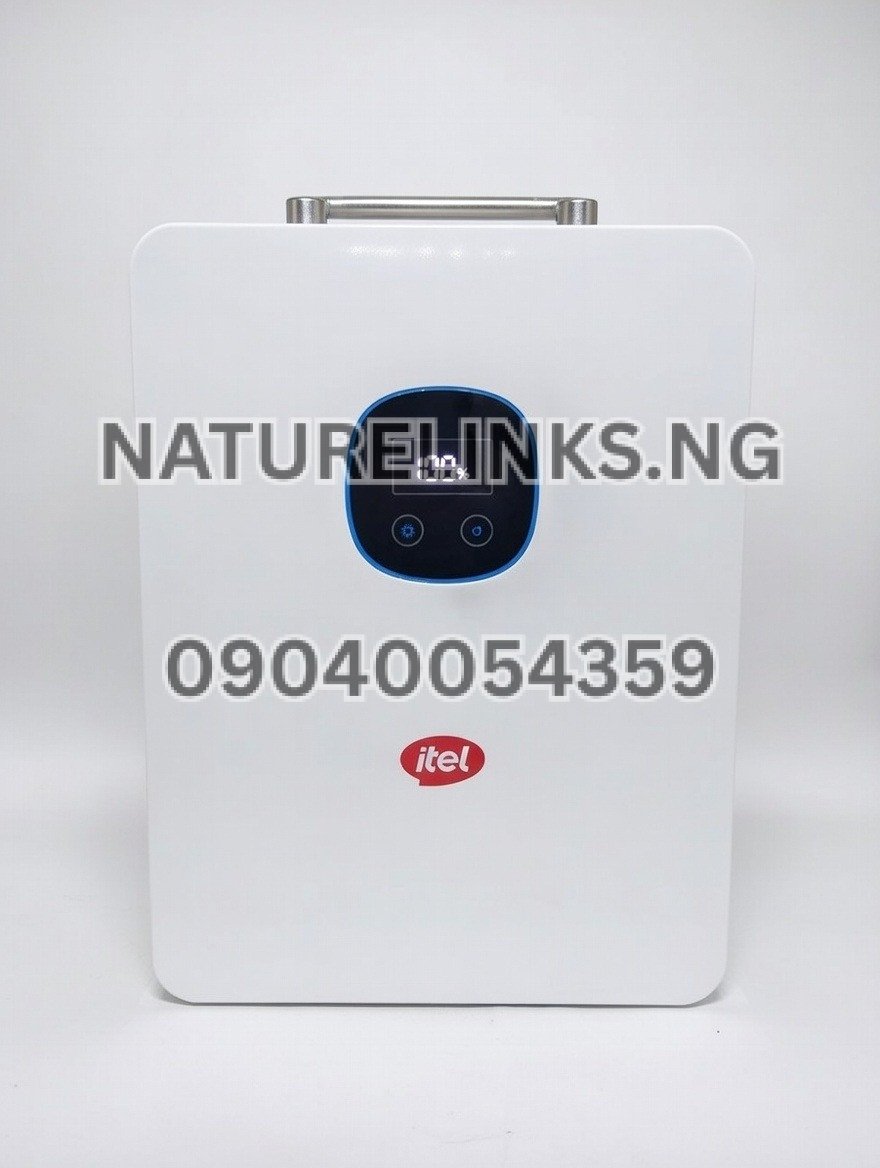
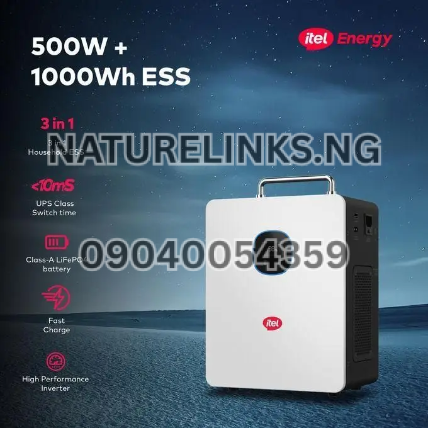
The Itel Power Tank 500W/1000Wh is commonly identified with model numbers such as IESS-05K10N/IESS-05K10P in product listings. It combines a 500W pure-sine-wave inverter with a 1,000Wh LiFePO₄ battery and solar charging capability.
Basic reset checklist
| Situation | First action |
|---|---|
| Overload | Remove high-power appliances |
| Short circuit | Disconnect suspected appliance |
| Overheating | Turn off and allow to cool |
| Not charging | Check charger and input source |
| Frozen display | Complete power cycle |
| Solar charging fault | Disconnect PV and verify panel compatibility |
| No power | Charge battery and restart |
| Repeated fault | Contact technical support |
How Do I Know If the Reset Worked?
After restarting, look for normal operation.
Possible signs include:
- Display comes on normally.
- Battery percentage is visible.
- Fault warning disappears.
- AC output becomes available.
- DC/USB output works.
- A small appliance operates normally.
- Charging input is recognized.
For example, a phone charger, LED light or Wi-Fi router can be used as a relatively low-demand test load.
If the fault returns as soon as a particular appliance is connected, remove that appliance and check its power requirement.
What Should I Do If Itel Power Tank Still Does Not Work After Reset?
If the basic reset does not solve the problem, do not continue repeatedly resetting the device.
Check:
- Exact Power Tank model.
- Battery percentage.
- Fault code or warning.
- Charger condition.
- Wall socket.
- Solar input.
- Connected appliance wattage.
- Whether the unit has been exposed to excessive heat or moisture.
Then contact the seller or authorized support provider.
The official itel support system provides user manuals, after-sales service and product authentication resources, which can be useful when identifying the correct documentation for your device.
Where to Buy Genuine Itel Power Tank in Nigeria
For Nigerians searching for an original Itel Power Tank, Nature Links Nigeria Limited [NatureLinks.NG] and Nature Solar Global Limited can be contacted for product availability, current pricing, accessories and technical guidance.
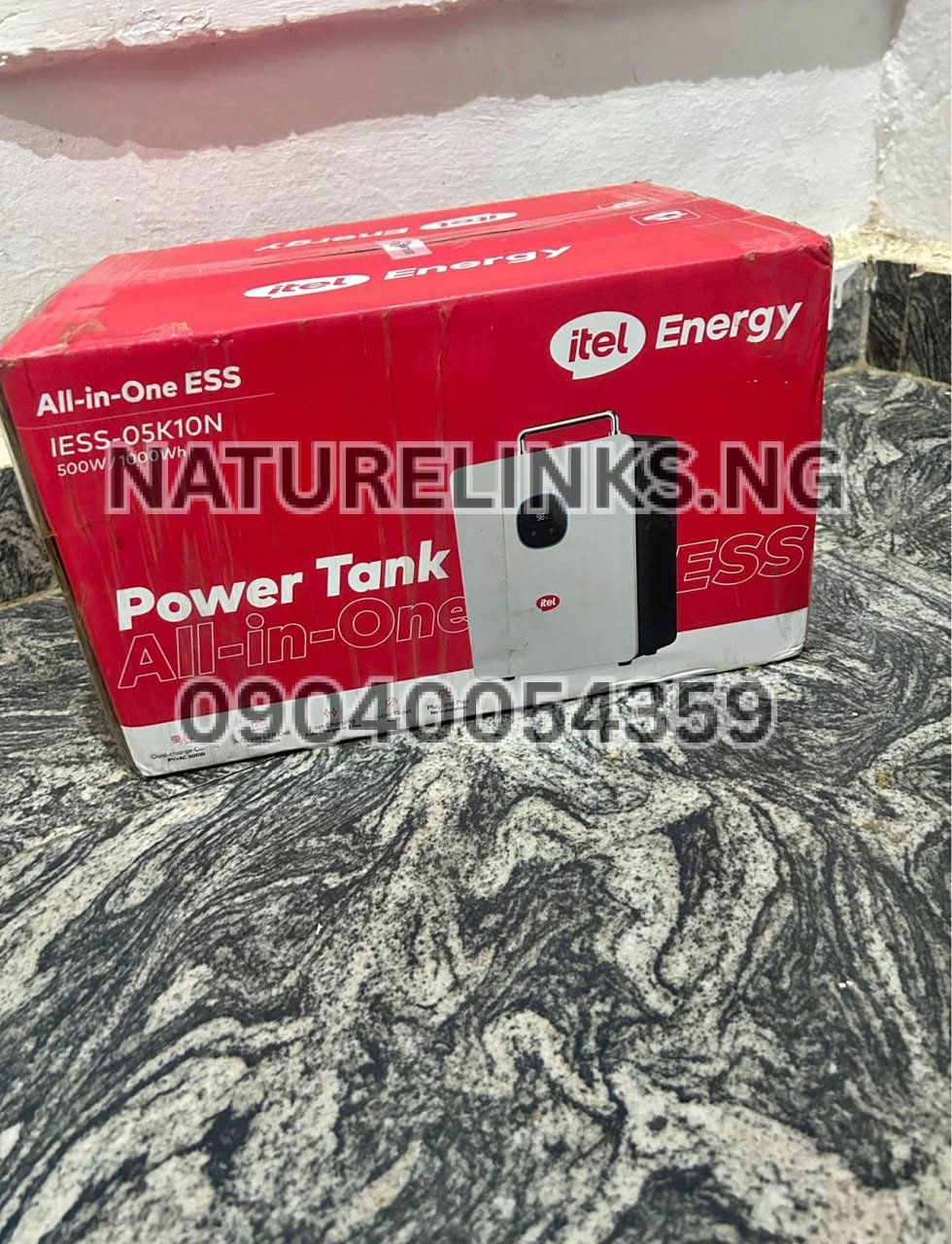
The Itel Power Tank is available in configurations designed for backup electricity, with the 500W/1000Wh model being one of the configurations listed for the Nigerian market.
Nature Solar Global Limited / Nature Links Nigeria Limited
Best Seller: Nature Links Nigeria Limited [NatureLinks.NG]
Accredited Distributor: Nature Solar Global Limited
CEO: Mr. Joseph Chikeleze
Call: 07049528019
WhatsApp: 09040054359
Shop Address: F1571 Upstairs (F-Line), Alaba International Market, Lagos State 🇳🇬
Before purchasing, confirm:
- Exact model
- Battery capacity
- Inverter output
- Included charger
- Solar input specifications
- Warranty
- Product authenticity
- Current Nigerian price
- Availability of replacement accessories
Frequently Asked Questions About Resetting Itel Power Tank
1. How do I reset Itel Power Tank?
Turn off the connected appliances, disable the AC/DC outputs, disconnect charging sources, switch off the Power Tank, wait approximately 30 seconds or a few minutes, then restart it. If the problem remains, check the model-specific manual or contact technical support.
2. Why is my Itel Power Tank not working?
Possible causes include an empty battery, overload, short circuit, excessive temperature, charging problems or another protection condition. Disconnect all loads and perform a safe power cycle first.
3. How do I reset Itel Power Tank after overload?
Disconnect the appliances that caused the overload, turn off the output, power down the unit, wait briefly and restart. Reconnect only appliances whose combined power demand is within the Power Tank’s rated output.
4. Why is my Itel Power Tank not charging?
Check the wall socket, charger, charging cable, charging port, solar input and battery temperature. An incompatible solar input or protection condition can also prevent charging.
5. Can I reset Itel Power Tank after a short circuit?
Yes, but first disconnect the appliance responsible for the suspected short circuit. Restart the Power Tank without that appliance. If the warning remains, stop using the unit and seek technical assistance.
6. How do I reset Itel Power Tank when it is overheating?
Switch off the outputs, disconnect charging and loads, and move the unit to a cool, dry, ventilated location. Allow it to cool naturally before restarting. Do not cover ventilation openings.
7. Does resetting Itel Power Tank delete the battery charge?
A normal power cycle does not mean the stored battery energy has been erased. However, the battery will naturally lose energy when appliances are operating.
8. Can I reset Itel Power Tank while charging?
For troubleshooting, disconnect the charging source before performing the reset. After restarting, reconnect the correct charging source and check whether charging resumes normally.
9. What if my Itel Power Tank still shows FAULT after resetting?
Disconnect all appliances and charging sources and restart the unit. If the FAULT warning returns with no load connected, stop troubleshooting by repeated resets and contact an authorized support provider.
10. Where can I get the Itel Power Tank manual in Nigeria?
The official itel support/download platform provides product manuals and support resources. Select the appropriate product/model to find applicable documentation.
Key Takeaways: How Do I Reset Itel Power Tank?
If you are searching “How Do I Reset Itel Power Tank?”, remember the basic troubleshooting sequence:
Disconnect loads → disconnect charging → switch off outputs → power off → wait → restart → test with a small load.
The reset is particularly useful when the Power Tank has temporarily entered a protection state after an overload or similar operating problem. However, a reset is not a substitute for repairing damaged hardware.
For persistent faults, charging problems, repeated shutdowns or unusual battery behaviour, consult the appropriate manual and qualified technical support.
The Itel Power Tank’s protection features are designed to help protect the system against conditions such as overload, short circuit, excessive temperature and inappropriate PV input.

Conclusion
Knowing “How Do I Reset Itel Power Tank?” can help Nigerian users troubleshoot simple temporary problems without immediately assuming that the Power Tank is damaged. In most ordinary situations, switch off connected appliances, disconnect charging sources, power down the unit, wait briefly and restart it. If the Power Tank continues showing a fault, refuses to charge, overheats or remains unresponsive, stop repeated resetting and seek proper technical assistance.
For genuine Itel Power Tank products, accessories, current availability and buyer guidance in Nigeria, contact Nature Solar Global Limited, the accredited distributor, or Nature Links Nigeria Limited [NatureLinks.NG].
Nature Solar Global Limited / Nature Links Nigeria Limited
📞 Call: 07049528019
💬 WhatsApp: 09040054359
📍 F1571 Upstairs (F-Line), Alaba International Market, Lagos State 🇳🇬