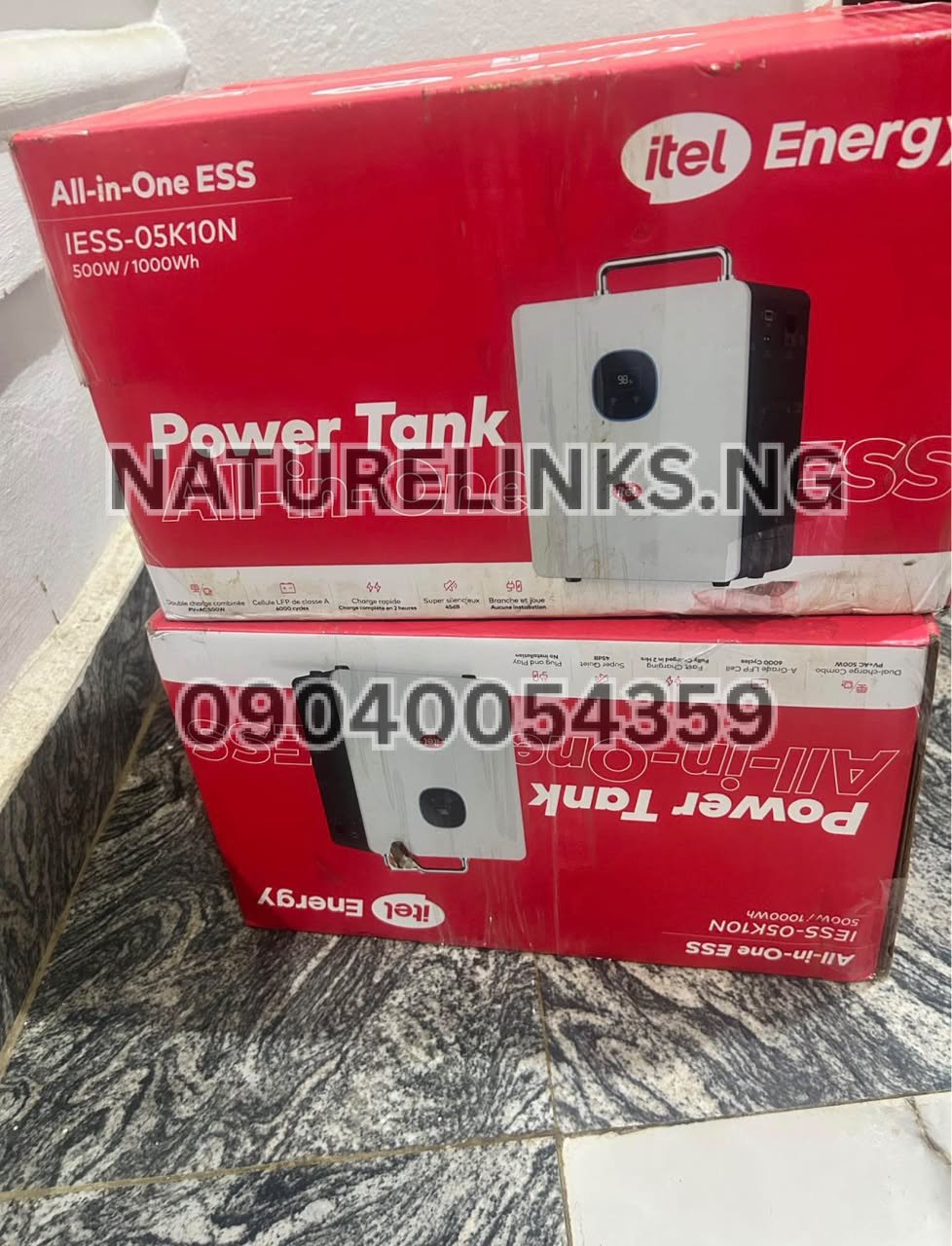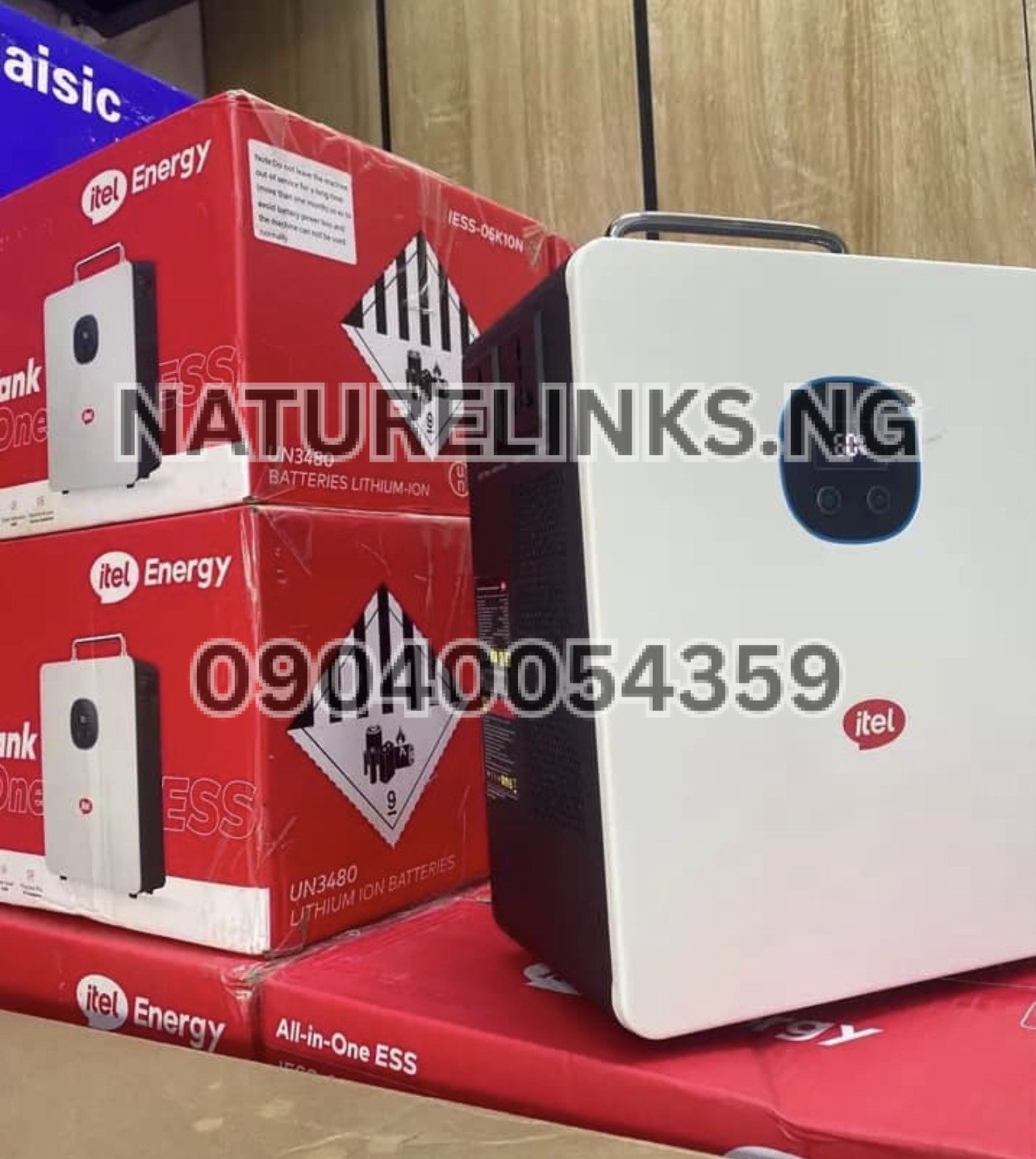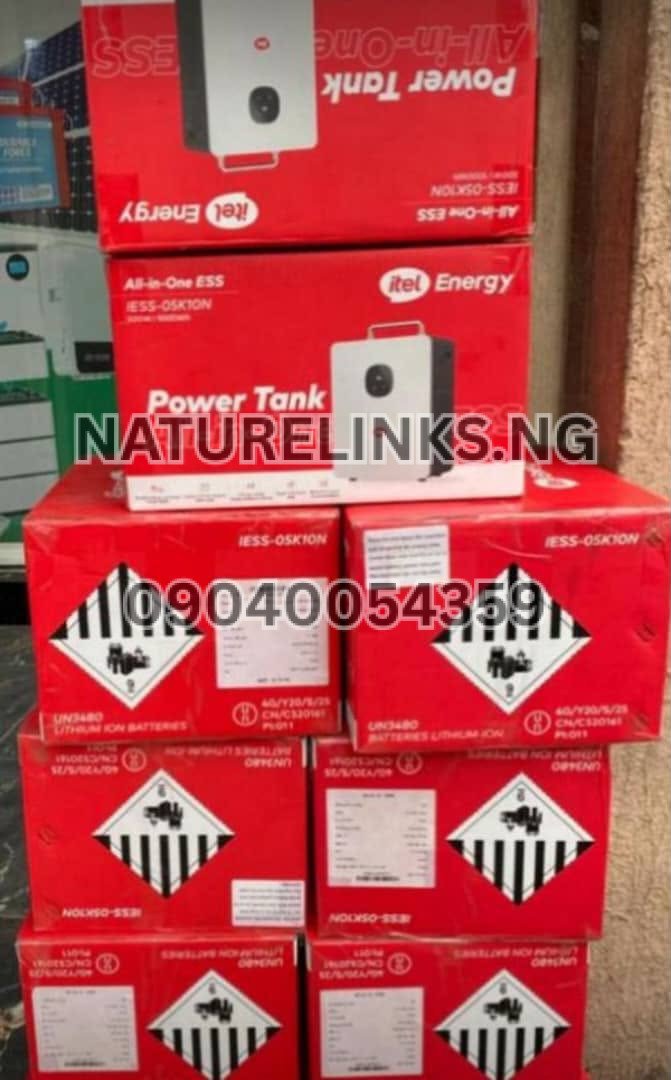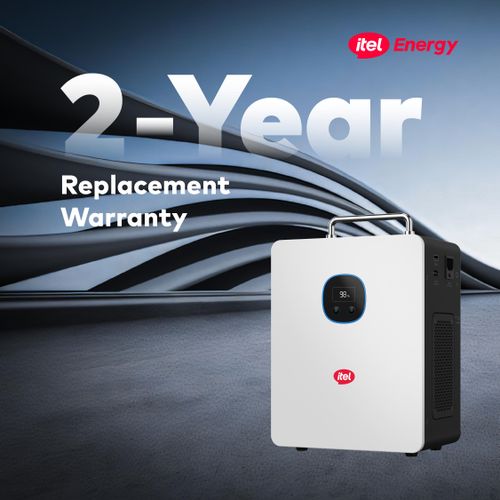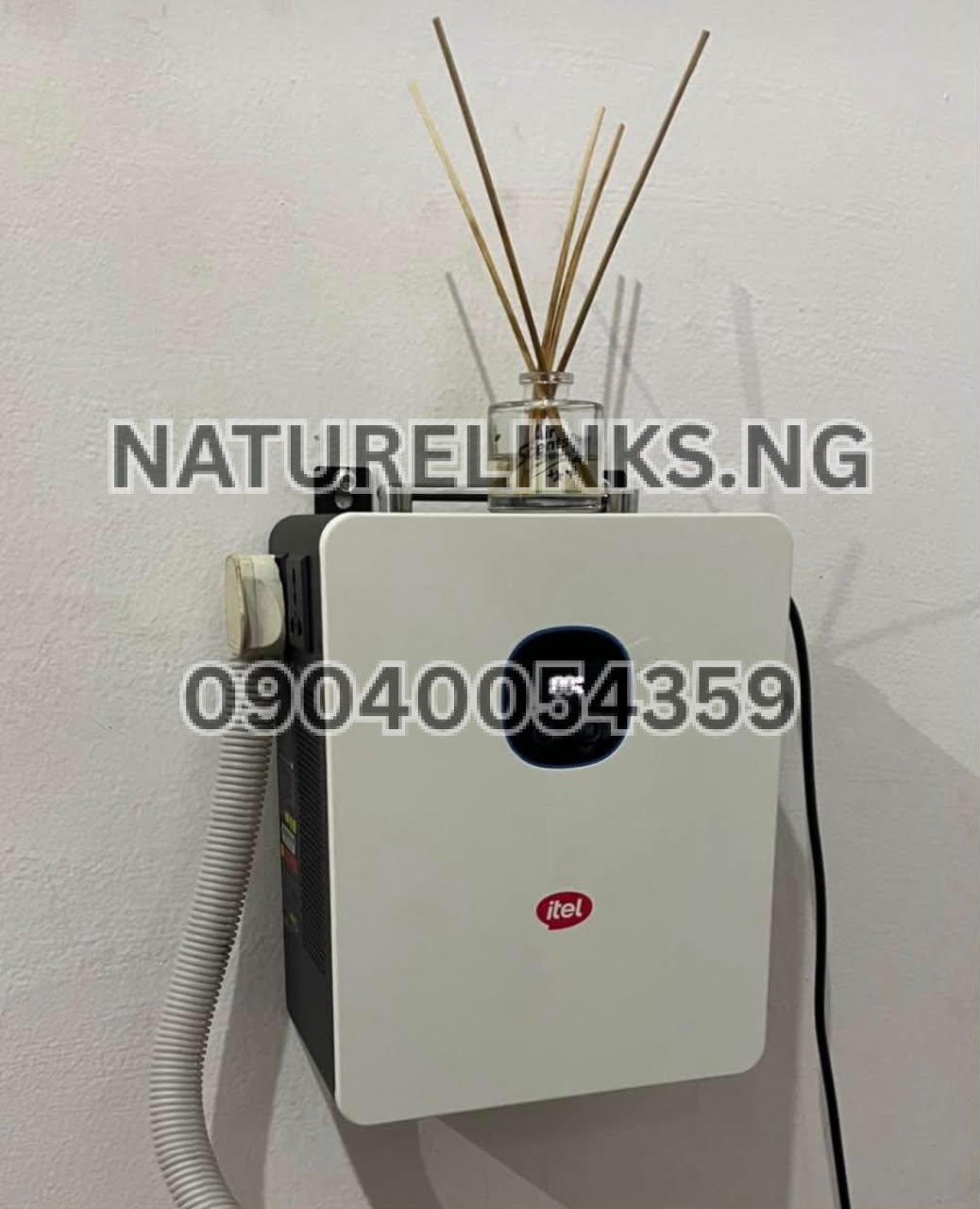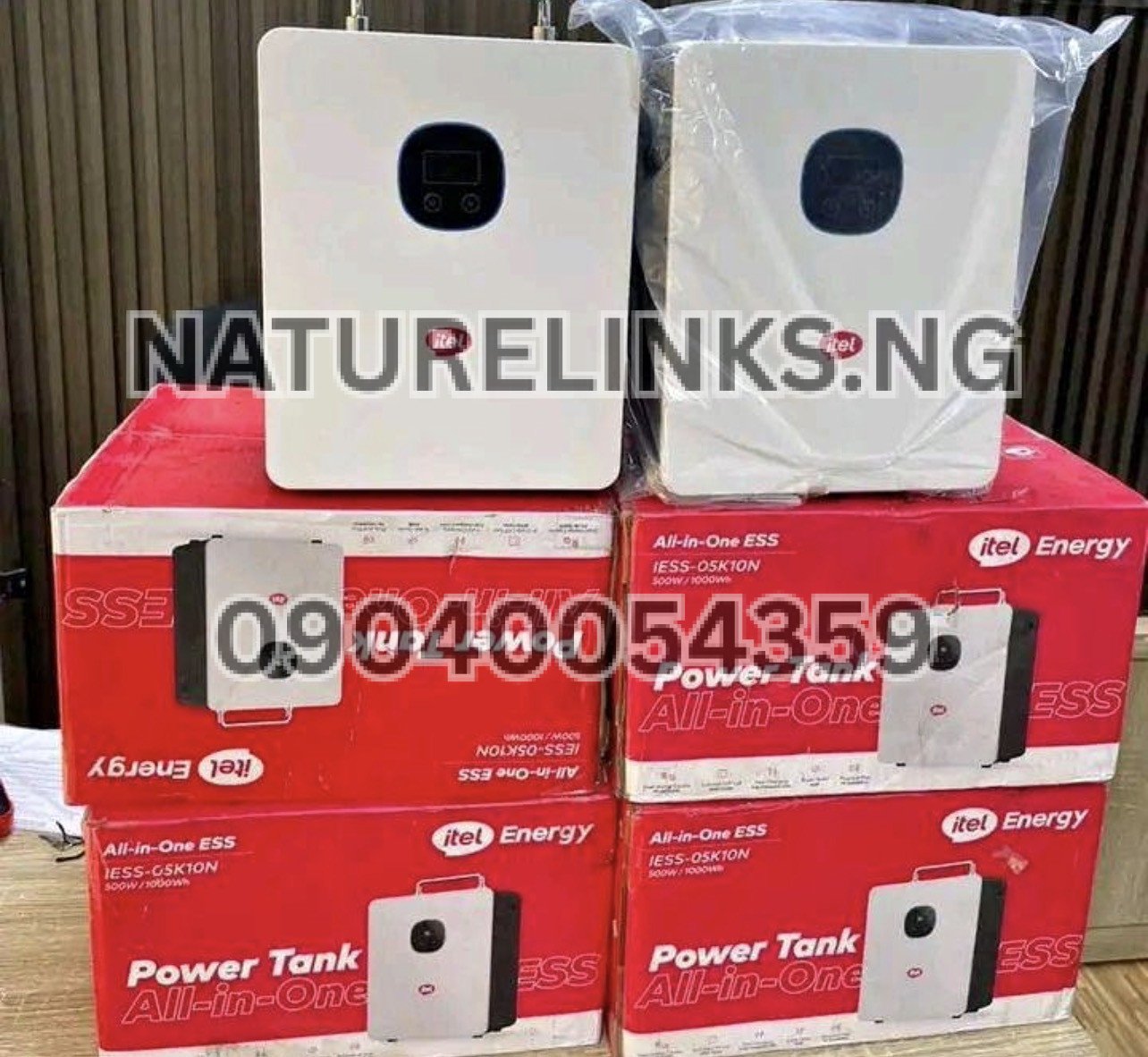
The Best Seller is Nature Solar Global Limited, the accredited distributor in Nigeria. Nature Solar Global Limited supplies genuine Itel Power Tank units and provides product guidance to Nigerian customers looking for reliable backup electricity.
If your Itel Power Tank is showing an error message, warning symbol, red FAULT indicator, or repeatedly beeping, do not panic. In many cases, the error is a protection response rather than a permanent fault. Portable power stations use protection systems to detect conditions such as excessive load, low battery, abnormal temperature, short circuit, or charging problems.
The exact meaning of an error depends on the Itel Power Tank model, display message, indicator light, operating condition, and connected appliances. Itel Energy describes its energy-storage products as using intelligent battery-management and multiple layers of battery protection.
If you are searching “Why is Itel Power Tank showing an error?”, this guide explains the common causes, what you can safely check yourself, when to reset the unit, and when you should contact an authorized service provider.
Why Is Itel Power Tank Showing an Error?
An Itel Power Tank may show an error because its protection system has detected an abnormal operating condition.
Common possibilities include:
- Overload
- Short circuit
- Low battery
- Excessive temperature
- Charging problem
- Abnormal input voltage
- Incompatible solar input
- Faulty appliance
- Loose connection
- Damaged charging cable
- Battery protection
- Internal system fault
For example, available Itel Power Tank documentation describes a red FAULT indication or beeping in connection with protection conditions such as overload and low battery.
Therefore, seeing an error does not automatically mean that the battery is damaged.
What Does the Error Message on Itel Power Tank Mean?
The first thing to do is identify exactly what appears on the screen.
Look for:
- Error code
- FAULT indication
- Warning symbol
- Red indicator
- Battery warning
- Temperature warning
- Input warning
- Output warning
- Beeping pattern
The display can help determine whether the problem is related to the input, battery, output load, temperature, or protection system.
Take a photograph of the screen if possible. This can make it easier for a dealer or technician to identify the problem.
Is Itel Power Tank Showing FAULT Because of Overload?
Yes, overload is one of the possible reasons for a FAULT indication.
If you connect appliances whose combined power requirement is greater than the Power Tank’s rated output, the inverter may activate its protection system.
For the commonly listed 500W/1000Wh Itel Power Tank, specifications published online list approximately 500W continuous output and 1000W surge output.
High-power appliances can include:
- Electric iron
- Electric kettle
- Hot plate
- Microwave
- Large refrigerator
- Water heater
- Blender with high starting power
- Hair dryer
- Pressing iron
How to fix an overload error
- Switch off the Power Tank output.
- Disconnect the appliances.
- Remove the appliance with the highest wattage first.
- Wait briefly.
- Restart the Power Tank.
- Connect only low-power appliances.
- Check whether the error disappears.
Do not repeatedly operate the unit under an overload condition.
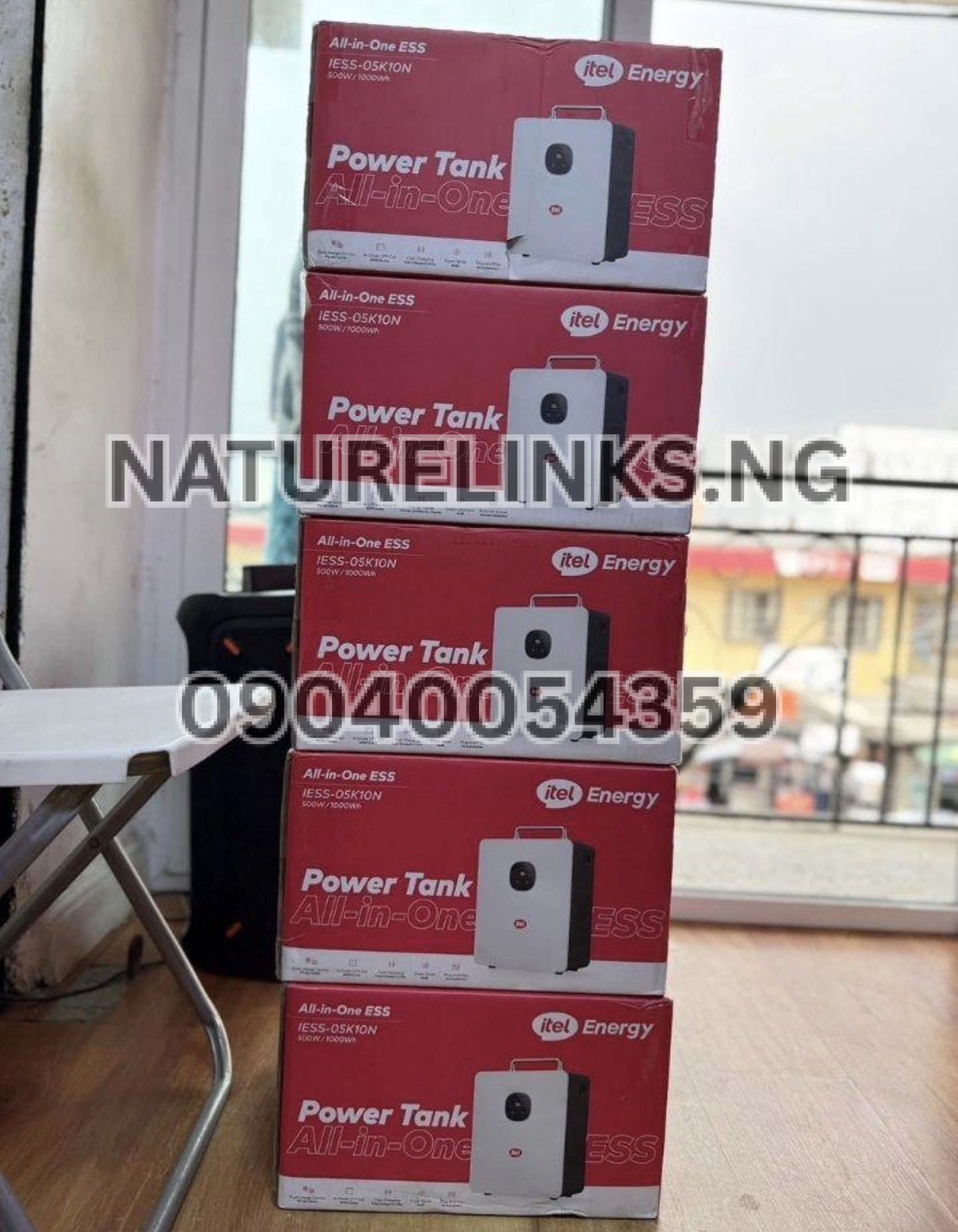
Why Is My Itel Power Tank Beeping?
A beeping sound can be a warning that the Power Tank has detected a condition requiring attention.
Possible reasons include:
- Low battery
- Overload
- High temperature
- Short circuit
- Charging abnormality
- Protection mode
The exact meaning depends on the model and the particular indicator or display message.
For example, one published Power Tank troubleshooting guide associates continuous beeping/red FAULT indication with overload and a periodic beep with low battery.
Instead of ignoring the sound, check the screen and disconnect unnecessary loads.
Why Is My Itel Power Tank Showing a Red Light?
A red light can indicate that the unit has entered a warning or protection state.
Possible causes include:
Overload
Too many appliances or a high-wattage appliance may have exceeded the inverter’s permitted output.
Low Battery
The battery may have reached a low state of charge.
Temperature Protection
The internal system may detect excessive heat.
Short Circuit
A connected appliance, plug, cable, or output circuit may have caused a short-circuit condition.
System Fault
If the warning remains after removing all loads and restarting, professional inspection may be necessary.
Do not assume every red light means the same thing. Check the exact model’s manual or contact an authorized service provider.
How Do I Fix Itel Power Tank Error?
Start with the safest basic troubleshooting procedure.
Step 1: Disconnect all appliances
Remove TVs, fans, laptops, refrigerators, chargers, bulbs and other loads from the Power Tank.
Step 2: Disconnect the charging source
If the unit is charging from AC electricity or solar, disconnect the charging input temporarily.
Step 3: Switch off the Power Tank
Turn off the appropriate outputs and shut down the unit.
Step 4: Allow the unit to rest
Give the Power Tank some time to cool and clear a temporary protection condition.
Step 5: Restart it
Turn the Power Tank on without connecting appliances.
Step 6: Check the display
See whether the error has disappeared.
Step 7: Add appliances gradually
Connect one low-power appliance at a time.
This helps identify whether a particular appliance is triggering the warning.
How Do I Reset Itel Power Tank After an Error?
A basic restart can clear some temporary protection conditions.
A practical troubleshooting sequence is:
- Turn off AC/DC outputs.
- Disconnect all appliances.
- Disconnect the charger or solar input.
- Power the unit off.
- Wait several minutes.
- Turn it back on.
- Check the display.
- Recharge if the battery is low.
- Test with a small load.
If the same error returns immediately, do not repeatedly force the unit to operate.
A persistent error should be checked using the appropriate user manual or by an authorized service centre. Itel’s Nigeria support information specifically advises customers to contact itel or an authorized service centre/dealer when a fault occurs.
Why Is Itel Power Tank Showing Error When Charging?
If the error appears during charging, check the charging setup.
Possible causes include:
- Incorrect charging connection
- Damaged cable
- Faulty charger
- Unstable AC electricity
- Generator voltage fluctuation
- Incorrect solar input
- Excessive temperature
- Battery protection
- Charging-port problem
The Itel Power Tank is listed as supporting AC charging and solar charging, but the charging source must remain within the specifications of the particular model.
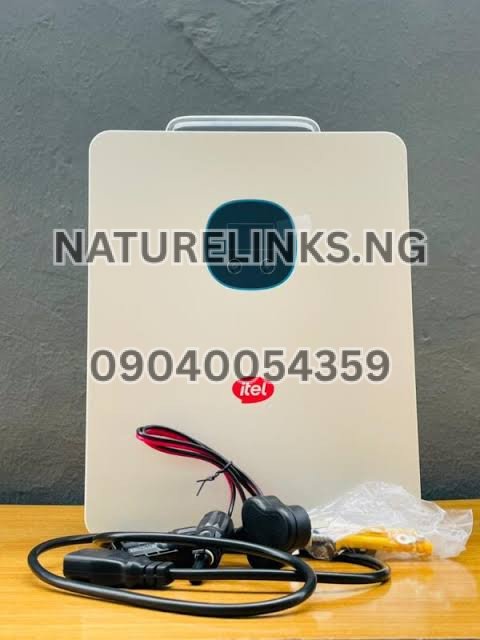
What should you check?
Check that:
- The charger is correctly connected.
- The wall socket is working.
- The cable is not damaged.
- The Power Tank charging port is clean and undamaged.
- The charging source is appropriate.
- Solar-panel voltage is within the specified range.
- The unit is not excessively hot.
Why Is Itel Power Tank Showing an Error With Solar Charging?
Solar charging problems can occur when the connected solar input does not meet the Power Tank’s requirements.
The commonly listed 500W/1000Wh model has a specified MPPT solar input range, with published specifications indicating a maximum PV input around 400W and a 60–150V MPPT range.
Therefore, do not connect random solar panels simply because their wattage appears suitable.
Check:
- Solar-panel voltage
- Solar-panel wattage
- Polarity
- MC4 connections
- Cable condition
- Sunlight conditions
- Solar input specification of your exact model
If you are unsure, ask the seller or a qualified solar technician to verify the panel configuration.
Can Low Battery Cause Itel Power Tank Error?
Yes.
A very low battery can trigger warnings or protective behaviour.
If the battery level is critically low:
- Disconnect unnecessary appliances.
- Turn off high-power outputs.
- Connect an approved charging source.
- Allow the battery to recharge.
- Monitor the display.
Do not continue running heavy appliances when the battery is almost empty.
Low battery is particularly important when powering equipment such as refrigerators, fans, TVs or other appliances with significant continuous or startup consumption.
Can Overheating Cause Itel Power Tank Error?
Yes, excessive temperature can cause a portable power station to activate protection.
The unit should have adequate ventilation around its cooling areas.
Avoid:
- Covering the ventilation openings
- Keeping the unit under direct intense sunlight
- Placing it beside a hot generator
- Operating it in an extremely hot enclosed space
- Blocking airflow around the device
Itel Energy describes its energy-storage systems as incorporating battery-management and temperature-related protection features.
If the unit becomes unusually hot, switch it off and allow it to cool naturally.
Can a Faulty Appliance Make Itel Power Tank Show an Error?
Yes.
An appliance may have:
- A short circuit
- Excessive startup current
- Damaged wiring
- Internal electrical fault
- Higher power consumption than expected
To investigate, disconnect everything and restart the Power Tank.
Then connect one appliance at a time.
If the Power Tank works normally until one particular appliance is connected, stop using that appliance with the unit until it has been checked.
Why Does Itel Power Tank Show Error With a Refrigerator?
Refrigerators can have a relatively high startup surge even when their normal running wattage is modest.
A refrigerator may therefore cause an inverter to enter protection if its startup demand exceeds the Power Tank’s available surge capability.
Before connecting a refrigerator, check:
- Running wattage
- Starting/surge wattage
- Power Tank continuous output
- Power Tank surge output
- Refrigerator efficiency
- Other appliances connected simultaneously
Do not judge compatibility from the refrigerator’s running wattage alone.
Why Does Itel Power Tank Show Error With an Electric Iron?
An electric iron is a high-power resistive appliance and can consume a large portion of a portable inverter’s available capacity.
If your Power Tank is a model rated around 500W continuous output, a conventional high-wattage electric iron can exceed that limit.
This may trigger overload protection.
For portable power stations, check the appliance’s wattage before connecting it.

Why Does Itel Power Tank Show Error When Powering a Fan and TV?
A fan and television normally have relatively modest power requirements, but the actual consumption depends on the individual models.
If the Power Tank still shows an error with a TV and fan:
- Check the battery percentage.
- Disconnect the TV.
- Test the fan alone.
- Test the TV alone.
- Check whether another appliance is connected.
- Look for a warning on the display.
- Check whether the Power Tank is overheating.
If each appliance works separately but the combination produces an error, the combined load or startup demand may be relevant.
Why Is Itel Power Tank Showing Error When Nothing Is Connected?
This situation deserves more attention.
If all appliances and charging sources are disconnected and the error continues after restarting, possible explanations include:
- A persistent protection condition
- Battery-management-system protection
- Temperature problem
- Internal electrical fault
- Software/control fault
- Hardware fault
Do not open the Power Tank yourself unless you are an appropriately qualified technician and the repair procedure is authorized.
Opening or modifying the equipment can create safety risks and may affect warranty coverage. Itel’s Nigerian support information states that unauthorized repair or tampering can void warranty coverage.
Can the Itel Power Tank BMS Cause an Error?
Yes.
The Battery Management System (BMS) monitors and protects the battery.
It can respond to abnormal conditions involving battery operation, temperature, charging and discharge.
Itel Energy specifically describes its energy-storage products as using an intelligent BMS and multiple layers of battery protection.
A BMS-related protection event does not automatically mean that the battery is permanently damaged.
However, if the warning repeatedly returns, professional diagnosis is recommended.
What Should I Do If the Itel Power Tank Error Keeps Coming Back?
If the error disappears after restarting but returns whenever you connect a particular appliance, investigate that appliance and the total load.
If the error returns with no load connected, stop experimenting and contact an authorized service provider.
You should provide:
- Exact Power Tank model
- Serial number
- Error code
- Photograph/video of the display
- Battery percentage
- Charging method
- Appliances connected when the error occurred
- Approximate wattage of the appliances
- Whether the unit was hot
- Whether the error appears during charging or discharging
This information can significantly help with troubleshooting.
Is It Safe to Continue Using Itel Power Tank When It Shows an Error?
It depends on the error.
A temporary overload warning that disappears after the excessive load is removed is different from a persistent electrical or battery fault.
Stop using the unit and seek technical assistance if:
- There is smoke.
- There is a burning smell.
- The casing is swelling or deforming.
- The unit becomes abnormally hot.
- There is sparking.
- The battery appears damaged.
- The error remains with no load connected.
- The unit repeatedly shuts down.
- The charging system behaves abnormally.
Never ignore a serious electrical warning.

How Can I Prevent Itel Power Tank Errors?
Good operating habits can reduce avoidable protection events.
1. Avoid overload
Know the wattage of your appliances.
2. Check startup power
Motors and compressors can require more power when starting.
3. Use compatible chargers
Use the correct charging equipment.
4. Use compatible solar panels
Check voltage and current requirements before connecting panels.
5. Maintain ventilation
Do not block cooling openings.
6. Avoid damaged cables
Replace cables that are cut, burned or physically damaged.
7. Keep the Power Tank dry
Protect the unit from water and excessive moisture.
8. Monitor battery level
Recharge rather than repeatedly operating at critically low battery.
9. Avoid unauthorized repairs
Use authorized support when an internal fault is suspected.
Itel Power Tank Error Code Troubleshooting Table
| Error/Warning Situation | Possible Cause | What to Check |
|---|---|---|
| Red FAULT indicator | Protection condition | Check display and connected load |
| Continuous beeping | Possible overload/protection | Disconnect high-power appliances |
| Periodic beeping | Possible low battery | Recharge the Power Tank |
| Error during charging | Charging/input problem | Check charger, cable and power source |
| Error during solar charging | PV input problem | Check panel voltage and connections |
| Error with refrigerator | Startup surge | Check running and starting wattage |
| Error with iron/kettle | Excessive load | Disconnect high-power appliance |
| Error while very hot | Temperature protection | Switch off and allow cooling |
| Error with no appliances | Persistent system fault/protection | Contact authorized service |
| Error after short circuit | Output protection | Disconnect faulty appliance and restart |
These are troubleshooting categories rather than universal error-code definitions; the exact meaning should be confirmed against the manual for your specific Power Tank model.
What Is the Itel Power Tank?
The Itel Power Tank is a portable energy-storage system designed to provide backup electricity for essential loads.
Commonly listed specifications for the 500W/1000Wh model include:
- 500W continuous inverter output
- 1000W surge capability
- 1000Wh battery capacity
- LiFePO₄ battery
- Pure sine-wave output
- Solar charging
- AC charging
- MPPT solar charging
- Multiple output ports
Published product specifications list the model codes IESS-05K10N / IESS-05K10P for the 500W/1000Wh version.
Because specifications can vary between models and markets, check the model number on the label before applying a particular troubleshooting procedure.
Is Itel Power Tank Good for Nigerian Homes?
The Power Tank is designed for backup applications such as powering essential electronics and household devices within its rated capacity.
Possible uses include:
- TV
- Decoder
- Wi-Fi router
- Laptop
- LED bulbs
- Fans
- POS equipment
- CCTV equipment
- Phone chargers
- Selected small refrigerators
The appropriate load depends on the exact Power Tank model and appliance requirements.
For Nigerians, one of the important advantages of a portable power station is the ability to recharge using available charging sources and use stored energy when grid electricity is unavailable.
Itel Power Tank 500W/1000Wh Specifications
For buyers searching for technical information, published specifications for the commonly listed IESS-05K10N/IESS-05K10P model include:
Brand: itel
Product: Power Tank
Inverter output: 500W continuous
Surge output: 1000W
Battery: 1000Wh / 1kWh
Battery chemistry: LiFePO₄
Solar input: up to approximately 400W according to published specifications
Solar voltage range: approximately 60–150V MPPT according to the cited product specification
AC charging: up to approximately 500W according to published specifications.
Always confirm the specifications printed on your unit before purchasing accessories or connecting solar equipment.

Where to Buy Genuine Itel Power Tank in Nigeria
If you are searching for an original Itel Power Tank in Nigeria, Nature Links Nigeria Limited and Nature Solar Global Limited can be contacted for product availability, pricing, accessories and purchasing information.
Nature Solar Global Limited
The Best Seller: Nature Links Nigeria Limited [NatureLinks.NG]
Distributor: Nature Solar Global Limited
Accredited Distributor: Nature Solar Global Limited
CEO: Mr. Joseph Chikeleze
Call: 07049528019
WhatsApp: 09040054359
Shop Address: F1571 Upstairs (F-Line), Alaba International Market, Lagos State 🇳🇬
When purchasing a Power Tank, confirm the exact model, accessories, warranty documentation, serial number and after-sales support.
Itel also provides a Nigeria support/download platform where users can access product support resources, manuals and related information.
“Why Is Itel Power Tank Showing an Error?”
The most common explanations are a protection condition such as overload, low battery, temperature protection, short circuit, abnormal charging/input or another detected system condition. The correct troubleshooting step depends on the error displayed.
Start by disconnecting all appliances, switching the Power Tank off, disconnecting the charging source, allowing it to cool if necessary, and restarting it. If the error remains without any load connected, seek authorized technical support instead of opening the unit.
What If My Itel Power Tank Shows Error After a Power Outage?
A sudden change in grid electricity can coincide with a warning, especially if the unit is connected to AC charging.
Check:
- Whether the Power Tank is receiving normal AC input.
- Whether the charger is correctly connected.
- Whether the battery is charging.
- Whether an error remains after disconnecting AC.
- Whether connected appliances are within the rated output.
Avoid repeatedly connecting the unit to an unstable electrical source.
What If My Itel Power Tank Shows Error During NEPA Charging?
If the error occurs during grid charging, inspect the charger, socket and AC supply.
Nigeria’s electricity supply can experience voltage fluctuations. Itel’s published Nigeria warranty information specifically notes that defects arising from improper electricity supply, fluctuations or high/low voltage can affect warranty coverage.
If the Power Tank repeatedly stops charging because of unstable supply, have the electrical source checked rather than repeatedly forcing the charger to operate.
What If My Itel Power Tank Shows Error After Connecting a Generator?
A generator can be used as an electricity source through the appropriate AC charging arrangement, but unstable generator output can cause charging interruptions or protection behaviour.
Check:
- Generator output stability
- Charger condition
- Socket connection
- Cable condition
- Power Tank temperature
- Error message
If the generator output is unstable, resolve the generator/electrical issue before continuing.
How Do I Know Whether the Error Is From the Power Tank or My Appliance?
Use a controlled test.
Disconnect every appliance and restart the Power Tank.
If the unit works normally with no load, connect one low-power appliance.
If it continues working, disconnect that appliance and test another.
Continue until you identify the appliance that triggers the error.
This method is safer than reconnecting several appliances simultaneously because it isolates the source of the problem.

Frequently Asked Questions About Itel Power Tank Errors
1. Why is my Itel Power Tank showing an error?
The Power Tank may show an error because its protection system has detected overload, low battery, excessive temperature, short circuit, charging/input abnormality or another fault. Disconnect the loads and check the display before restarting.
2. How do I reset my Itel Power Tank?
Switch off the outputs, disconnect all appliances and charging sources, power down the unit, wait several minutes, and restart it. If the error returns, consult the appropriate manual or an authorized service provider.
3. Why is my Itel Power Tank beeping?
Beeping can indicate a warning or protection condition. Possible causes include low battery, overload or another detected abnormal condition. Check the screen and remove unnecessary loads.
4. Why is my Itel Power Tank showing a red light?
A red indicator can be associated with a FAULT or protection condition. Check the display, disconnect appliances and determine whether the warning disappears after restarting.
5. Why is my Itel Power Tank not charging?
Possible causes include a faulty charger or cable, poor AC supply, inappropriate solar input, damaged charging port, excessive temperature or battery protection. Check the charging connection and power source first.
6. Why does my Itel Power Tank show an error when charging with solar?
An incompatible solar-panel voltage or incorrect connection can prevent normal charging. Check the exact model’s PV voltage and power requirements before connecting solar panels.
7. Can an overloaded Itel Power Tank show an error?
Yes. Connecting appliances that exceed the inverter’s permitted continuous output can activate overload protection.
8. Can low battery cause an Itel Power Tank warning?
Yes. A very low battery can trigger warning behaviour. Disconnect unnecessary appliances and recharge the unit using an appropriate charging source.
9. What should I do if the Itel Power Tank error does not disappear?
Disconnect all appliances and charging sources and restart the unit. If the error remains with nothing connected, stop using it and contact an authorized service provider.
10. Where can I buy a genuine Itel Power Tank in Nigeria?
Nigerian buyers can contact Nature Solar Global Limited for availability, pricing and purchasing information.
Call: 07049528019
WhatsApp: 09040054359
Address: F1571 Upstairs (F-Line), Alaba International Market, Lagos State 🇳🇬
Itel also provides official Nigeria support resources and lists after-sales service information for Nigerian customers.
Buyer Checklist Before Buying an Itel Power Tank
Before purchasing an Itel Power Tank in Nigeria, confirm:
- Exact model number
- Battery capacity
- Continuous inverter output
- Surge capacity
- AC charging specification
- Solar input specification
- Included accessories
- Warranty
- Serial number
- Product authenticity
- Seller’s after-sales support
- Availability of technical assistance
- Delivery arrangements
- Current price
Do not select a model solely because of its advertised wattage. Your appliance load, battery capacity and expected backup duration should all be considered.
Why Buy an Original Itel Power Tank?
Buying a genuine product gives you a better basis for obtaining the correct documentation, warranty and after-sales support.
Itel’s official Nigeria support page states that its products have defined warranty and after-sales procedures and advises customers to contact itel or authorized service centres/dealers when faults occur.
For a power-storage product, documentation and support are particularly important because incorrect charging, wiring, loading or unauthorized modification can create safety problems.
Final Conclusion
If you are asking “Why is Itel Power Tank showing an error?”, the most important thing is to identify what the display or warning indicator is reporting before assuming the unit is damaged. An error can result from overload, low battery, excessive temperature, short circuit, charging problems, incompatible solar input or another protection condition.
Start with simple and safe checks: disconnect the appliances, disconnect the charging source, switch off the Power Tank, allow it to cool if necessary, restart it and test with a small load. If the warning disappears, reconnect appliances gradually while staying within the rated specifications.
If the error remains when nothing is connected, or if you notice smoke, burning smell, unusual heat, swelling, sparking or other signs of physical damage, stop using the unit and seek professional assistance.
For Nigerians looking to buy an original Itel Power Tank or obtain information about available models, Nature Solar Global Limited can be contacted at 07049528019 or 09040054359 on WhatsApp, with its shop located at F1571 Upstairs (F-Line), Alaba International Market, Lagos State, Nigeria 🇳🇬.