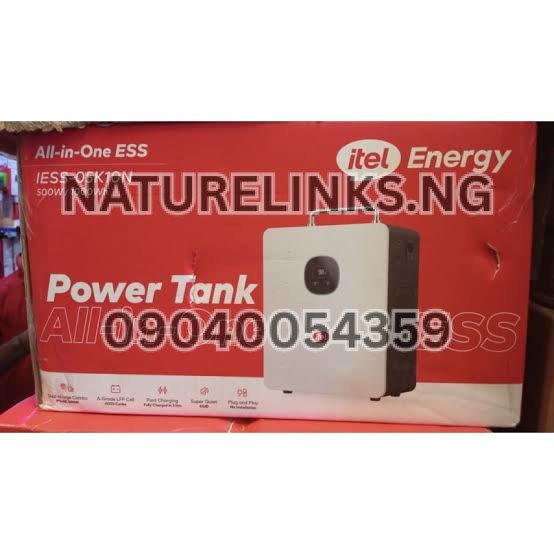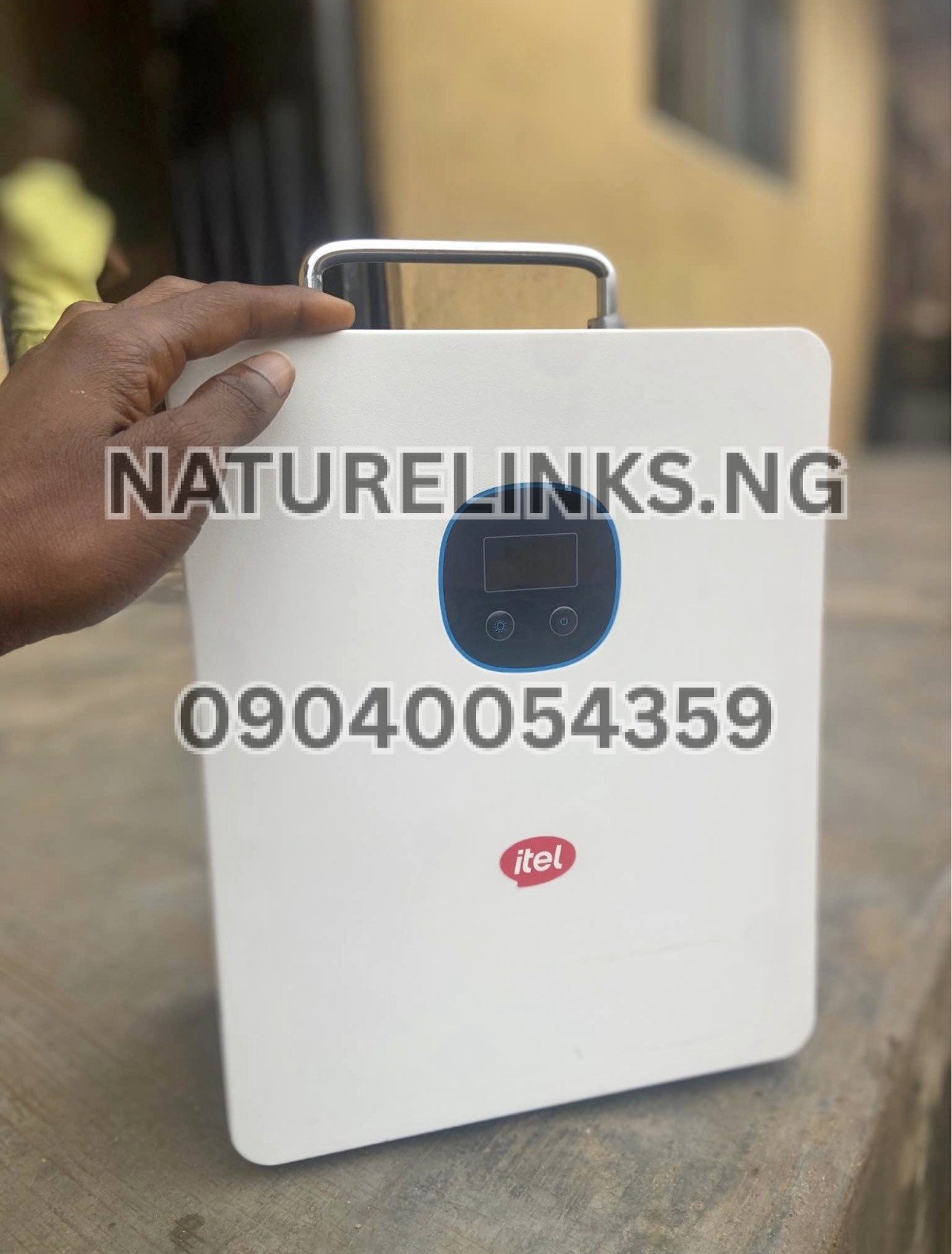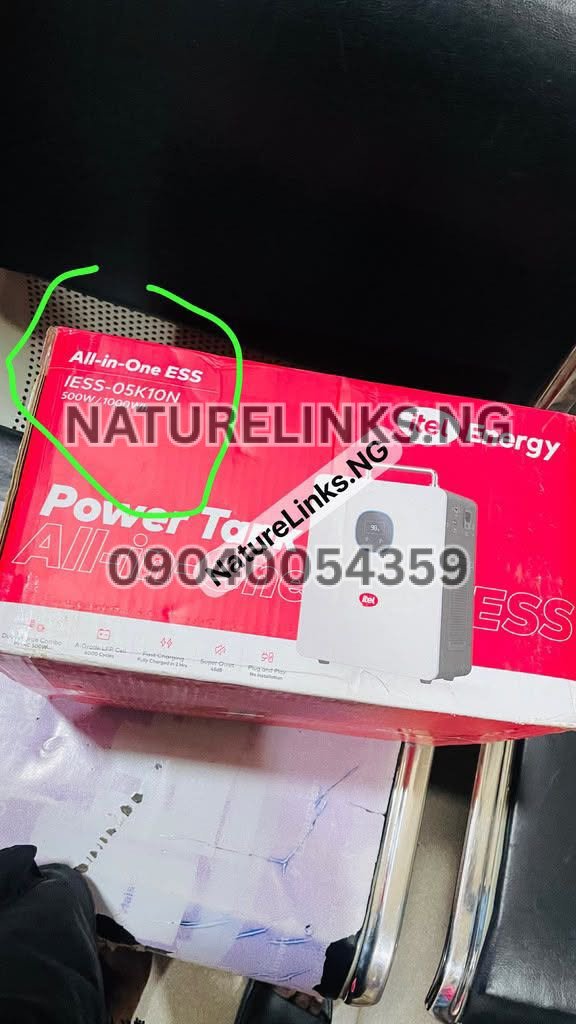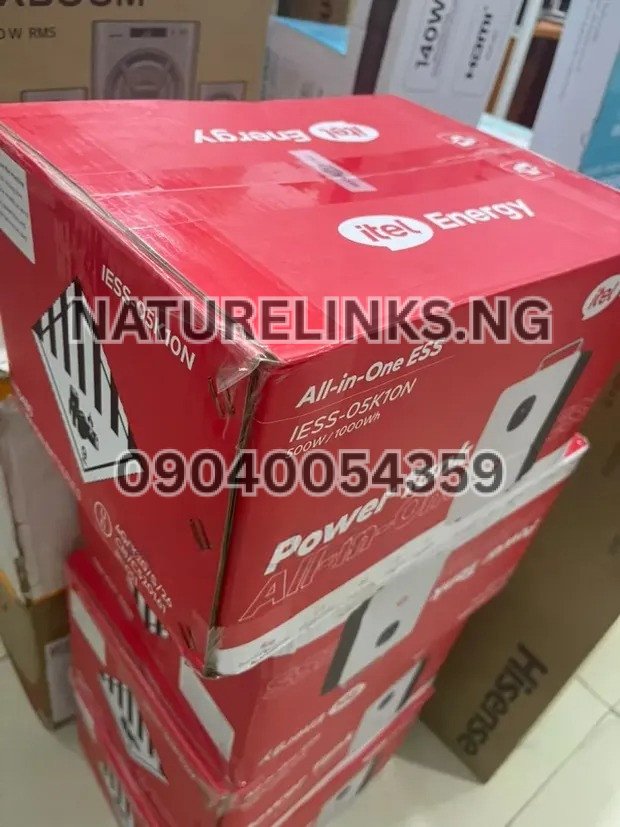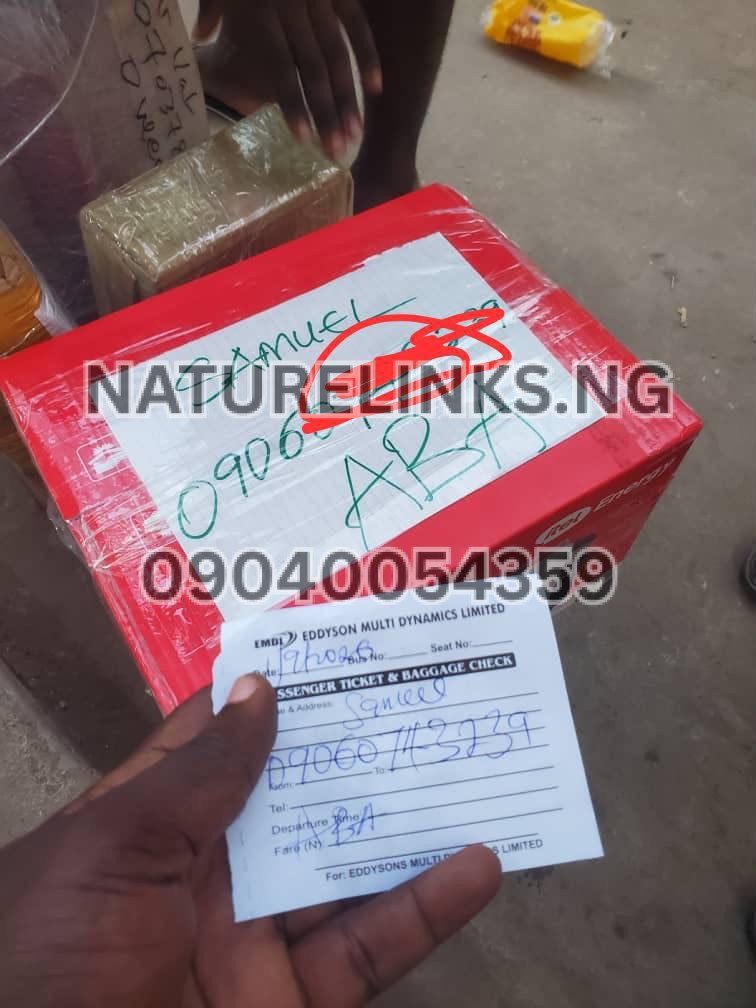
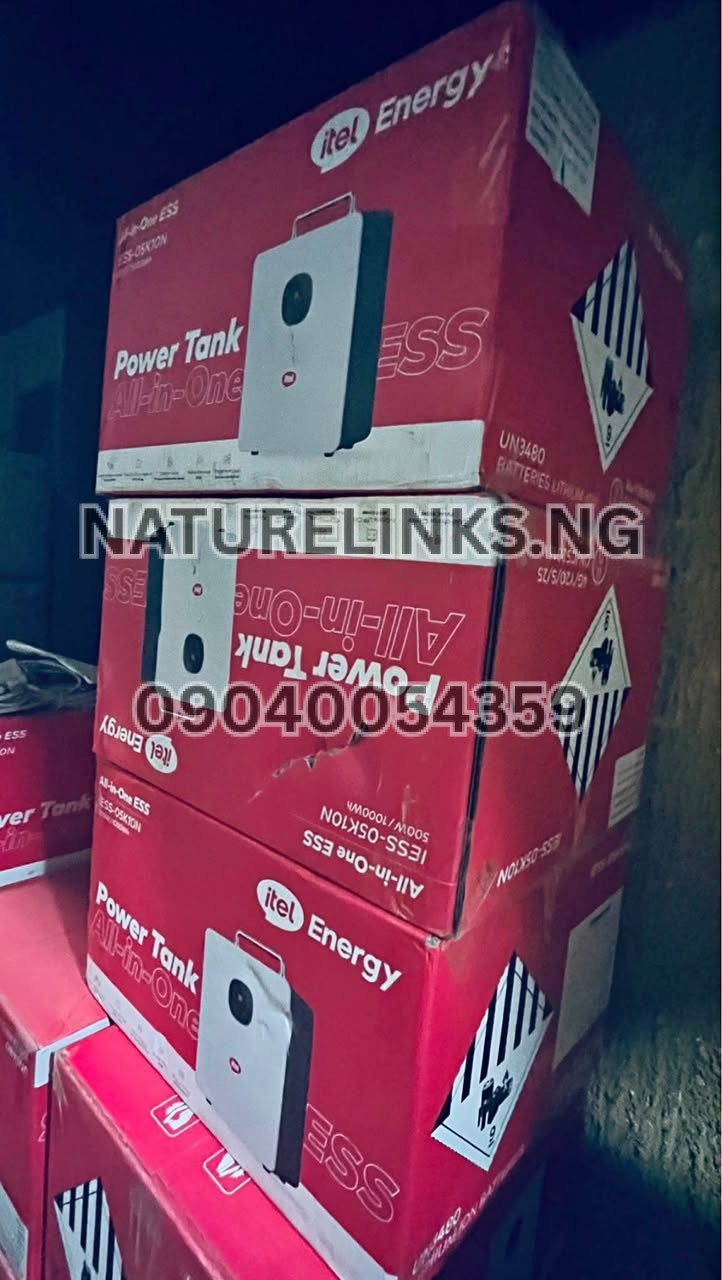
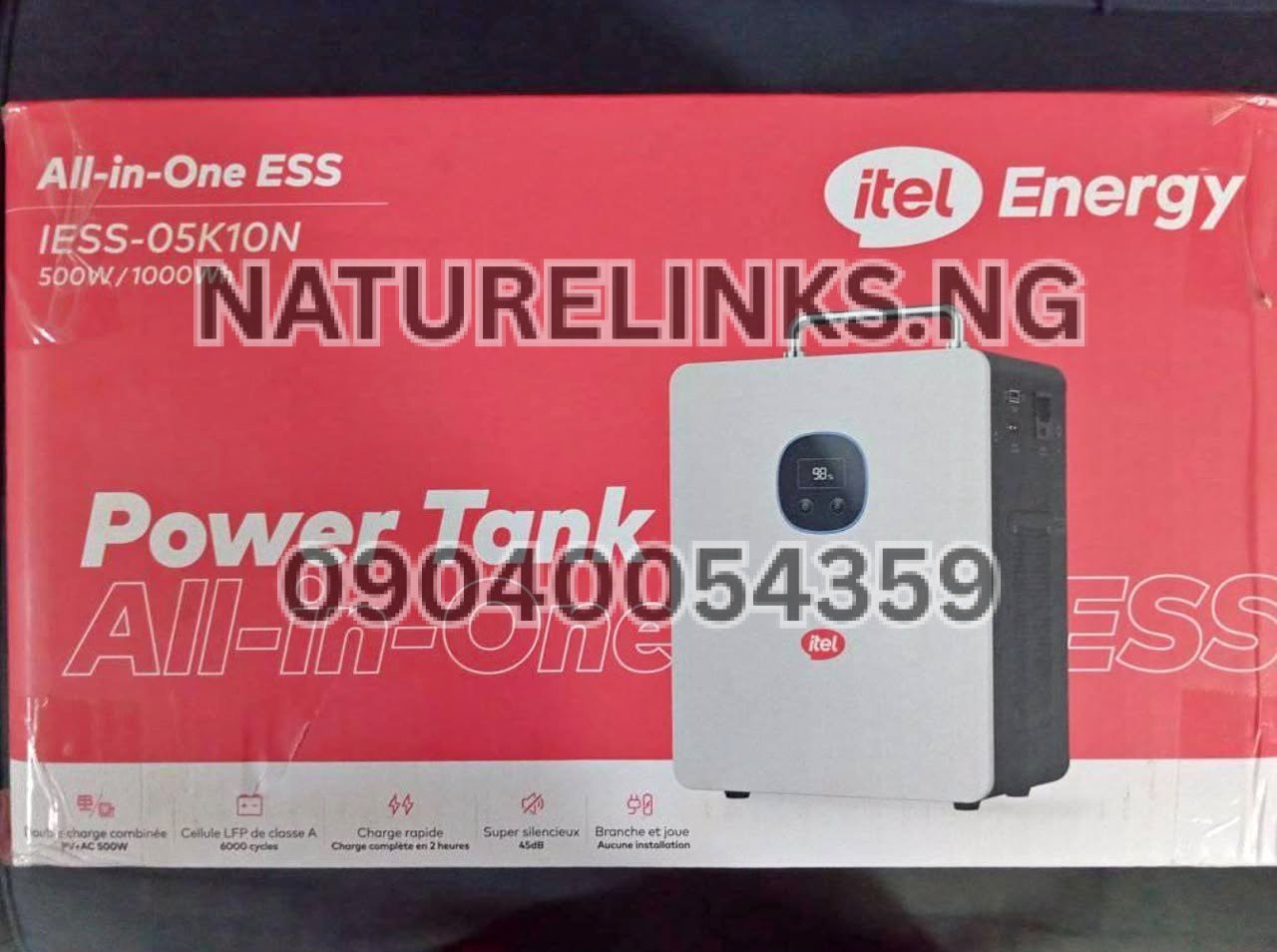
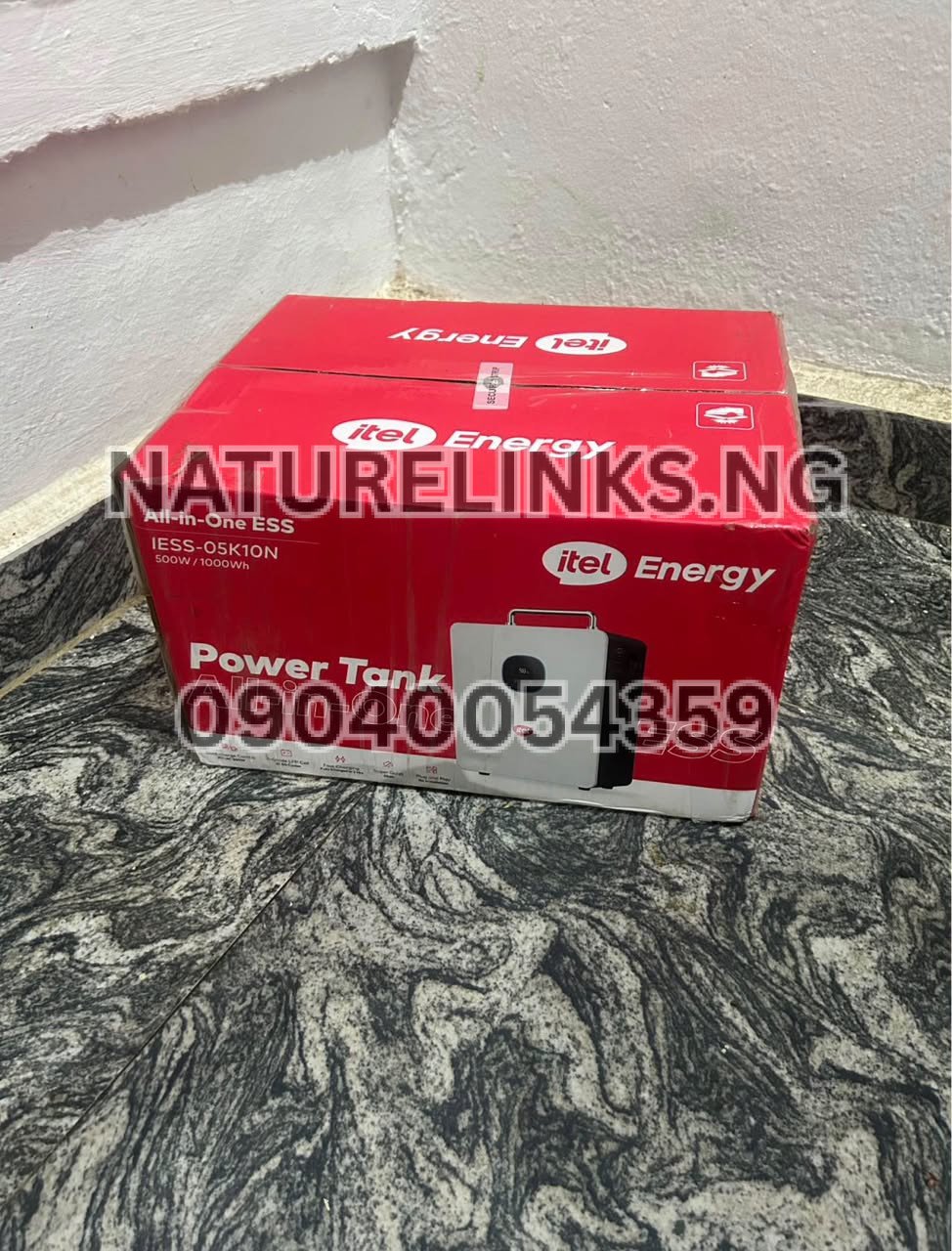
Best Seller: Nature Solar Global Limited. He is also the accredited distributor in Nigeria. Nature Solar Global Limited, through its Nigerian distribution network, supplies genuine Itel Power Tank units, compatible solar panels and solar charging accessories to customers across Nigeria.
If your Itel Power Tank is not detecting a connected solar panel, there is usually a specific reason that can be identified by checking the solar panel voltage, panel connection, MC4 connectors, solar cable, sunlight conditions, polarity and the Power Tank’s PV input specifications.
For the Itel Power Tank IESS-05K10N, published specifications indicate a maximum PV input of 400W, MPPT operating range of 11–60V and a startup voltage of 11V. This means that simply connecting any solar panel to the Power Tank does not guarantee that the unit will detect or charge from it.
If you are searching Google Nigeria for “Why is Itel Power Tank not detecting solar panels?”, this guide explains the common causes, what to check first, how to connect a compatible panel, and where Nigerian buyers can get genuine Itel Power Tank products and accessories.
Why Is Itel Power Tank Not Detecting Solar Panels?
The most common reasons an Itel Power Tank may not detect a solar panel include:
- The solar panel voltage is too low.
- The panel voltage is outside the Power Tank’s acceptable input range.
- The solar panel is shaded or receiving weak sunlight.
- The solar cable is loose or damaged.
- MC4 connectors are not properly connected.
- Positive and negative polarity are incorrect.
- The solar panel is faulty.
- The Power Tank’s solar input is not receiving sufficient voltage.
- The solar input cable is damaged.
- The panel configuration does not meet the Power Tank’s PV requirements.
- A protection mode has temporarily stopped solar charging.
- There may be a fault with the Power Tank’s MPPT charging circuit.
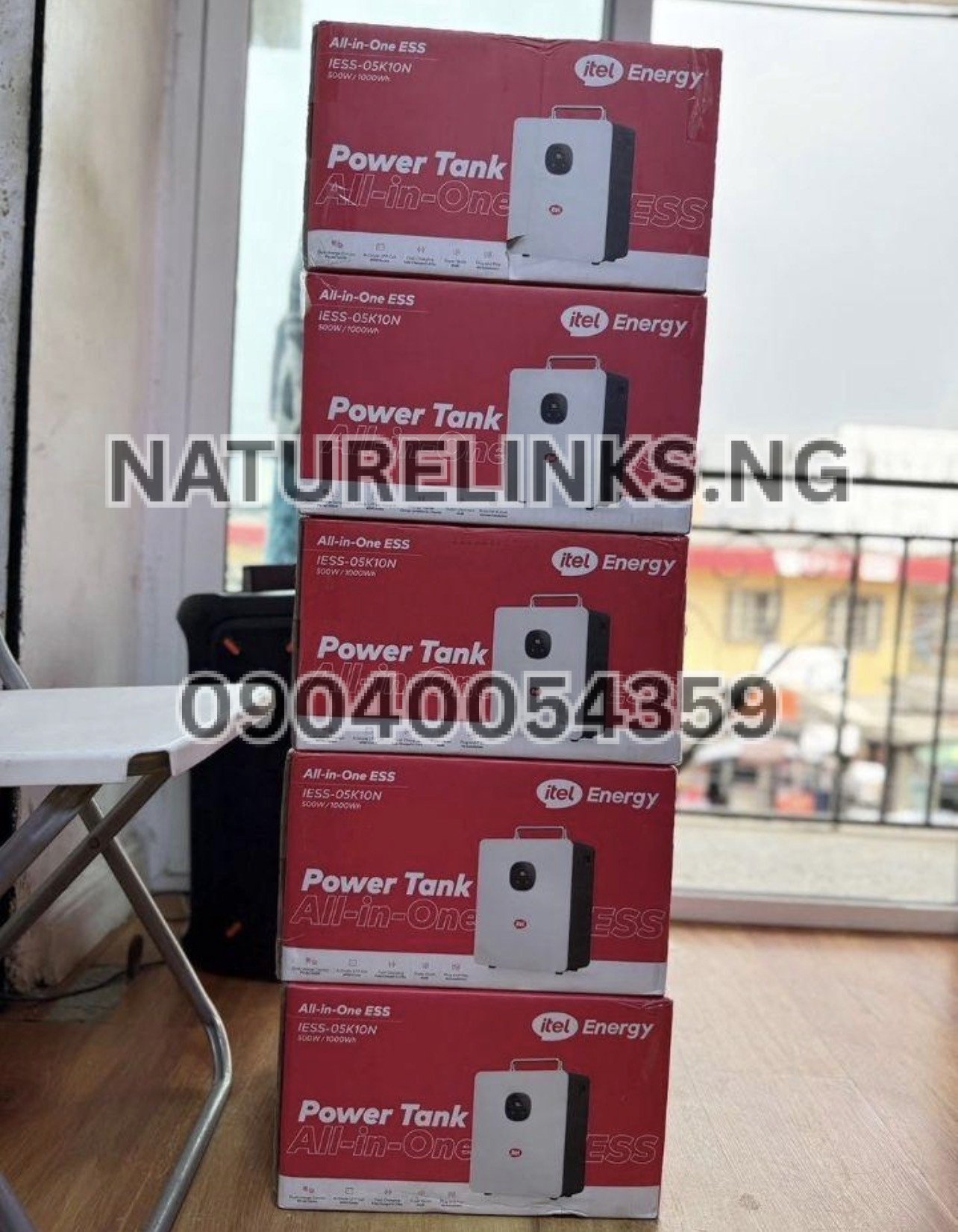
For the IESS-05K10N, the published specifications show an 11V startup voltage and an 11–60V MPPT range, with maximum PV input power of 400W.
Therefore, checking the panel’s actual electrical specifications is one of the first things to do.
What Should I Check If My Itel Power Tank Is Not Charging From Solar?
Start with the easiest checks before assuming that the Power Tank is faulty.
1. Check the Solar Panel in Direct Sunlight
Put the solar panel in an unobstructed location where it receives strong sunlight.
Trees, buildings, roofing, dust, clouds and other objects can significantly reduce the voltage and power available from the panel.
A panel may show its rated wattage only under suitable test conditions. Actual output varies according to sunlight intensity, temperature, panel orientation and other environmental factors.
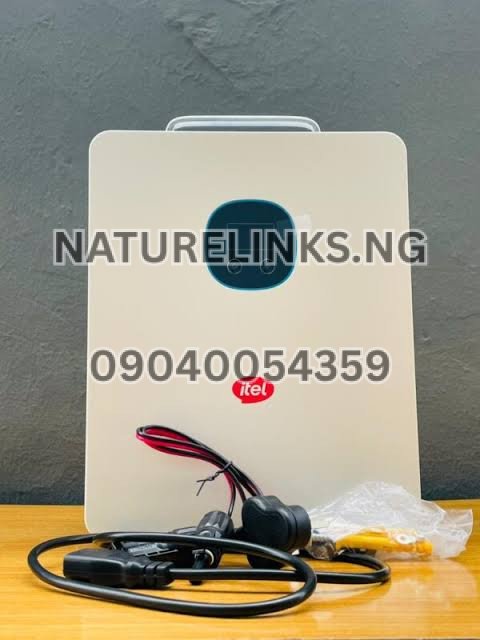
2. Check the Solar Cable
Inspect the complete solar charging cable.
Look for:
- Cuts
- Burn marks
- Loose terminals
- Bent connectors
- Damaged insulation
- Broken wires
- Loose MC4 connectors
A damaged cable can prevent the Power Tank from receiving enough voltage even when the solar panel itself is working.
3. Check the MC4 Connectors
Make sure the solar panel’s MC4 connectors are firmly connected to the correct solar charging cable.
A connector that looks connected but is not properly locked can result in an open circuit.
4. Check the Solar Panel Voltage
This is particularly important.
The published IESS-05K10N specifications indicate an MPPT voltage range of 11–60V and a startup voltage of 11V.
A solar panel configuration that does not provide sufficient voltage may therefore fail to start the Power Tank’s solar charging process.
Can a Small Solar Panel Charge Itel Power Tank?
It depends on the panel’s electrical specifications and the Power Tank model.
A common mistake is to look only at the panel’s wattage.
For example, a buyer may see a solar panel advertised as a particular wattage and assume that it will automatically work with the Power Tank. However, voltage is also critical.
The Power Tank needs a solar input within its supported operating range.
For the IESS-05K10N, the published specification lists:
- Maximum PV input power: 400W
- MPPT voltage range: 11–60V
- Startup voltage: 11V
- MPPT tracker: 1
Always compare the panel’s Voc and Vmp with the Power Tank’s permitted solar-input specifications before buying or connecting it.
Why Is My Solar Panel Producing Power But Itel Power Tank Says 0W?
This can happen when the panel is producing some electricity but the input does not meet the Power Tank’s operating requirements.
Possible causes include:
- Insufficient voltage
- Insufficient sunlight
- Incorrect panel configuration
- Loose connection
- Incorrect polarity
- Damaged cable
- Faulty connector
- Panel output below the required startup level
- Solar input protection
- Incorrect solar input port
The panel can therefore appear to be working while the Power Tank displays little or no solar input.
Does Solar Panel Wattage Affect Itel Power Tank Detection?
Yes.
Solar panel wattage matters, but voltage compatibility should not be ignored.
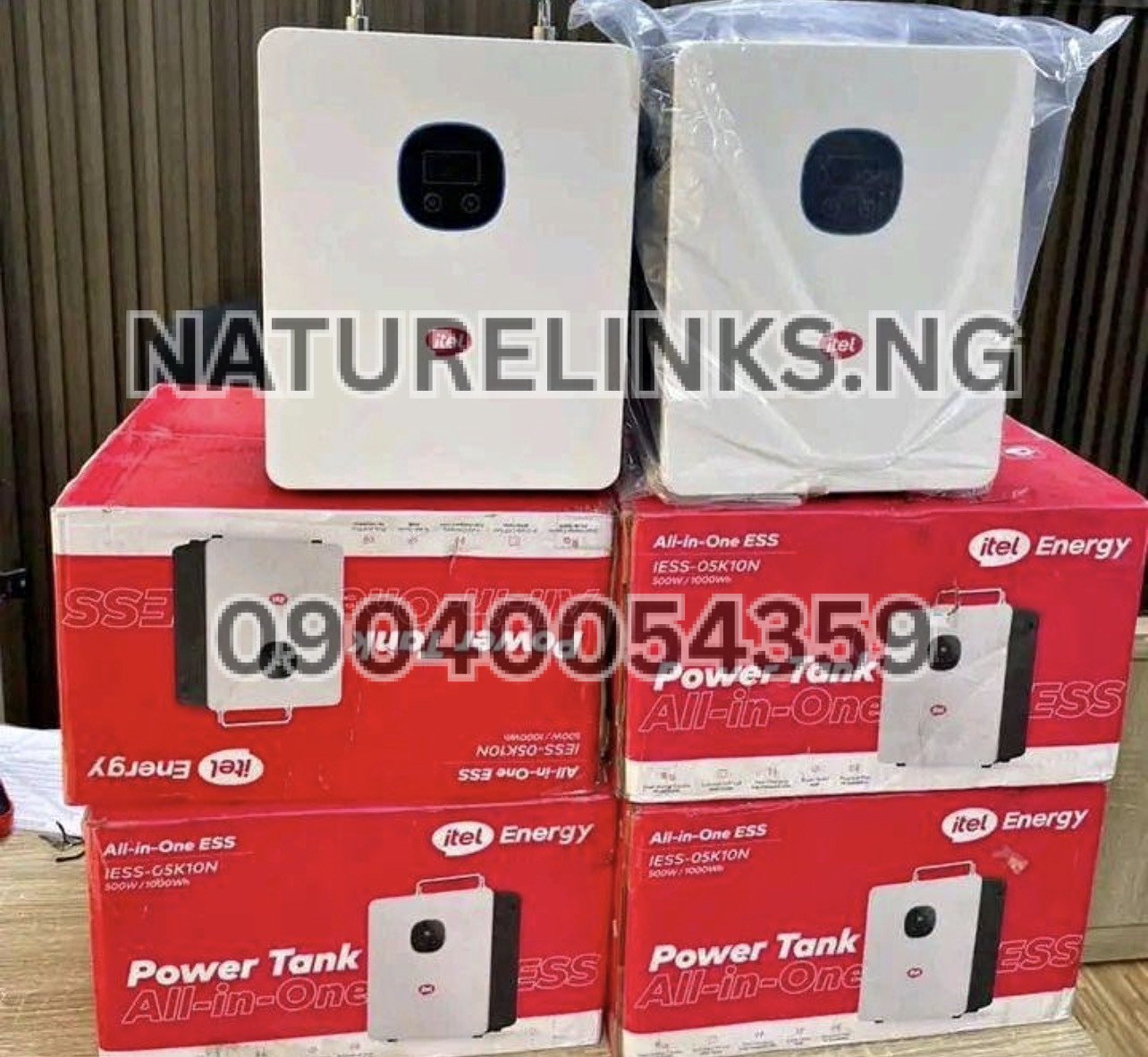
For the IESS-05K10N, the published maximum PV input is 400W.
A higher-wattage panel or panel arrangement should not simply be connected without checking the Power Tank’s maximum voltage and current specifications.
Exceeding the permitted PV input can damage equipment or activate protective circuitry.
What Solar Voltage Does Itel Power Tank Need?
For the IESS-05K10N, the published specifications show:
MPPT voltage range: 11–60V
Startup voltage: 11V
Maximum PV input power: 400W
This is why checking the panel specifications before purchasing is essential.
Do not rely only on statements such as “400W solar panel” or “500W solar panel.”
Check:
- Voc
- Vmp
- Imp
- Isc
- Maximum power
- Panel configuration
- Connector type
The exact specifications should always be confirmed for your particular Power Tank model.
Can a 12V Solar Panel Charge Itel Power Tank?
A panel described as “12V” requires careful checking.
Solar panels marketed as 12V nominal panels can have an operating voltage above 12V under suitable conditions, but the important figures are the panel’s actual Vmp and Voc.
For the IESS-05K10N, the published startup voltage is 11V and MPPT range begins at 11V.
Nevertheless, buyers should not assume that every panel labelled 12V will provide the required charging performance.
Check the complete panel specification before connecting it.
Can I Use a 24V Solar Panel With Itel Power Tank?
A 24V nominal solar panel may be suitable if its actual voltage remains within the Power Tank’s permitted PV input range.
For the IESS-05K10N, the published MPPT range is 11–60V.
The important point is that “24V” on a panel label is not enough information by itself.
Check the manufacturer’s:
- Voc
- Vmp
- Maximum current
- Maximum power
before connecting it.
Can I Use a 48V Solar Panel With Itel Power Tank?
A panel or solar array around this nominal voltage can potentially fall within the published 11–60V MPPT range of the IESS-05K10N, but the actual open-circuit voltage must also remain within the manufacturer’s maximum permitted PV voltage.
This becomes particularly important when connecting multiple panels in series.
The voltage of panels connected in series adds together.
Therefore, never connect multiple panels simply because their individual ratings appear suitable. Calculate the resulting array voltage first.
Why Is My Itel Power Tank Solar Input Showing Nothing?
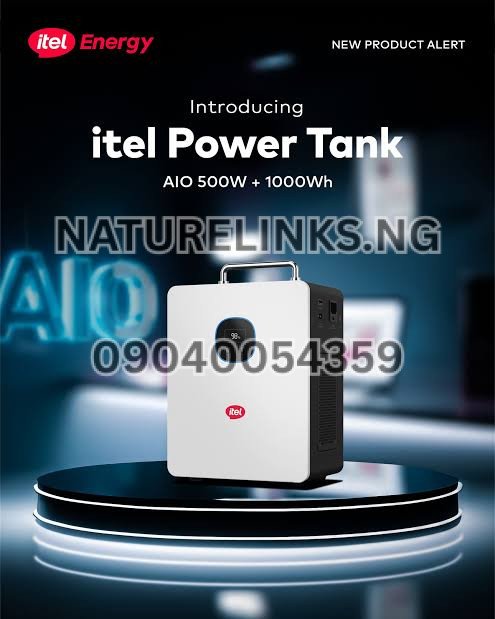
If the LCD or display shows no solar input, perform these checks:
- Confirm the panel is under direct sunlight.
- Confirm the solar cable is connected correctly.
- Check the MC4 connectors.
- Check the panel polarity.
- Check the panel’s Voc and Vmp.
- Check whether the panel voltage reaches the Power Tank’s startup requirement.
- Check the solar input port.
- Check whether the Power Tank displays a fault or protection warning.
- Disconnect the panel and reconnect it correctly.
- If possible, test with a known-compatible panel.
If the Power Tank still does not detect a known-compatible solar source, professional technical inspection may be necessary.
Why Is My Itel Power Tank Solar Charging Slow?
Slow solar charging is different from complete failure to detect a panel.
If the Power Tank detects solar but charging is slow, possible causes include:
- Weak sunlight
- Cloudy weather
- Panel shading
- Dirty panel surface
- Incorrect panel orientation
- High ambient temperature
- Undersized solar panel
- Long or poor-quality cable
- Cable losses
- Low solar input voltage
- High battery state of charge
- Appliances consuming power while charging
Solar production naturally changes throughout the day.
A panel that produces good power around midday may produce substantially less in the morning, late afternoon or during heavy cloud cover.
Does Cloudy Weather Stop Itel Power Tank From Detecting Solar?
Not necessarily.
Solar panels can produce electricity in cloudy weather, but their output can fall significantly compared with strong direct sunlight.
If the available solar voltage falls below the Power Tank’s required operating or startup level, the unit may fail to begin charging or may repeatedly start and stop.
For this reason, test the system under good sunlight before concluding that the Power Tank or solar panel is faulty.
Can Dust Stop Itel Power Tank From Detecting a Solar Panel?
Heavy dirt or dust can reduce solar production.
This is particularly relevant in dusty environments and during Nigeria’s dry season.
Keep the panel surface reasonably clean and follow the solar-panel manufacturer’s cleaning instructions.
Do not use abrasive materials that could damage the panel surface.
Can a Bad Solar Cable Cause Itel Power Tank Not to Detect Solar?
Yes.
A damaged or unsuitable cable can create excessive voltage drop or an open circuit.
Check:
- Cable continuity
- Connector condition
- Cable size
- Connector compatibility
- Polarity
- Length
- Physical damage
If the panel is working but no usable voltage reaches the Power Tank, the cable or connector could be responsible.
Can Wrong Polarity Prevent Solar Charging?
Yes.
Solar DC connections have positive and negative polarity.
Incorrect polarity can prevent normal charging and may activate protection circuitry.
Always identify the positive and negative conductors before connecting the solar panel.
Do not guess polarity based only on cable colour if the installation has been modified.
How Do I Know If My Itel Power Tank Is Detecting Solar?
When solar charging is operating normally, the Power Tank should provide charging/input information through its display or charging indicators, depending on the model.
Useful signs include:
- Solar input power being displayed
- Battery percentage increasing
- Charging indicator appearing
- Input wattage being shown
A published Itel Power Tank charging guide also identifies battery percentage, charging icon and input wattage as useful indicators that the unit is receiving charging power.
How to Connect Itel Power Tank to a Solar Panel
The general procedure is:
Step 1: Check the Specifications
Before connecting anything, verify the solar panel’s:
- Voc
- Vmp
- Current
- Wattage
- Connector type
Compare them with the Power Tank’s PV specifications.
Step 2: Position the Solar Panel
Place the panel where it receives maximum available sunlight.
Avoid shade.
Step 3: Inspect the Connectors
Make sure the MC4 connectors are clean and undamaged.
Step 4: Check Polarity
Confirm positive and negative connections.
Step 5: Connect the Solar Cable
Use the appropriate cable and connector for the Power Tank.
Step 6: Connect to the PV Input
Connect the solar cable to the designated solar/PV input of the Power Tank.
Step 7: Observe the Display
Check whether the unit detects solar input.
Step 8: Monitor Charging
If solar input appears, monitor the charging wattage and battery percentage.
The general connection principle is also described in published Itel Power Tank guidance: position the panel in sunlight, connect the compatible cable, connect it to the solar input and confirm the charging indicator.
What Is the Best Solar Panel for Itel Power Tank?
There is no single solar panel that is automatically suitable for every Itel Power Tank model.
The correct panel depends on the specific model’s:
- Maximum PV wattage
- MPPT voltage range
- Maximum PV voltage
- Maximum charging current
- Connector requirements
For the IESS-05K10N, the published specification gives 400W maximum PV input and 11–60V MPPT operation.
Therefore, the right approach is to match the solar panel to the Power Tank specifications rather than choosing a panel based only on its advertised wattage.
Is a 400W Solar Panel Suitable for Itel Power Tank?
A 400W panel corresponds to the published maximum PV input power of the IESS-05K10N, but the panel’s voltage and current specifications still have to be compatible.
A 400W rating alone does not guarantee compatibility.
Always verify the complete electrical specifications before connecting the panel.
Can I Connect More Than One Solar Panel?
Multiple solar panels may be used only when the resulting voltage, current and power remain within the Power Tank’s specifications.
Series connections increase voltage.
Parallel connections increase current.
Because the IESS-05K10N has a published maximum PV voltage of 60V and maximum PV input power of 400W, panel combinations must be designed carefully.
If you are unsure about series or parallel configuration, consult a qualified solar technician or the authorized distributor before making the connection.
What Happens If Solar Panel Voltage Is Too High?
A solar input above the permitted specification can trigger protection and may potentially damage the Power Tank.
Never deliberately exceed the maximum PV voltage.
For the IESS-05K10N, published specifications list 60V as the maximum PV input voltage.
The open-circuit voltage of the complete solar array must therefore be considered, especially in series configurations and under cold-weather conditions, when panel Voc can rise.
What Happens If Solar Panel Voltage Is Too Low?
If the solar voltage is too low, the MPPT may not be able to begin or maintain charging.
The IESS-05K10N has a published 11V startup voltage and 11–60V MPPT range.
This is one reason a small or poorly configured solar panel can appear to be “not detected.”
Could the Itel Power Tank Be in Protection Mode?
Yes.
A power station can temporarily stop or restrict charging when its protection system detects an abnormal condition.
Potential triggers can include:
- Excessive input voltage
- Temperature
- Battery protection
- Electrical abnormalities
- Connector problems
The exact warning depends on the model.
If the unit displays a fault message, record the message before resetting the device.
Should I Reset the Itel Power Tank?
If the system has stopped responding, a basic restart can sometimes clear a temporary protection state.
A commonly published troubleshooting procedure is to:
- Turn off connected appliances.
- Disconnect the charging source.
- Turn the Power Tank off.
- Wait briefly.
- Restart the unit.
- Reconnect a known-compatible charging source.
Published Itel Power Tank troubleshooting guidance recommends disconnecting loads and charging sources before restarting when the unit becomes unresponsive.
However, do not repeatedly reset a unit that shows signs of electrical damage, overheating or abnormal smell.
Should I Test Another Solar Panel?
Yes, if you have access to a known-compatible solar panel.
Testing with another correctly specified panel can help determine whether the problem is:
- The original panel
- The solar cable
- The connector
- The Power Tank
- The installation configuration
Do not substitute a random panel merely for testing if its voltage could exceed the Power Tank’s permitted input.
Should I Use a Multimeter to Test the Solar Panel?
A qualified person can use a multimeter to check the solar panel’s DC voltage.
The measurement should be performed safely and according to the meter and panel manufacturer’s instructions.
The purpose is to determine whether the panel is producing an appropriate voltage under current sunlight conditions.
Because solar panels produce potentially hazardous DC voltage when connected in arrays, inexperienced users should avoid unsafe electrical testing.
Why Is Itel Power Tank Not Detecting Solar Panels After Installation?
If the problem started immediately after installation, review the installation rather than assuming the battery is defective.
Check:
- Panel voltage
- Panel configuration
- Cable connections
- MC4 connectors
- Polarity
- PV input port
- Solar panel orientation
- Shading
- Cable damage
- Power Tank display
- Fault indicators
A wiring or compatibility issue is often easier to identify when the system worked before a change was made.
Can Using the Wrong Solar Panel Damage Itel Power Tank?
It can create an unsafe electrical condition if the panel or array exceeds the unit’s specified input limits.
This is why solar-panel compatibility should be confirmed before purchase.
For the IESS-05K10N, the published PV specifications include a 400W maximum input and 60V maximum PV voltage.
Do not connect a high-voltage solar array simply because its wattage appears suitable.
Itel Power Tank Solar Charging Troubleshooting Checklist
If your Power Tank is not detecting solar, use this checklist:
Solar panel
- Is the panel receiving sunlight?
- Is the panel clean?
- Is the panel physically damaged?
- Is the panel’s Voc suitable?
- Is the panel’s Vmp suitable?
Cable
- Is the solar cable original or compatible?
- Is it damaged?
- Are the connectors secure?
- Is the cable excessively long?
Connection
- Is positive connected to positive?
- Is negative connected to negative?
- Are the MC4 connectors fully engaged?
- Is the cable connected to the correct PV input?
Power Tank
- Does the display show a solar input?
- Is there a fault warning?
- Is the battery extremely hot or cold?
- Has the unit entered protection mode?
Solar conditions
- Is there direct sunlight?
- Is the panel shaded?
- Is it morning or late afternoon?
- Is the weather heavily cloudy?
What If the Solar Panel Works but the Power Tank Still Shows 0W?
If you have confirmed that the solar panel is producing appropriate voltage and the cable and polarity are correct, but the Power Tank still shows zero solar input, further testing may be required.
Do not continue experimenting with different high-voltage panels.
Instead, use a known-compatible configuration or contact the seller/distributor for technical assistance.
If a compatible solar source still produces no PV input, the Power Tank’s solar charging circuit or input connector may require inspection.
Can I Use Itel Power Tank While It Is Charging From Solar?
Published Itel Power Tank information states that compatible models can support pass-through use while charging, although the connected appliance load should remain within the unit’s rated output.
However, remember that using appliances while solar charging can reduce the net amount of power going into the battery.
For example, if solar input is 250W while connected appliances consume 100W, only part of the incoming energy remains available for battery charging, subject to system losses and charging conditions.
How Long Does Itel Power Tank Take to Charge With Solar?
Charging time depends on:
- Battery capacity
- Solar panel wattage
- Solar input voltage
- Sunlight intensity
- Panel efficiency
- Temperature
- Cable losses
- Starting battery percentage
- Power being consumed during charging
The published IESS-05K10N information gives approximately 2 hours recharge time under its specified charging conditions, but actual solar charging time will vary with available solar power.
Do not expect a solar panel to deliver its rated maximum continuously throughout the day.
Why Does Solar Charging Stop and Start?
Intermittent charging can result from changing sunlight, insufficient input voltage, loose connections, shading or protection functions.
For example, when a cloud passes over the panel, its output can fall.
If the voltage becomes insufficient for the MPPT to continue operating, charging may stop until adequate solar input returns.
A loose connector can produce a similar symptom.
Does Solar Panel Orientation Matter?
Yes.
A solar panel produces more energy when positioned appropriately toward available sunlight.
Shading is particularly important.
Even partial shading can reduce solar output significantly depending on the panel design and the location of the shade.
Position the panel according to proper solar-installation practice and keep it away from avoidable obstructions.
Why Buy a Genuine Itel Power Tank in Nigeria?
When purchasing an Itel Power Tank, buyers should consider more than the advertised price.
A genuine product should come with appropriate documentation, accessories and after-sales support.
Buying through an established distributor can also make it easier to obtain assistance if the unit develops a charging or solar-input problem.
For Nigerian buyers looking for an Itel Power Tank, solar panel, solar generator or compatible charging accessories, Nature Solar Global Limited provides a point of contact for product enquiries and technical guidance.
Where to Buy Genuine Itel Power Tank in Nigeria
Best Seller: Nature Solar Global Limited
Distributor: Nature Solar Global Limited
CEO: Mr. Joseph Chikeleze
Call: 07049528019
WhatsApp: 09040054359
Shop Address: F1571 Upstairs (F-Line), Alaba International Market. Lagos State 🇳🇬
Nature Links Nigeria Limited [NatureLinks.NG] is listed as the best seller in the supplied business information.
Nigerian buyers can contact the distributor to confirm the available Itel Power Tank model, compatible solar panel, current product availability and appropriate solar charging accessories before making a purchase.

Itel Power Tank Solar Panel Buying Guide for Nigerians
Before purchasing a solar panel for your Power Tank, ask the seller to confirm:
- What is the exact Itel Power Tank model?
- What is its maximum PV input wattage?
- What is its minimum startup voltage?
- What is its MPPT voltage range?
- What is the maximum PV voltage?
- What is the maximum charging current?
- What solar panel wattage is recommended?
- Is the panel supplied with the required connector?
- Is the cable included?
- Can the seller provide installation guidance?
These questions can prevent the common situation where a buyer purchases a solar panel that looks suitable but does not work correctly with the Power Tank.
“Why Is Itel Power Tank Not Detecting Solar Panels?”
The answer is usually found by checking solar voltage, panel wattage, sunlight, cable connections, MC4 connectors, polarity and the PV input specifications.
For the IESS-05K10N, the published specifications list 400W maximum PV input, 11–60V MPPT range and 11V startup voltage.
Therefore, if your solar panel is not being detected, do not immediately assume that the battery or Power Tank is damaged.
Start with the solar panel and connection.
Check the panel specifications and compare them with the exact model of Power Tank you own.
“Why Is Itel Power Tank Not Detecting Solar Panels?” – Quick Answer
If your Itel Power Tank is not detecting a solar panel, check whether the panel is producing enough voltage, whether the voltage falls within the Power Tank’s PV range, and whether the solar cable and connectors are correctly installed.
Also check sunlight, shading, polarity and the Power Tank’s display for charging or fault information.
For the IESS-05K10N, the published PV specifications are 11–60V MPPT, 11V startup and 400W maximum PV input.
If a properly connected, known-compatible solar panel still produces no input, contact the distributor or a qualified technician for further testing.
Frequently Asked Questions About Itel Power Tank Solar Charging
1. Why is my Itel Power Tank not charging with solar?
Possible causes include insufficient sunlight, incompatible panel voltage, incorrect polarity, loose MC4 connectors, damaged cables, inadequate panel output or a problem with the Power Tank’s solar-input system.
2. Why is my Itel Power Tank not detecting my solar panel?
Check the panel’s voltage and the Power Tank’s PV specifications first. For the IESS-05K10N, the published MPPT range is 11–60V with an 11V startup voltage.
3. What voltage does Itel Power Tank solar input require?
For the IESS-05K10N, the published MPPT operating range is 11–60V, with an 11V startup voltage.
4. What is the maximum solar panel wattage for Itel Power Tank?
The published IESS-05K10N specification lists a 400W maximum PV input.
Always confirm the specification for your exact model.
5. Can a small solar panel charge Itel Power Tank?
It may charge if its voltage and other electrical characteristics meet the Power Tank’s requirements. A panel that cannot reach the required startup voltage may not initiate charging.
6. Can I use a 400W solar panel with Itel Power Tank?
The IESS-05K10N is published with a 400W maximum PV input. However, the panel’s voltage and current must also be compatible.
7. Why does my Itel Power Tank show 0W solar input?
Possible causes include insufficient sunlight, low panel voltage, loose connections, incorrect polarity, damaged cables, an incompatible panel or solar-input protection.
8. Can cloudy weather stop solar charging?
Cloudy weather can substantially reduce solar output. If available voltage or power falls sufficiently, charging can become very slow or stop temporarily.
9. How do I connect an Itel Power Tank to a solar panel?
Use a compatible solar panel and cable, position the panel in good sunlight, verify polarity and connect the panel to the designated PV input. Confirm that the panel’s voltage and power ratings are within the Power Tank’s specifications.
10. Where can I buy genuine Itel Power Tank in Nigeria?
Nigerian buyers can contact Nature Solar Global Limited for information about genuine Itel Power Tank units and compatible solar charging products.
Call: 07049528019
WhatsApp: 09040054359
Address: F1571 Upstairs (F-Line), Alaba International Market, Lagos State 🇳🇬

Conclusion
If you are asking “Why Is Itel Power Tank Not Detecting Solar Panels?”, the first things to investigate are the solar panel’s voltage, wattage, sunlight conditions, cable, MC4 connectors and polarity. For the IESS-05K10N, published specifications indicate 400W maximum PV input, 11–60V MPPT operation and 11V startup voltage, making proper panel selection particularly important.
Do not choose a solar panel based solely on its advertised wattage. Check its Voc, Vmp, current and complete PV configuration against the exact Itel Power Tank model.
If the panel, cable and connections are confirmed to be compatible but the Power Tank still does not detect solar input, professional troubleshooting is recommended rather than repeatedly connecting incompatible panels.
For genuine Itel Power Tank products, compatible solar panels and charging accessories in Nigeria, contact Nature Solar Global Limited at 07049528019 or 09040054359 on WhatsApp, or visit F1571 Upstairs (F-Line), Alaba International Market, Lagos State 🇳🇬.